

Creative Agent
A Calm Troubleshooting Method for Your First AI Video
Troubleshoot a first Minimax H3 or Seedance 2.5 video by naming one visible mismatch and changing one creative decision at a time.
3 min read
ArtArch Newsroom
Troubleshoot a first Minimax H3 or Seedance 2.5 video by naming one visible mismatch and changing one creative decision at a time.
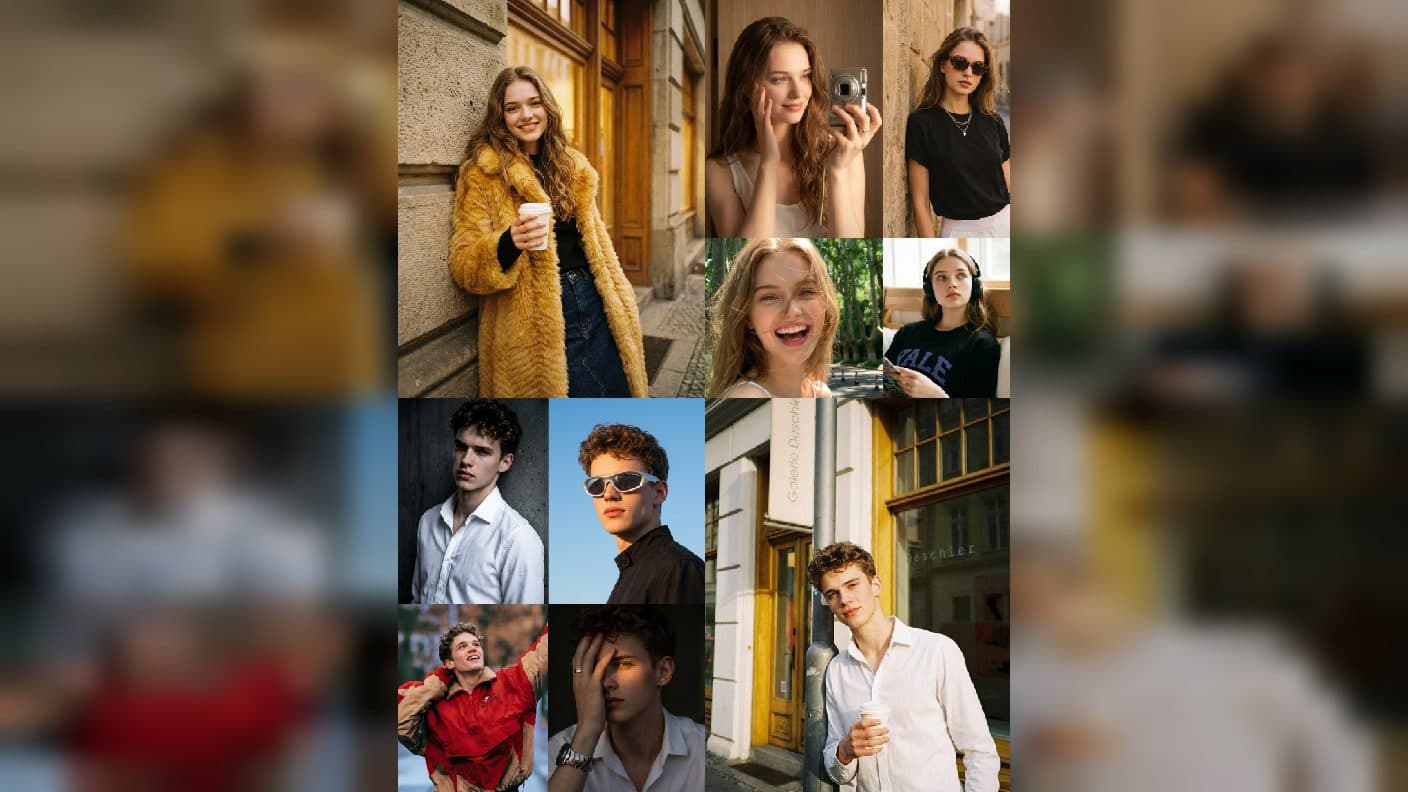
Use an agent to organize Seedance 2.5 video versions, preserve strong choices, and make one visible revision at a time.
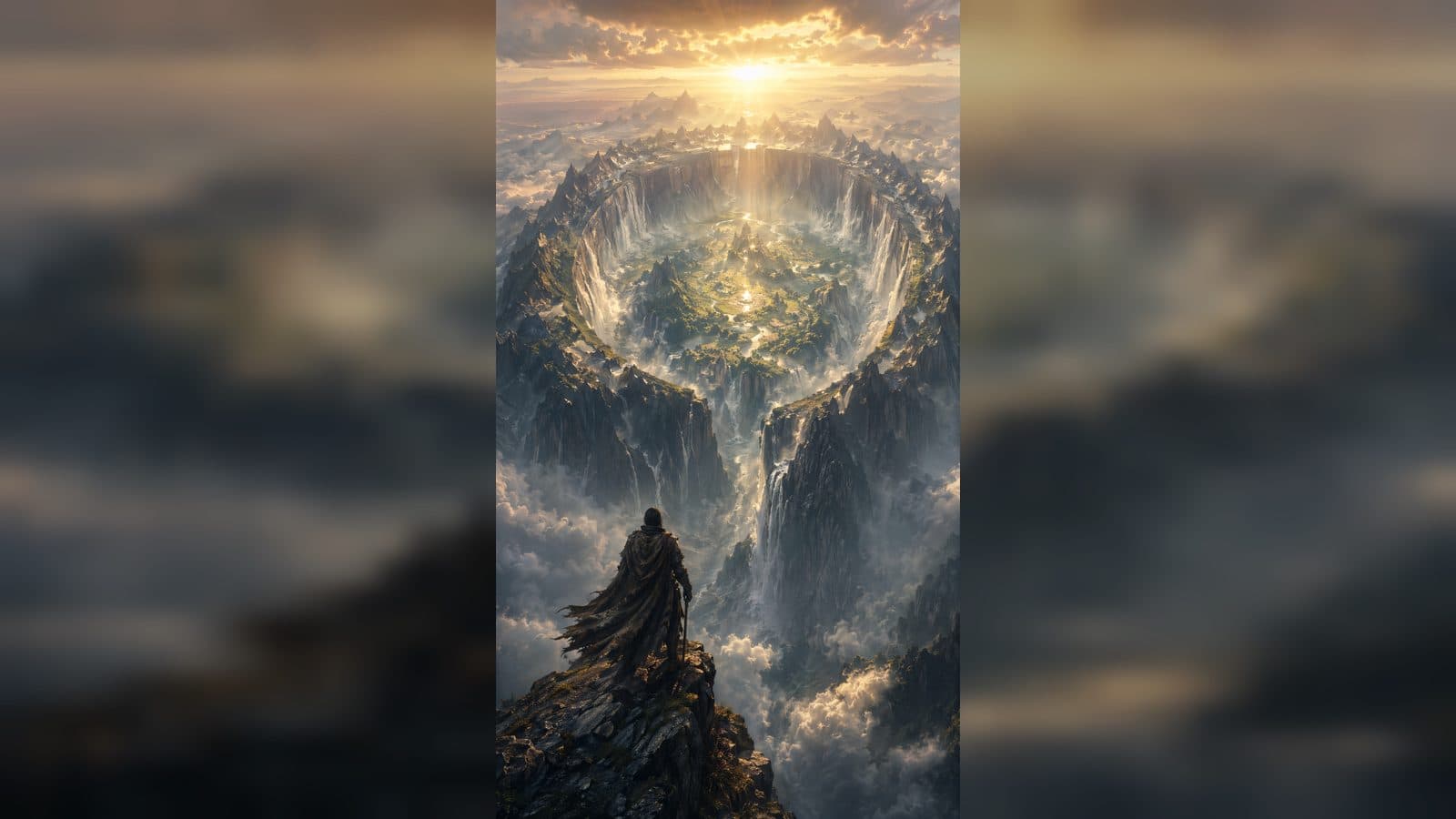
Use Codex to turn a rough idea into a compact Minimax H3 brief with a subject, action, setting, camera feeling, and clear final frame.
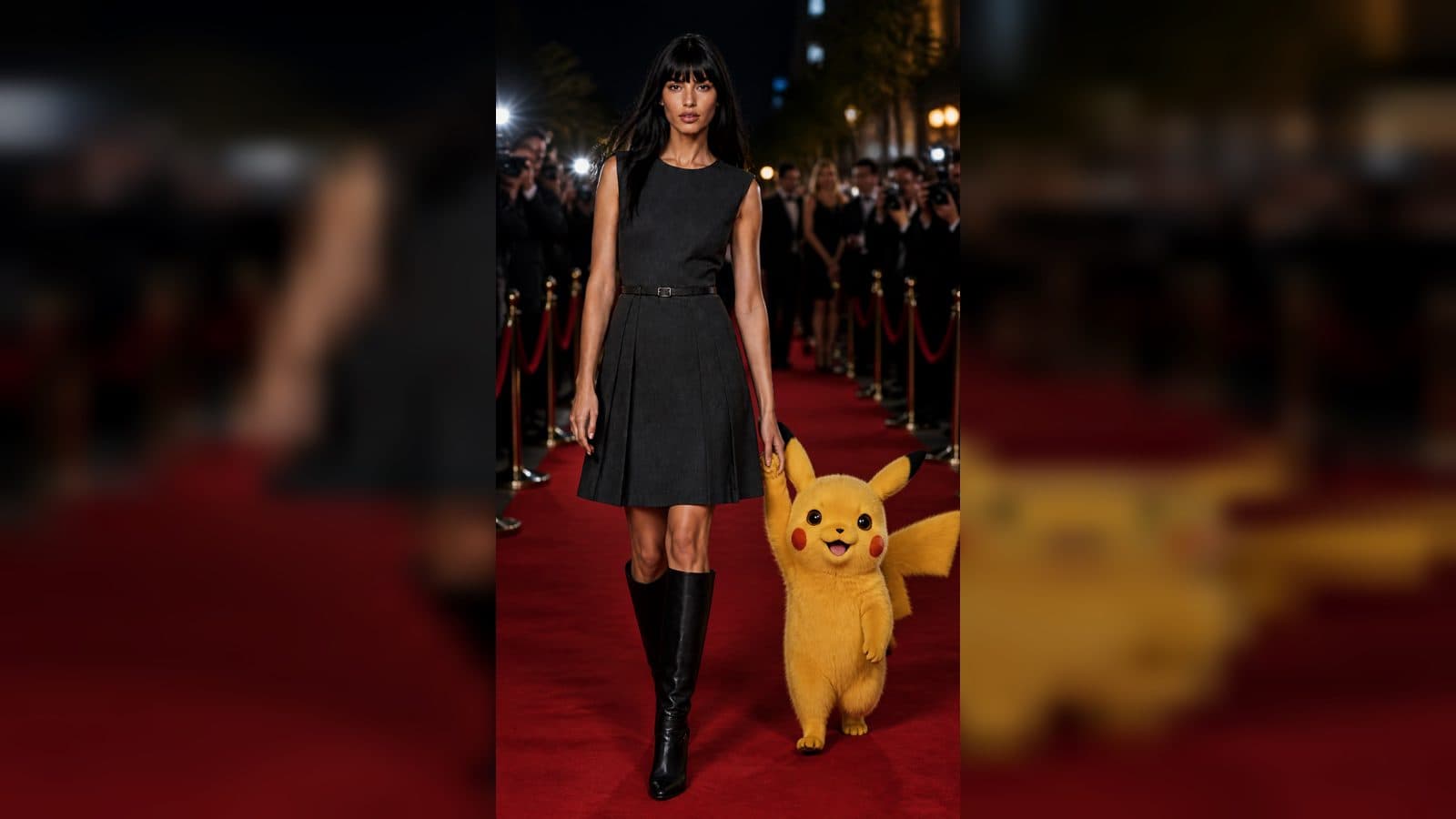
Use a GPT-Image-2 still as a deliberate composition, then add focused motion and pacing in a beginner-friendly Seedance 2.5 workflow.
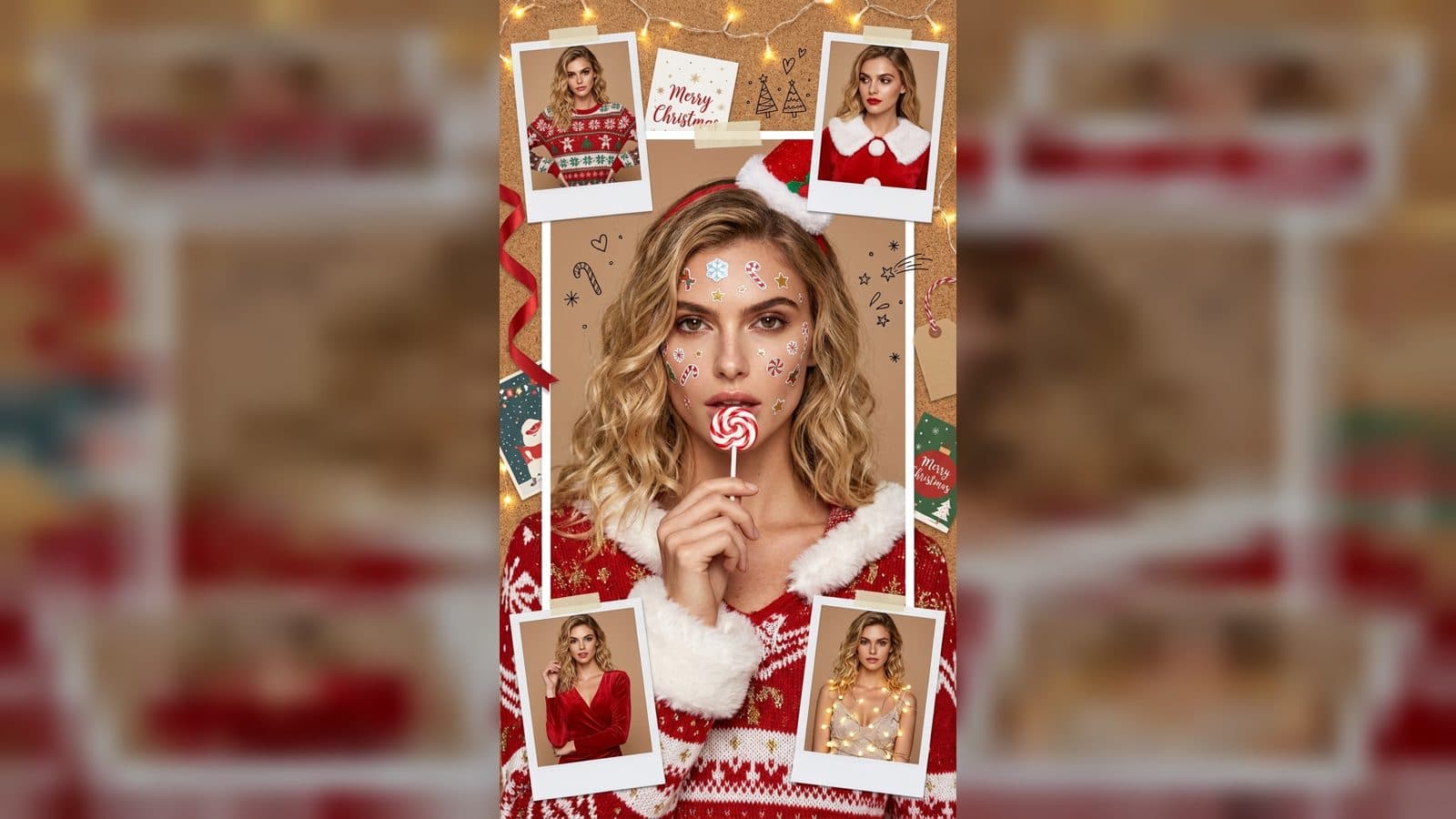
Compare Minimax H3 and Seedance 2.5 through the scene you want to make, your starting image, and the visible result you need.
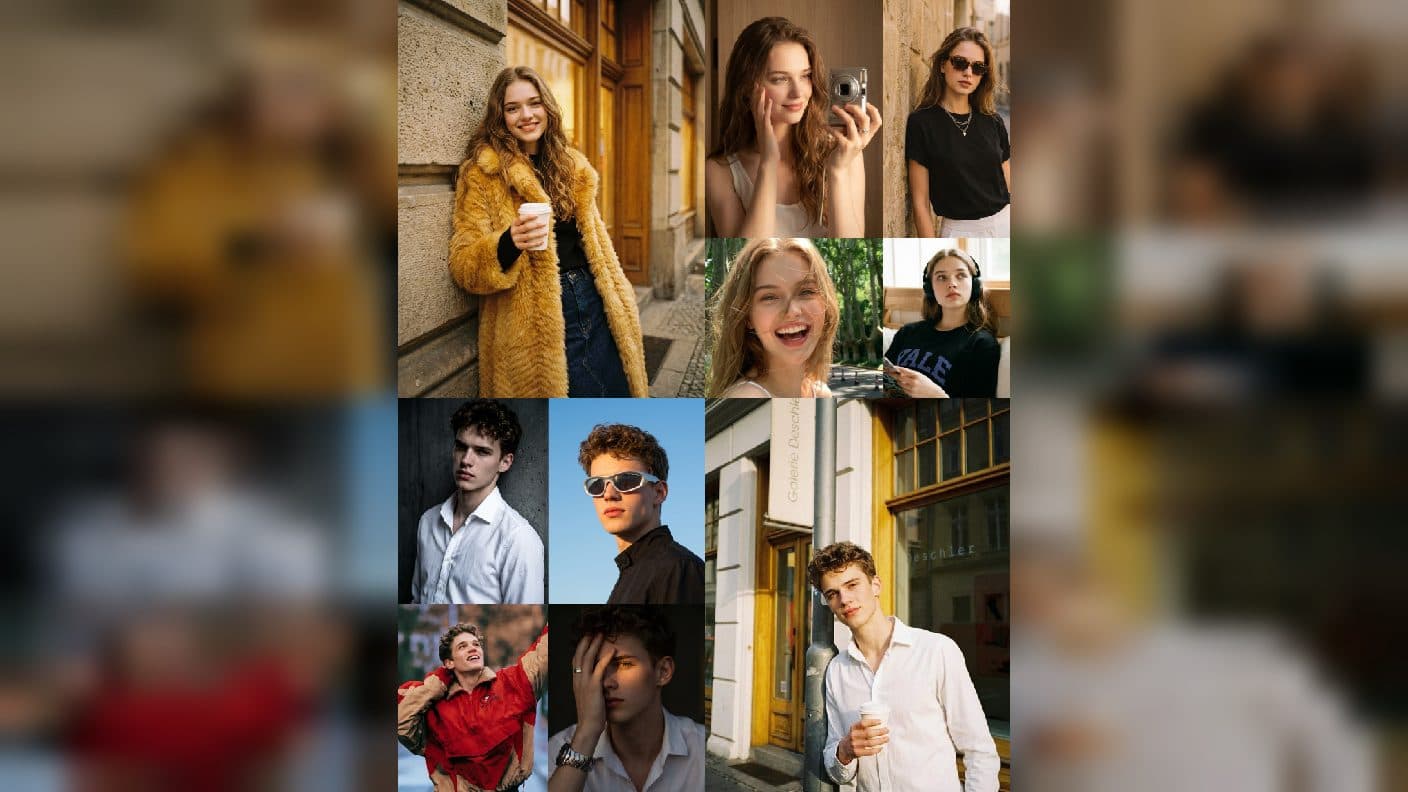
Build a connected three-clip Seedance 2.5 story with an opening place, a focused action, and a memorable closing detail.
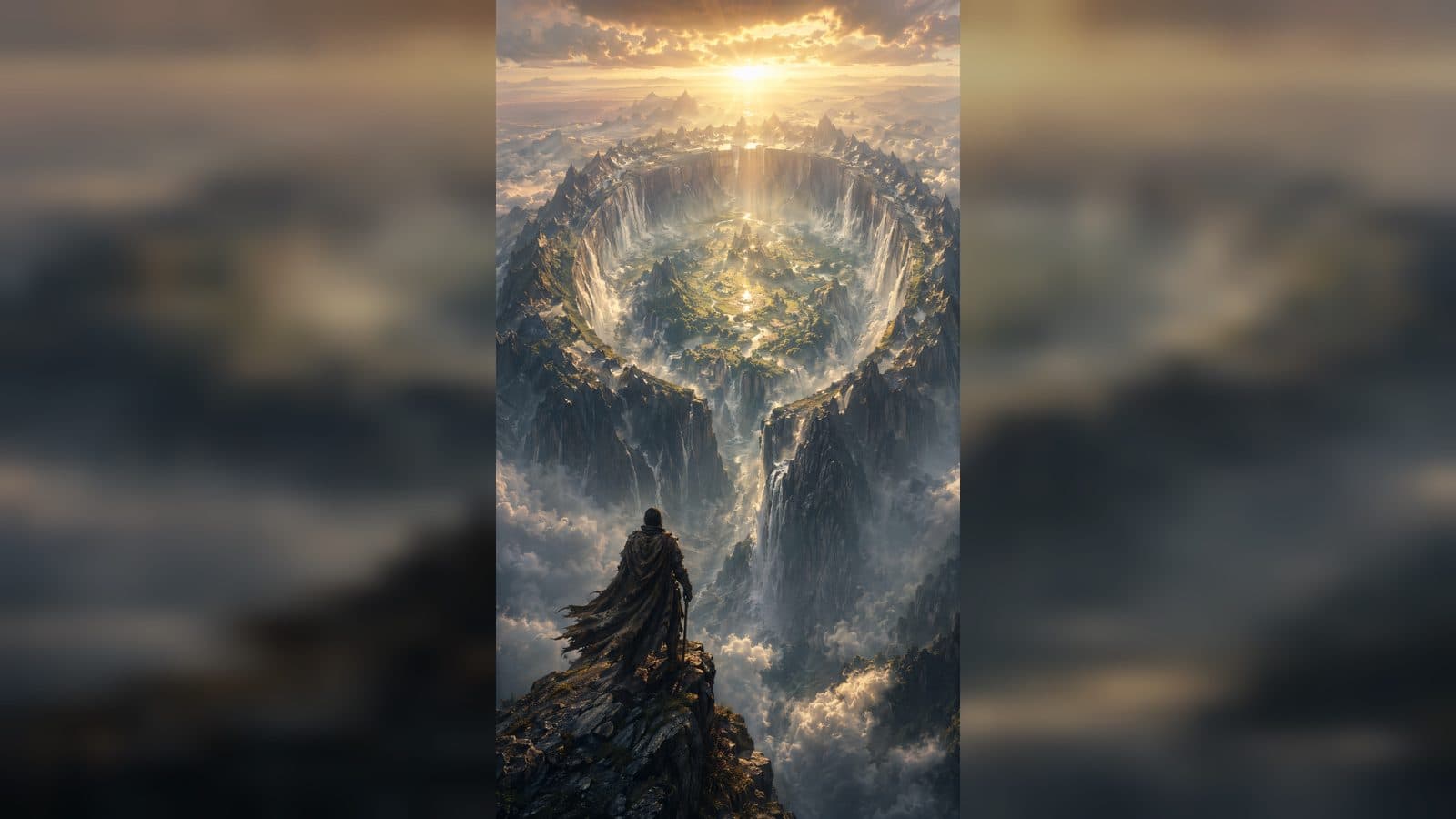
Keep a character recognizable in Minimax H3 by protecting a few visual anchors and refining one action, camera, or ending at a time.
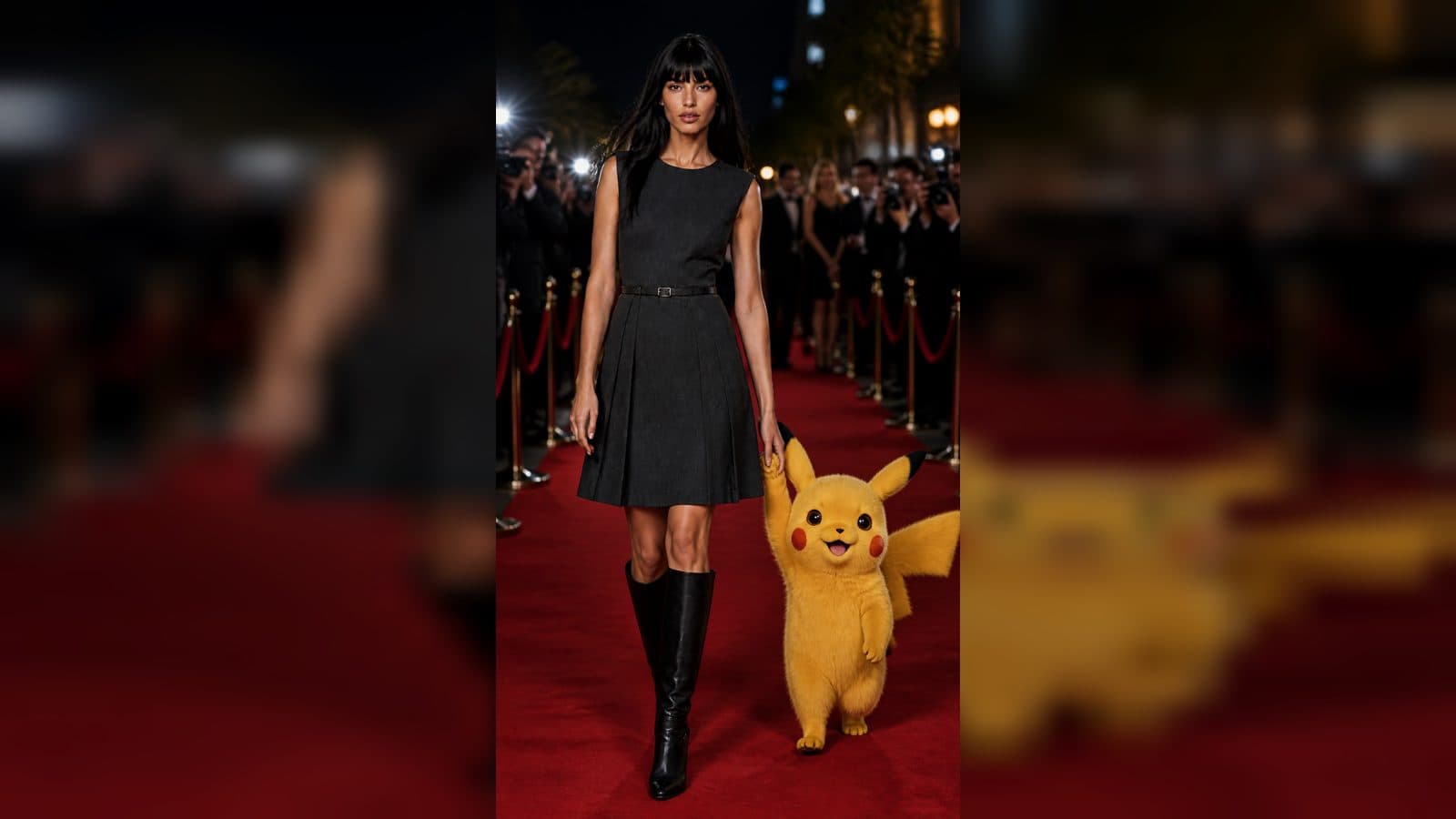
Learn simple Seedance 2.5 camera motion ideas, from slow push-ins to gentle pans, with practical duration and review guidance.
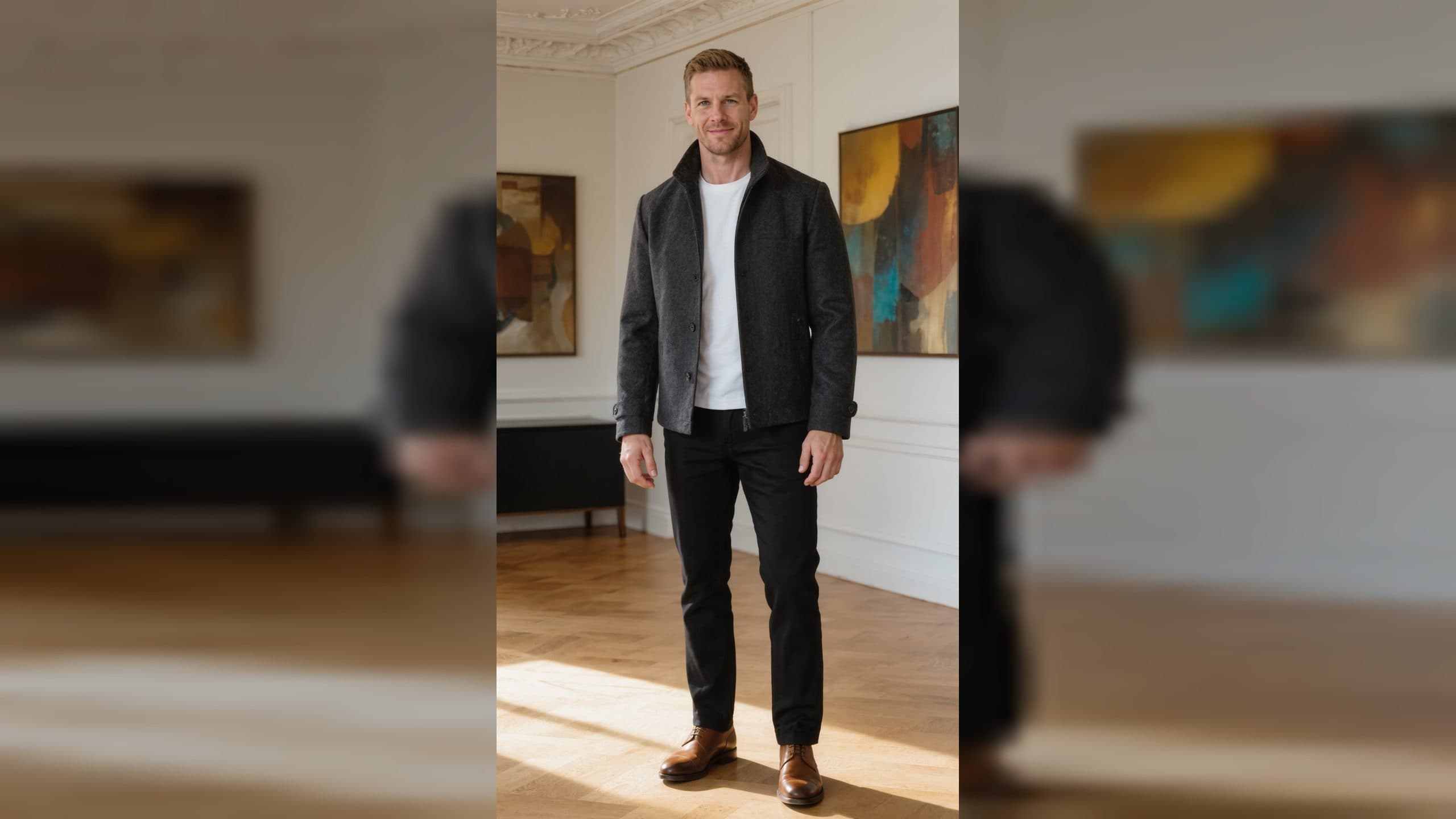
Prepare a strong Minimax H3 reference image by protecting subject identity, composition, color mood, and natural scene motion.
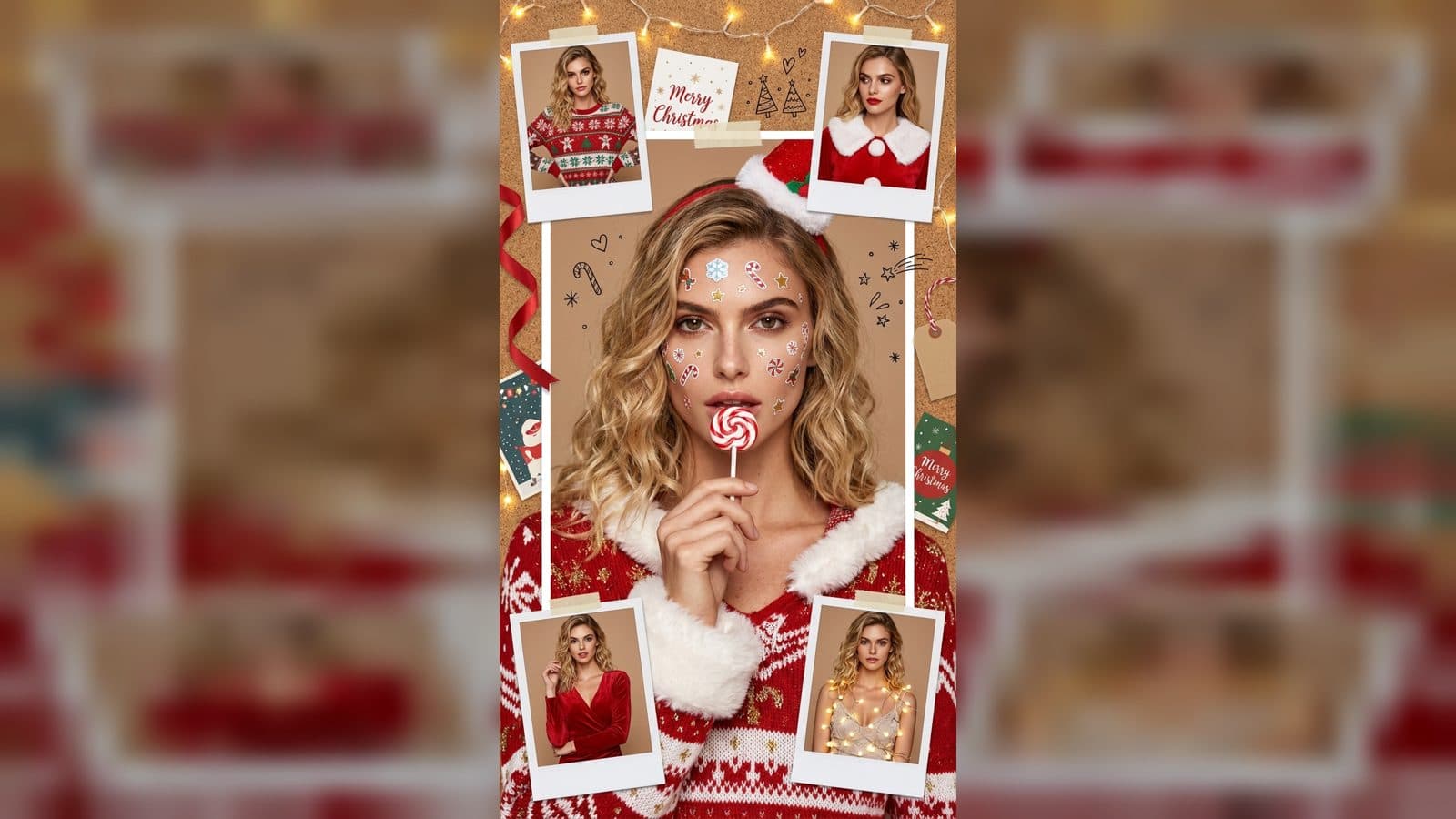
Choose Seedance 2.5 video duration around one complete visual moment, a clear final frame, and a practical short sequence.
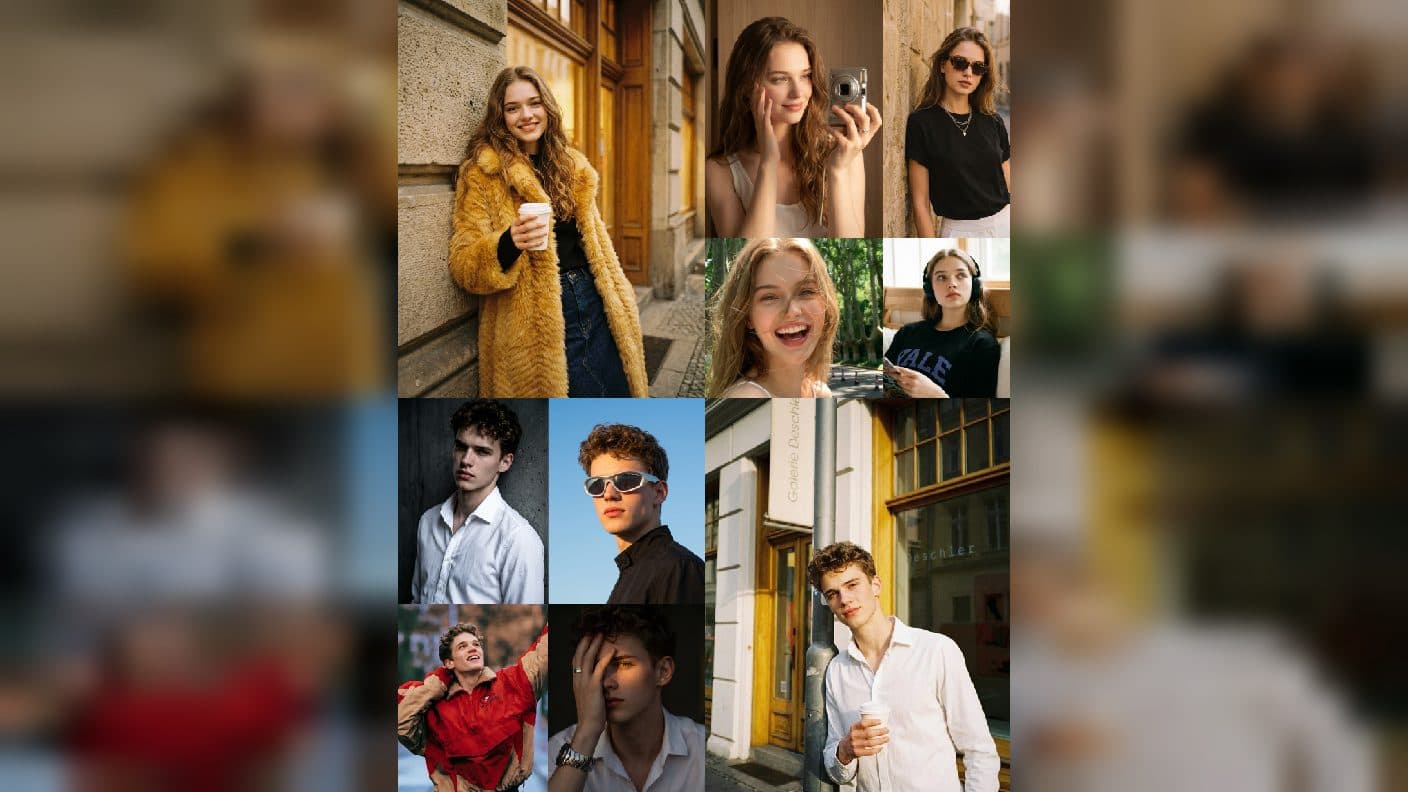
Write clearer Minimax H3 video prompts by combining one subject, one visible action, a setting detail, camera direction, and a suitable duration.
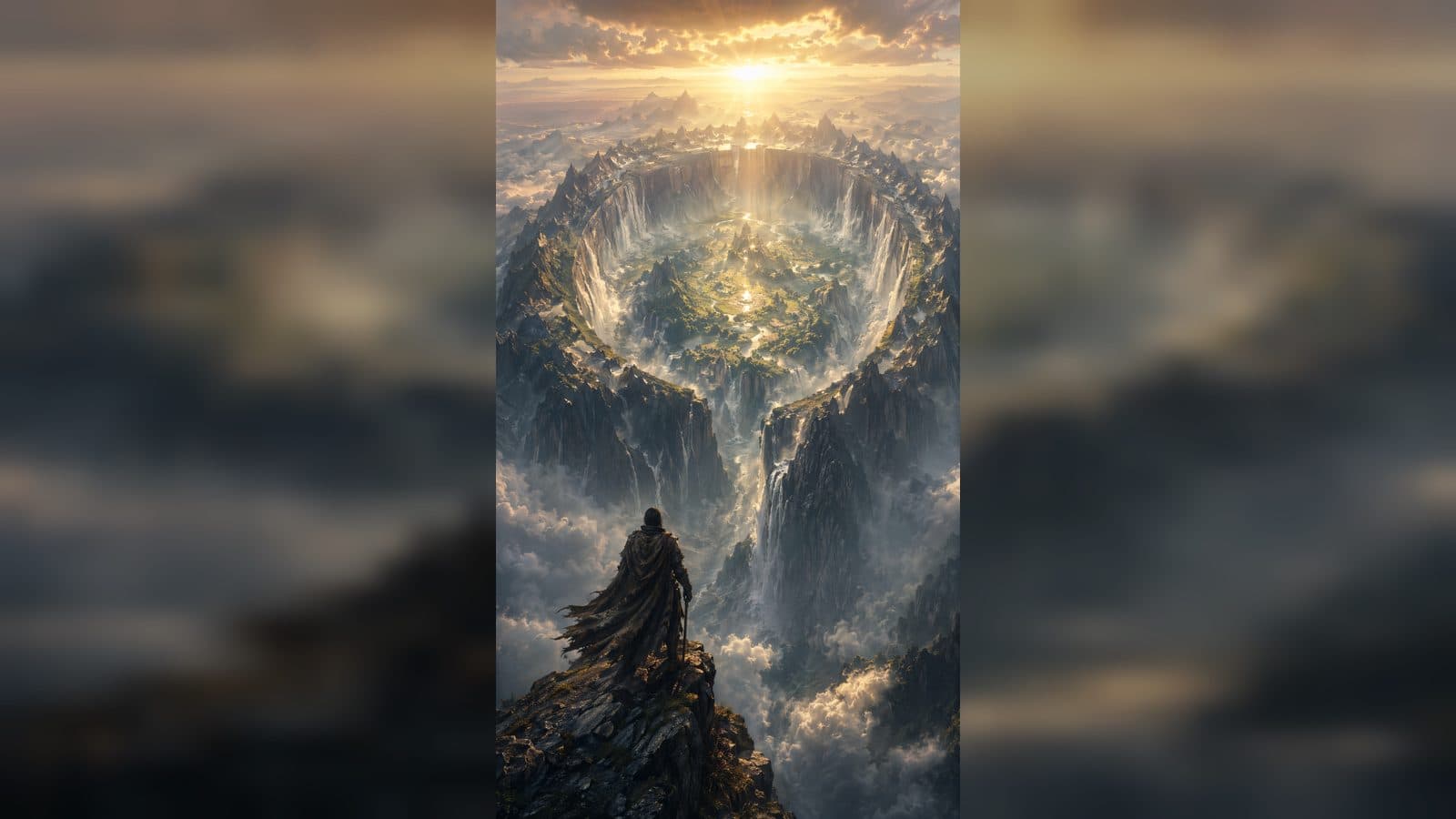
Start a Seedance 2.5 image-to-video workflow with a clear still image, one natural action, a useful camera move, and focused iteration.
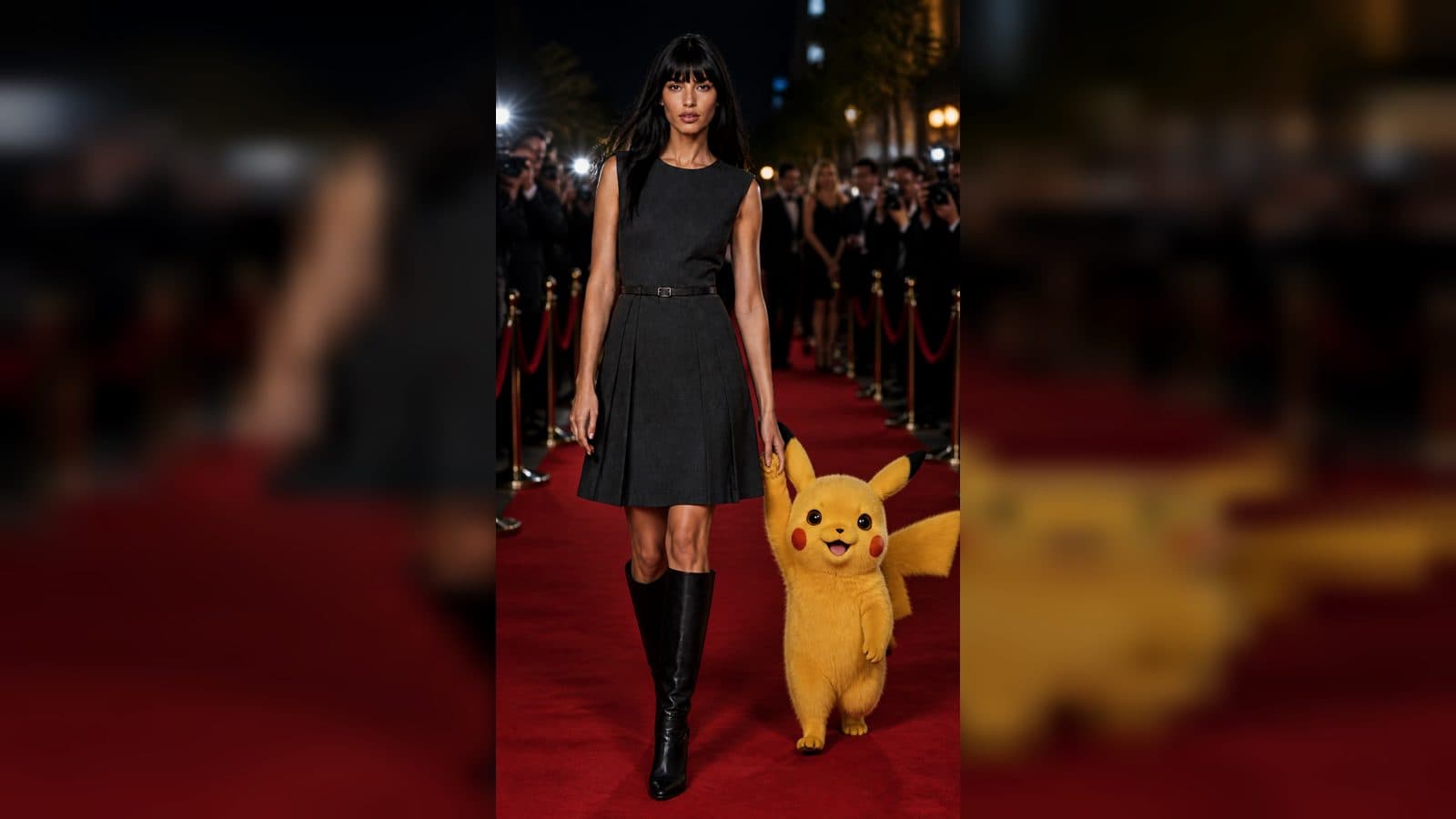
Learn a beginner-friendly Minimax H3 workflow for turning one clear photo into a focused AI video with simple motion, duration, and revision choices.
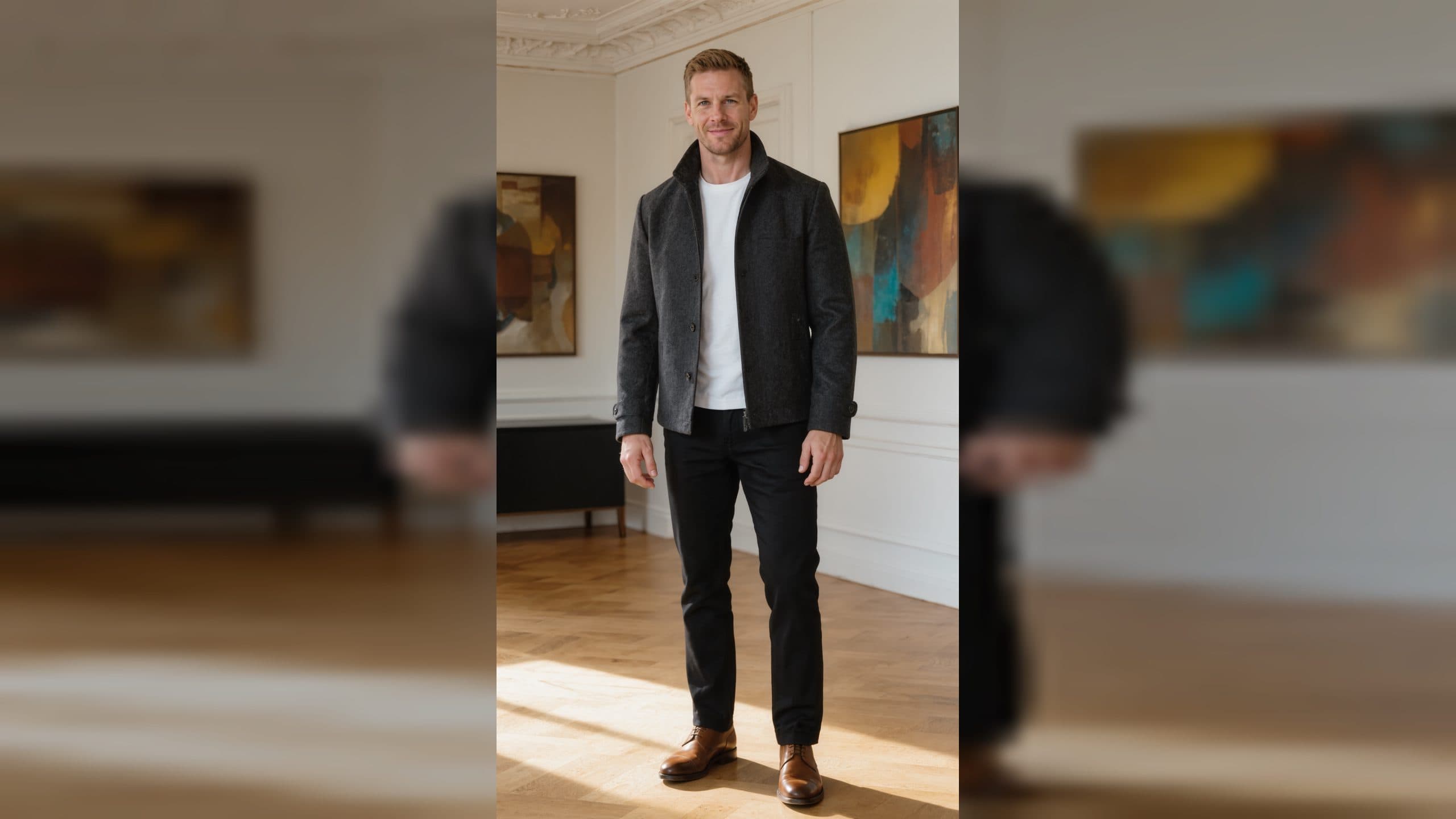
Pair GPT Image 2 with Codex and an ArtArch canvas to turn a beginner creative brief into small, repeatable, reviewable steps.
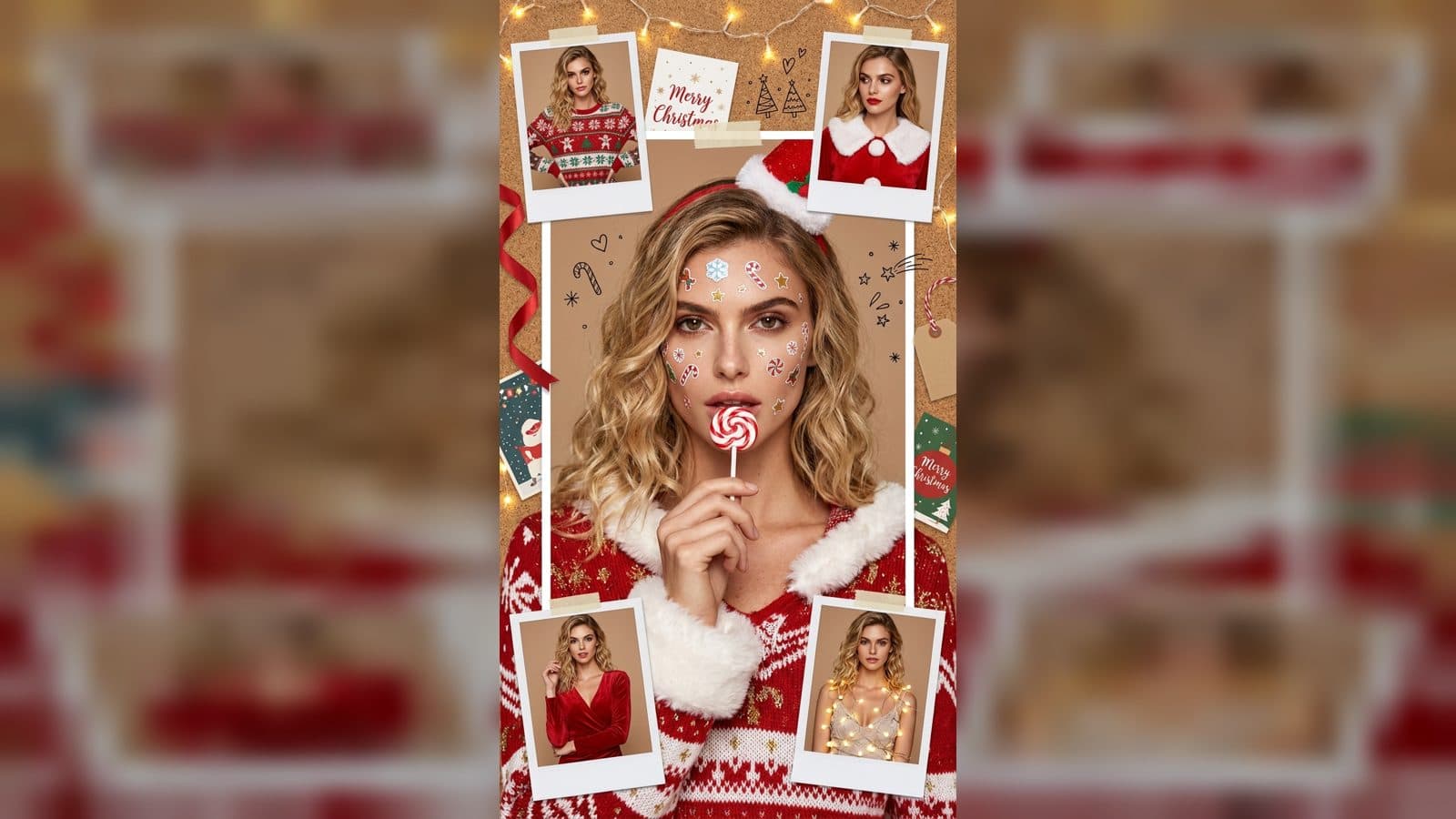
Use a creative agent with GPT Image 2 to prepare image variations, organize references, and create a reviewable Seedance handoff.
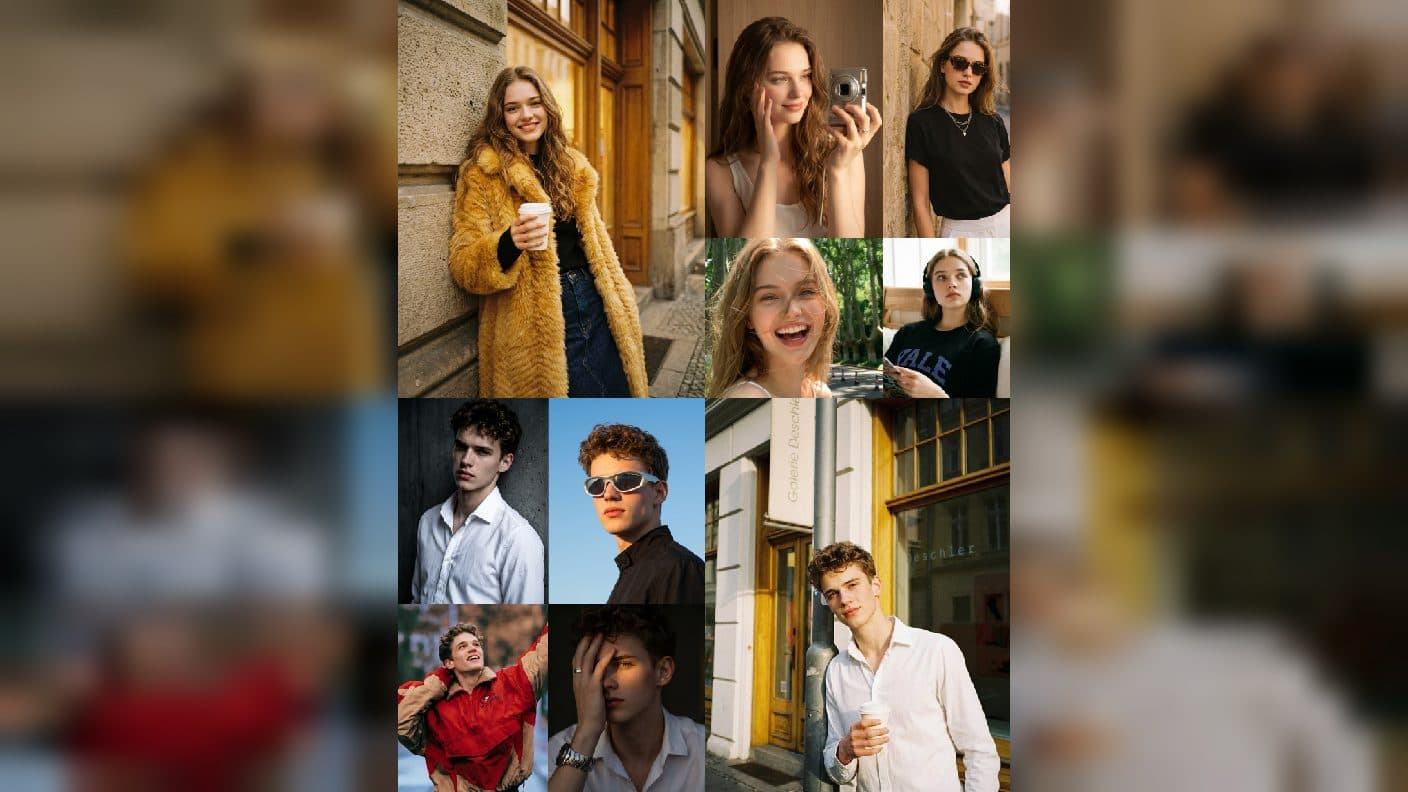
Turn an approved GPT Image 2 still into a focused Seedance video with one visible action, one camera move, and a clean handoff.
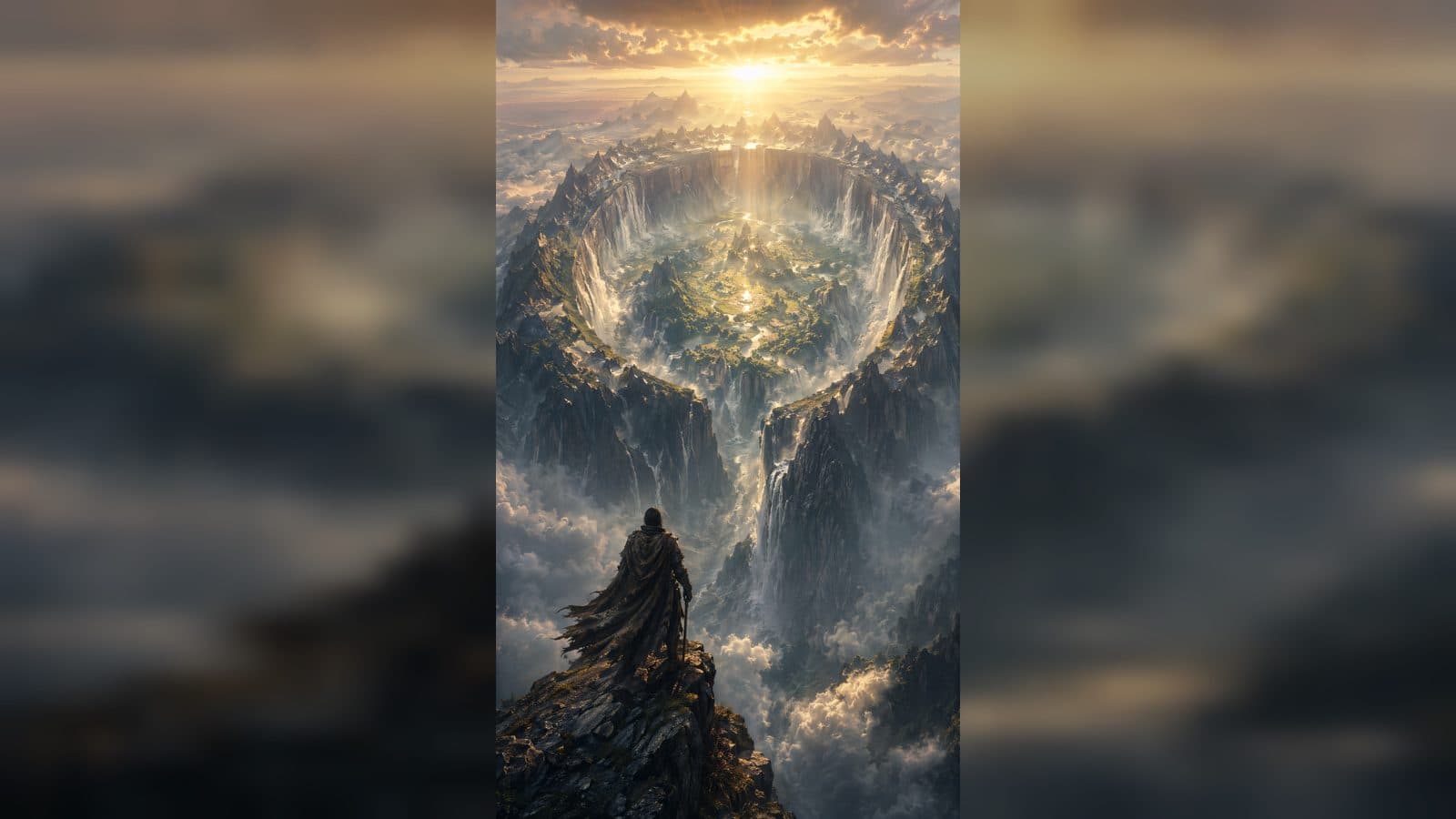
Explore watercolor, collage, and editorial looks with GPT Image 2 while preserving subject identity, composition, and factual details.
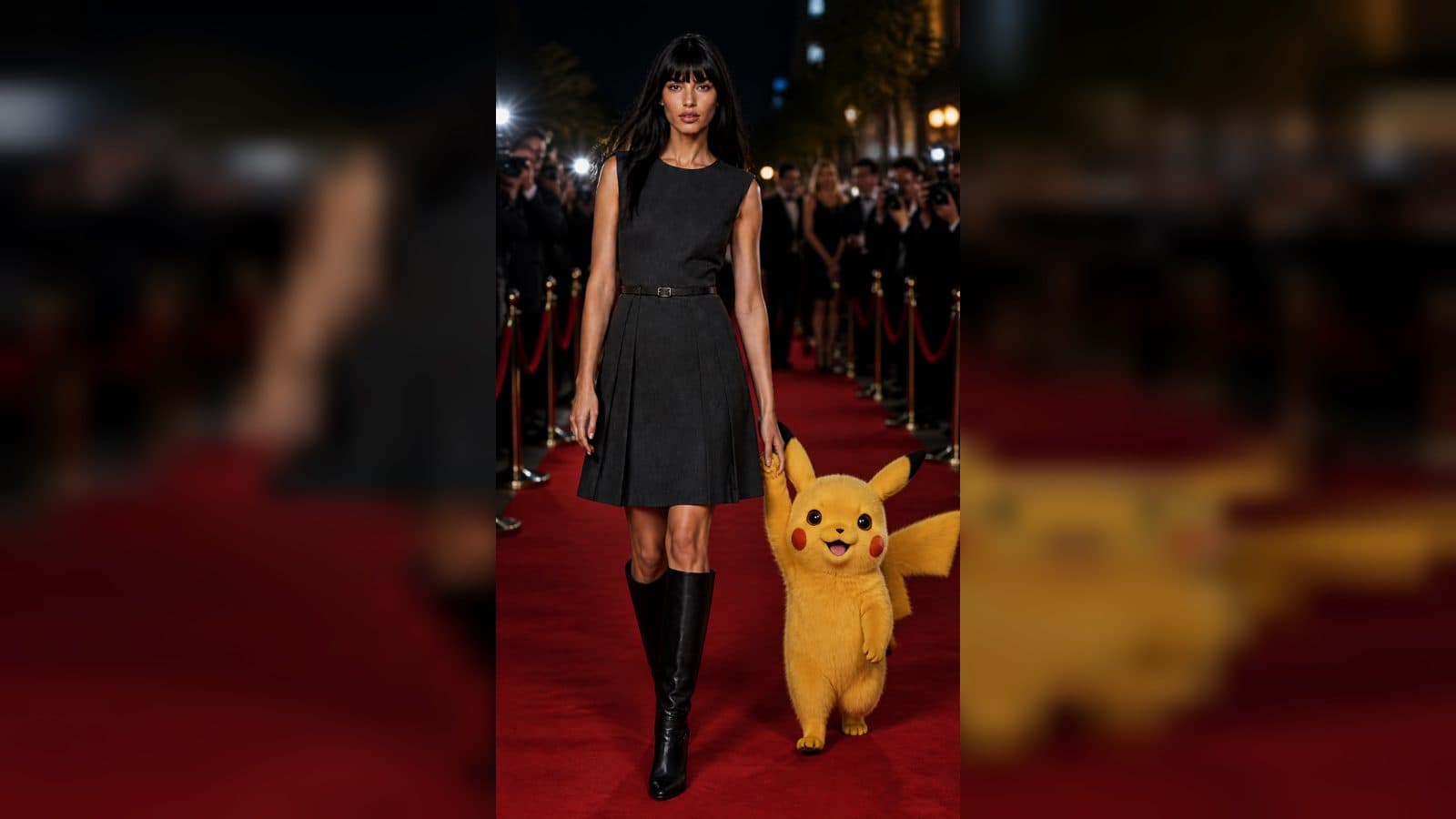
Expand one source photo into a clear three-beat storyboard with GPT Image 2 while protecting the subject and visual continuity.
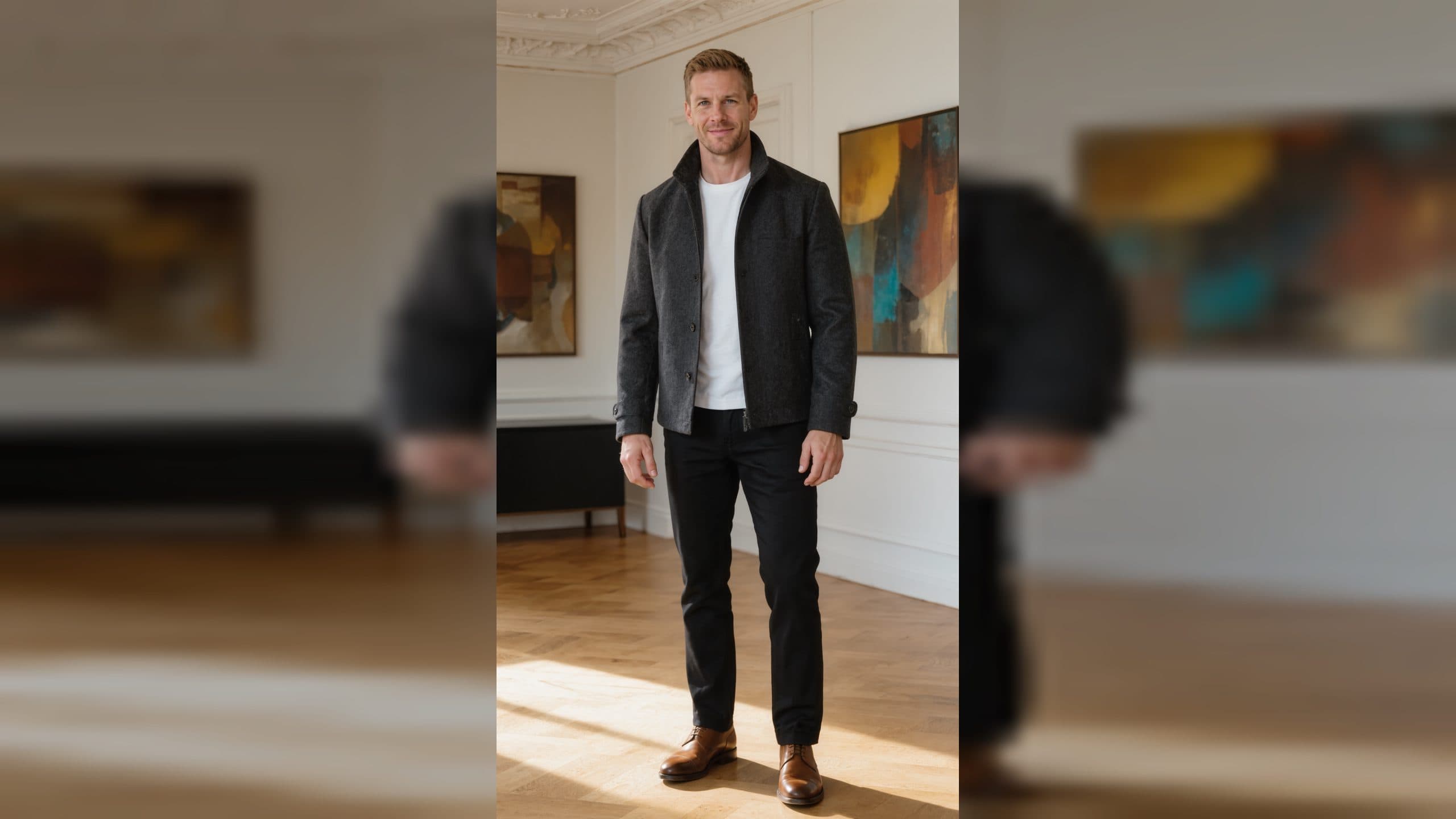
Create a beginner character sheet with GPT Image 2 using repeatable identity details, neutral views, action poses, and video-ready references.
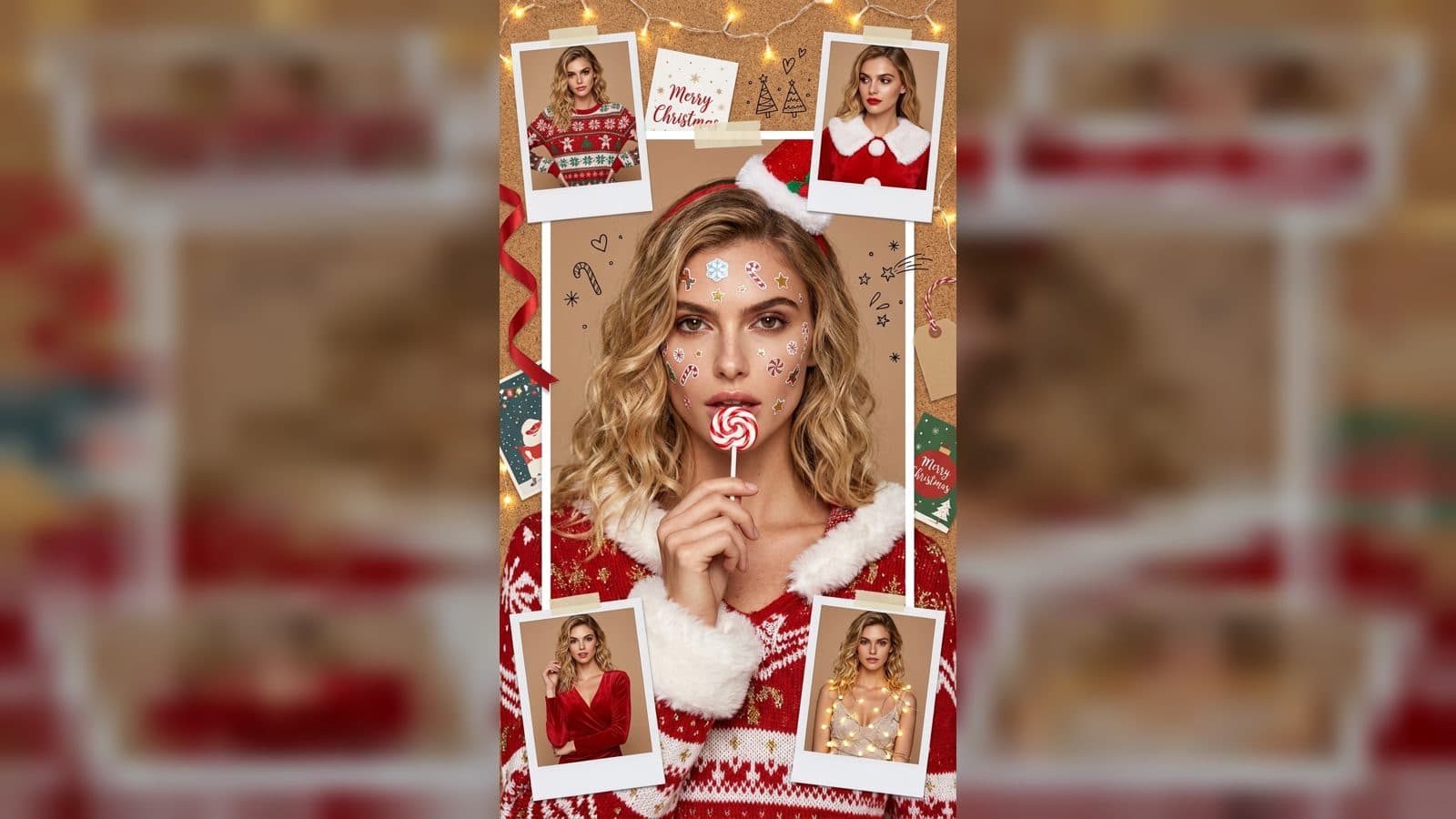
Turn one object photo into catalog, lifestyle, and detail scenes with GPT Image 2, then prepare a focused Seedance motion test.