

ArtArch Newsroom
Creative AgentBuild a Three-Clip Story With Seedance 2.5
Build a connected three-clip Seedance 2.5 story with an opening place, a focused action, and a memorable closing detail.
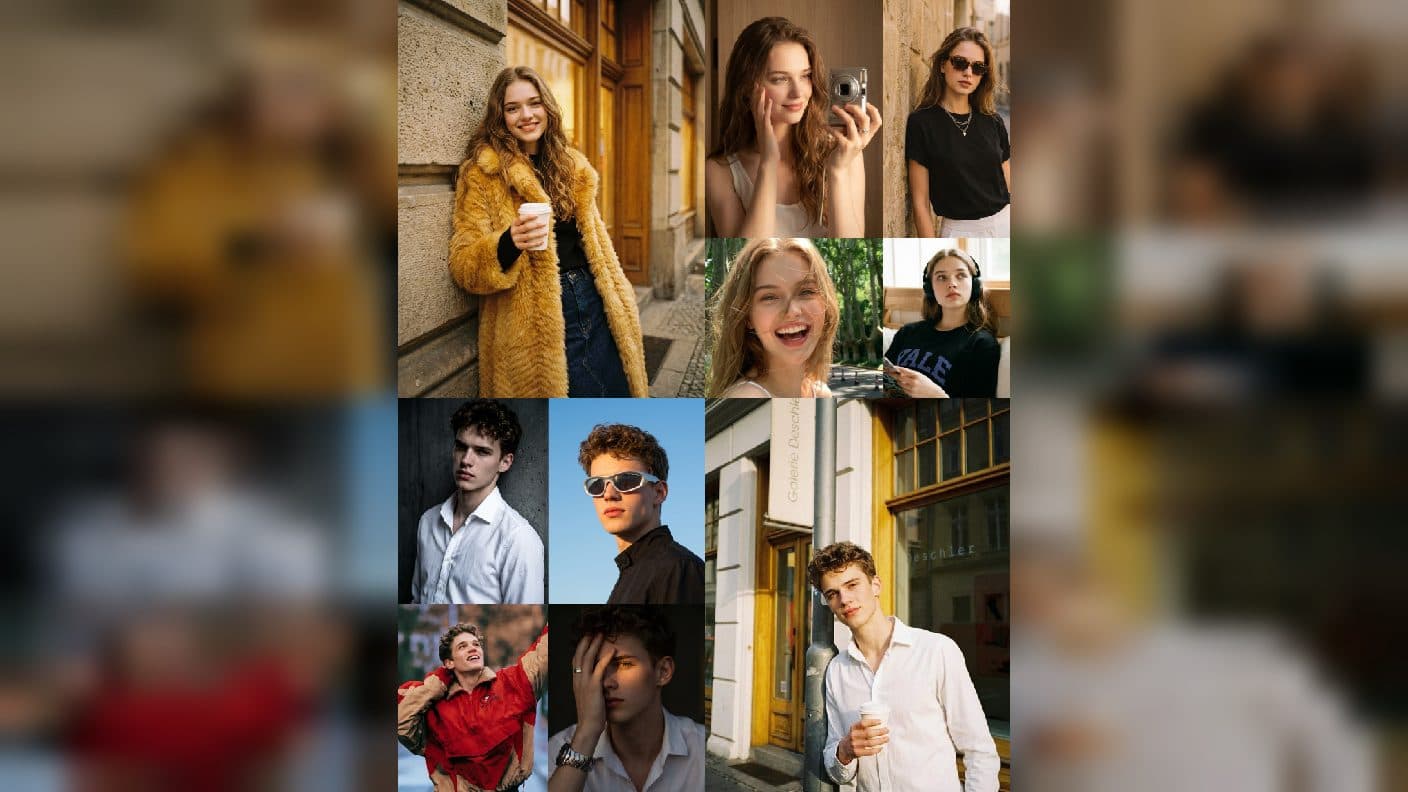
A short story can be easier to create when you divide it into three clear Seedance 2.5 clips. Instead of asking one video to introduce a place, show an action, and finish with a reveal, create a small sequence where each clip has a single job. In ArtArch, this helps beginners see how a group of simple moments can feel connected.
Give each clip a job
The opening clip establishes the place. It tells viewers where they are and what mood to expect. A wide view of a kitchen before sunrise, a quiet street after rain, or a workbench covered with tools can do this with a small camera move.
The middle clip carries the action. A hand mixes paint, a traveler opens a map, or a musician lifts an instrument. Keep this moment close to the opening setting so viewers can follow the story without extra explanation.
The final clip gives the viewer an image to remember. It might be a finished painting, a view beyond the train window, or a close look at a guitar string catching the light. This final detail can also become the image you use when sharing the sequence.
Keep your visual anchors steady
Write down the color, location, subject, and time of day that connect the three clips. If your opening shows a yellow bicycle outside a blue cafe in morning light, use the same bicycle, cafe, and light in the action and ending. These visible anchors make separate clips feel like parts of one situation.
You can use a reference image for each clip or start with a consistent group of images. What the viewer sees matters most: familiar subjects, compatible framing, and a clear sense that the next clip happens in the same world.
Write compact prompts for each moment
An opening prompt could be: "Yellow bicycle outside a blue cafe after rain, puddles shimmer, gentle pan toward the door." The action prompt could be: "The cyclist unlocks the yellow bicycle outside the blue cafe, morning light reflects in the puddles, camera moves beside them." The close could be: "Close view of the yellow bicycle wheel rolling through a shallow puddle, sunlight catches the water, camera follows low beside it."
Each description stays focused while repeating the details that matter.
Choose duration by purpose
Give the opening enough time to introduce the location. Give the middle enough time for the action to be readable. Give the final clip enough time to settle on the memorable detail. The clips do not need identical duration because they serve different storytelling purposes.
This is also a useful way to experiment. If the opening feels slow, revise its camera move. If the action feels unclear, simplify the behavior. If the closing lacks impact, choose a more specific final detail. You are improving one role at a time.
Review the sequence in order
Watch all three clips without stopping. Notice whether you understand the location, action, and ending. Then watch them again and write one note for each. A creative agent can collect those notes and propose a clean next-round checklist, but your judgement of the images should guide the revision.
Keep exploring
More in Creative Agent

Designing a Three-Scene AI Character State Machine
three-scene AI character state machine case study with saved ArtArch Studio media, prompt decisions, visible results, and practical production notes.

Extracting First and Last Frames to Plan AI Video Transitions
AI video transitions case study with saved ArtArch Studio media, prompt decisions, visible results, and practical production notes.

Fan-Dance-to-Idle AI Transition With a Clean Endpoint
fan-dance-to-idle AI transition case study with saved ArtArch Studio media, prompt decisions, visible results, and practical production notes.
An Idle-to-Fan-Dance AI Transition With the Prop as the Cue
idle-to-fan-dance AI transition case study with saved ArtArch Studio media, prompt decisions, visible results, and practical production notes.