

ArtArch Newsroom
Creative AgentSeedance 2.5 Image to Video for Beginners: A Simple First Workflow
Start a Seedance 2.5 image-to-video workflow with a clear still image, one natural action, a useful camera move, and focused iteration.
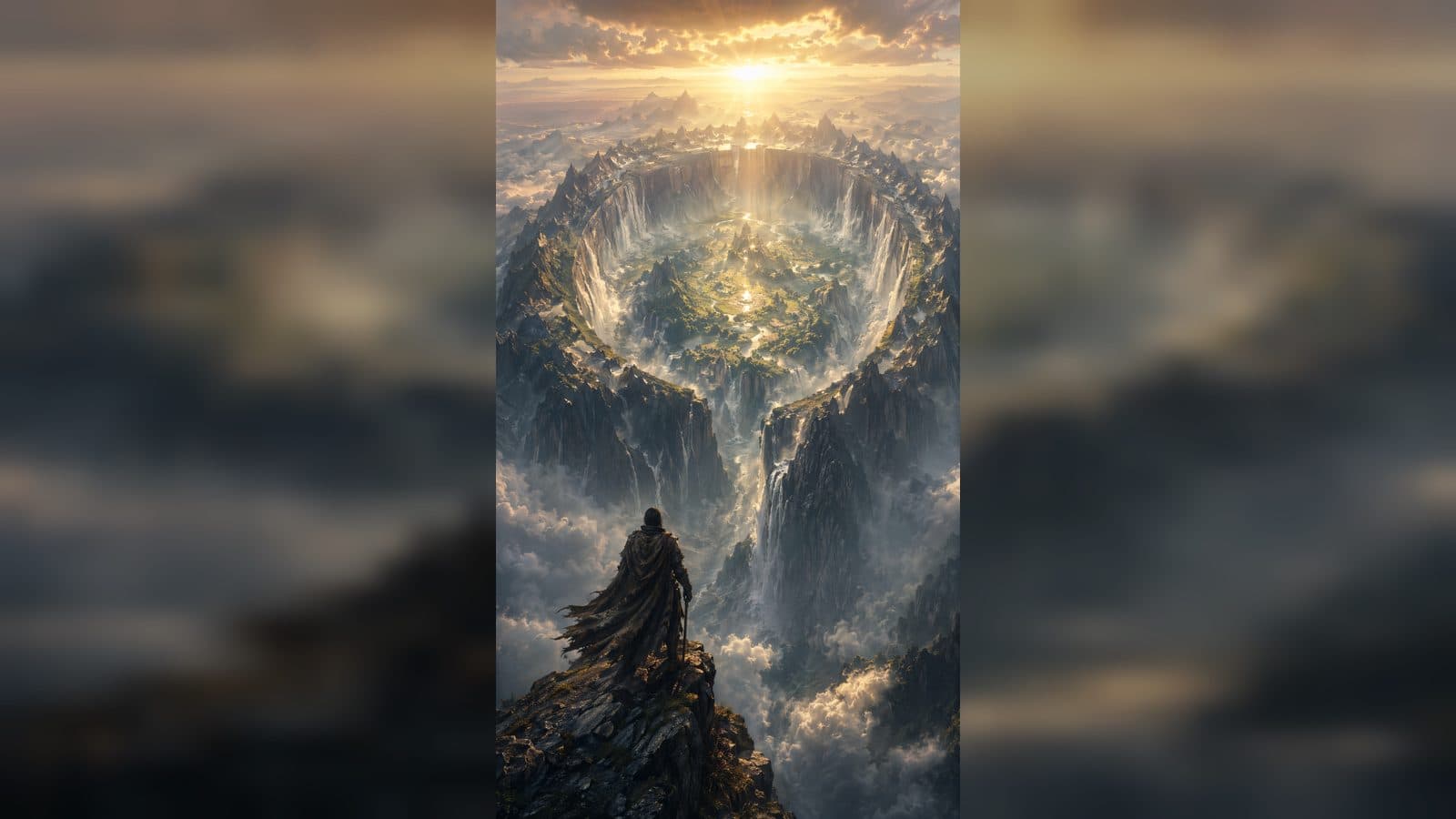
Seedance 2.5 image to video creation starts with a still image you already like and a short description of the motion you want to add. In ArtArch, the visible job is straightforward: choose the image, describe the moment, select a duration that fits it, and review the clip as a small scene.
Pick an image with a clear story already inside it
The best beginner image gives the viewer an immediate answer to two questions: who or what is important, and where are they? A musician holding a guitar on an empty stage, a bowl of fruit beside an open window, or a runner at the edge of a track each suggests a natural next moment.
Avoid treating the image as a blank canvas. Its composition is a useful guide. Notice where the main subject sits, where the eye travels, and what part of the frame could come alive. A visual with open sky can support drifting clouds. A close portrait can support a small head turn and an intimate camera move. The point is to let the source image lead the first decision.
Turn the still into a short direction
Write as though you are describing the shot to a friend. Start with the subject, then add the movement and the feeling of the view. For example:
"A street musician smiles and begins strumming, warm evening light, camera slowly moves closer."
This gives Seedance 2.5 a focused change without asking the clip to carry several scenes at once. You can add a detail that supports the action, such as fabric moving in a breeze or audience lights softly flickering. Keep the detail connected to the subject.
Make the camera choice easy to see
Camera language can be simple. A slow push in makes a moment feel closer. A gentle pan lets the viewer discover a setting. A side move can make a person or object feel more present in the space. Pick one camera movement for your first version so you can clearly see what it contributes.
Choose a duration that protects the idea
The duration should serve the action. A short clip is a good fit for a smile, a glance, an object reveal, or a small weather change. Give a larger movement, such as someone walking through a room, enough time to begin and land naturally. Before you create, imagine the final second. A clear ending keeps the scene from feeling unfinished.
Beginners often get better results by collecting a few short clips that each have one purpose. One can establish a place, one can show an action, and one can close on a detail. You can decide later whether those moments belong together.
Make the second version more intentional
After you watch the result, write down the strongest frame. It may be the first frame, a small shift in expression, or the way light changes near the end. Keep that success in the next version. Then improve one point: make the action more specific, slow the camera idea, or simplify the scene detail.
This review habit is what turns a Seedance 2.5 experiment into a repeatable creative process. You see the output, name a visible decision, and use that decision in the next draft.
Keep exploring
More in Creative Agent

Designing a Three-Scene AI Character State Machine
three-scene AI character state machine case study with saved ArtArch Studio media, prompt decisions, visible results, and practical production notes.

Extracting First and Last Frames to Plan AI Video Transitions
AI video transitions case study with saved ArtArch Studio media, prompt decisions, visible results, and practical production notes.

Fan-Dance-to-Idle AI Transition With a Clean Endpoint
fan-dance-to-idle AI transition case study with saved ArtArch Studio media, prompt decisions, visible results, and practical production notes.
An Idle-to-Fan-Dance AI Transition With the Prop as the Cue
idle-to-fan-dance AI transition case study with saved ArtArch Studio media, prompt decisions, visible results, and practical production notes.