

ArtArch Newsroom
Creative AgentUse Codex to Plan Your First Minimax H3 Creative Session
Use Codex to turn a rough idea into a compact Minimax H3 brief with a subject, action, setting, camera feeling, and clear final frame.
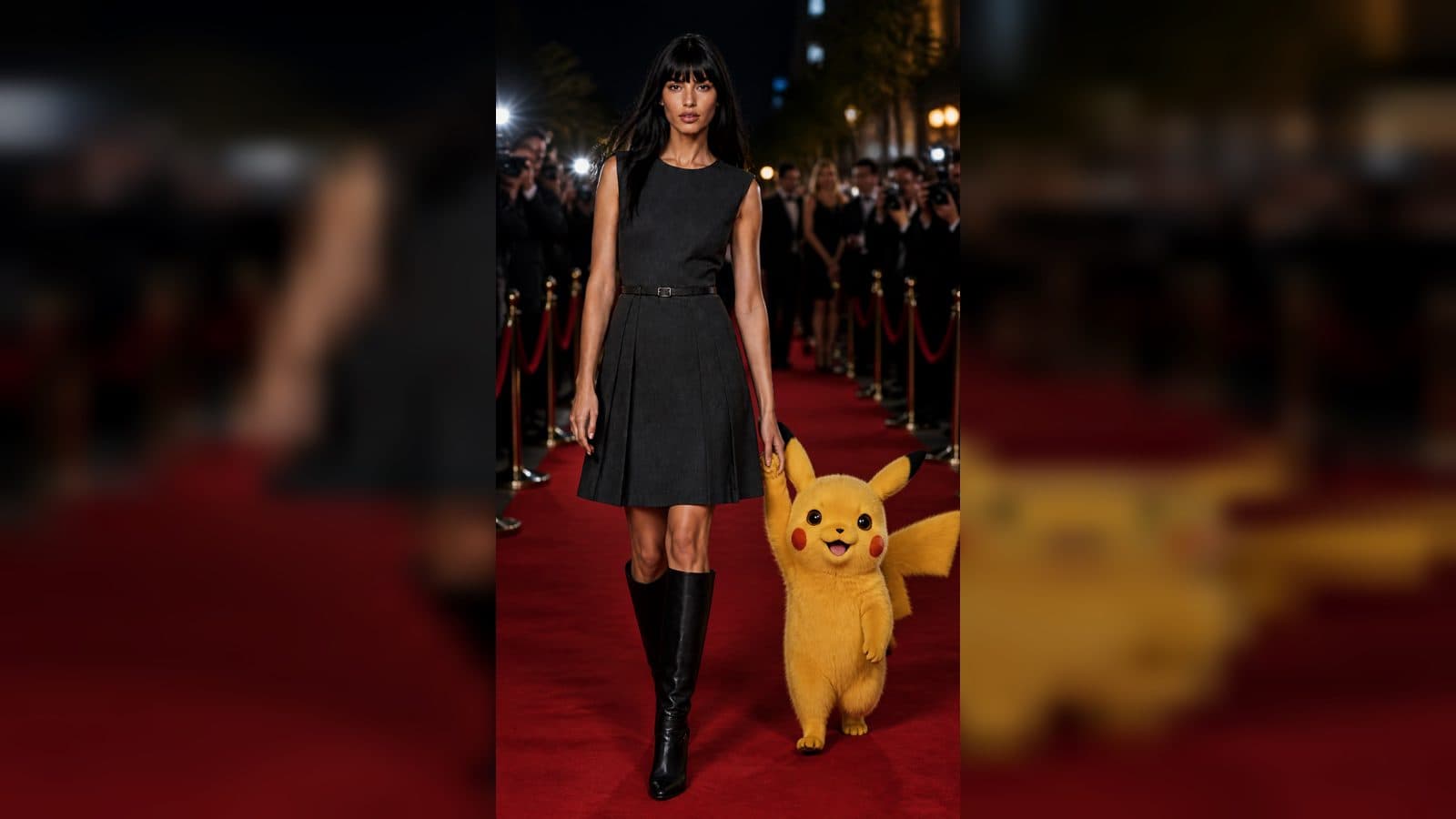
Codex can make a first Minimax H3 session feel less scattered by helping you turn a vague idea into a small visual brief. The creative result still comes from the image, motion, and choices you review in ArtArch. Codex is useful before and between drafts: it can ask what the viewer should notice, organize your options, and keep a short record of what changed.
Start with a plain-language idea
Tell Codex the scene you can already imagine. It might be "a quiet video of my grandfather's workshop" or "a moving product image for a handmade notebook." You do not need to know camera terms or model settings. The next useful step is to make the idea visible: who is present, what is happening, and what should the last frame show?
Ask for three compact directions with different emphasis. One could focus on the person, one on the place, and one on a meaningful object. Choose the direction that feels closest to your real purpose. This keeps brainstorming connected to a scene you can actually make.
Turn the choice into a Minimax H3 brief
Once you choose a direction, ask Codex to summarize it in four lines: subject, action, setting detail, and camera feeling. For example:
- Subject: a carpenter in a bright workshop
- Action: he brushes sawdust from a finished chair
- Setting: sunbeams cross the wooden floor
- Camera: slow move from the chair to his face
This brief is not the finished creative result. It is a clear way for you to enter the Minimax H3 workflow with a single visual purpose. You can then write the final description in your own voice and compare it with the image you plan to use.
Keep the scene within one moment
Ask Codex to point out where the idea contains too many events. A workshop video might include entering the room, choosing wood, sanding, painting, and delivering a chair. Choose one moment for the first clip. The other events can become separate scenes later.
Make a reference image carry the identity
If you have a photograph, show your own notes about the features that matter: the room's warm light, the chair's shape, or the maker's blue apron. Use those details to guide the Minimax H3 description. Ask Codex to help you phrase a motion that grows from the photo, such as a hand brushing the chair or a camera moving toward the grain.
Review the output against the reference. Keep what feels faithful and identify one change for the next version. A short note like "chair reads, face is hidden, slow camera more useful" is enough to guide a focused revision.
Use Codex between versions, not in place of seeing
After each draft, describe what you actually saw. Codex can group notes into subject, action, camera, and ending. It can also help you write two alternate directions that preserve the strongest part of the clip. Then return to ArtArch and judge the new result visually.
Keep exploring
More in Creative Agent

Designing a Three-Scene AI Character State Machine
three-scene AI character state machine case study with saved ArtArch Studio media, prompt decisions, visible results, and practical production notes.

Extracting First and Last Frames to Plan AI Video Transitions
AI video transitions case study with saved ArtArch Studio media, prompt decisions, visible results, and practical production notes.

Fan-Dance-to-Idle AI Transition With a Clean Endpoint
fan-dance-to-idle AI transition case study with saved ArtArch Studio media, prompt decisions, visible results, and practical production notes.
An Idle-to-Fan-Dance AI Transition With the Prop as the Cue
idle-to-fan-dance AI transition case study with saved ArtArch Studio media, prompt decisions, visible results, and practical production notes.