

ArtArch Newsroom
Creative AgentGPT Image 2 Character Sheet: Give a New Creator a Consistent Cast
Create a beginner character sheet with GPT Image 2 using repeatable identity details, neutral views, action poses, and video-ready references.
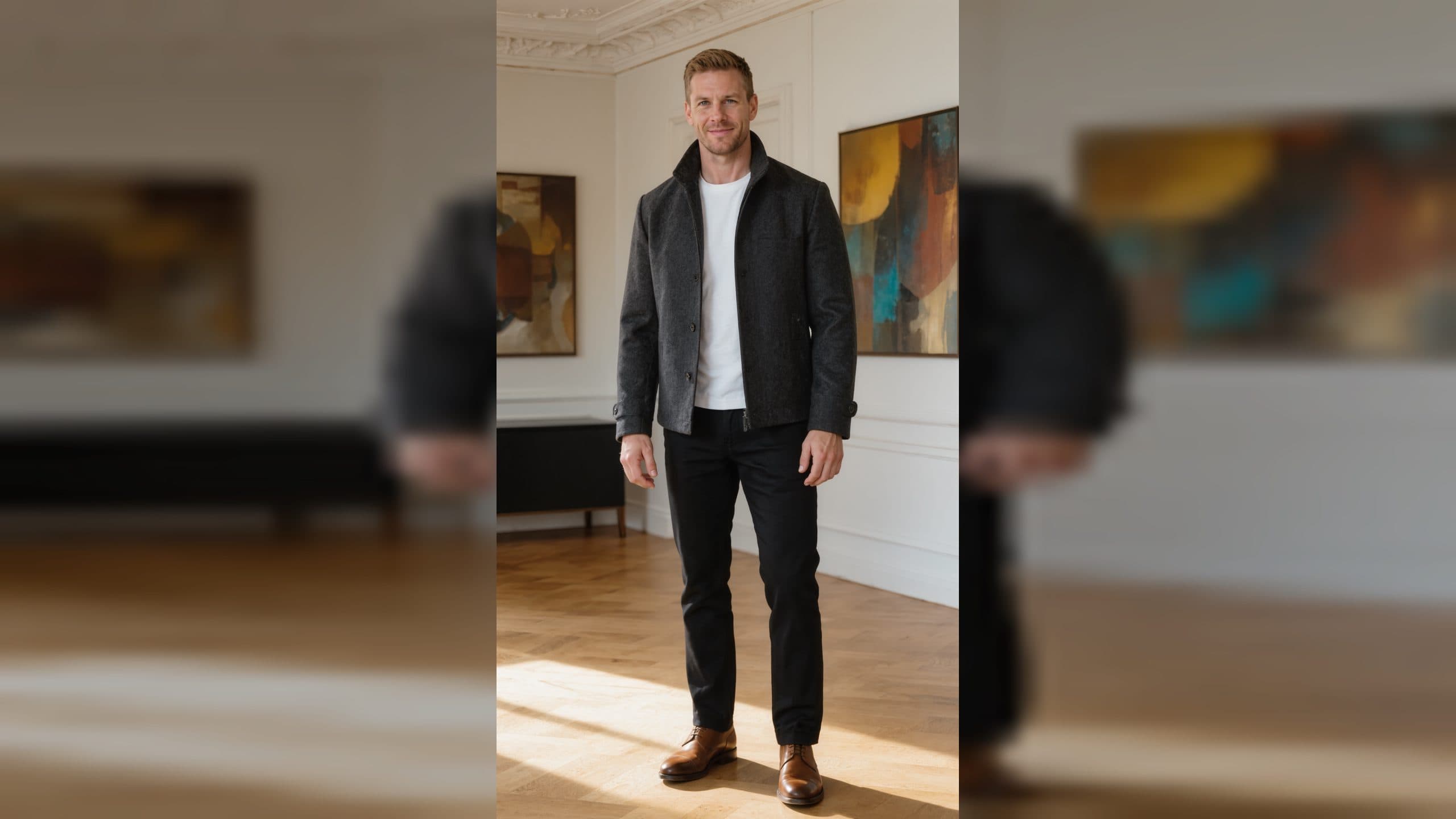
A character sheet is a set of reference views that helps one character stay recognizable across a project. GPT Image 2 can help a beginner explore the sheet, but consistency starts with a small character contract. Decide the face, hair, clothing, colors, and silhouette before adding dramatic poses. Save the approved views in an ArtArch canvas so an agent can reuse the same visual decisions.
Define the character contract
Write a short description of the features that must repeat: hairstyle, eye color, jacket shape, shoes, and one distinctive accessory. Keep the palette limited enough to recognize at a glance. State the preferred view, such as front three-quarter, and the background treatment you want for the sheet. This gives every panel a shared anchor.
Generate views with one purpose each
Ask for a neutral front view first. Follow with a side view, a back view, and two action poses. Keep the camera distance and lighting similar while the pose changes. GPT Image 2 is easier to evaluate when each panel answers one question. If a face or costume drifts, return to the approved neutral view and adjust one instruction.
Use the sheet for story planning
Add small captions below each panel: "listens," "runs," "holds a lantern," or "looks surprised." Captions turn a gallery into a production tool. A later Seedance shot can use one pose as the opening reference and one as the intended action. Keep the transition visible in your notes.
Preserve a trusted reference
Keep the original approved PNG separate from compressed previews. If you clean a panel, preserve identity, composition, pose, palette, and style while changing only the requested noise or background issue. Review the cleaned panel beside the approved view before using it downstream. This is especially important when a character has small accessories that carry meaning.
Beginner project ideas
Create a mascot sheet for a newsletter, a game concept with three readable actions, or a short children's story with one hero and one prop. The sheet makes it easier to explain the idea to collaborators because everyone can point to the same visual reference.
Use a plain background while checking the sheet. A quiet background makes mismatched proportions and costume colors easier to spot before you place the character in a busy scene.
Frequently asked questions
How many views belong on a first sheet?
Start with front, side, back, and two action poses. Add more only when a scene needs a specific angle.
What details should repeat in every panel?
Repeat face, hair, costume colors, silhouette, and distinctive accessories. Vary pose and action deliberately.
Can a character sheet guide Seedance?
Yes. Select a clear pose as the starting image and describe one action that follows from it.
Why save the neutral view?
Keep exploring
More in Creative Agent

Designing a Three-Scene AI Character State Machine
three-scene AI character state machine case study with saved ArtArch Studio media, prompt decisions, visible results, and practical production notes.

Extracting First and Last Frames to Plan AI Video Transitions
AI video transitions case study with saved ArtArch Studio media, prompt decisions, visible results, and practical production notes.

Fan-Dance-to-Idle AI Transition With a Clean Endpoint
fan-dance-to-idle AI transition case study with saved ArtArch Studio media, prompt decisions, visible results, and practical production notes.
An Idle-to-Fan-Dance AI Transition With the Prop as the Cue
idle-to-fan-dance AI transition case study with saved ArtArch Studio media, prompt decisions, visible results, and practical production notes.