

ArtArch Newsroom
Creative AgentA Beginner Prompt Guide for Minimax H3 Video Scenes
Write clearer Minimax H3 video prompts by combining one subject, one visible action, a setting detail, camera direction, and a suitable duration.
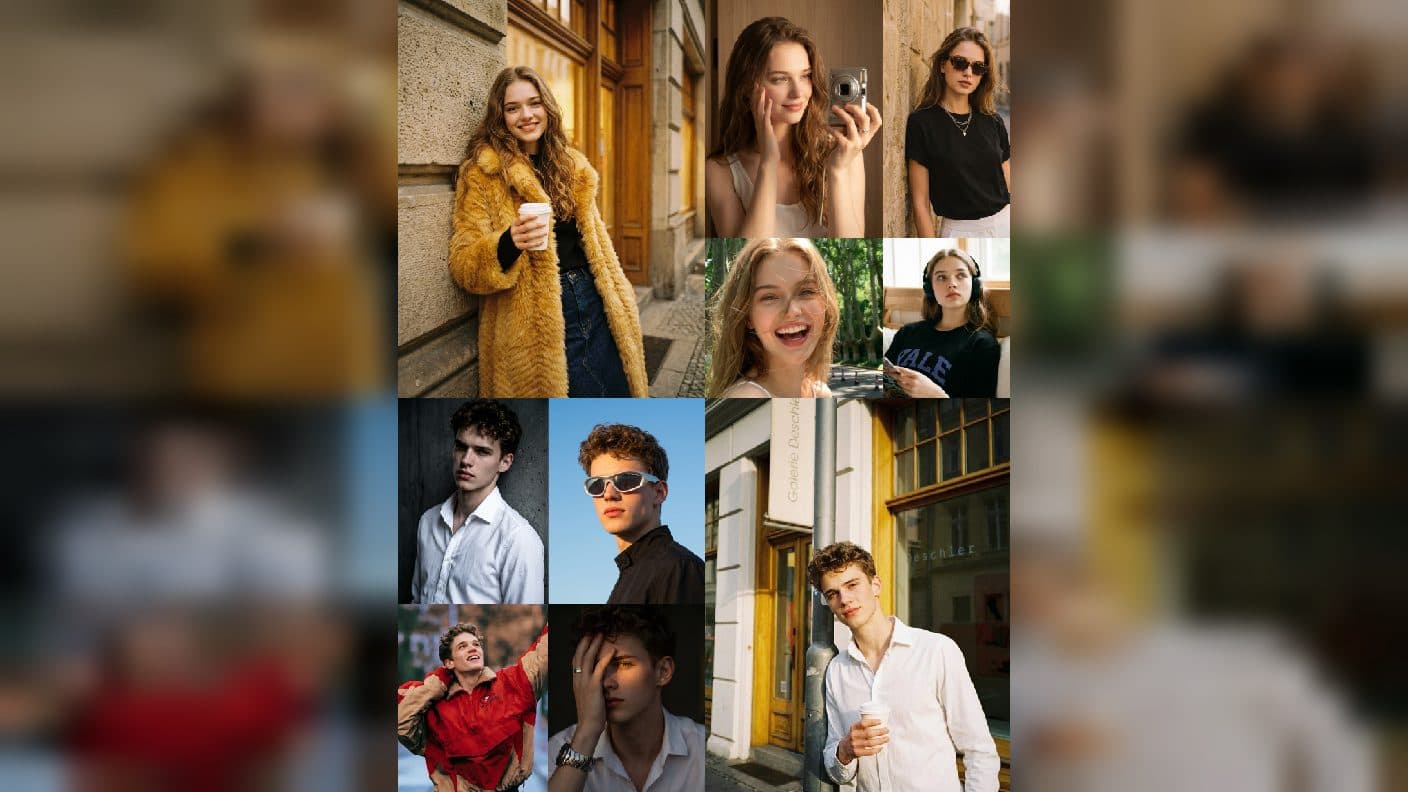
The easiest way to write a Minimax H3 video prompt is to describe one visible moment with a clear boundary. A good beginner prompt tells ArtArch who or what is in the frame, what changes, and how the viewer experiences that change. You can begin with an image or an idea, then shape the result one simple decision at a time.
Build the prompt from four practical pieces
Start with a subject. This can be a person, a product, an animal, or a place. Add one action that the viewer can notice. Add one detail that establishes the setting. Finish with a camera or mood choice. These pieces create a prompt that is concrete enough to direct a shot while staying easy to revise.
For a product example, try: "A silver watch rests on dark stone as a narrow beam of light moves across its face, slow close camera move." The subject is the watch. The action is the moving light. The setting is dark stone. The camera choice brings the viewer toward the detail.
Use verbs that show up on screen
Choose actions you could recognize in a short clip. A character walks, turns, reaches, laughs, or looks out a window. A landscape fills with mist, leaves lift in the wind, or sunlight slides across a wall. A product rotates slightly, catches light, or is revealed as the camera moves.
Words like "beautiful" or "cinematic" can describe a feeling, yet they become more useful when paired with an observable direction. Instead of only saying "cinematic city," write "rainy city street at night, reflections tremble in puddles, camera glides beside a taxi." The reader can picture the intended scene before it exists.
Give the shot one center of attention
When the prompt contains several competing actions, choose the one that matters most. A travel scene could focus on a person stepping onto a ferry, not the ferry, crowd, gulls, flags, and coastline all changing at once. The supporting details should help the main action read clearly.
Let duration shape the language
Write a smaller action for a shorter duration and a developing action for a longer duration. A short moment might be a close look at a flower opening in the early light. A more spacious moment might show a cyclist entering a tree-lined road while the camera follows from behind. In both cases, imagine a beginning, middle, and ending before you create.
This also makes iteration easier. When a scene needs more energy, you can change the action. When it needs more room, you can adjust the duration. Keeping those decisions separate gives you a clearer creative conversation with the result.
Use a reference image as your visual anchor
If you start from a reference image, name the movement that belongs to the image you chose. A portrait with a calm expression can become a quiet turn toward the window. A wide image of a mountain cabin can become smoke curling from a chimney as snow moves across the foreground. The goal is to extend the visible situation, not replace it with a different one.
Keep exploring
More in Creative Agent

Designing a Three-Scene AI Character State Machine
three-scene AI character state machine case study with saved ArtArch Studio media, prompt decisions, visible results, and practical production notes.

Extracting First and Last Frames to Plan AI Video Transitions
AI video transitions case study with saved ArtArch Studio media, prompt decisions, visible results, and practical production notes.

Fan-Dance-to-Idle AI Transition With a Clean Endpoint
fan-dance-to-idle AI transition case study with saved ArtArch Studio media, prompt decisions, visible results, and practical production notes.
An Idle-to-Fan-Dance AI Transition With the Prop as the Cue
idle-to-fan-dance AI transition case study with saved ArtArch Studio media, prompt decisions, visible results, and practical production notes.