

ArtArch Newsroom
Creative AgentA Calm Troubleshooting Method for Your First AI Video
Troubleshoot a first Minimax H3 or Seedance 2.5 video by naming one visible mismatch and changing one creative decision at a time.
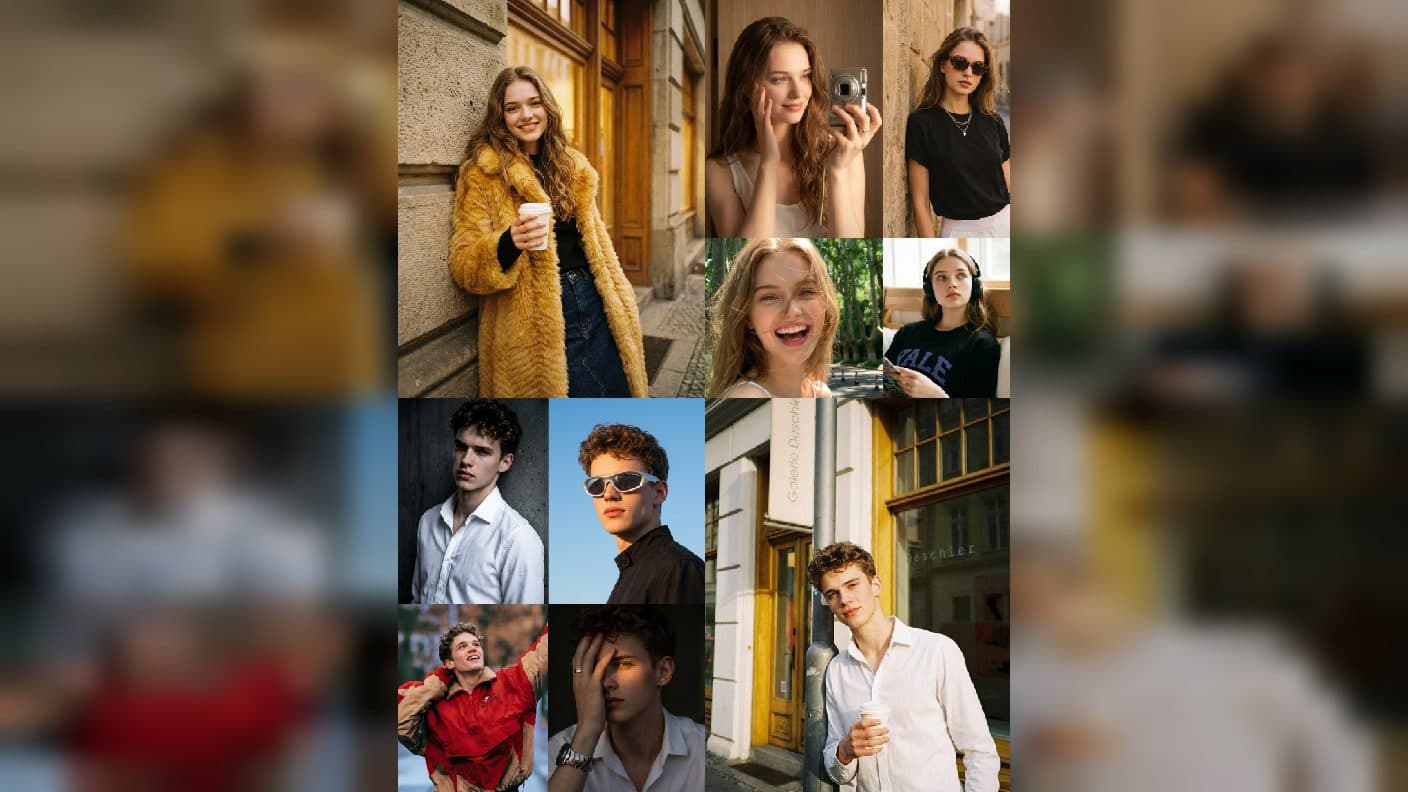
When a first AI video feels different from the idea in your head, a clearer creative decision usually helps more than a longer list of instructions. Whether you are using Minimax H3 or Seedance 2.5 in ArtArch, review what appears on screen and change one visible cause at a time. This method helps beginners keep learning while preserving a promising scene.
Start by naming the exact mismatch
Watch the clip and complete one sentence: "I wanted to see ___, but I saw ___." You may have wanted a slow turn but saw a large gesture. You may have wanted the product label to lead the shot but saw the background first. You may have wanted a calm walk but felt the camera rush.
The sentence turns frustration into a decision. It also keeps you from changing subject, setting, action, camera, and duration all at once. Write the mismatch in ordinary language and keep the next revision close to it.
Fix the most visible cause first
If the action is unclear, make the verb more direct and remove competing actions. If the subject is hard to recognize, simplify the setting or use an image with stronger framing. If the camera distracts from the moment, choose one slower, more purposeful direction. If the ending feels unfinished, describe the final frame you want to hold on.
For example, change "a lively chef prepares a meal while the kitchen transforms" to "the chef places one finished plate on the wooden counter, steam rises, camera slowly moves closer to the plate." The second direction gives the viewer one readable event.
Keep reference changes separate from motion changes
When your source image has the right subject but the wrong composition, make a new still or choose a better reference first. When the reference is strong and only the motion needs work, keep the image and revise the action or camera. Separating those decisions makes the result easier to understand.
Use duration as a diagnostic tool
A compact action that reaches its final frame early may need a quieter closing beat. An action that arrives too late may need a simpler setup or more room. Watch the timing of the important change, then decide whether language or duration is the better lever.
Seedance 2.5 works well as a place to test pacing across a few focused clips. Minimax H3 can help you refine a reference-driven moment. In either workflow, choose a duration because the scene needs it, then adjust only when the visible pacing gives you a reason.
Ask Codex or an agent to organize evidence
After you watch, tell Codex or your creative agent what happened in the opening, middle, and final frames. Ask for a two-line summary: what to preserve and what to change. A useful summary might say, "Keep the warm workshop and chair shape. Slow the move toward the hands and end on the grain." You can turn that into your next prompt without losing the original purpose.
The tool is helping you remember decisions, not deciding what the scene should mean. Your judgement comes from the visible output.
Keep exploring
More in Creative Agent

Designing a Three-Scene AI Character State Machine
three-scene AI character state machine case study with saved ArtArch Studio media, prompt decisions, visible results, and practical production notes.

Extracting First and Last Frames to Plan AI Video Transitions
AI video transitions case study with saved ArtArch Studio media, prompt decisions, visible results, and practical production notes.

Fan-Dance-to-Idle AI Transition With a Clean Endpoint
fan-dance-to-idle AI transition case study with saved ArtArch Studio media, prompt decisions, visible results, and practical production notes.
An Idle-to-Fan-Dance AI Transition With the Prop as the Cue
idle-to-fan-dance AI transition case study with saved ArtArch Studio media, prompt decisions, visible results, and practical production notes.