

ArtArch Newsroom
Creative AgentHow to Make Your First AI Video From One Photo With Minimax H3
Learn a beginner-friendly Minimax H3 workflow for turning one clear photo into a focused AI video with simple motion, duration, and revision choices.
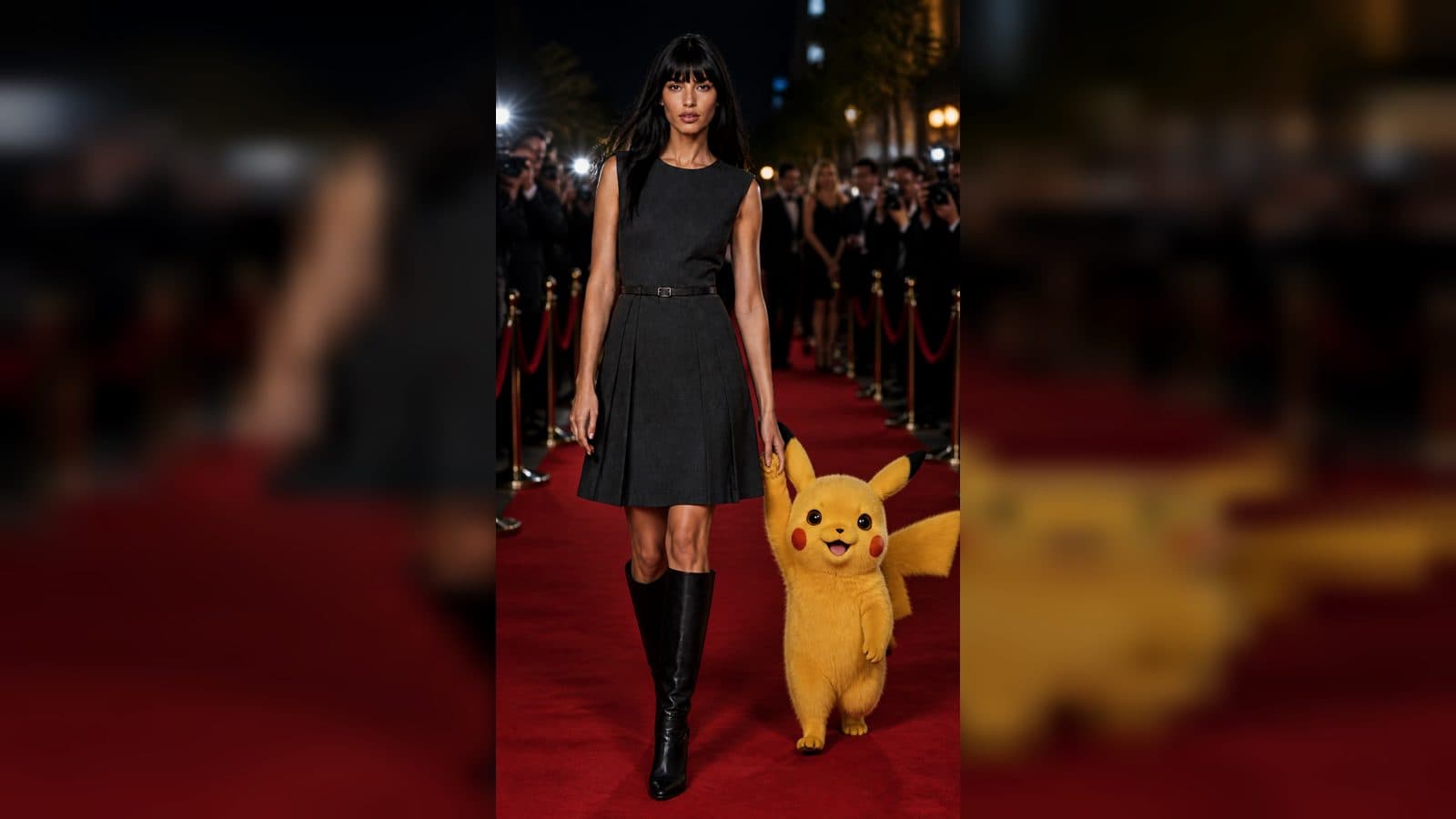
Making a first AI video can begin with one clear photo and a small idea. With a Minimax H3 photo to video workflow in ArtArch, you start from an image and describe the motion you want to see. The result can feel like a short moving moment instead of a complicated production project.
Start with a photo that gives the scene room to move
Choose a photo where the main subject is easy to recognize at a glance. A portrait near a window, a cyclist on a quiet road, or a product on a table all give you a readable starting point. Leave enough space around the subject for a small camera move or background activity. A sharp subject and a simple background make your first decision easier.
Your photo is the visual starting point. The words you write tell the experience what happens next. You are not expected to understand the machinery behind the result. Think of the photo as the opening frame of a tiny scene and your description as direction for the next few moments.
Write one action, one setting detail, and one camera idea
A beginner prompt works best when it has a clear center. Describe what changes, what stays recognizable, and how the viewer should experience the moment. For example:
"A woman in a yellow raincoat turns toward the street as light rain falls, gentle handheld camera move."
That sentence gives the Minimax H3 workflow a subject, an action, a setting detail, and a viewing style. It leaves room for the shot to breathe. A long list of unrelated details can make it harder to decide what the video should emphasize.
Keep the first version small
For a first attempt, ask for one natural action. A person looks up, a paper sign lifts in a breeze, steam rises from a mug, or a camera slowly moves closer to a product. Small actions help you judge whether the subject, mood, and movement match your intention.
Plan the duration around a single moment
Duration is a storytelling choice. A short clip suits a glance, turn, reveal, or gentle camera push. A longer clip gives a simple action more time to settle. Before you create, say the moment out loud in one sentence. If it sounds complete, the duration is probably focused enough for the first version.
You can later build a sequence from several short moments. Beginning with one contained shot lets you learn from the result without losing track of the idea.
Review the visible result before changing anything
Watch your first video for three things: whether the subject stays easy to recognize, whether the movement feels connected to your words, and whether the shot ends where you want it to end. Pick only one adjustment for the next version.
If the camera feeling is right but the action is too quiet, strengthen the action phrase. If the subject looks great but the framing feels static, add a simple camera direction such as "slow push in" or "side tracking view." This kind of focused iteration is more useful than rewriting the entire idea each time.
Three first-project ideas
A cafe owner can turn a still photo of a pastry counter into a calm morning reveal. A traveler can give a sunset portrait a little wind and a slow camera drift. A small shop can animate a hero product photo with a close view and a soft change in light. Each project begins with an image that already has a clear subject and a single visual purpose.
Frequently asked questions
What photo works well for a Minimax H3 photo to video workflow?
Use a clear image with one main subject, readable lighting, and enough space for a small motion or camera move.
What should I put in my first prompt?
Name the subject, one visible action, one setting detail, and a simple viewing idea such as a slow push in.
How should I choose a duration?
Match the duration to one complete moment, such as a look, reveal, turn, or gentle move through the scene.
What should I change after the first result?
Choose one visible priority, such as action strength, framing, or mood, and revise that part of the description.
Try the Minimax H3 workflow in ArtArch and turn one photo into your first moving scene.
Keep exploring
More in Creative Agent

Designing a Three-Scene AI Character State Machine
three-scene AI character state machine case study with saved ArtArch Studio media, prompt decisions, visible results, and practical production notes.

Extracting First and Last Frames to Plan AI Video Transitions
AI video transitions case study with saved ArtArch Studio media, prompt decisions, visible results, and practical production notes.

Fan-Dance-to-Idle AI Transition With a Clean Endpoint
fan-dance-to-idle AI transition case study with saved ArtArch Studio media, prompt decisions, visible results, and practical production notes.
An Idle-to-Fan-Dance AI Transition With the Prop as the Cue
idle-to-fan-dance AI transition case study with saved ArtArch Studio media, prompt decisions, visible results, and practical production notes.