

ArtArch Newsroom
Creative AgentFrom GPT-Image-2 Still to Seedance 2.5 Video for Beginners
Use a GPT-Image-2 still as a deliberate composition, then add focused motion and pacing in a beginner-friendly Seedance 2.5 workflow.
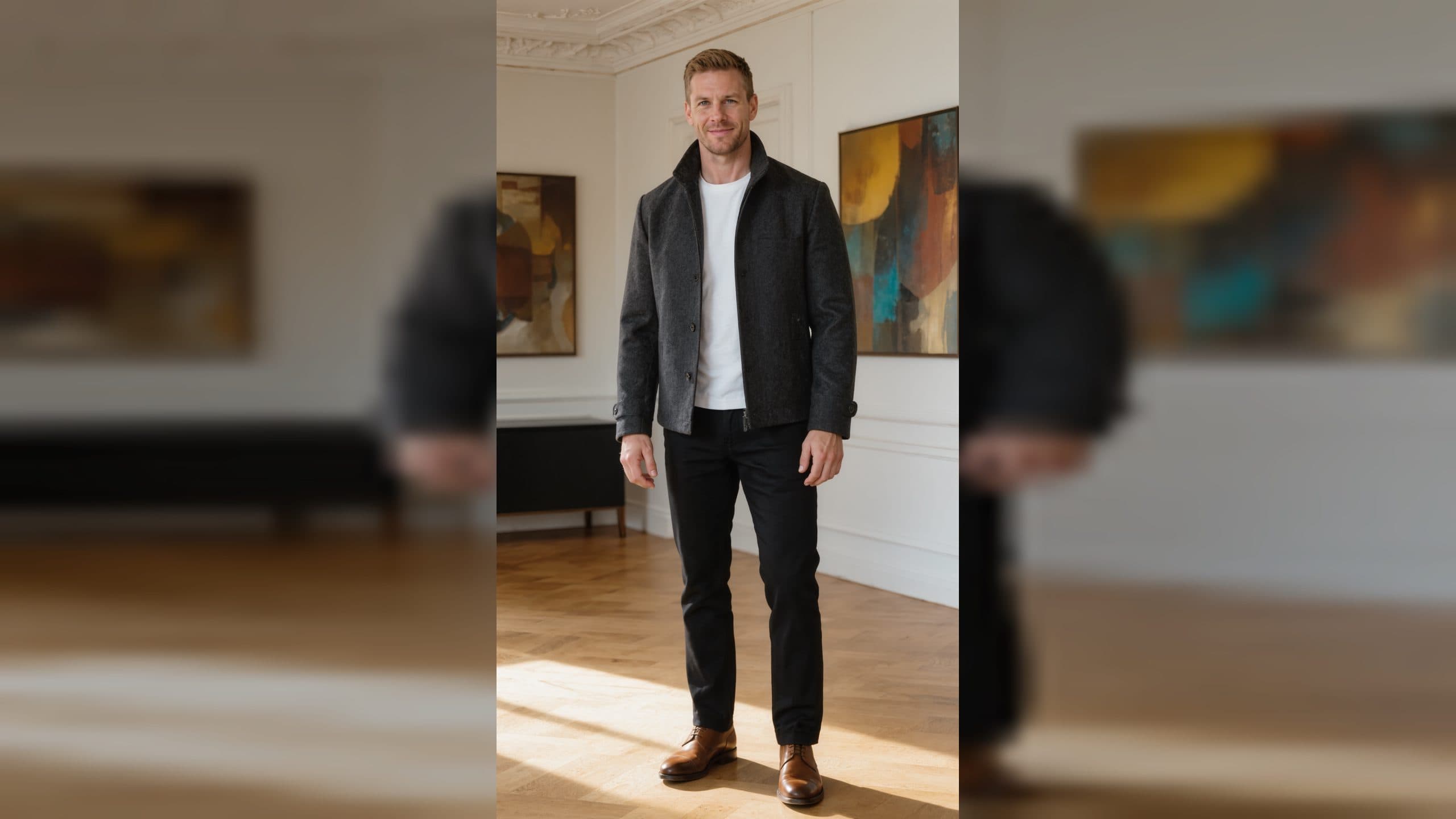
You can begin an AI video with a still image made in GPT-Image-2, then bring that image into a Seedance 2.5 motion workflow in ArtArch. This two-part process is easy to understand: first shape the visible subject and setting, then decide what moves. The still gives you a deliberate composition before you ask for time and motion.
Design the still around the future shot
When you write the GPT-Image-2 description, think about the frame you want to animate. Give the subject a clear place in the composition. Leave useful space around a person, object, or doorway. Choose a background that supports the subject and leaves the main focus easy to see. A street portrait with open space in front of the person can support a gentle turn or a camera move. A product on a clean table can support a reveal through light.
Start with one visible idea. "A red umbrella on a quiet train platform at dawn, soft mist beyond the tracks" gives you a strong still. You can later animate the mist, a small shift of the umbrella, or a slow move toward the subject. The still is successful when you already know what you want viewers to notice.
Move from composition to action
Once the still feels right, describe a next moment that belongs to it. Keep the subject, color, and setting familiar. For the train platform, try: "The person under the red umbrella looks toward the arriving light, mist drifts across the tracks, camera slowly moves closer." The motion extends the image instead of replacing its identity.
Protect the details that matter
Name important anchors in your Seedance 2.5 direction: the red umbrella, the dawn palette, the platform, and the person's position. Then add one action and one camera idea. This makes the relationship between the GPT-Image-2 still and the video easy to review. You can ask whether the video preserved the things you intentionally designed.
Choose duration from the action
A mist change or small head turn can work as a compact clip. An arrival or walking movement needs more room to unfold. Imagine the last frame: perhaps the subject faces the light, the train enters the background, or the camera rests on the umbrella against the pale sky. Choose a duration that allows that frame to arrive naturally.
If you want a broader story, make additional stills for distinct moments. One image can establish the platform, another can show the train door, and a third can close on a hand holding a ticket. Each still gives the next clip a fresh visual anchor while the overall palette keeps the story connected.
Iterate without losing the original idea
Keep the first GPT-Image-2 still next to the Seedance 2.5 result. Note what survived well and what changed. If the composition is strong but the movement is too dramatic, simplify the action. If the motion feels natural but the subject is hard to read, revise the next still with stronger spacing or contrast.
Codex can help turn these observations into a short set of next steps, such as "preserve umbrella position, slow the camera, keep dawn mist." The tool helps organize decisions; your visual comparison decides which version belongs in the project.
Keep exploring
More in Creative Agent

Designing a Three-Scene AI Character State Machine
three-scene AI character state machine case study with saved ArtArch Studio media, prompt decisions, visible results, and practical production notes.

Extracting First and Last Frames to Plan AI Video Transitions
AI video transitions case study with saved ArtArch Studio media, prompt decisions, visible results, and practical production notes.

Fan-Dance-to-Idle AI Transition With a Clean Endpoint
fan-dance-to-idle AI transition case study with saved ArtArch Studio media, prompt decisions, visible results, and practical production notes.
An Idle-to-Fan-Dance AI Transition With the Prop as the Cue
idle-to-fan-dance AI transition case study with saved ArtArch Studio media, prompt decisions, visible results, and practical production notes.