

ArtArch Newsroom
Creative AgentPreparing a Reference Image for a Minimax H3 Video
Prepare a strong Minimax H3 reference image by protecting subject identity, composition, color mood, and natural scene motion.
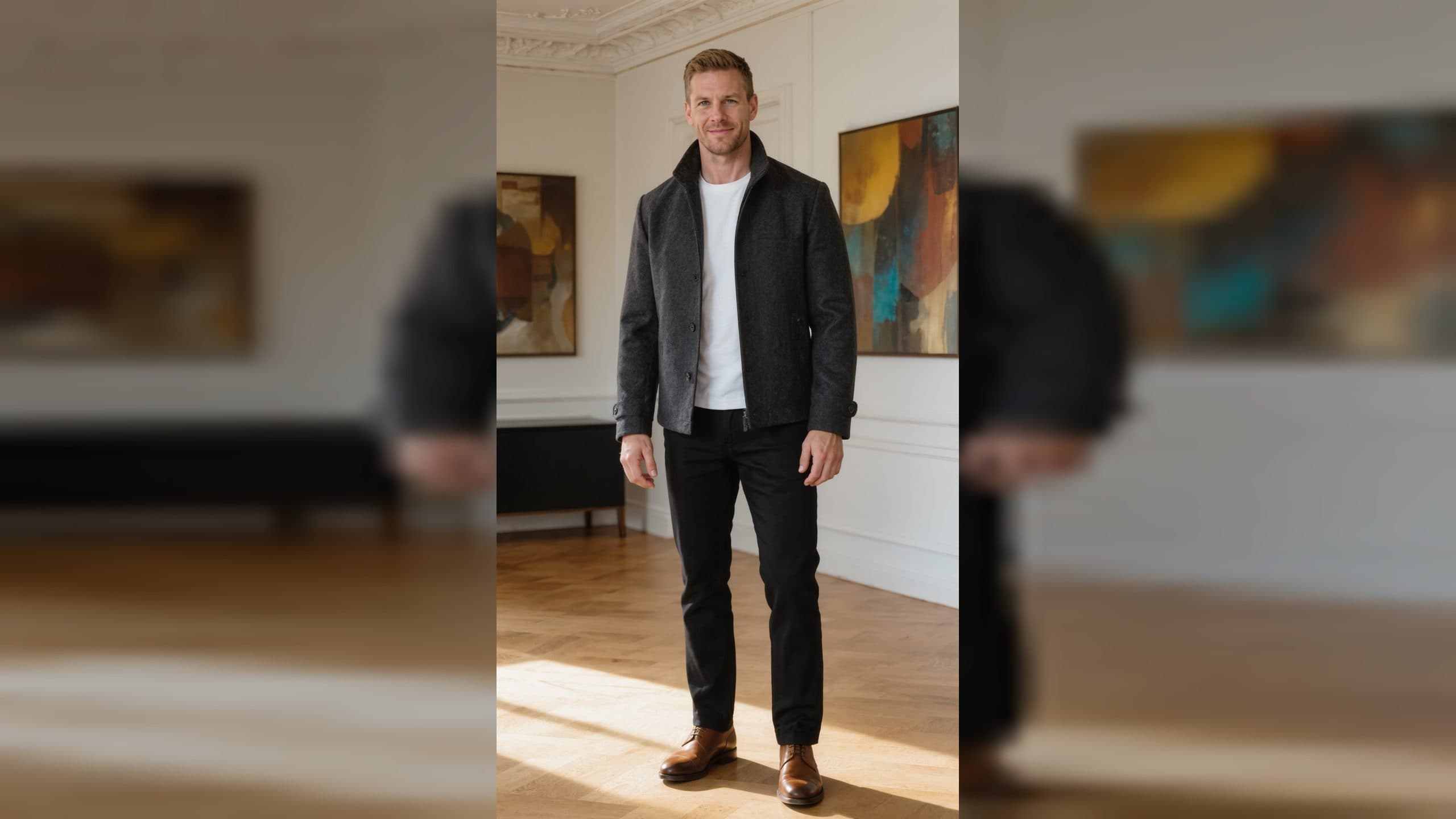
A reference image gives a Minimax H3 video a visible starting point. For a beginner, that is useful because you can decide the character, composition, color mood, and location before motion enters the picture. In ArtArch, a well-chosen reference lets you focus on a smaller creative task: what should happen next in this exact scene?
Choose an image that reads in one second
Open the image at a comfortable size and ask what you notice first. It may be a person's face, a red jacket against snow, a bright product label, or a doorway at the end of a hallway. That first impression should match the subject you want to carry into the video.
An image with one obvious subject is a practical starting point. It helps you describe motion without competing priorities. A portrait can become a slow turn toward the camera. A landscape can become a moving weather moment. A tabletop product shot can become a close reveal with changing light.
Protect the details that make the image yours
Before you write the motion description, name the details you want the viewer to keep seeing. These might include a hairstyle, a patterned coat, the color of a room, the angle of a product, or the soft blue hour lighting in a street scene. Put the most important details into your words in plain language.
For example: "Keep the blue ceramic cup on the wooden table by the window. Steam rises gently while morning light moves across the surface, slow close camera move." This direction keeps the visual identity anchored while adding a natural change.
Use composition as a motion map
Look at the empty areas around the subject. A wide area in front of a walking figure suggests forward movement. Open sky suggests clouds or drifting birds. Foreground plants can support a camera move that passes through leaves. The reference image already contains clues about where motion can live without pulling attention away from the main subject.
Keep the action compatible with the starting frame
The strongest first motion often grows from what is already visible. A person holding an umbrella can take a few steps through rain. A chef beside a pan can lift a spoon as steam rises. A dress on a model can move in a light breeze. This approach makes the video feel like a continuation of the reference, with each new idea arriving naturally in the shot.
If you want to explore a different creative direction, choose a new reference image instead of asking one image to carry several unrelated identities or locations. You will have a clearer basis for comparing your versions.
Pair duration with the image composition
A tight close-up suits a small emotional change and a contained duration. A wider scene supports a move through space, such as a person walking along a shoreline or a camera moving toward a building. Decide what the viewer should notice first and what they should see by the last frame. Then choose a duration that allows that change to happen visibly.
Keep exploring
More in Creative Agent

Designing a Three-Scene AI Character State Machine
three-scene AI character state machine case study with saved ArtArch Studio media, prompt decisions, visible results, and practical production notes.

Extracting First and Last Frames to Plan AI Video Transitions
AI video transitions case study with saved ArtArch Studio media, prompt decisions, visible results, and practical production notes.

Fan-Dance-to-Idle AI Transition With a Clean Endpoint
fan-dance-to-idle AI transition case study with saved ArtArch Studio media, prompt decisions, visible results, and practical production notes.
An Idle-to-Fan-Dance AI Transition With the Prop as the Cue
idle-to-fan-dance AI transition case study with saved ArtArch Studio media, prompt decisions, visible results, and practical production notes.