

ArtArch Newsroom
Creative AgentGPT Image 2 to Seedance: Turn a Finished Still Into a Short Video
Turn an approved GPT Image 2 still into a focused Seedance video with one visible action, one camera move, and a clean handoff.
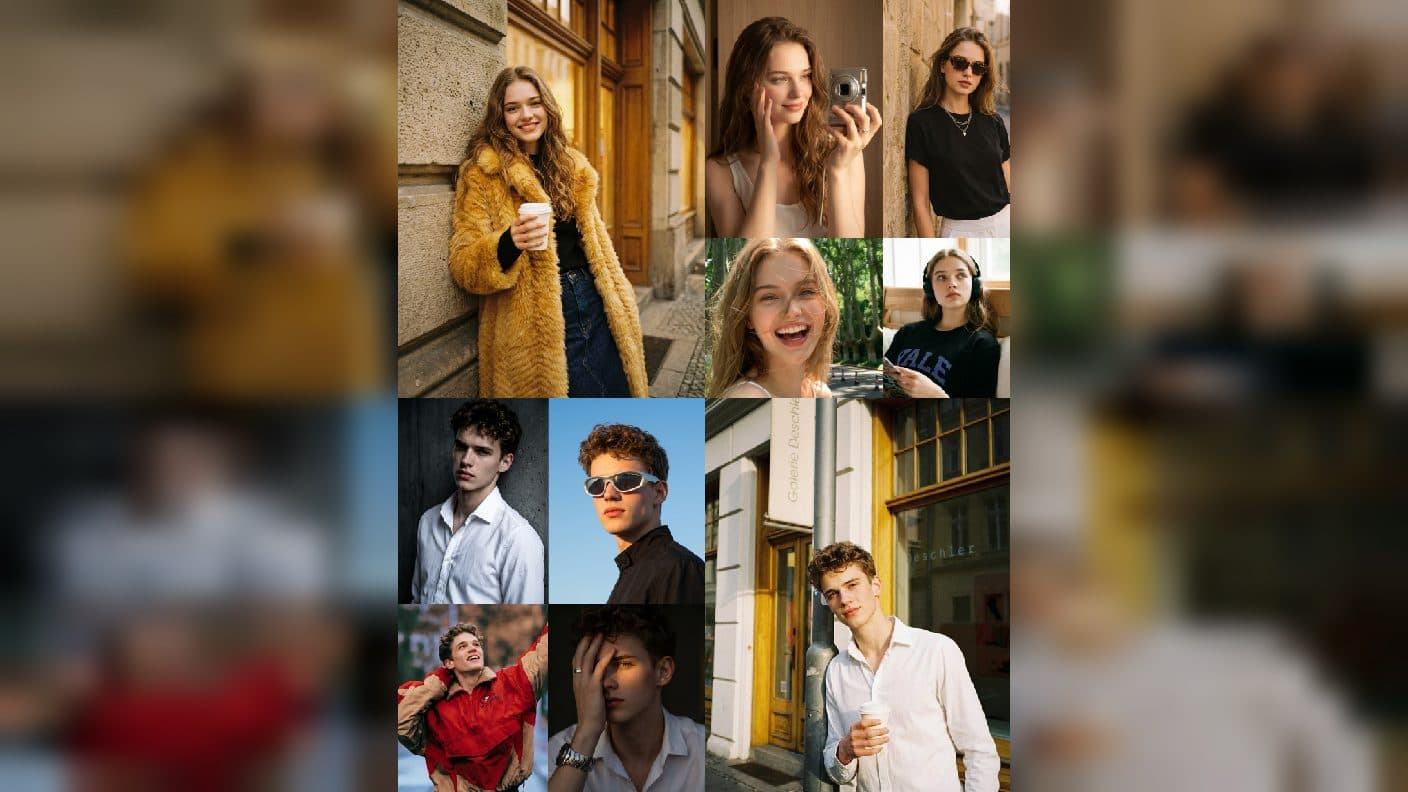
The cleanest beginner path to AI video often starts with one finished still. GPT Image 2 helps you establish the subject and composition; Seedance adds a focused action and camera move. Thinking in this order makes the result easier to understand because the opening image already answers who, where, and what viewers should notice.
Finish the still first
Create a GPT Image 2 image with a clear subject, readable setting, and intentional empty space for movement. Inspect identity, hands, product edges, and background text. Keep the original PNG as the master and mark the approved version in your ArtArch canvas. A compressed preview is useful for browsing, but the master is the downstream reference.
Write a motion brief
Describe one action and one camera idea. Examples include a cyclist lifting a helmet while the camera moves closer, or a cup steaming as sunlight crosses the table. State what remains stable: subject identity, object shape, and key composition. Avoid asking for multiple events in one short shot. A single beat gives Seedance a clear target.
Review the first motion result
Watch for continuity rather than spectacle. Does the subject begin where the still placed it? Does the camera move in the intended direction? Do hands and small objects remain understandable? Record one correction and run the next revision from the approved still, not from a degraded screenshot of the video.
Keep the handoff traceable
ArtArch agent workflows can keep the still, motion brief, and video result together. Name the source image and the intended shot in your notes. If you build multiple shots, use one camera idea and one visible beat per shot. Shared horizon lines, costume details, and prop positions help the sequence read as one piece.
Beginner projects
Animate a portrait with a glance and a soft camera push, introduce a product with a hand entering the frame, or turn a landscape still into a slow reveal. These projects are small enough to inspect and useful enough to share as a first experiment. Keep a short before-and-after note so the next shot starts from evidence.
When the motion feels disconnected, return to the still before rewriting everything. Check whether the opening pose supports the action, whether the camera has room to travel, and whether the key prop is visible. A stronger opening image often solves a later motion problem more directly than adding extra instructions.
Frequently asked questions
Do I need a video idea before making the still?
Know the intended movement so the still leaves room for it, but finish the visible composition before adding motion.
How many actions should one shot contain?
Start with one clear action and one camera move. Add complexity only after continuity is stable.
What if the video changes the subject?
Return to the approved PNG, restate the identity details, and simplify the motion brief.
Keep exploring
More in Creative Agent

Designing a Three-Scene AI Character State Machine
three-scene AI character state machine case study with saved ArtArch Studio media, prompt decisions, visible results, and practical production notes.

Extracting First and Last Frames to Plan AI Video Transitions
AI video transitions case study with saved ArtArch Studio media, prompt decisions, visible results, and practical production notes.

Fan-Dance-to-Idle AI Transition With a Clean Endpoint
fan-dance-to-idle AI transition case study with saved ArtArch Studio media, prompt decisions, visible results, and practical production notes.
An Idle-to-Fan-Dance AI Transition With the Prop as the Cue
idle-to-fan-dance AI transition case study with saved ArtArch Studio media, prompt decisions, visible results, and practical production notes.