

ArtArch Newsroom
Creative AgentSimple Camera Motion Ideas for Seedance 2.5 Beginners
Learn simple Seedance 2.5 camera motion ideas, from slow push-ins to gentle pans, with practical duration and review guidance.
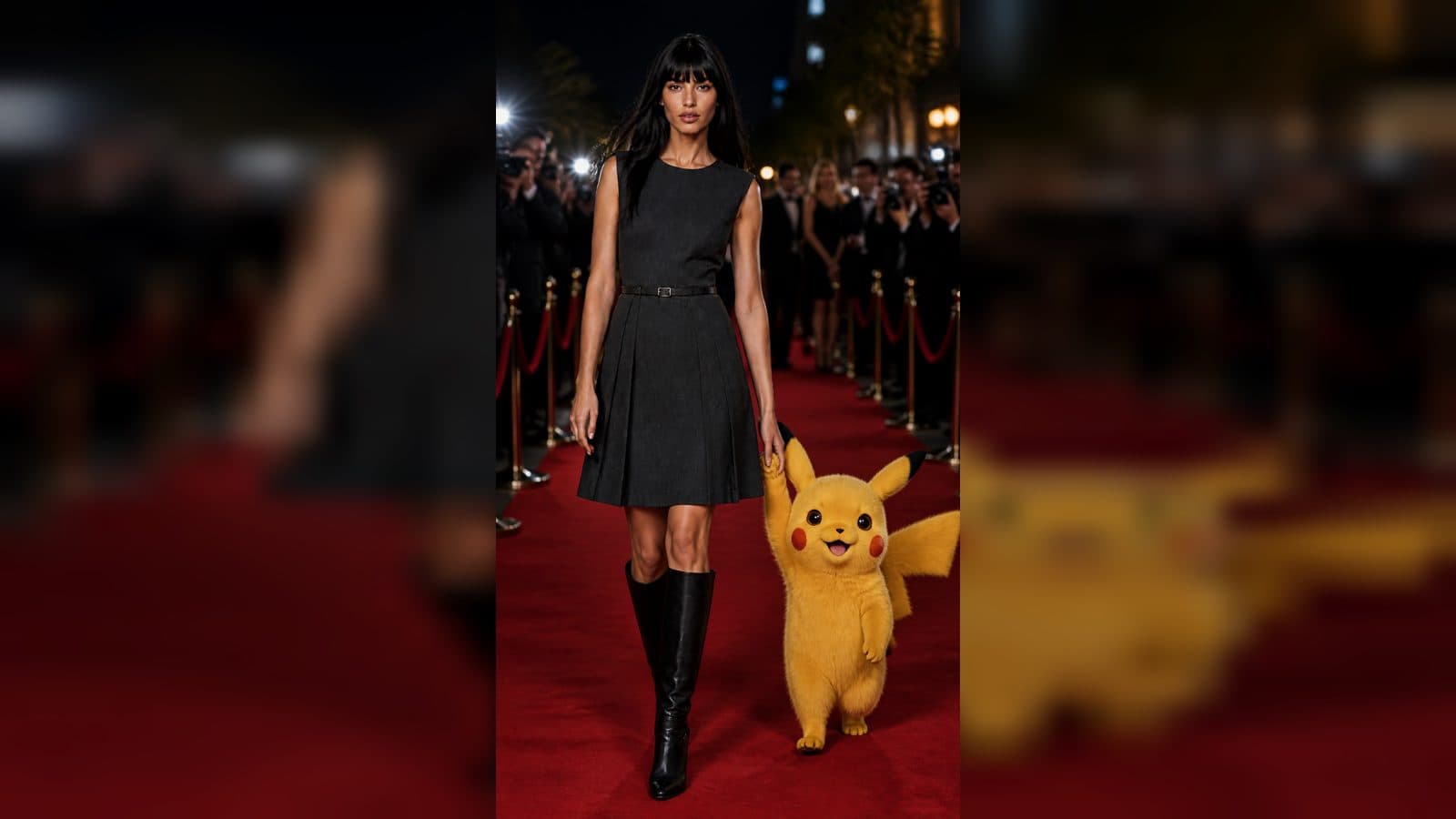
Camera motion gives a Seedance 2.5 video a point of view. You do not need film-school vocabulary to use it well. In ArtArch, begin by asking a simple question: should the viewer move closer, look across the scene, or travel alongside the subject? One answer is enough to guide a first version.
Start with the feeling you want the viewer to have
A slow push in brings attention to a face, a product label, or a detail at the center of a room. A gentle pan lets the viewer discover a setting from left to right. A side tracking move can make a walking person, moving bicycle, or long table feel more alive in its space. Each move changes how a scene is read.
Choose camera motion after choosing the main subject. If a portrait is about a quiet expression, a slow push in makes sense. If the point is a garden full of color, a pan may reveal the scale of the place. If a runner is moving through a city, a side move can follow the action. The camera should serve what the viewer is meant to notice.
Write camera motion in ordinary language
Your description can be direct. Add phrases such as "camera slowly moves closer," "gentle pan across the room," or "camera follows beside her." Place the camera phrase after the action so the result has a clear order: first the scene, then what changes, then how the viewer sees it.
For example: "A florist wraps a bouquet at a wooden counter as petals shift in the breeze, camera slowly moves closer to her hands." The scene has one subject, one action, and one focused viewing choice.
Keep the move connected to the scene
The best camera direction has a reason to exist. Move closer to show a texture, expression, or small reveal. Move across a space to introduce objects that matter to the scene. Follow a person when their direction is part of the story. This makes your Seedance 2.5 result easier to review because you can ask whether the camera achieved its purpose.
Pair camera motion with a suitable duration
Give a camera move enough room to begin and settle. A close push can work as a compact moment when it ends on the detail you want viewers to remember. A wider travel across a room needs more time so the viewer can understand where it started and where it arrived.
Visualize the first and last frames before creating. In a product clip, the first frame may show the whole object and the last frame may rest on a distinctive surface. In a travel clip, the first frame may show the person on a path and the last may open onto a valley. Duration gives the move a destination.
Improve camera motion through one comparison
Watch your result once for the subject and once for the camera. On the first viewing, ask whether the main action is easy to understand. On the second, ask whether the camera helped it. If the camera distracts from the action, make the next direction simpler. If the frame feels still, give the camera one clear job such as moving closer to the most important feature.
Keep exploring
More in Creative Agent

Designing a Three-Scene AI Character State Machine
three-scene AI character state machine case study with saved ArtArch Studio media, prompt decisions, visible results, and practical production notes.

Extracting First and Last Frames to Plan AI Video Transitions
AI video transitions case study with saved ArtArch Studio media, prompt decisions, visible results, and practical production notes.

Fan-Dance-to-Idle AI Transition With a Clean Endpoint
fan-dance-to-idle AI transition case study with saved ArtArch Studio media, prompt decisions, visible results, and practical production notes.
An Idle-to-Fan-Dance AI Transition With the Prop as the Cue
idle-to-fan-dance AI transition case study with saved ArtArch Studio media, prompt decisions, visible results, and practical production notes.