

ArtArch Newsroom
Creative AgentGPT Image 2 Photo to Storyboard: Find a Story Inside One Picture
Expand one source photo into a clear three-beat storyboard with GPT Image 2 while protecting the subject and visual continuity.
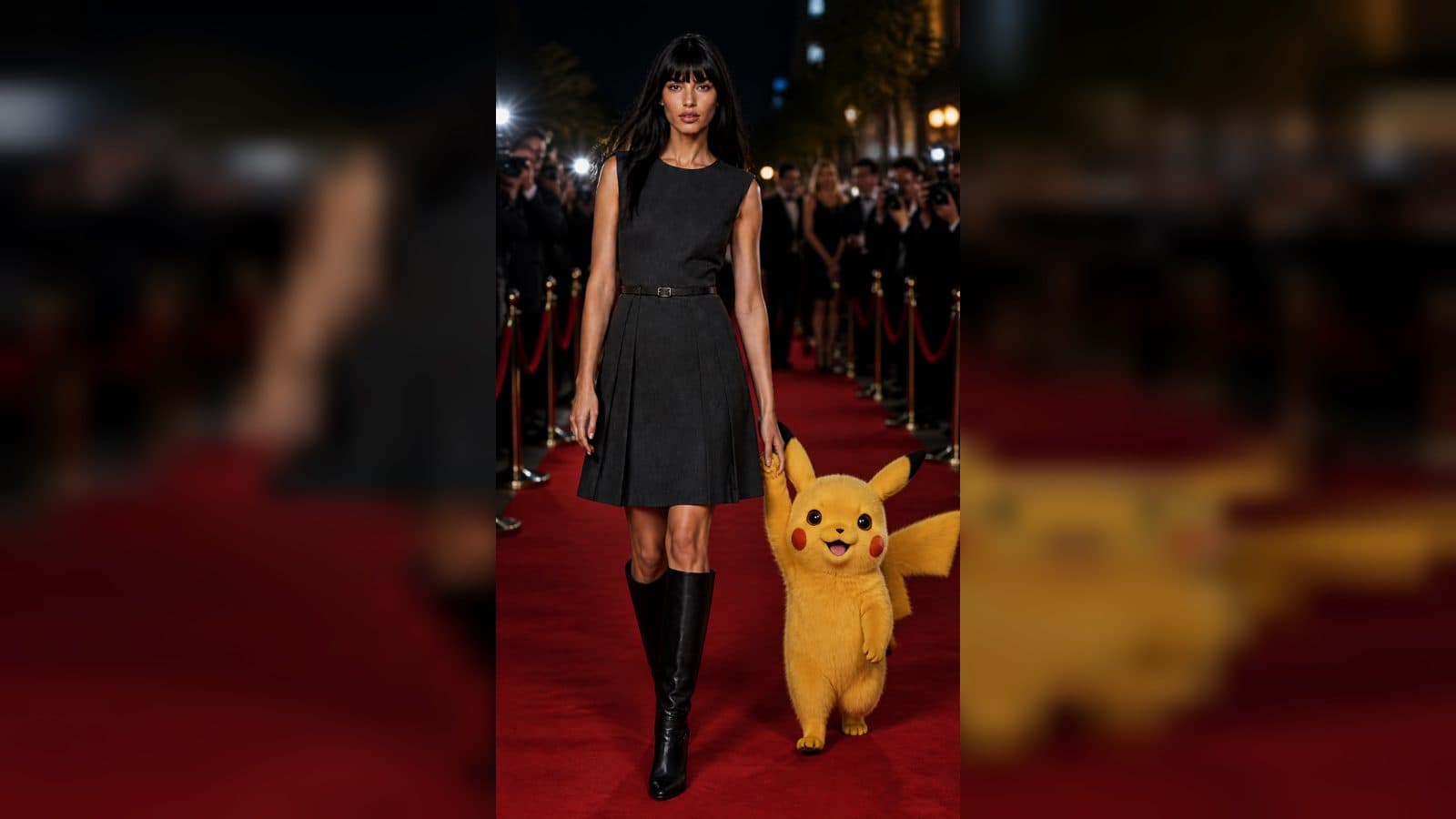
One photo can contain the seed of a short story. GPT Image 2 helps beginners expand that seed into a few storyboard frames while keeping the original subject as the anchor. The useful question is not "What effects can I add?" but "What happens before and after this moment?" Plan the answer in an ArtArch canvas before adding motion.
Read the source photo
Identify the subject, setting, direction of attention, and visible action. A person looking out a window suggests a reveal; a packed suitcase suggests departure; a product on a table suggests preparation. Write these observations down. They become the continuity rules for the new frames.
Add one beat at a time
Create a beginning, middle, and end. The beginning establishes place, the middle introduces a clear action, and the end shows a reaction or resolved state. Keep the subject's identity, clothing, and main object stable. Change the camera distance or time of day only when it supports the beat you are adding.
Make the sheet readable
Arrange frames left to right and caption the change below each one. Use short notes such as "door opens" or "light reaches the table." Avoid captions that describe invisible technical steps. A beginner should be able to understand the story by scanning the sheet without reading your prompt.
Protect the original reference
Keep the source PNG untouched and create review copies separately. If a cleanup pass is useful, preserve the subject, composition, pose, palette, style, and camera while removing only noise or distracting texture. Compare the cleaned image with the original before approval. Once the anchor is trusted, use it to guide the rest of the sheet.
Hand off to Seedance
Pick the frame that best introduces the story. Describe one visible motion and one camera move, such as a slow push toward the window as the subject turns. Keep the surrounding details consistent with the sheet. This gives the video a clear purpose and makes changes easier to evaluate.
Beginner scenes
Turn a travel snapshot into a three-beat arrival story, a food photo into a preparation-to-serving sequence, or a workshop image into a making process. The source photo supplies authenticity while the generated frames supply narrative structure.
Keep the first sheet private while you review it. A quiet review makes it easier to remove a frame that repeats the same beat or introduces a distracting new subject.
Frequently asked questions
Is one photo enough?
Yes. One clear photo can supply the subject, setting, and first story beat for a short three-panel plan.
How much should change between frames?
Change one meaningful action or camera relationship per frame. Keep identity and key objects stable.
Which frame should lead a video?
Use the frame that establishes the subject and leaves enough visual space for the planned motion.
Keep exploring
More in Creative Agent

Designing a Three-Scene AI Character State Machine
three-scene AI character state machine case study with saved ArtArch Studio media, prompt decisions, visible results, and practical production notes.

Extracting First and Last Frames to Plan AI Video Transitions
AI video transitions case study with saved ArtArch Studio media, prompt decisions, visible results, and practical production notes.

Fan-Dance-to-Idle AI Transition With a Clean Endpoint
fan-dance-to-idle AI transition case study with saved ArtArch Studio media, prompt decisions, visible results, and practical production notes.
An Idle-to-Fan-Dance AI Transition With the Prop as the Cue
idle-to-fan-dance AI transition case study with saved ArtArch Studio media, prompt decisions, visible results, and practical production notes.