

Creative Agent
GPT Image 2 and UI Truth: Create Visuals Without Inventing the Interface
Use GPT Image 2 for creative scenes while keeping real interface labels, controls, and screenshots accurate and reviewable.
3 min read
ArtArch Newsroom
Use GPT Image 2 for creative scenes while keeping real interface labels, controls, and screenshots accurate and reviewable.
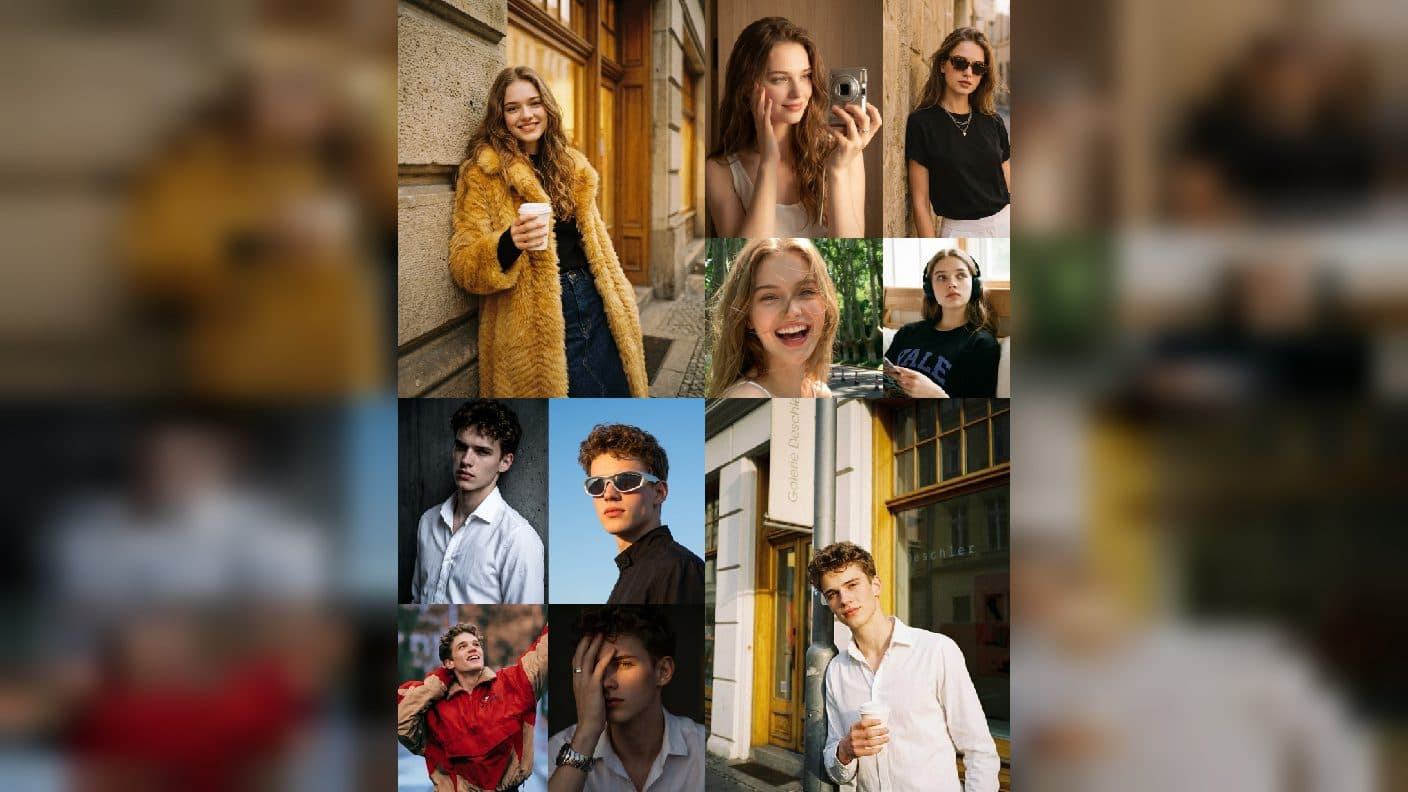
Edit a portrait with GPT Image 2 while protecting identity, pose, composition, and camera through narrow, reviewable changes.
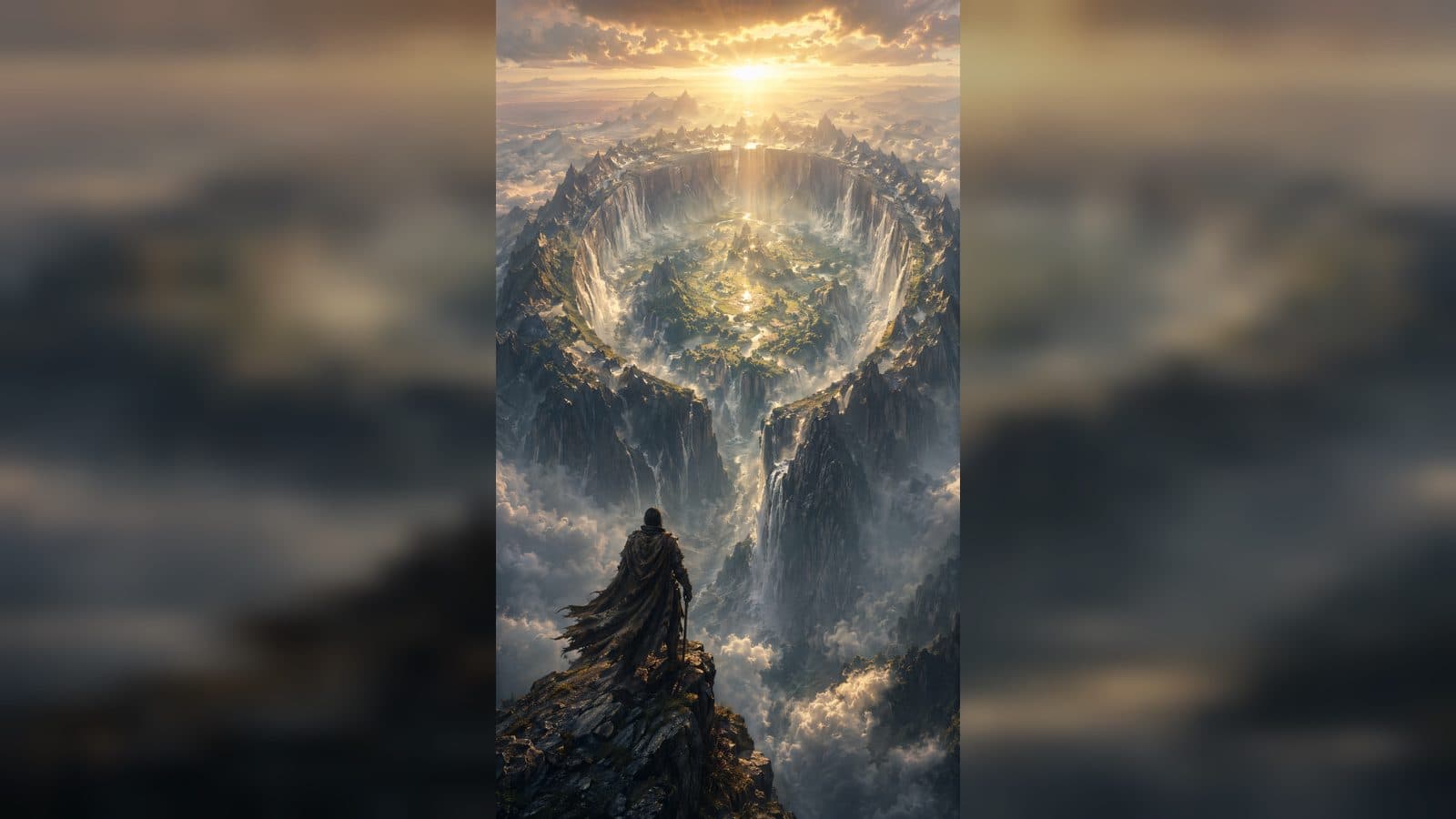
Keep GPT Image 2 references trustworthy with a clean PNG master, preservation-first edits, and an approval trail for video work.
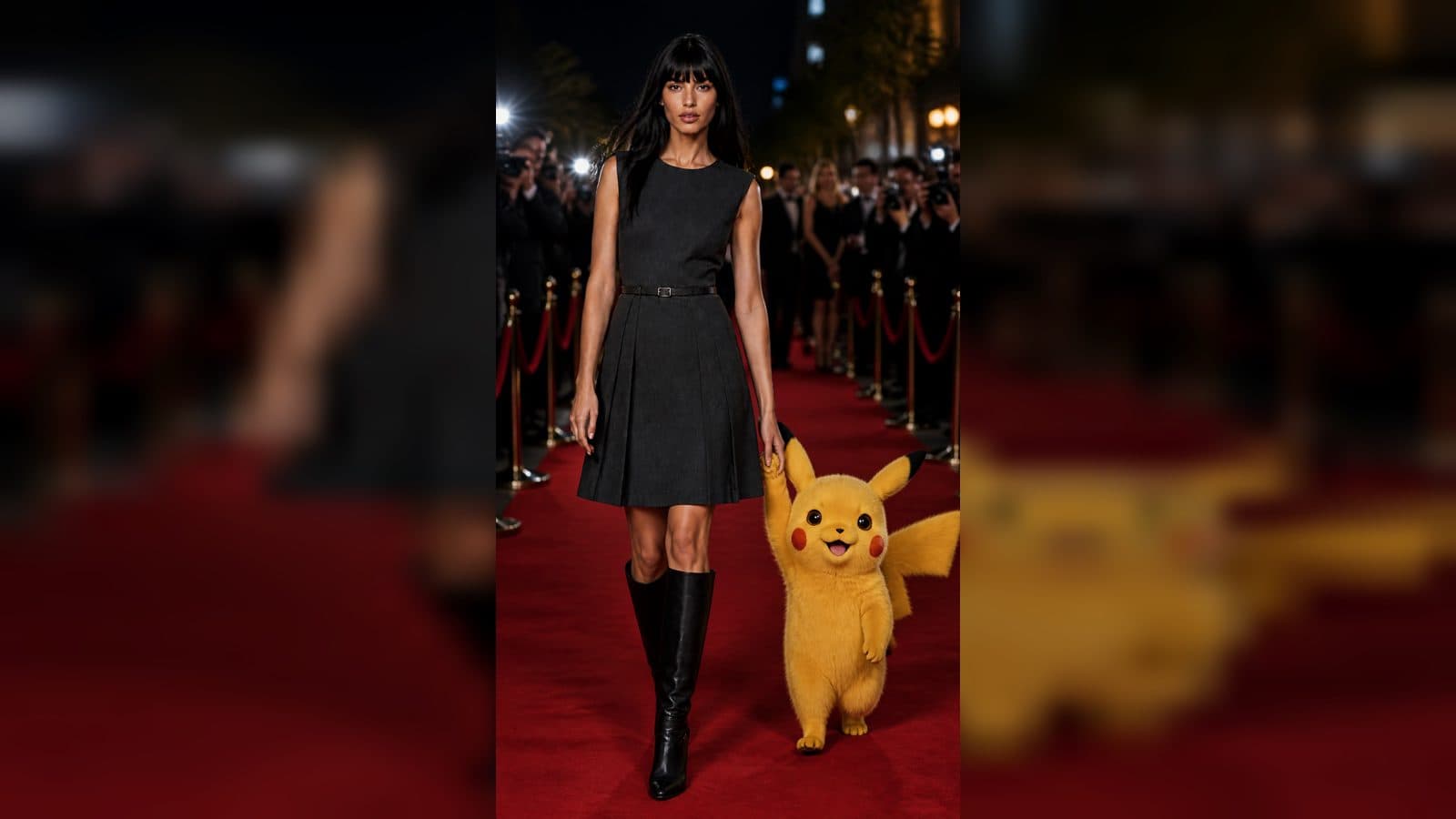
Build a beginner storyboard sheet with GPT Image 2 using one beat per panel, visible continuity, and a clear Seedance handoff.

Learn a simple GPT Image 2 prompt pattern for describing subject, setting, camera, identity details, and a useful creative output.
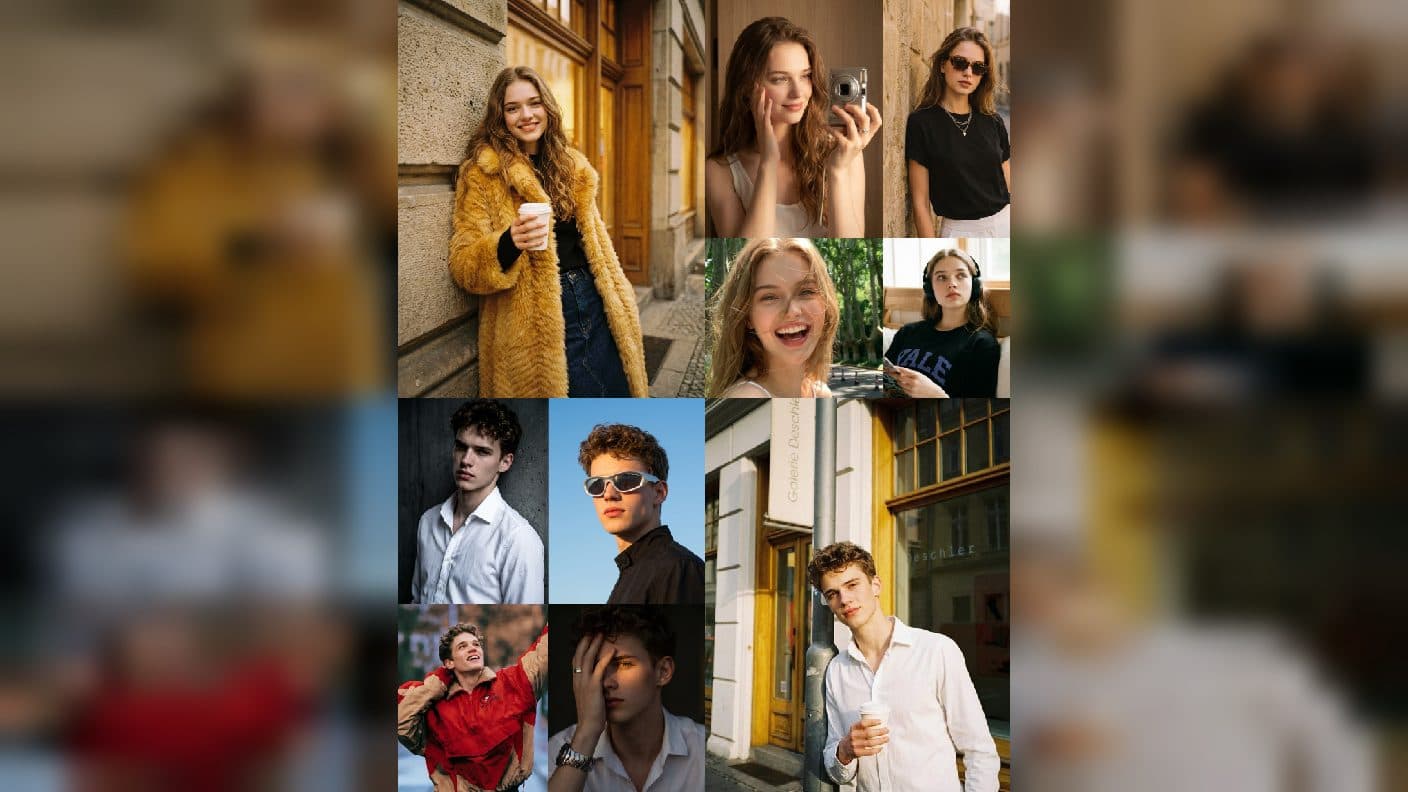
Start a first AI image project with GPT Image 2 by writing a focused brief, reviewing a clean reference, and planning a useful result.
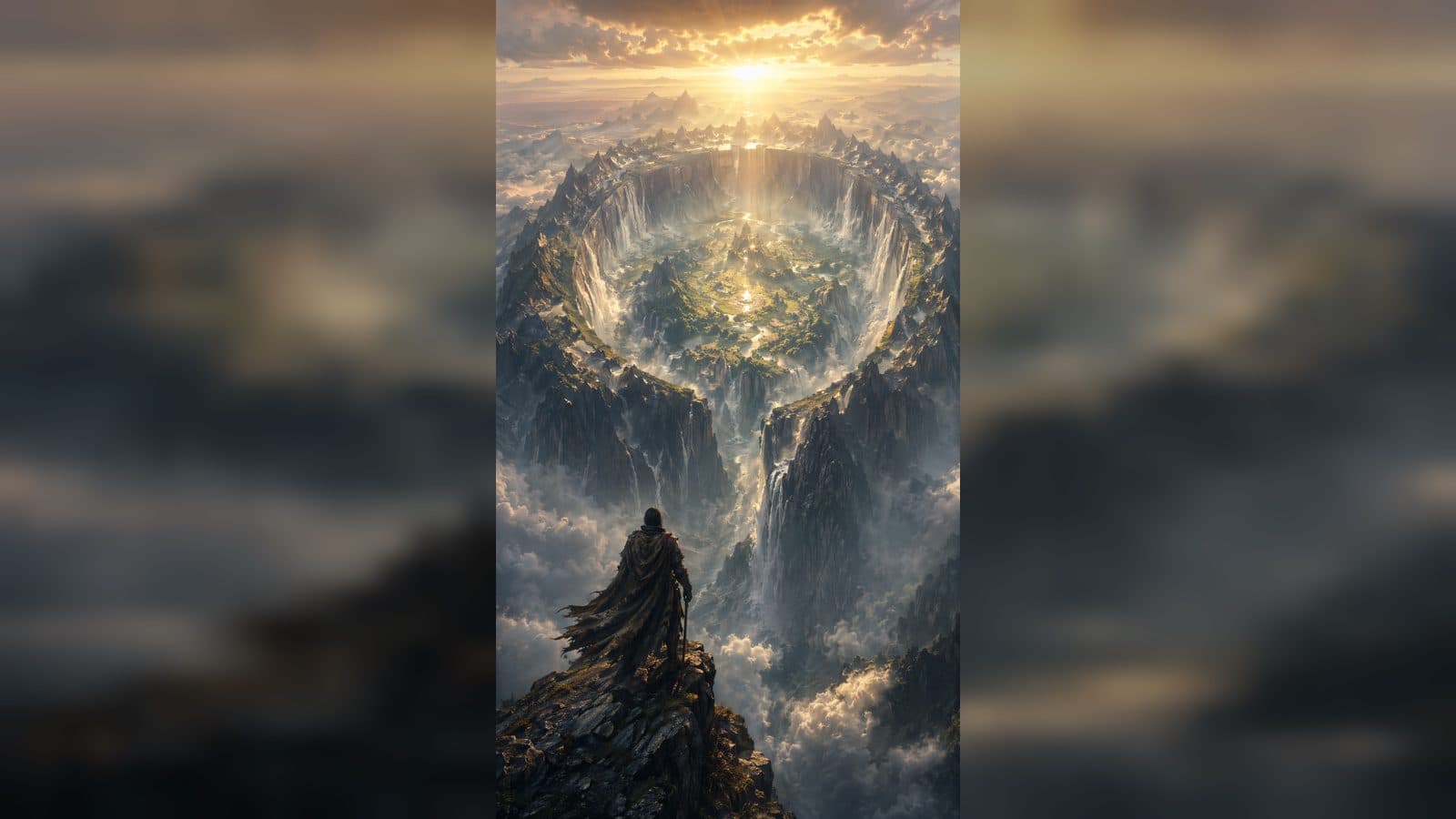
Build a simple weekly creative routine using Codex, a clear brief, and an ArtArch CLI project canvas.
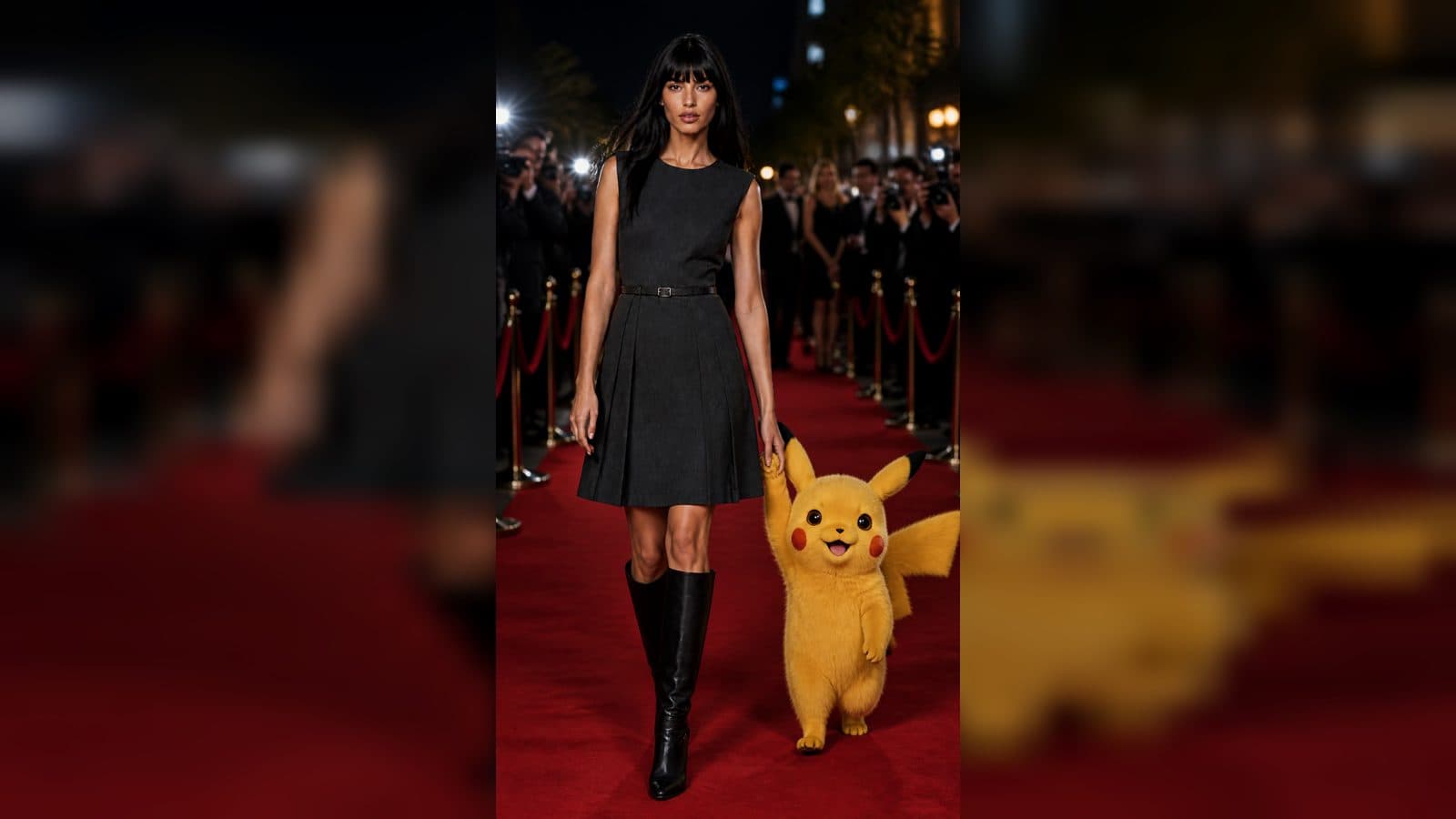
Turn a GPT-image-2 concept into a stable AI video reference with a preservation-first cleaning and review workflow.
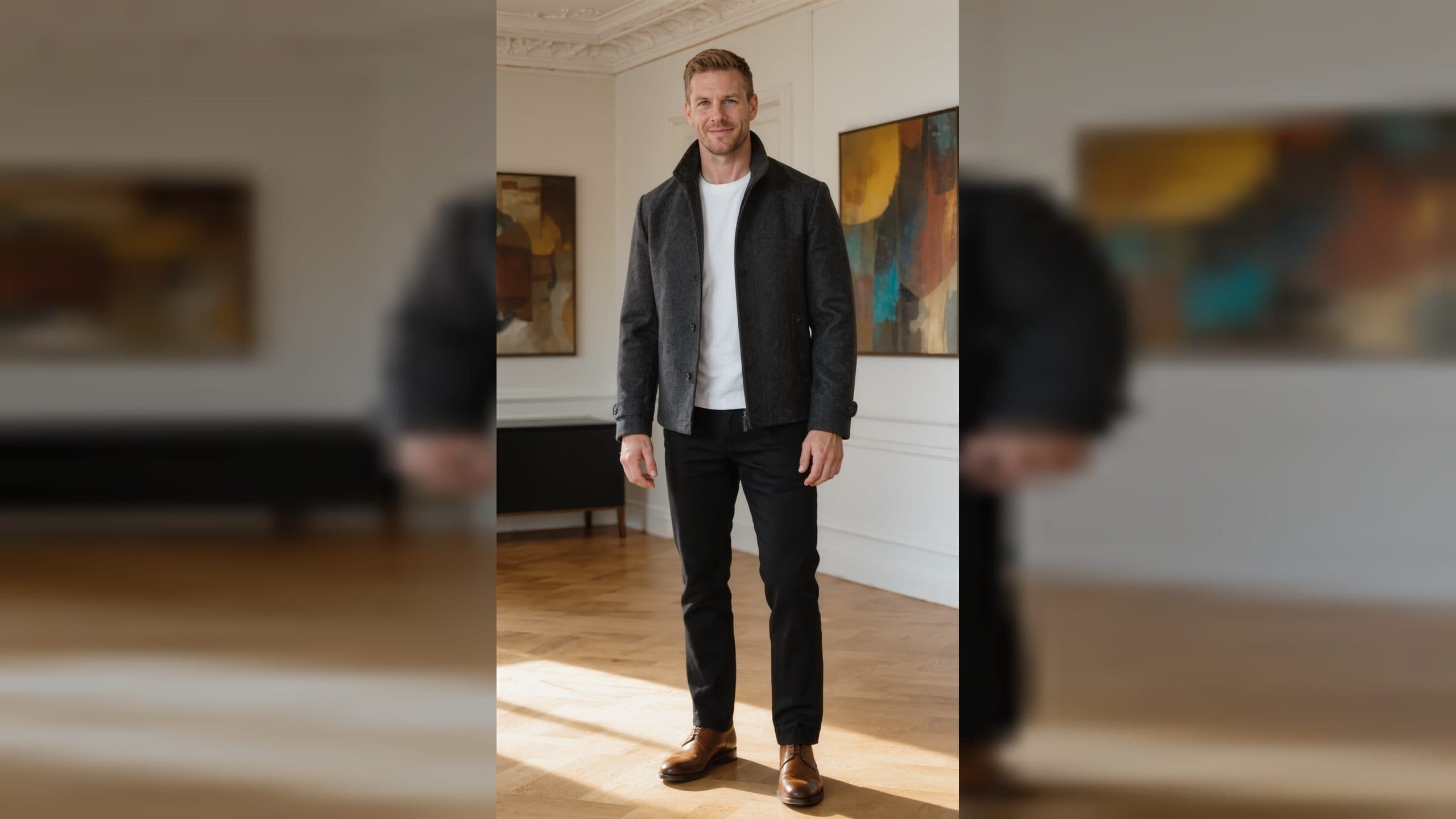
Use clear preserve-and-change feedback to revise an ArtArch creative project with Codex as a beginner.

Create a simple three-to-five moment AI video storyboard and prepare it with an ArtArch-enabled creative agent.
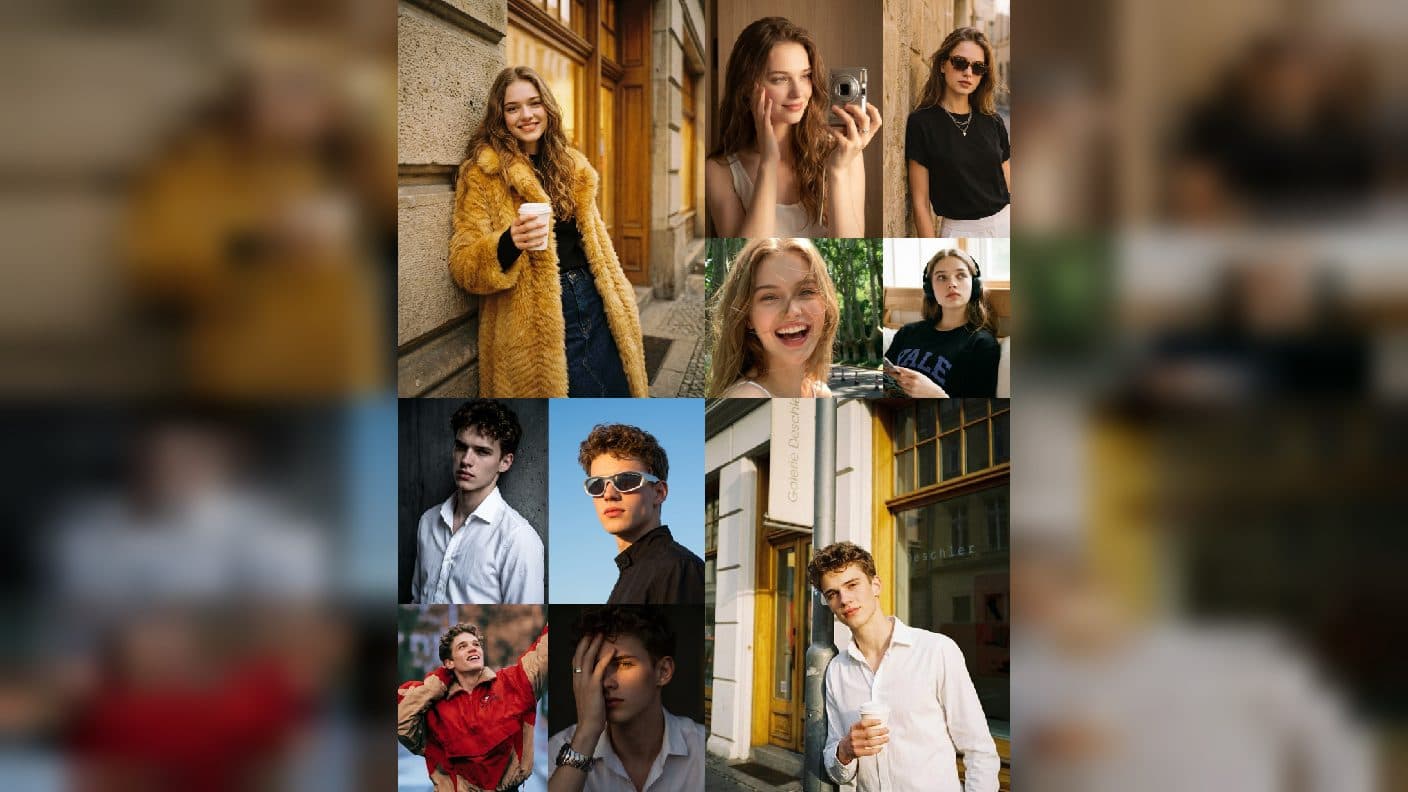
Learn how to discuss Minimax H3, Seedance 2.5, or GPT-image-2 with an ArtArch agent without losing sight of the creative outcome.
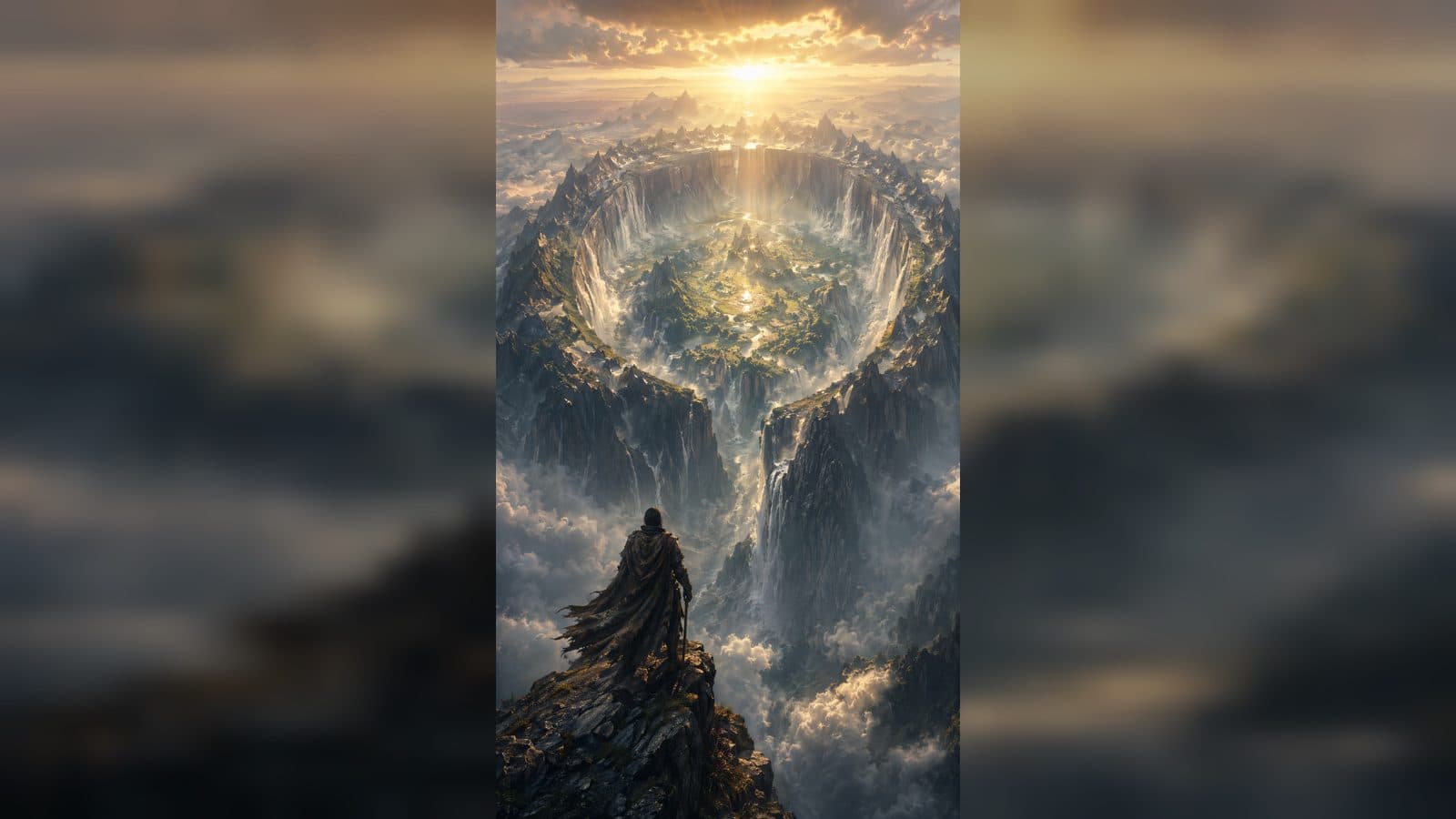
Understand ArtArch project canvases and learn how an AI agent can keep your first creative workflow organized.
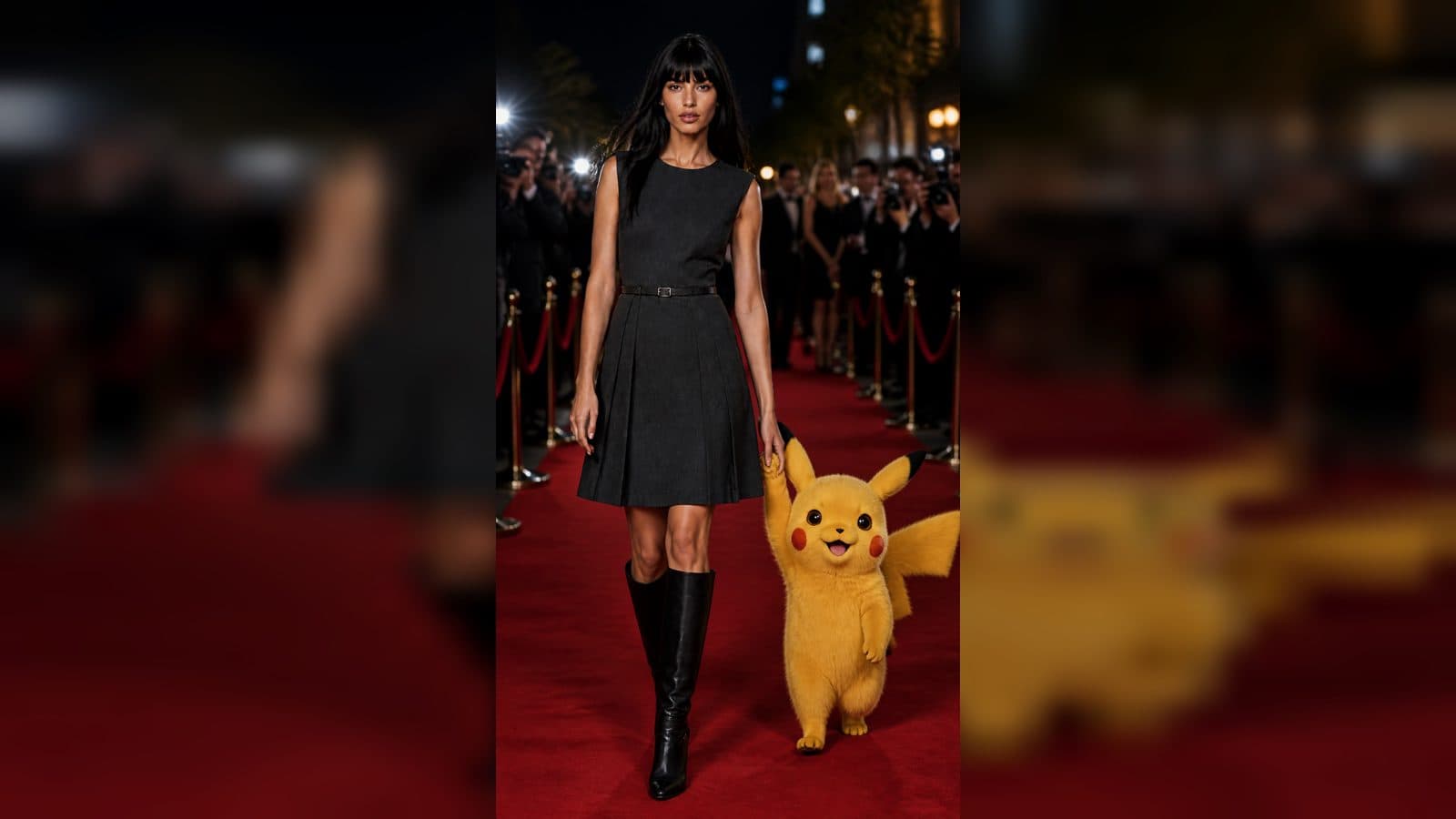
Use a five-part AI agent creative brief to turn an unclear idea into a focused, reviewable ArtArch project request.
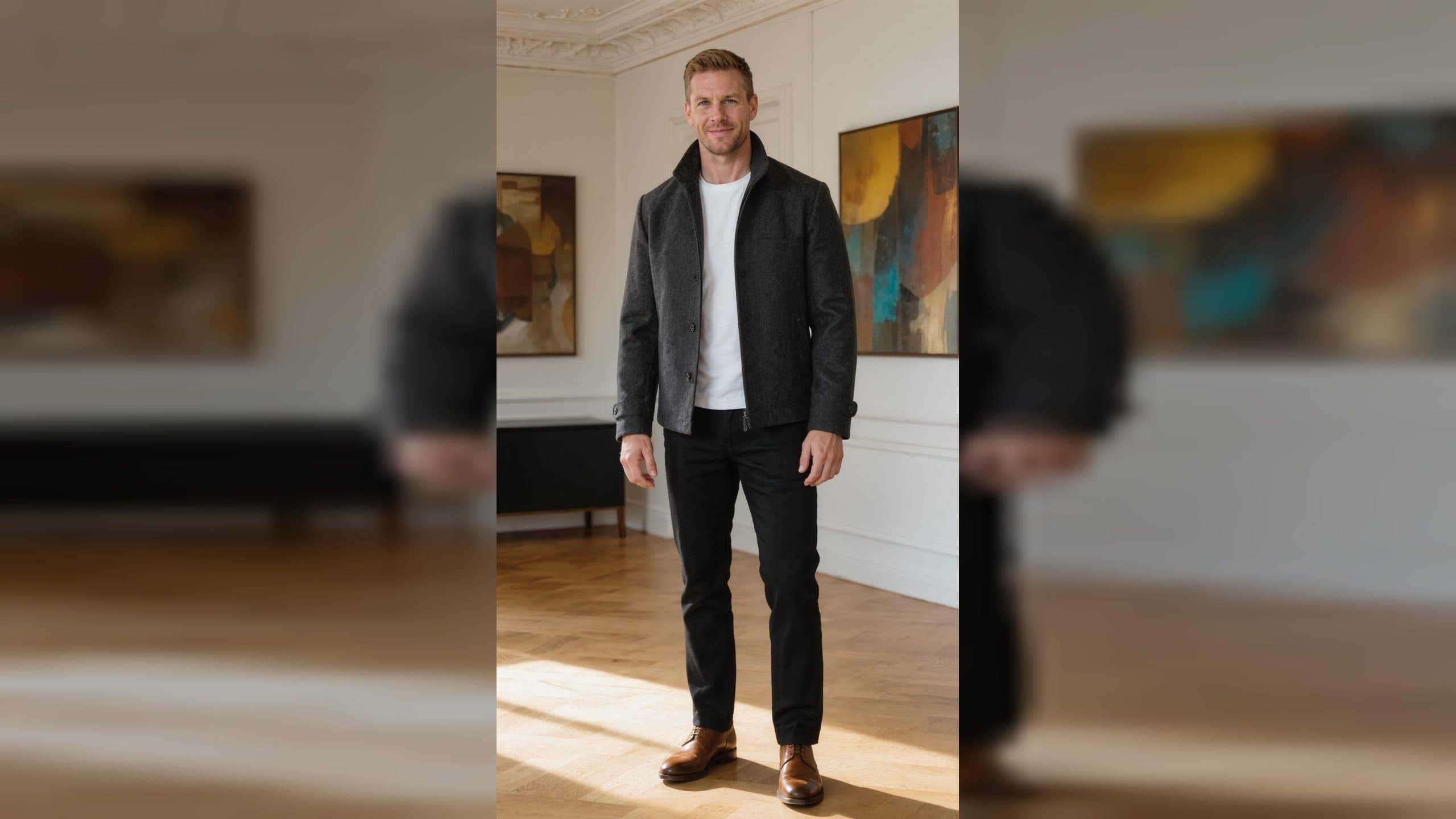
Learn how to clean a GPT-image-2 concept while preserving its identity, composition, camera, pose, palette, and style.

Turn one clear scene into a Seedance 2.5 video plan with an AI agent, practical references, and a focused review process.
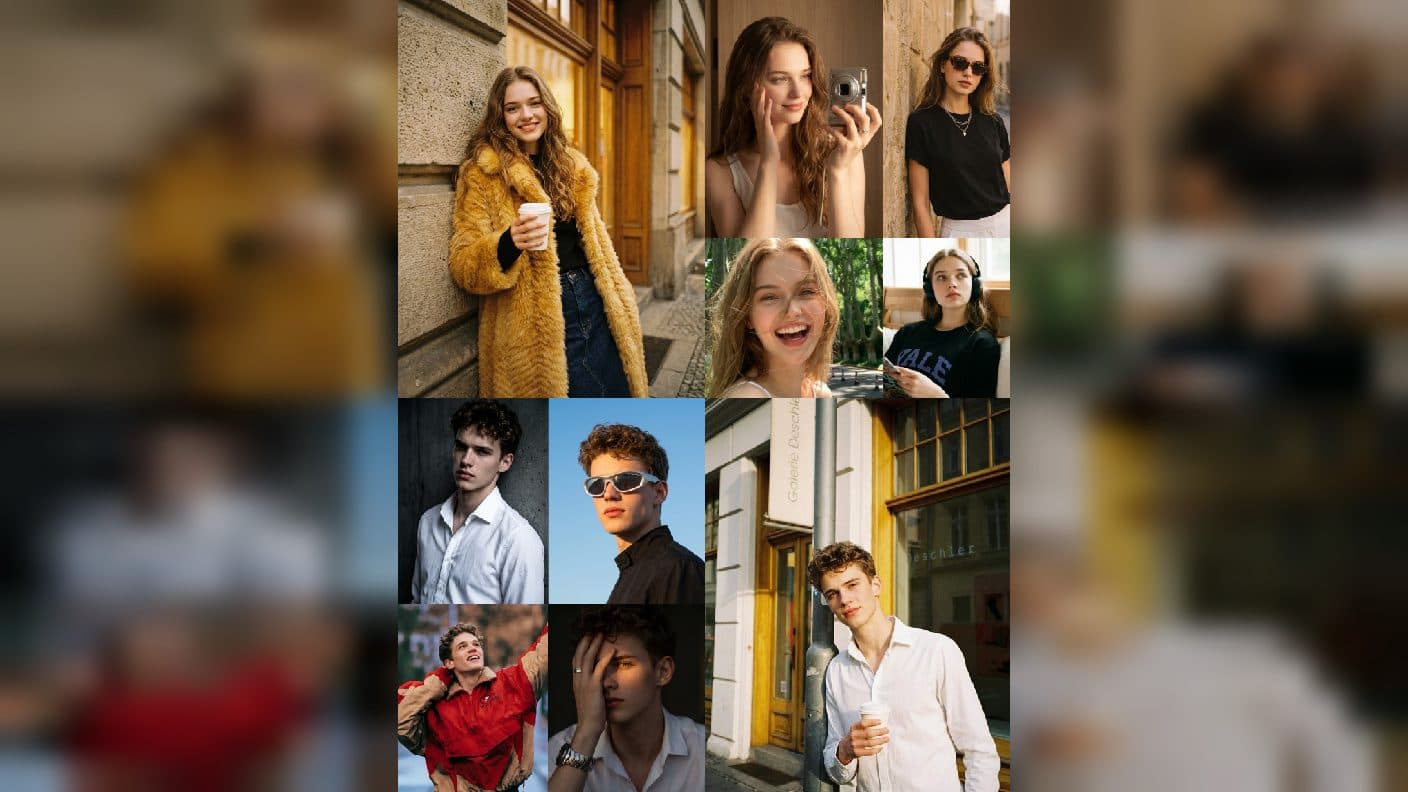
Write an outcome-first Minimax H3 creative brief and use an AI agent to plan a focused ArtArch project.
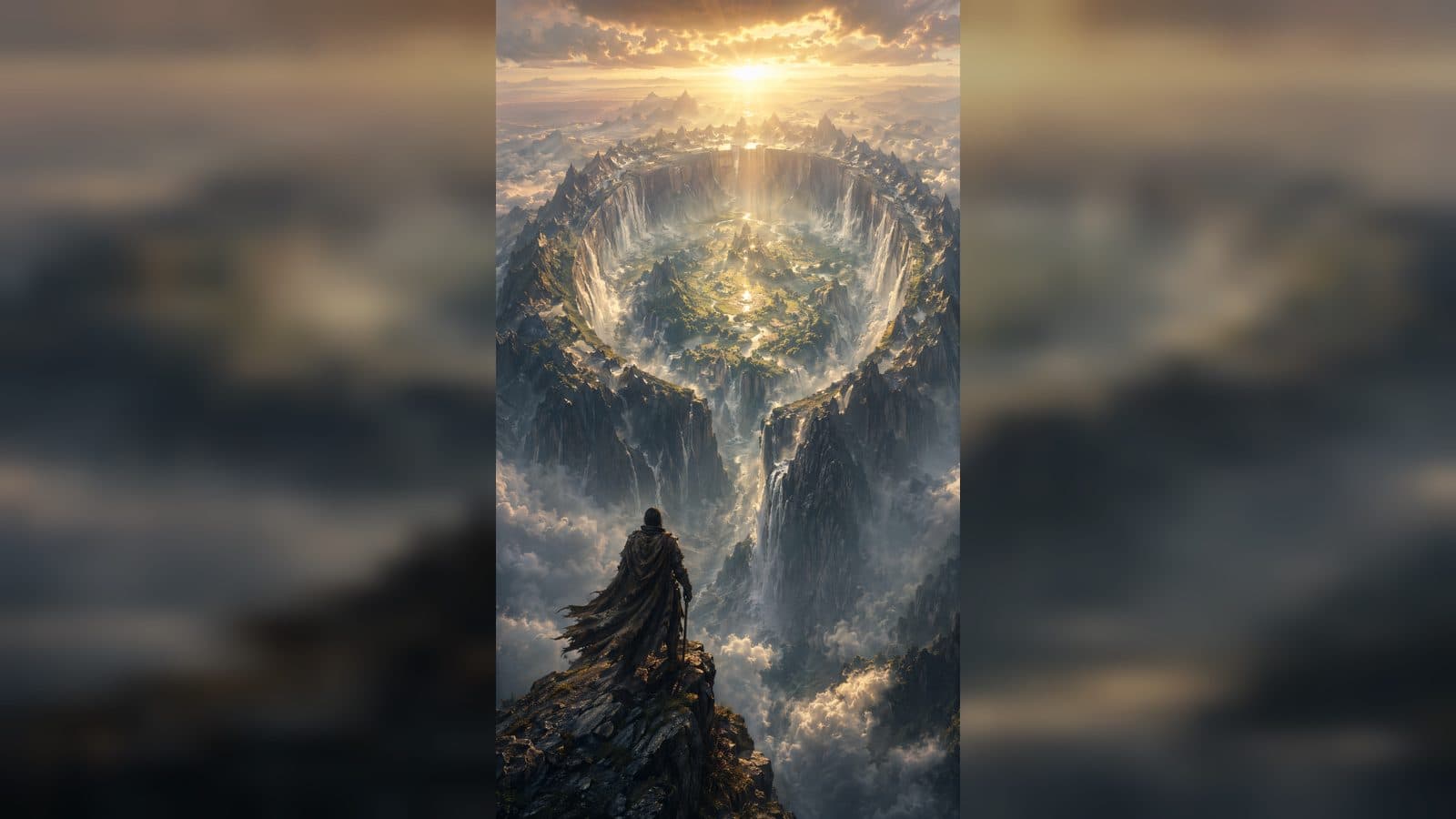
Understand what an AI creative agent does, how it works with an ArtArch project canvas, and how beginners can guide the work.
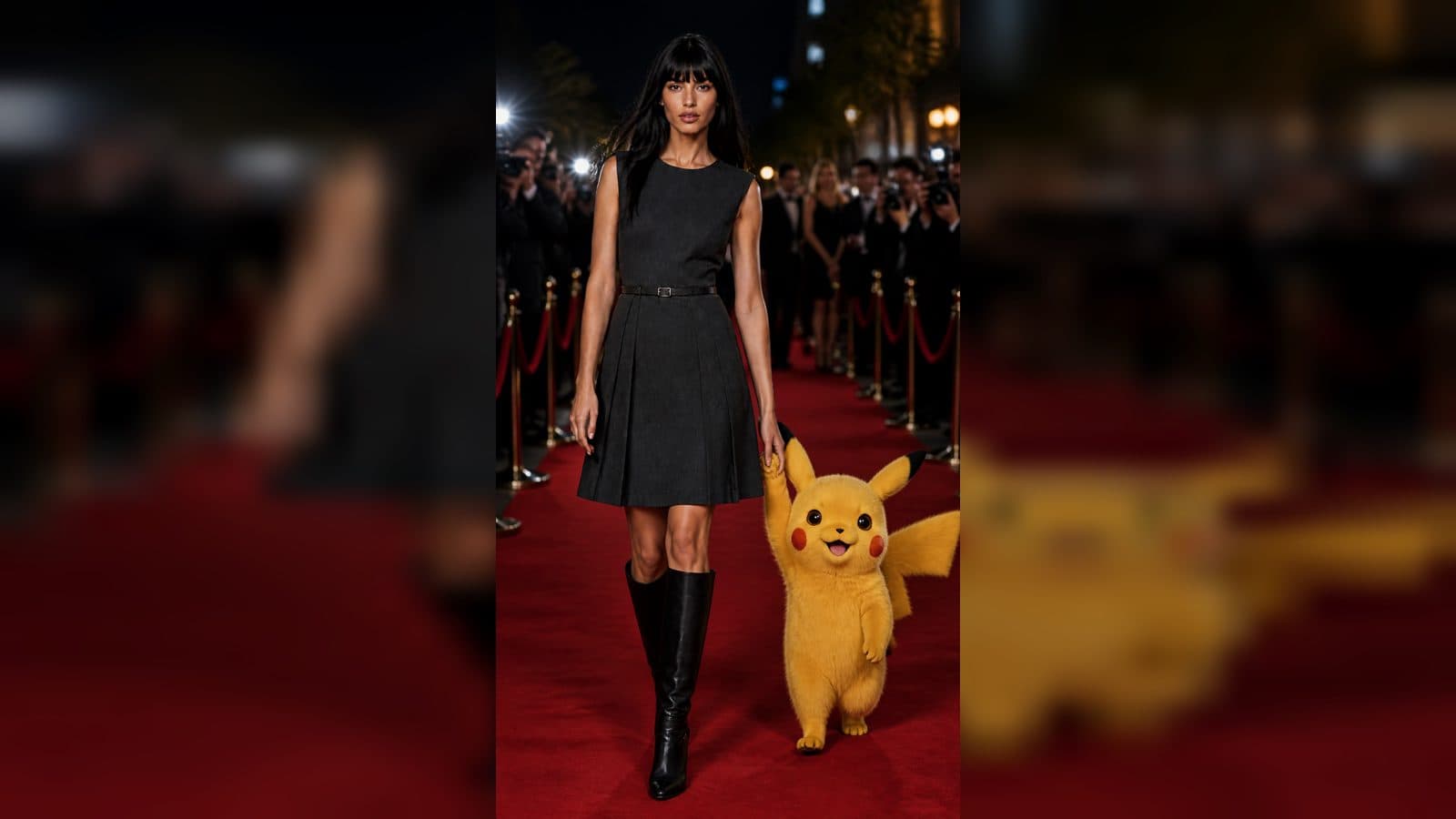
A beginner guide to using Codex with the ArtArch CLI to turn a focused creative brief into a reviewable project.
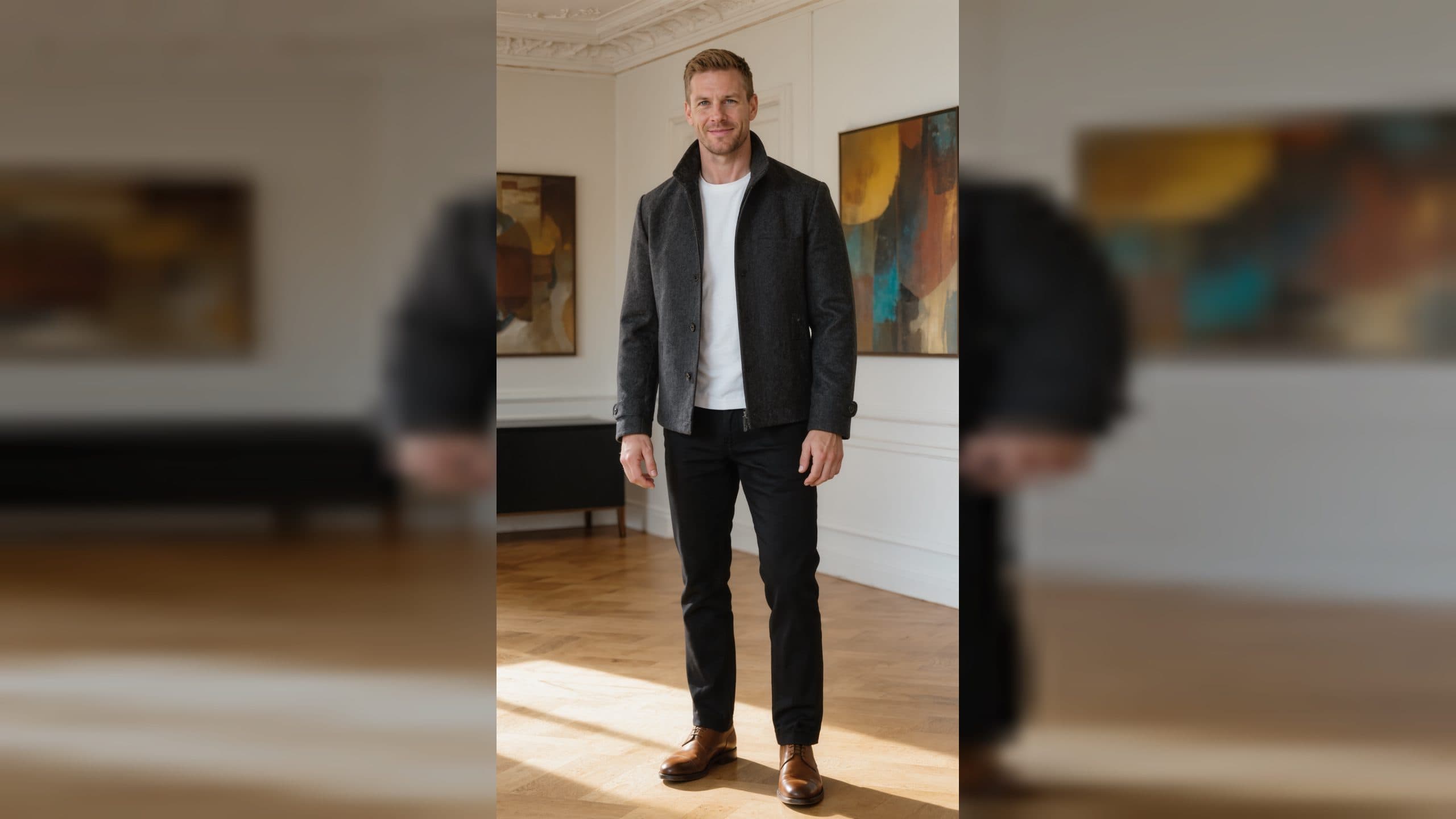
Learn how beginners can use the ArtArch CLI with an AI agent to plan and create a first image, video, website, or workflow project.

Learn how beginners can give an AI agent focused creative jobs and verify AI image and video results.