

ArtArch Newsroom
Creative AgentGPT Image 2 Reference Hygiene: Keep Your Creative Inputs Trustworthy
Keep GPT Image 2 references trustworthy with a clean PNG master, preservation-first edits, and an approval trail for video work.
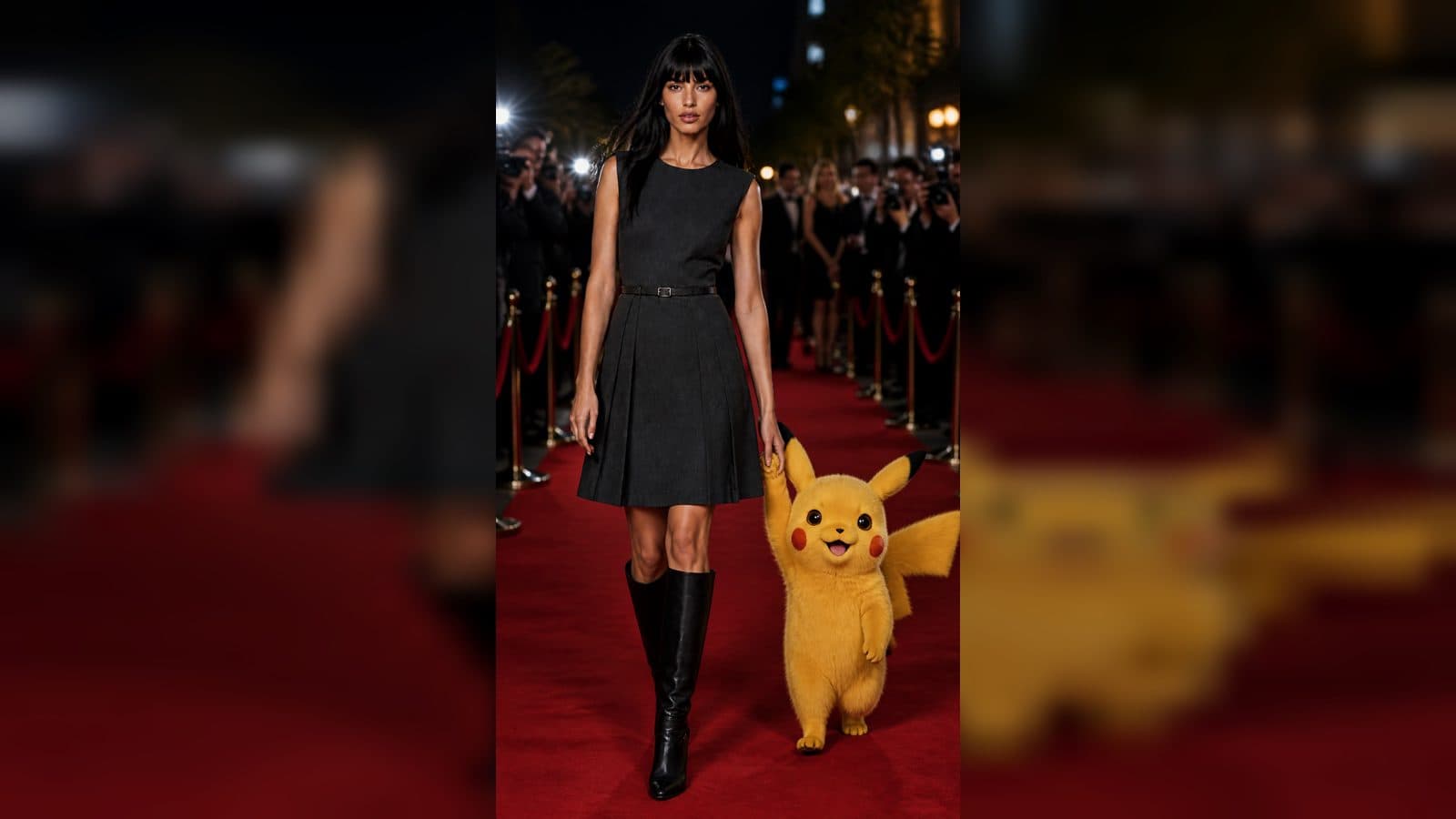
Reference hygiene means taking care of the images that guide a generation. Beginners often focus on the final prompt and forget that a blurry crop, a noisy screenshot, or a re-saved JPEG can change the result before the creative work starts. A simple GPT Image 2 workflow keeps one clean master, clear review copies, and a record of which image was approved for the next step.
Start with one master image
Save the original PNG in a known place and treat it as read-only. Use a descriptive name that identifies the subject and the project. Make smaller JPEG previews only for quick local review. The preview helps you scan a batch, but the master remains the source for image editing, storyboard panels, and video references. This distinction prevents accidental quality loss from becoming invisible workflow drift.
Inspect before you generate
Look at the edges of faces, hands, packaging, and small logos. Check whether the subject is fully inside the frame and whether the background contains accidental text or clutter. Note the camera angle and the direction of light. GPT Image 2 can interpret a strong reference more consistently when these decisions are already visible.
Use a preservation-first edit
If you need to clean an image, name the parts that must stay: identity, composition, pose, palette, camera, and style. Then state the limited change, such as removing grain or simplifying a background. Ask for no full redraw, no identity change, and no camera change. Review the result beside the master. Promote it only when the subject still reads as the same subject.
Keep a simple approval trail
An ArtArch canvas can hold the master, the cleaned version, and the revision note. Label the approved input clearly. For agent workflows, record which image was used in a later step and why. This is useful when a video looks different from an expected storyboard: you can trace the exact reference instead of guessing.
Prepare images for Seedance
Choose a reference with a composition that leaves room for the planned motion. A centered portrait supports a gentle camera move; a wide product scene supports a hand entering from the side. Write one action and one camera move for the shot. Keep the same identity details in the motion description. The goal is a visible continuation from still image to short video.
Everyday examples
For a family memory, clean a portrait while preserving faces and the original arrangement. For a product demo, remove background noise while keeping material color and shape. For a comic character, tidy the linework before generating a sheet of poses. In each case, the cleaner reference improves the decision you can make, not just the appearance of a single draft.
Frequently asked questions
Is a JPEG preview acceptable as a generation reference?
Use the original PNG as the working reference. Keep JPEGs for local inspection and sharing lightweight previews.
Keep exploring
More in Creative Agent

Designing a Three-Scene AI Character State Machine
three-scene AI character state machine case study with saved ArtArch Studio media, prompt decisions, visible results, and practical production notes.

Extracting First and Last Frames to Plan AI Video Transitions
AI video transitions case study with saved ArtArch Studio media, prompt decisions, visible results, and practical production notes.

Fan-Dance-to-Idle AI Transition With a Clean Endpoint
fan-dance-to-idle AI transition case study with saved ArtArch Studio media, prompt decisions, visible results, and practical production notes.
An Idle-to-Fan-Dance AI Transition With the Prop as the Cue
idle-to-fan-dance AI transition case study with saved ArtArch Studio media, prompt decisions, visible results, and practical production notes.