

ArtArch Newsroom
Creative AgentGPT Image 2 Storyboard Sheet: Plan a Short Video With Still Frames
Build a beginner storyboard sheet with GPT Image 2 using one beat per panel, visible continuity, and a clear Seedance handoff.
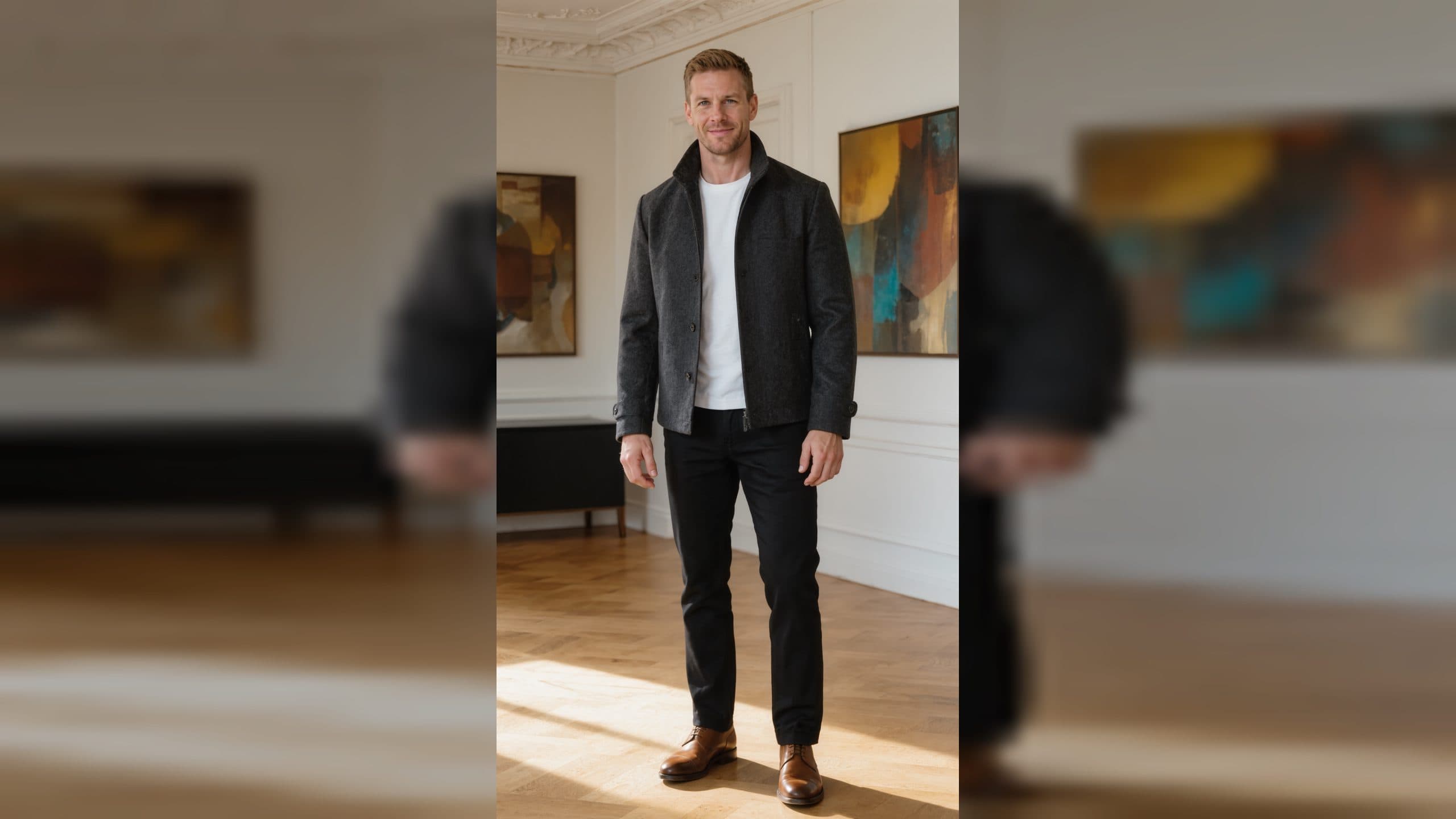
A storyboard sheet turns a vague video idea into a row of visible decisions. GPT Image 2 can help beginners create those frames before motion is involved. Each panel should show one beat, one camera idea, and the same subject details as the neighboring panels. Build the sheet in an ArtArch canvas so your images, notes, and later Seedance work stay connected.
Choose a small sequence
Limit the first sheet to three or four panels. A useful beginner sequence might be: a wide establishing view, a closer view of the subject preparing an action, the action itself, and a final reaction. Give each panel a short caption that states what changes. If nothing changes, the panel is probably repeating information you already have.
Keep continuity visible
Repeat the subject's defining features in every prompt: hairstyle, clothing colors, object shape, and position in the scene. Use the same horizon or major background line when the camera moves. GPT Image 2 can produce distinct stills, but your instructions should make the relationship between panels easy to read. The sheet is a planning tool, so clarity matters more than elaborate decoration.
A practical panel brief
For each frame, write four lines:
- What the viewer sees first.
- What the subject is doing.
- Where the camera is placed.
- Which detail must match the previous panel.
This format helps a beginner spot a missing transition before trying animation. It also gives an ArtArch agent a compact, repeatable task to run for each panel.
Use references responsibly
If a real person, product, or character must remain recognizable, start from an approved, clean PNG reference. Keep that original separate from compressed review copies. Ask image edits to preserve identity, composition, camera, pose, palette, and style while changing only the requested feature. Review the cleaned image before connecting it to another generation step. This prevents a noisy or altered reference from becoming the basis for the entire sequence.
Bridge the sheet into Seedance
Once the panels read as one event, select the frame that best establishes the subject and composition. Describe the intended motion in plain language: "The camera moves closer as the cyclist lifts the helmet." Keep one visible beat per short shot. A shared horizon and repeated costume details help Seedance understand continuity. Treat the stills as visual guidance, not as a promise that every pixel will remain fixed.
Beginner use cases
Create a recipe teaser with a hand placing ingredients, a small brand story with a product moving from shelf to table, or a character introduction that shifts from wide scene to facial reaction. Each use case benefits from the same habit: one action per panel and a clear reason for the next frame.
Frequently asked questions
How many panels should I create first?
Keep exploring
More in Creative Agent

Designing a Three-Scene AI Character State Machine
three-scene AI character state machine case study with saved ArtArch Studio media, prompt decisions, visible results, and practical production notes.

Extracting First and Last Frames to Plan AI Video Transitions
AI video transitions case study with saved ArtArch Studio media, prompt decisions, visible results, and practical production notes.

Fan-Dance-to-Idle AI Transition With a Clean Endpoint
fan-dance-to-idle AI transition case study with saved ArtArch Studio media, prompt decisions, visible results, and practical production notes.
An Idle-to-Fan-Dance AI Transition With the Prop as the Cue
idle-to-fan-dance AI transition case study with saved ArtArch Studio media, prompt decisions, visible results, and practical production notes.