

ArtArch Newsroom
Creative AgentGPT Image 2 Prompt for Beginners: Describe the Picture You Mean
Learn a simple GPT Image 2 prompt pattern for describing subject, setting, camera, identity details, and a useful creative output.
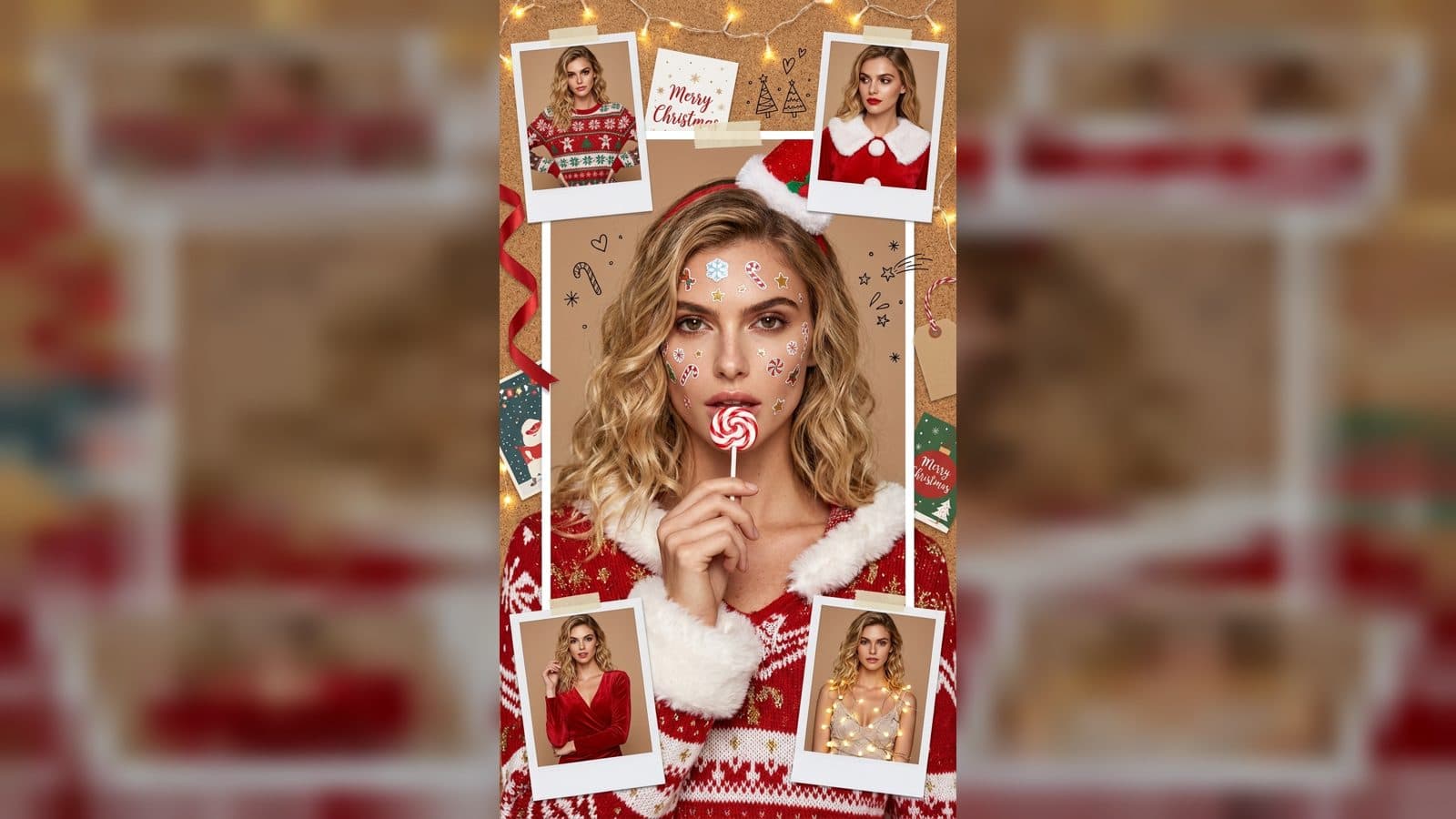
The best beginner prompt for GPT Image 2 is not a pile of fashionable keywords. It is a short description of a picture someone else could sketch. Tell the system what matters first, then add the visual choices that support that idea. When you save the work in an ArtArch canvas, you can see how each description changes the image and build confidence through small experiments.
Use the subject, place, and view pattern
Start with the main subject. Name its appearance, pose, or material. Next state the setting and the relationship between subject and background. Finish the opening sentence with the view: close portrait, overhead still life, full-body scene, or wide landscape. This order gives the image a visual spine.
For a beginner portrait, try: "A young cyclist in a yellow rain jacket waits beside a city canal, three-quarter view, with the bicycle visible at the lower edge." You can then add a cool overcast palette and gentle reflections. The prompt remains understandable because every detail answers a camera question.
Separate must-keep details from optional style
Make a short mental list of what cannot change. It might be a person's expression, a brand mark on packaging, or the number of objects on a table. Describe those details plainly. Style choices such as paper collage, cinematic light, or pastel color come later. If the image drifts, remove optional language before adding more.
Revise with a single question
After each result, ask one question: Is the subject clear? Is the camera showing the right area? Is the color too strong? Is a small detail missing? Update the prompt to answer that question and keep the rest stable. ArtArch agent runs make this discipline practical because the canvas keeps earlier versions available for comparison.
Keep image references clean
When a reference image carries identity, use the original PNG as the master input. Review a compressed derivative locally if you need a lighter file for inspection, but do not make that derivative the generation reference. A clean input gives GPT Image 2 a better chance to preserve edges, proportions, and facial structure. If you use an image-edit step, ask for preservation of identity, pose, palette, and camera while removing noise or clutter. Avoid asking for a complete redraw when a constrained change is enough.
Turn a still into a creative asset
One well-described image can serve a storyboard sheet, a pitch frame, or a starting point for Seedance motion. Before moving on, write down the intended next shot: a camera push, a hand movement, or a change in light. This keeps the image focused and helps the later video feel connected instead of random.
Frequently asked questions
Should a prompt mention a model name?
Focus on the visible picture and the result you want. A clear subject and camera description are more useful to a beginner than a list of model labels.
How do I preserve a person's identity?
Keep exploring
More in Creative Agent

Designing a Three-Scene AI Character State Machine
three-scene AI character state machine case study with saved ArtArch Studio media, prompt decisions, visible results, and practical production notes.

Extracting First and Last Frames to Plan AI Video Transitions
AI video transitions case study with saved ArtArch Studio media, prompt decisions, visible results, and practical production notes.

Fan-Dance-to-Idle AI Transition With a Clean Endpoint
fan-dance-to-idle AI transition case study with saved ArtArch Studio media, prompt decisions, visible results, and practical production notes.
An Idle-to-Fan-Dance AI Transition With the Prop as the Cue
idle-to-fan-dance AI transition case study with saved ArtArch Studio media, prompt decisions, visible results, and practical production notes.