

ArtArch Newsroom
Creative AgentGPT Image 2 First Project: A Beginner's Path From Idea to Picture
Start a first AI image project with GPT Image 2 by writing a focused brief, reviewing a clean reference, and planning a useful result.
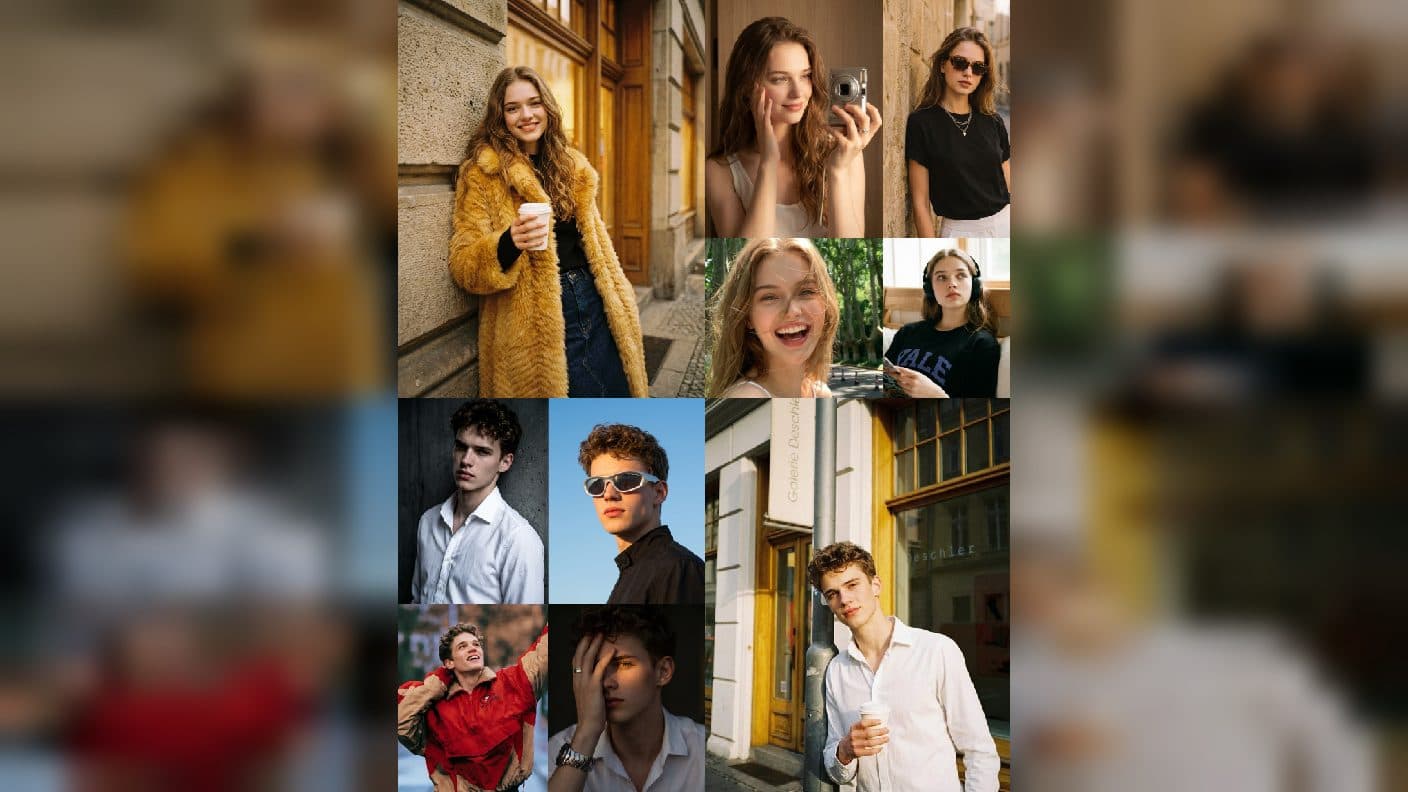
Starting with AI images can feel like opening a toolbox with no labels. GPT Image 2 makes the first project easier when you treat it as a small visual brief rather than a test of clever wording. Begin with one clear subject, one setting, and one reason the image should exist. An ArtArch canvas can keep that brief, your reference image, and the final result together while you learn.
Begin with a visible goal
Write a sentence that describes the picture you want to see. For example: "A baker places a warm loaf on a wooden table in a quiet morning kitchen." This sentence gives you a subject, action, place, and mood. Add one practical detail such as a portrait crop, a product view, or a square social post. Avoid stacking ten ideas into the first attempt. A focused brief gives you something useful to compare when you revise.
Give GPT Image 2 useful context
Describe the subject before the decoration. Say who or what should be prominent, where it sits in the frame, and what the camera should show. Then add lighting, color, and texture. Beginners often list styles first, but style cannot rescue a missing subject or an unclear composition. If a face or product must stay recognizable, mention its defining features in plain language and keep the requested changes limited.
A simple three-pass workflow
- Create a first image with the smallest complete brief.
- Inspect the result for identity, placement, and unwanted details.
- Revise one issue at a time, then compare versions on the canvas.
The ArtArch CLI and agent workflow are useful here because a saved canvas records the prompt and image relationship. You can return to the same idea without guessing which wording produced a particular result. Treat every revision as an observation: name what changed and what should remain stable.
Make the result useful beyond one image
Plan the next use before you finish. A portrait may become a profile card, a storyboard panel, or the visual starting point for a Seedance video. Keep the original PNG as the working master. A compressed review copy is fine for quick viewing, but the clean original should remain the reference used downstream. This habit protects small facial details and edge quality.
Common beginner scenes
Use a family photo for a gentle illustrated keepsake while preserving each person's arrangement. Use a handmade object for a product scene with a clear tabletop and soft window light. Use a character sketch for a storyboard sheet that shows three poses and a consistent costume. In each case, the input stays understandable and the output has a specific job.
Frequently asked questions
How much should I write?
Start with one paragraph that names the subject, setting, composition, and visual mood. Add details only when they solve a visible problem.
Should I begin with a reference image?
Keep exploring
More in Creative Agent

Designing a Three-Scene AI Character State Machine
three-scene AI character state machine case study with saved ArtArch Studio media, prompt decisions, visible results, and practical production notes.

Extracting First and Last Frames to Plan AI Video Transitions
AI video transitions case study with saved ArtArch Studio media, prompt decisions, visible results, and practical production notes.

Fan-Dance-to-Idle AI Transition With a Clean Endpoint
fan-dance-to-idle AI transition case study with saved ArtArch Studio media, prompt decisions, visible results, and practical production notes.
An Idle-to-Fan-Dance AI Transition With the Prop as the Cue
idle-to-fan-dance AI transition case study with saved ArtArch Studio media, prompt decisions, visible results, and practical production notes.