

ArtArch Newsroom
Creative AgentWhat Is the ArtArch CLI? A Beginner's First Creative Setup
Learn how beginners can use the ArtArch CLI with an AI agent to plan and create a first image, video, website, or workflow project.
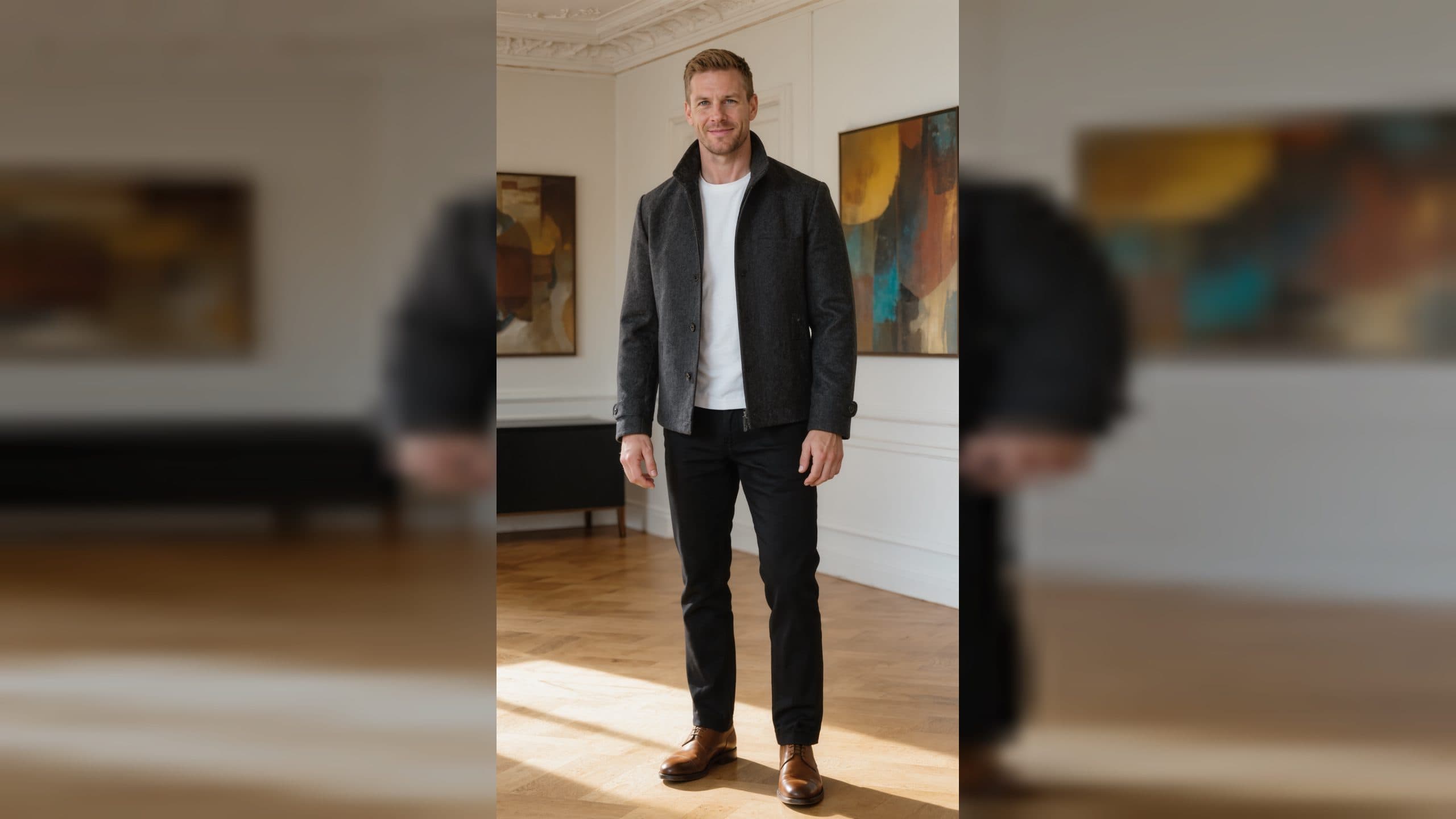
The ArtArch CLI gives an AI agent a way to work with creative tasks from the place where you already talk to that agent. For a beginner, the useful idea is simple: instead of treating image, video, website, and workflow creation as separate chores, you can describe the outcome you want and let your agent help organize the work.
This does not mean you need to become a developer before making something visual. A command line is simply a text-based way to give precise instructions. The ArtArch CLI can be installed as a skill for an AI agent, so the agent can guide the setup and help turn a plain-language request into a creative process. Your first goal is not a large campaign. Make one clear result, such as a cover image for a newsletter, a short video concept, or a small portfolio page.
Start with one useful creative job
Beginners often begin with a vague request such as "make something cool." That leaves too many decisions open. Pick a small job with a reader, viewer, or customer in mind. A cafe owner could need a social image announcing a weekend menu. A student could need a visual opening for a presentation. A freelance designer could need a simple portfolio concept.
Write down four details before you ask your agent for help: the subject, the audience, the feeling, and the format. "A calm poster for a neighborhood pottery class, aimed at beginners, with an earthy editorial mood, sized for a vertical post" gives the agent enough material to begin. The result is easier to review because you know what success looks like.
How the ArtArch CLI fits into an agent workflow
An AI agent can plan, explain, and carry out steps within an approved scope. The ArtArch CLI adds creative project and generation tools to that conversation. In ArtArch Studio, a project is a canvas made of connected steps. The CLI can list projects, bind a working folder to a project, inspect nodes, and manage existing runs.
That structure matters even when you are new. It gives your work a home. Instead of losing prompts across chat windows, you can return to a named project and see the components that lead to a result. Your agent can explain what each part is doing in everyday language, while you keep control of the brief, the reference materials, and the final choice.
The practical sequence is short. Install the ArtArch CLI skill in the AI agent you use. Restart that agent after configuration. Ask it to help you create one specific item with ArtArch. If it needs a project, it can help you create or select one. If work may consume credits, it should tell you before a generation is submitted.
Give better first instructions
Your first instruction should describe an outcome, not an internal tool. Say "help me make a clean visual announcement for a book club" rather than naming a model or guessing commands. Then add the details that change the result: who appears, what the setting is, what should be easy to read, and what should be avoided.
Use a reference image only when it has a clear job. A photo of your product can guide product identity. A rough sketch can guide layout. A mood image can guide color and atmosphere. Tell the agent which role the reference plays. This prevents the work from drifting toward an image you only meant as inspiration.
Keep exploring
More in Creative Agent

Designing a Three-Scene AI Character State Machine
three-scene AI character state machine case study with saved ArtArch Studio media, prompt decisions, visible results, and practical production notes.

Extracting First and Last Frames to Plan AI Video Transitions
AI video transitions case study with saved ArtArch Studio media, prompt decisions, visible results, and practical production notes.

Fan-Dance-to-Idle AI Transition With a Clean Endpoint
fan-dance-to-idle AI transition case study with saved ArtArch Studio media, prompt decisions, visible results, and practical production notes.
An Idle-to-Fan-Dance AI Transition With the Prop as the Cue
idle-to-fan-dance AI transition case study with saved ArtArch Studio media, prompt decisions, visible results, and practical production notes.