

ArtArch Newsroom
Creative AgentThe Beginner's AI Agent Creative Brief: From Vague Idea to Clear Request
Use a five-part AI agent creative brief to turn an unclear idea into a focused, reviewable ArtArch project request.
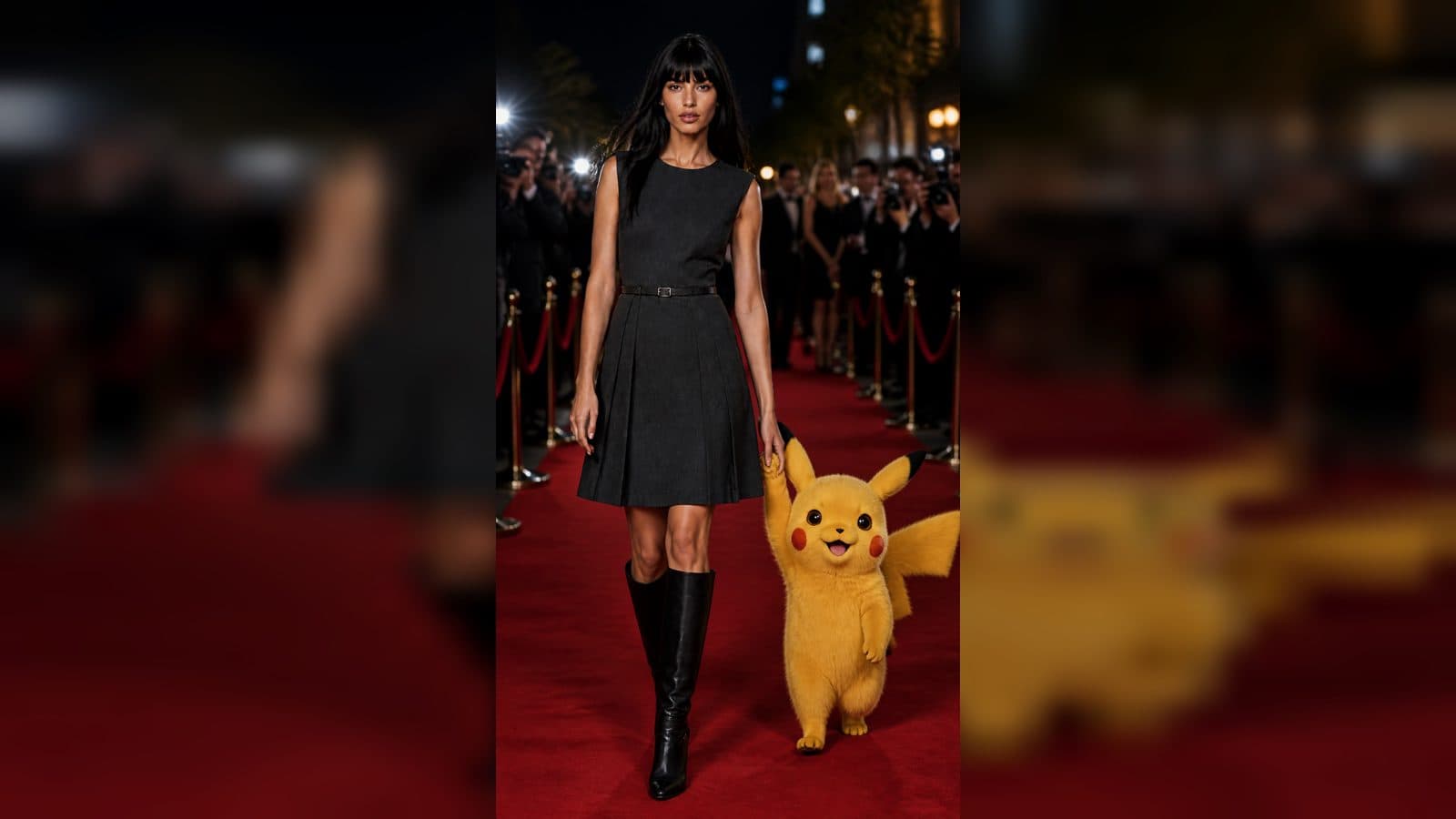
The fastest way to make an AI creative project confusing is to begin with a tool name and no destination. A better first move is a creative brief. It is a short description of what you want to make, who it is for, and what the finished piece must communicate. An AI agent can help improve that brief, but it needs your point of view first.
The ArtArch CLI is designed to let an AI agent work with creative projects for images, videos, websites, and workflows. That is most useful when the agent has a clear job to carry out. A strong brief lets it prepare the right project, ask meaningful questions, and explain the scope of any creative run before you approve it.
Use five prompts to frame the request
Start with purpose. What should this asset help someone do, notice, or feel? Next, name the audience. "New apartment renters" gives a different direction from "architects choosing materials." Then define the main subject. This can be a product, a person, a location, an object, or a service concept.
Add a setting and an emotional tone. A coffee subscription image could be shot in a sunny kitchen, a quiet office, or a night train. Each setting changes the story. Finally, state the format: vertical social post, horizontal header, short video, or a page concept. These five prompts produce a practical first draft without requiring technical language.
Here is a usable example: "Create a horizontal website header for a neighborhood repair shop. It is for people who need a trusted place to bring a bicycle. Show a mechanic's workbench with a bright red bike as the main subject. The mood should be capable and friendly. Leave clean room for a short headline." Notice that every detail helps a reviewer make a decision.
Mark what is fixed and what is open
Creative work moves faster when you say which choices are non-negotiable. The shop's logo, a product package, a person who has consented to appear, or a specific headline may be fixed. A color family, camera distance, or decorative prop may be open to exploration.
Tell the agent these two categories. This prevents a familiar problem: an attractive draft that quietly breaks an important requirement. If the red bike must remain red, say so. If you only care that the image feels local and hands-on, leave room for the agent to suggest the workbench details.
References also need a label. A photo can be a source of identity, composition, material, or mood. A reference used only for atmosphere should not cause the agent to copy its framing. Describe the job of each file in a sentence.
Turn the brief into an approved action
Ask the agent to restate the brief in plain language and list the proposed project steps. The ArtArch CLI can work with a project canvas, keeping the creative components in one place. Read the restatement carefully. It reveals misunderstandings before they become revisions.
Only after the plan is clear should you approve a generation that may consume credits. Ask for the project and run scope in one sentence. For example, approve a single proposed cover-image run for the bicycle repair header. This is a useful boundary for beginners because it keeps a creative experiment small and reviewable.
Keep exploring
More in Creative Agent

Designing a Three-Scene AI Character State Machine
three-scene AI character state machine case study with saved ArtArch Studio media, prompt decisions, visible results, and practical production notes.

Extracting First and Last Frames to Plan AI Video Transitions
AI video transitions case study with saved ArtArch Studio media, prompt decisions, visible results, and practical production notes.

Fan-Dance-to-Idle AI Transition With a Clean Endpoint
fan-dance-to-idle AI transition case study with saved ArtArch Studio media, prompt decisions, visible results, and practical production notes.
An Idle-to-Fan-Dance AI Transition With the Prop as the Cue
idle-to-fan-dance AI transition case study with saved ArtArch Studio media, prompt decisions, visible results, and practical production notes.