

ArtArch Newsroom
Creative AgentFrom GPT-Image-2 Concept to AI Video: A Beginner's Reference-First Workflow
Turn a GPT-image-2 concept into a stable AI video reference with a preservation-first cleaning and review workflow.
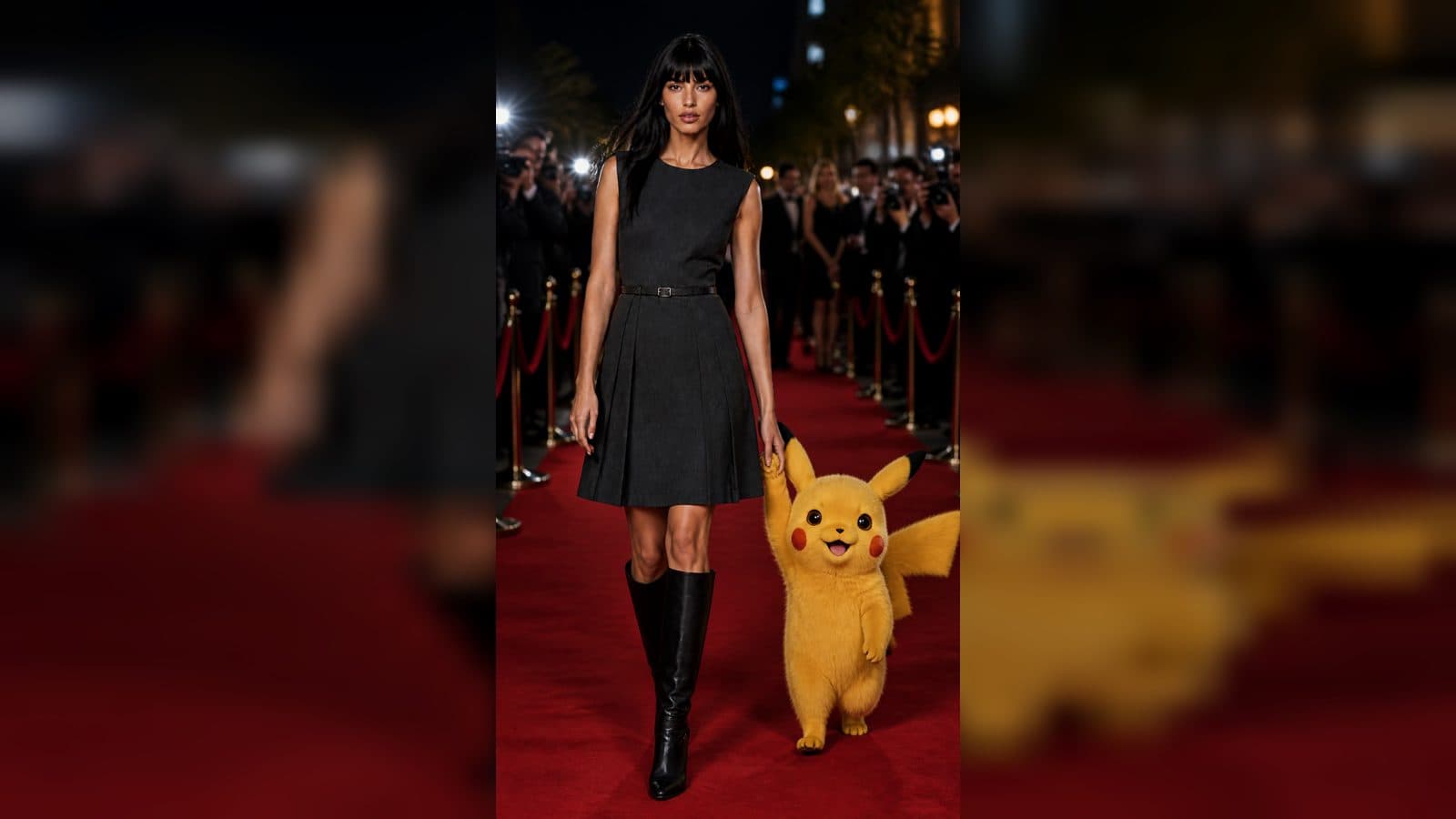
An image can be the seed of a video idea, especially when it already captures the subject, setting, and mood you want to continue. The mistake is to treat a rough concept image as a finished production reference. Before an AI agent uses a GPT-image-2 result in a later creative step, decide exactly what the next piece should inherit and clean the source without changing the idea.
The ArtArch CLI skill gives a clear reference-first approach. GPT-image-2 output should be treated as a draft when it will feed another image or video generation step. Preserve identity, composition, camera, pose, palette, and style, then remove noise, dirty texture, muddy shadows, and excess effects. The clean original becomes the reference you review before moving forward.
Choose one image that contains the video promise
Suppose you have a still image of a small bookstore at dusk. A person stands by the window with a stack of books, the interior has golden light, and rain is visible on the glass. That image already suggests a video direction: a reader pauses by the window, turns a page, and looks out as rain traces the pane.
Do not ask the agent to make "a video from this image" without a story decision. Say what should move, what should stay steady, and what the opening impression should be. In this case, the bookseller, warm interior, and window framing might remain stable. The rain, page turn, and subtle glance provide the action.
Write a continuity note before the image is cleaned. "Preserve the bookstore window, the reader's clothing, the warm interior, and the camera position. Remove the distracting streaks in the back shelf and uneven noise in the shadows. Do not change the figure or make the room brighter." This protects the visual promise of the still.
Clean before you connect the next step
Ask the agent to prepare a preservation-first clean version of the image. The purpose is not to improve the concept by changing it. The purpose is to make a stable reference for the next creative step. Review the result at full size. If the window moves, the reader changes, or the palette shifts, the clean version has altered a decision that should have been preserved.
Keep the original lossless image separate from any compressed preview made for review. The ArtArch CLI skill treats a compressed JPEG as a review derivative, not a source for later generation. This is a small technical distinction with a creative payoff: the video step begins from the most complete version of the approved image.
Once the cleaned reference is approved, ask the agent to state the next project step in ordinary language. It should explain that the plan is to create a video continuing this bookstore scene, identify the selected scope, and summarize the action you approved. If you have a model preference, such as Seedance 2.5, add it to this scoped conversation instead of asking the model name to make the story choices for you.
Evaluate whether the video continues the same world
The video should feel related to the still before you judge its motion. Look at the subject identity, composition, light, and color. Then watch for the chosen action. Does the page turn read clearly? Does the rain support the mood without becoming the central subject? Does the camera remain close enough to the original image that the transition feels intentional?
Keep exploring
More in Creative Agent

Designing a Three-Scene AI Character State Machine
three-scene AI character state machine case study with saved ArtArch Studio media, prompt decisions, visible results, and practical production notes.

Extracting First and Last Frames to Plan AI Video Transitions
AI video transitions case study with saved ArtArch Studio media, prompt decisions, visible results, and practical production notes.

Fan-Dance-to-Idle AI Transition With a Clean Endpoint
fan-dance-to-idle AI transition case study with saved ArtArch Studio media, prompt decisions, visible results, and practical production notes.
An Idle-to-Fan-Dance AI Transition With the Prop as the Cue
idle-to-fan-dance AI transition case study with saved ArtArch Studio media, prompt decisions, visible results, and practical production notes.