

Academy
MiniMax H3 Dialogue Replacement for AI Video Scenes
Replace spoken lines in MiniMax H3 with an audio reference and review lip timing, emotional performance, speaker identity, and ambience.
3 min read
ArtArch Newsroom
Replace spoken lines in MiniMax H3 with an audio reference and review lip timing, emotional performance, speaker identity, and ambience.
Use MiniMax H3 video relighting to change scene illumination while checking shadows, skin tone, reflections, practical lights, and continuity.
Replace a green screen or practical background with MiniMax H3 while matching subject light, contact, movement, depth, and scene reflections.
Write a MiniMax H3 edit brief that adds a person to an existing group while matching uniform, action, position, scale, and lighting.

Replace a person, animal, or wardrobe detail in MiniMax H3 while preserving camera motion, interaction, lighting, and scene continuity.
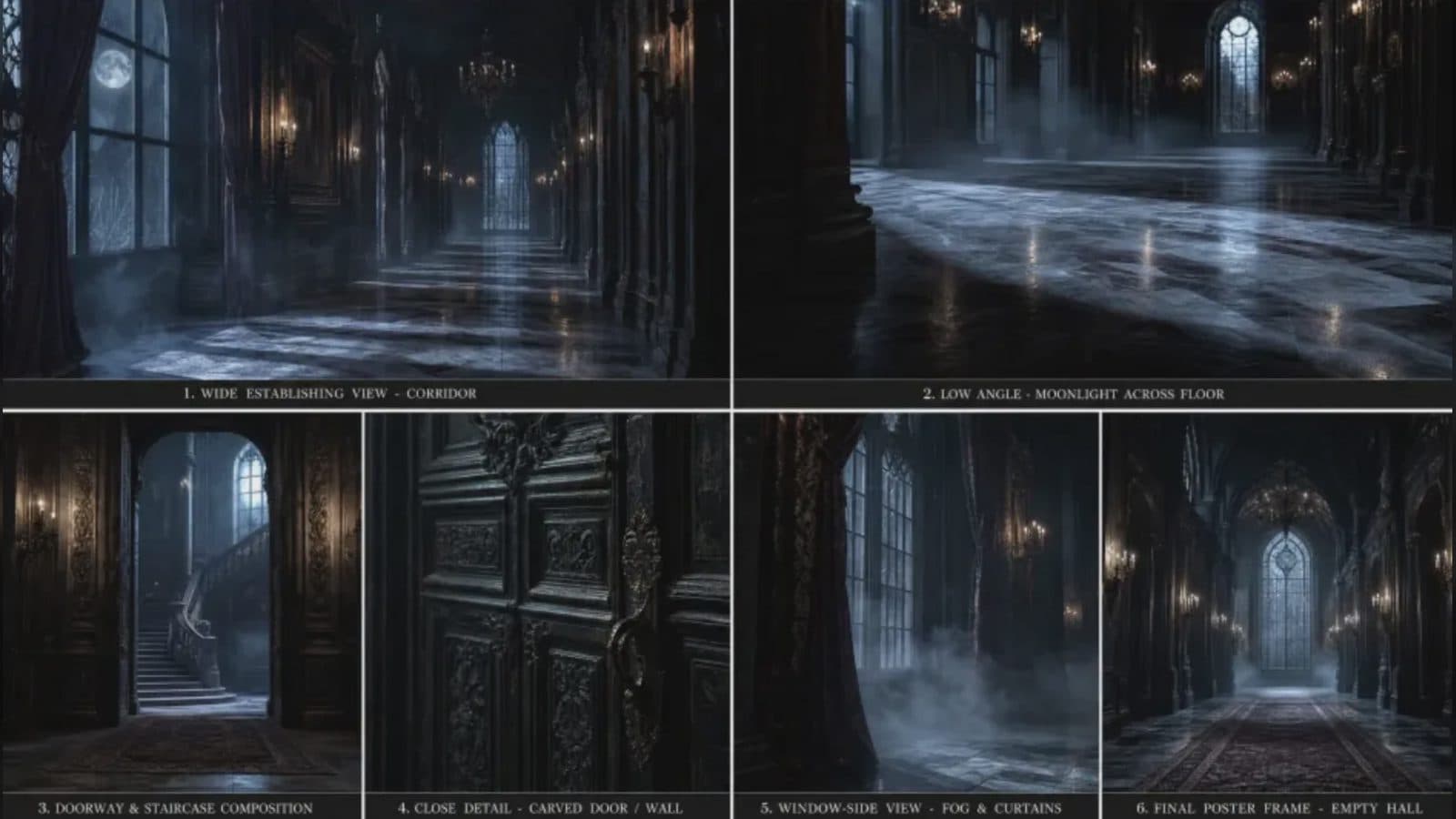
Plan MiniMax H3 edits for subjects, objects, backgrounds, lighting, dialogue, sound, and effects while protecting unchanged scene details.
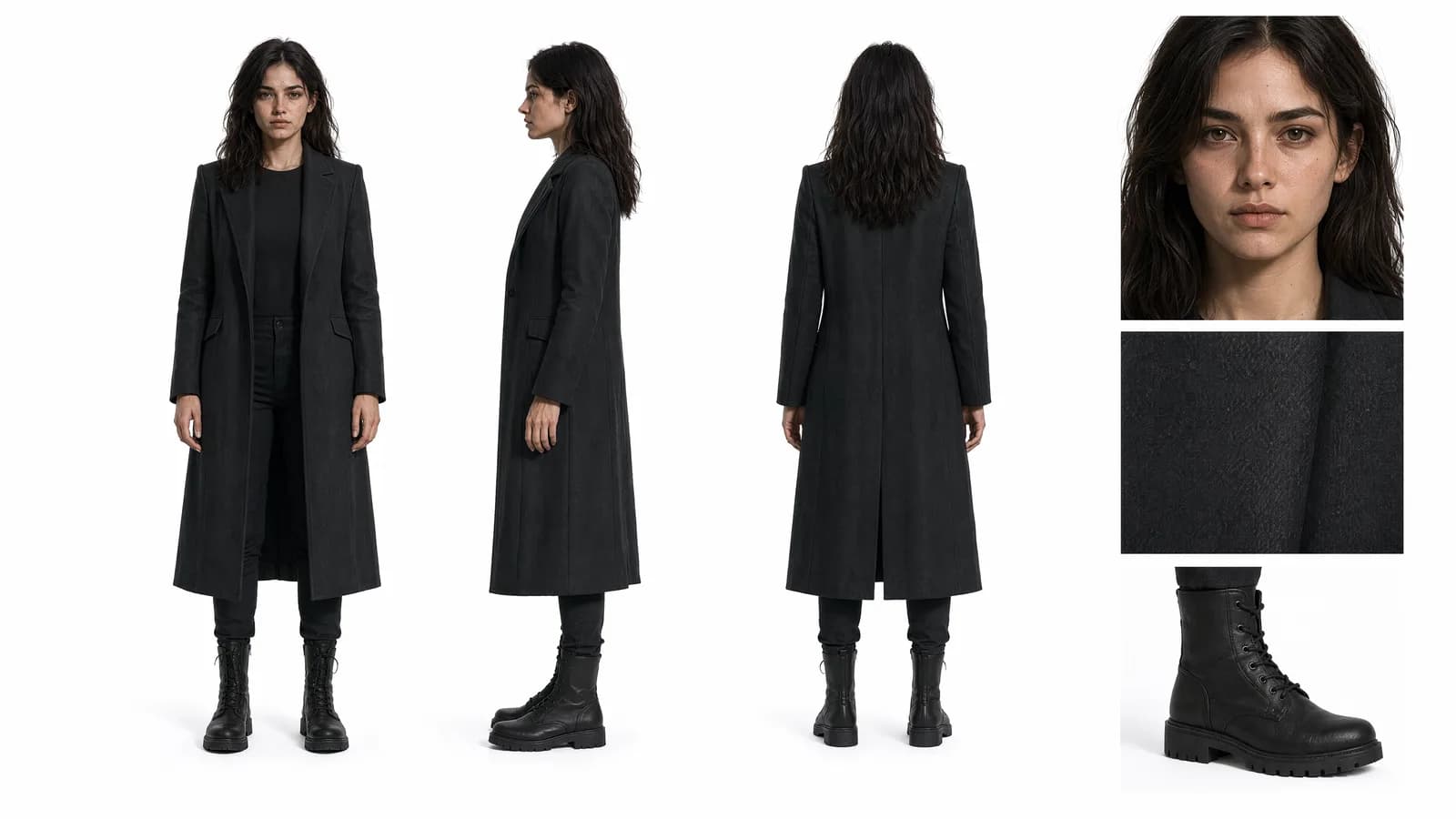
Assign identity, wardrobe, proportion, and performance roles across MiniMax H3 references to review character consistency through a full shot.
Use MiniMax H3 action reference video to guide timing, gestures, interaction, and dance while preserving the chosen character design.
Use a video reference to communicate camera motion in MiniMax H3 while keeping subject action, framing, and audio roles separately reviewable.
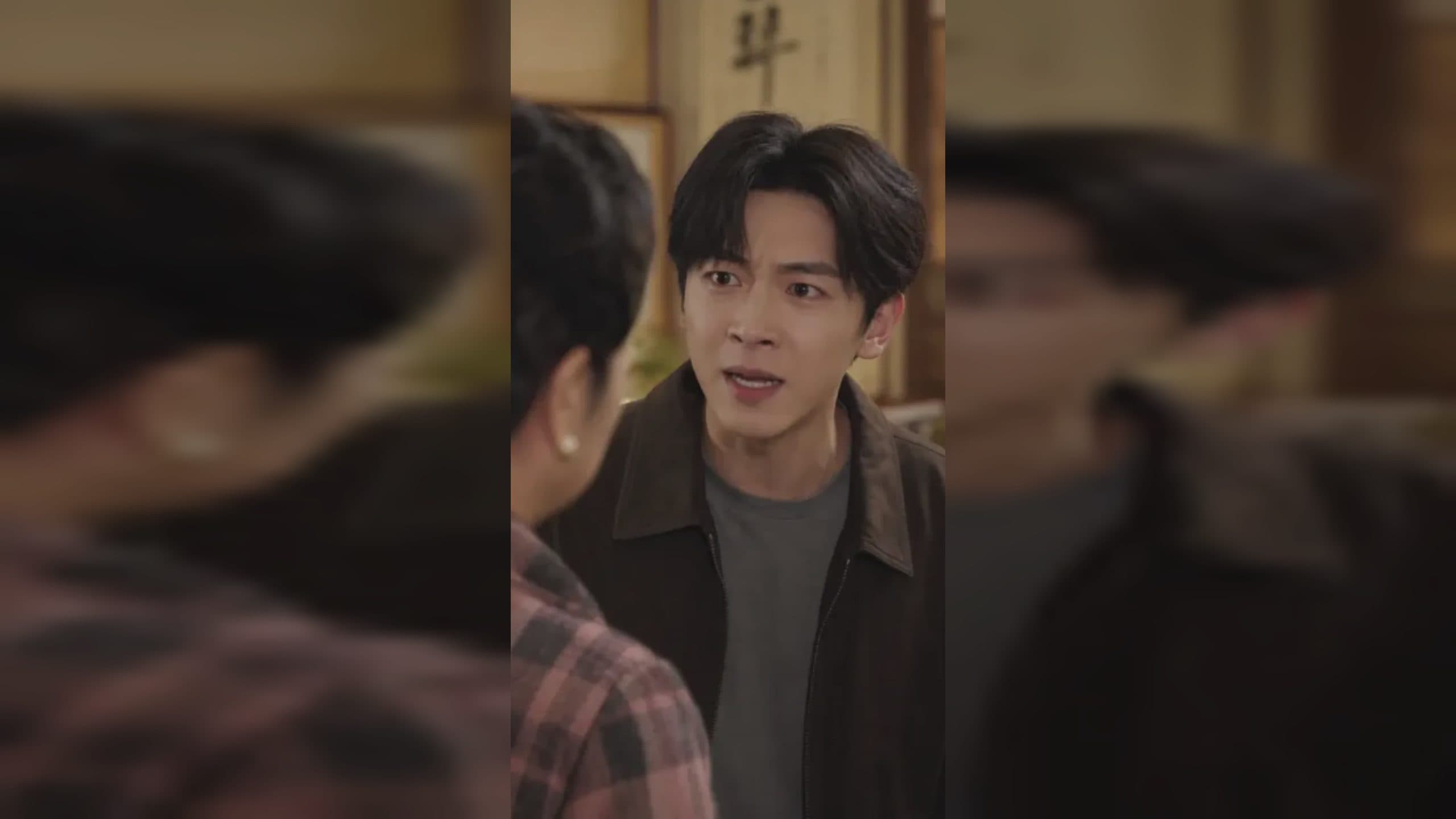
Prepare a supported audio reference and video context for MiniMax H3 voice tone transfer, then review delivery, timing, and character performance.
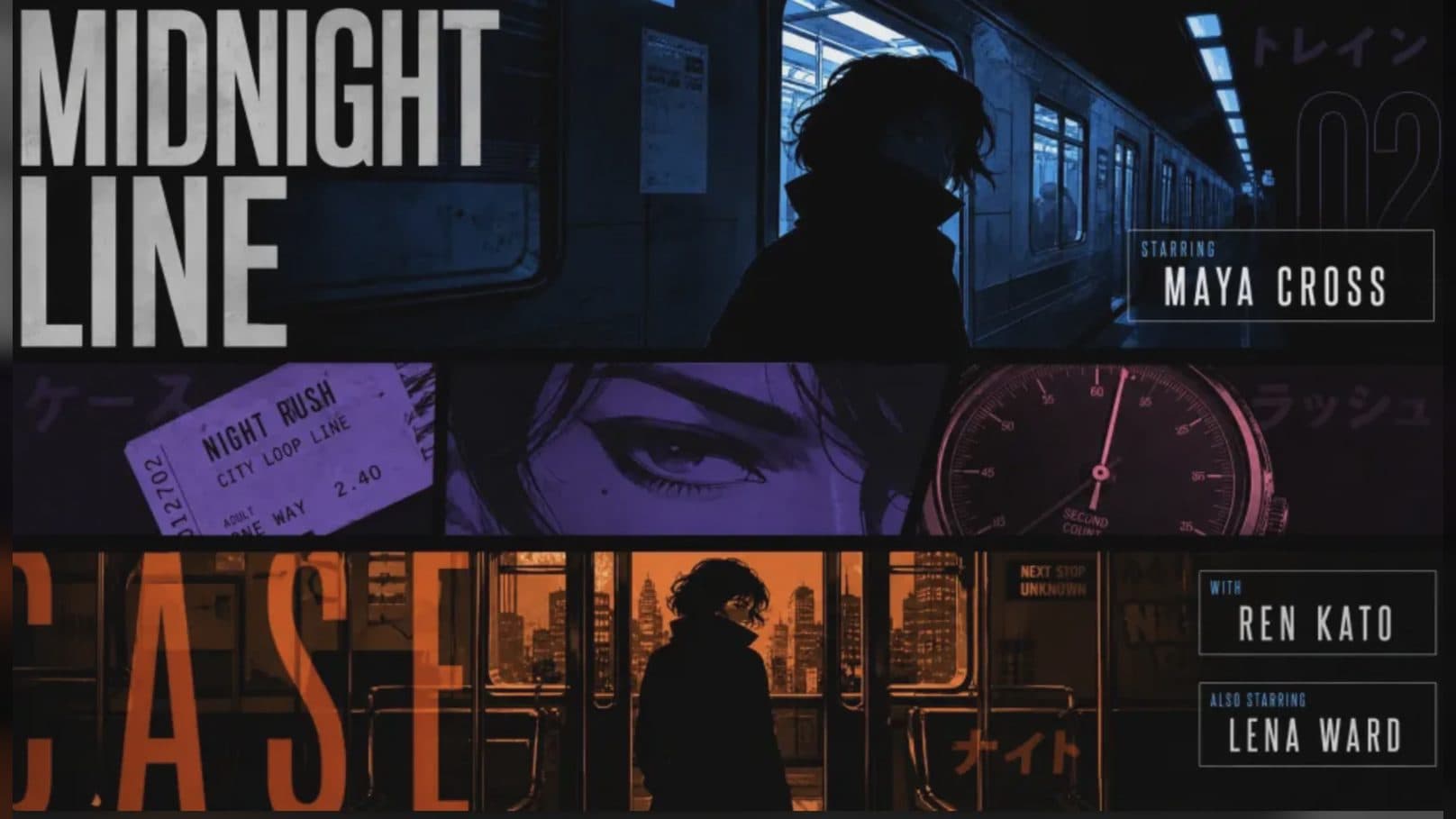
Plan dialogue, ambience, effects, and timing for MiniMax H3 native stereo output, then review sound and picture as separate deliverables.
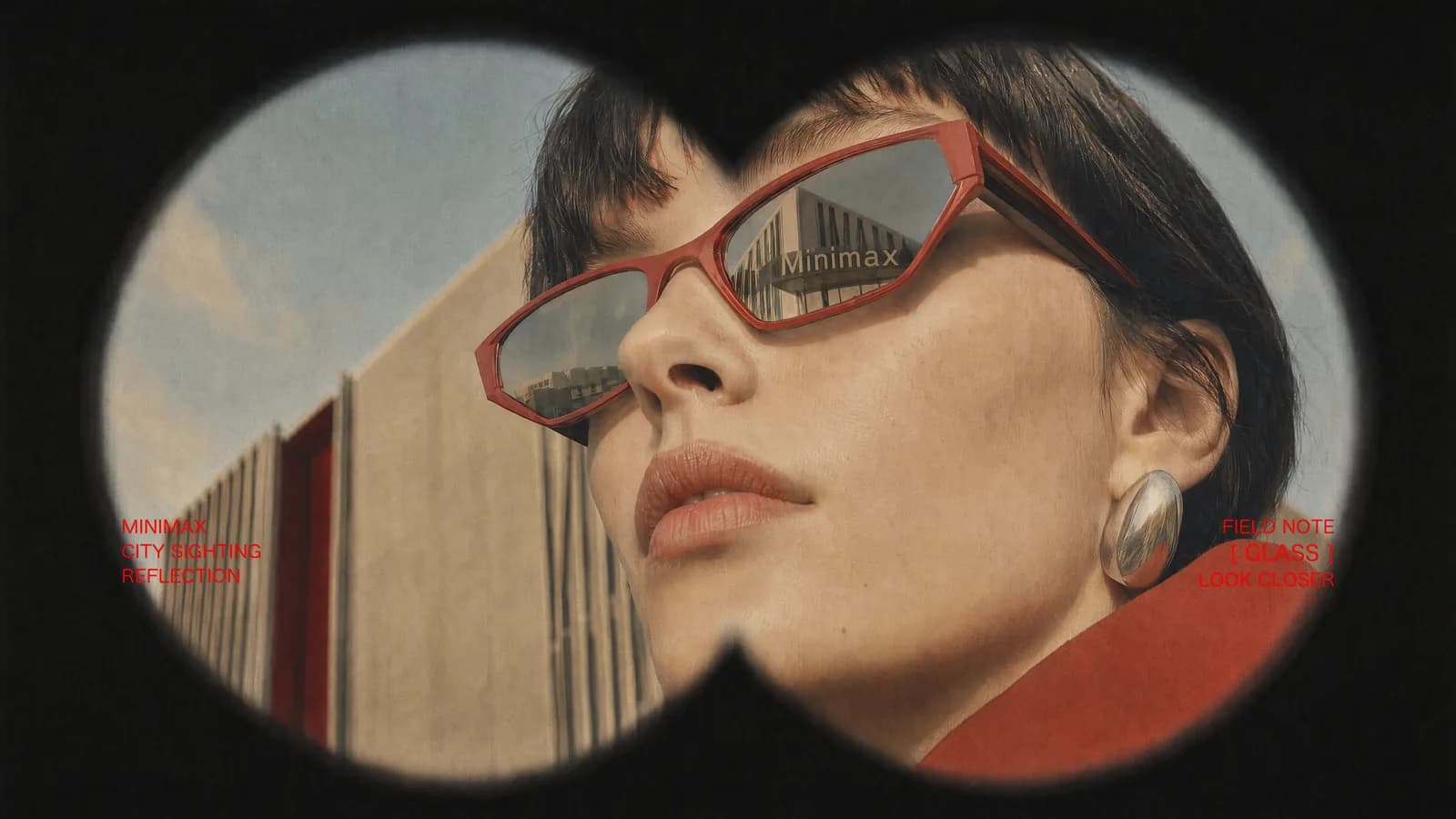
Choose among MiniMax H3 21:9, 16:9, 4:3, 1:1, 3:4, and 9:16 formats based on the screen, composition, and delivery channel.
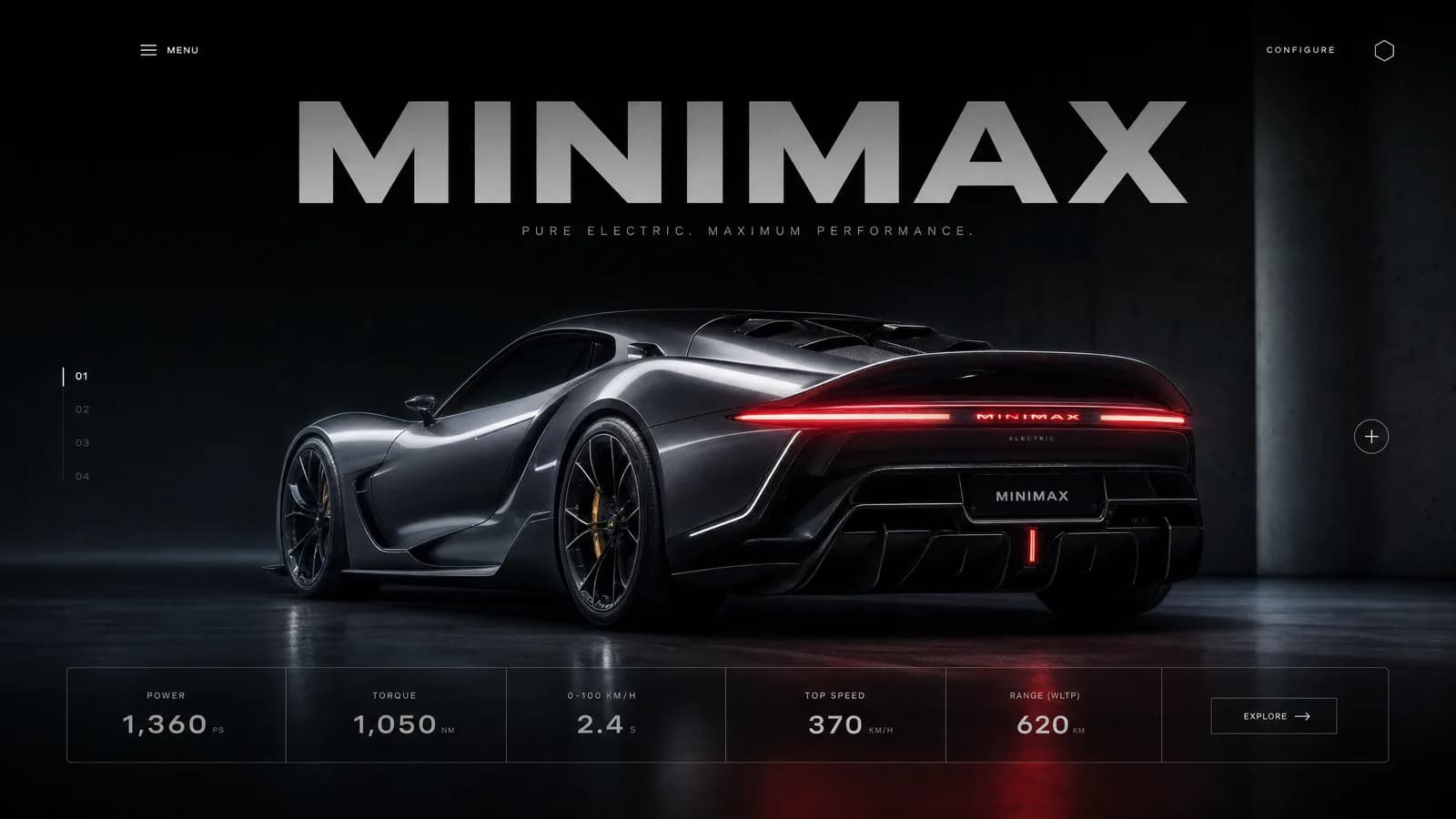
Understand MiniMax H3 1440p output geometry, 21:9 dimensions, 24 FPS playback, and the visual checks that matter beyond resolution labels.
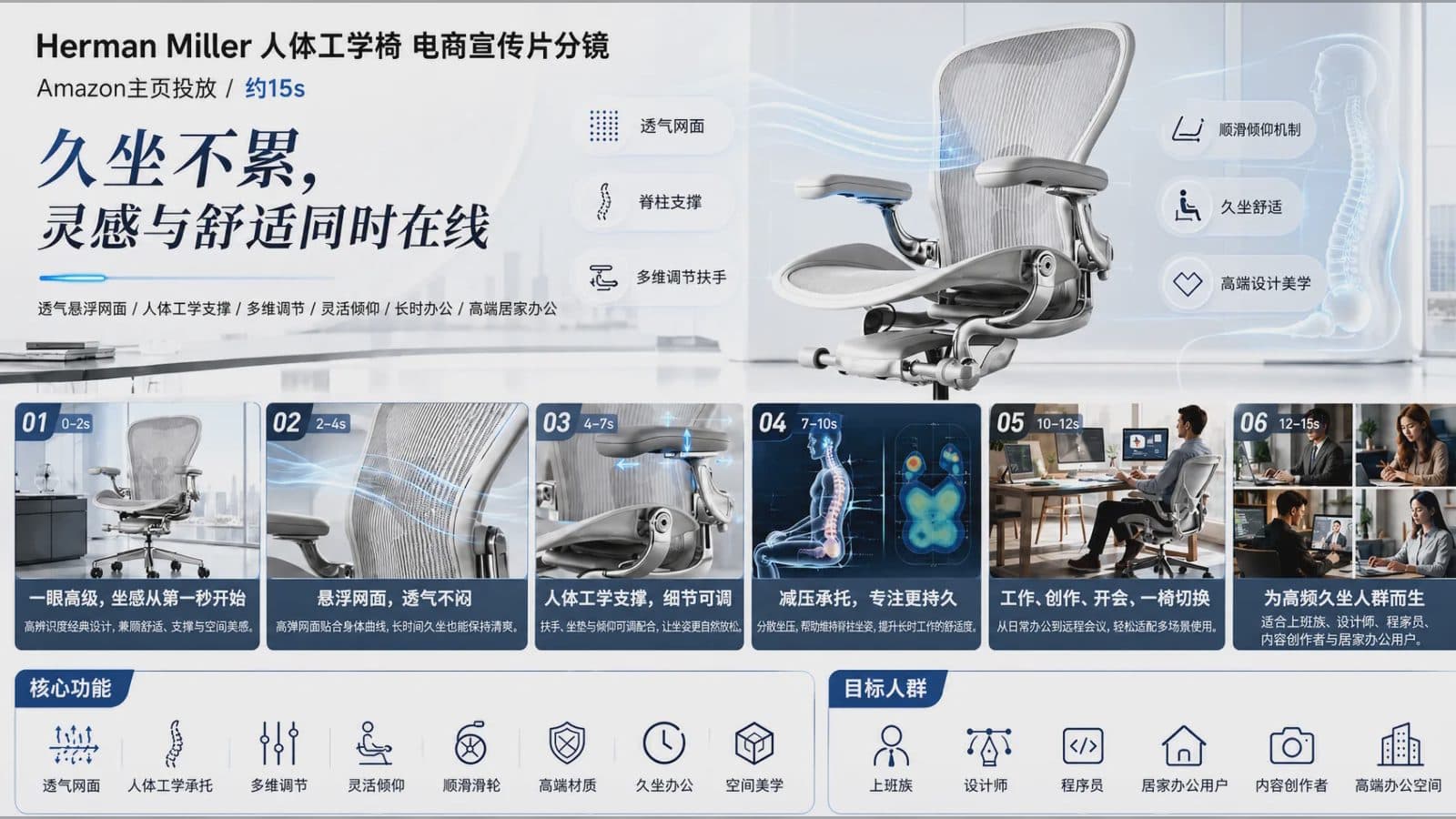
Check MiniMax H3 image, video, audio, duration, format, file-size, prompt-length, and API request limits before preparing a generation.

Plan a MiniMax H3 Omni Reference request with clear roles for images, video, and audio while staying within the 12-file mixed-input limit.
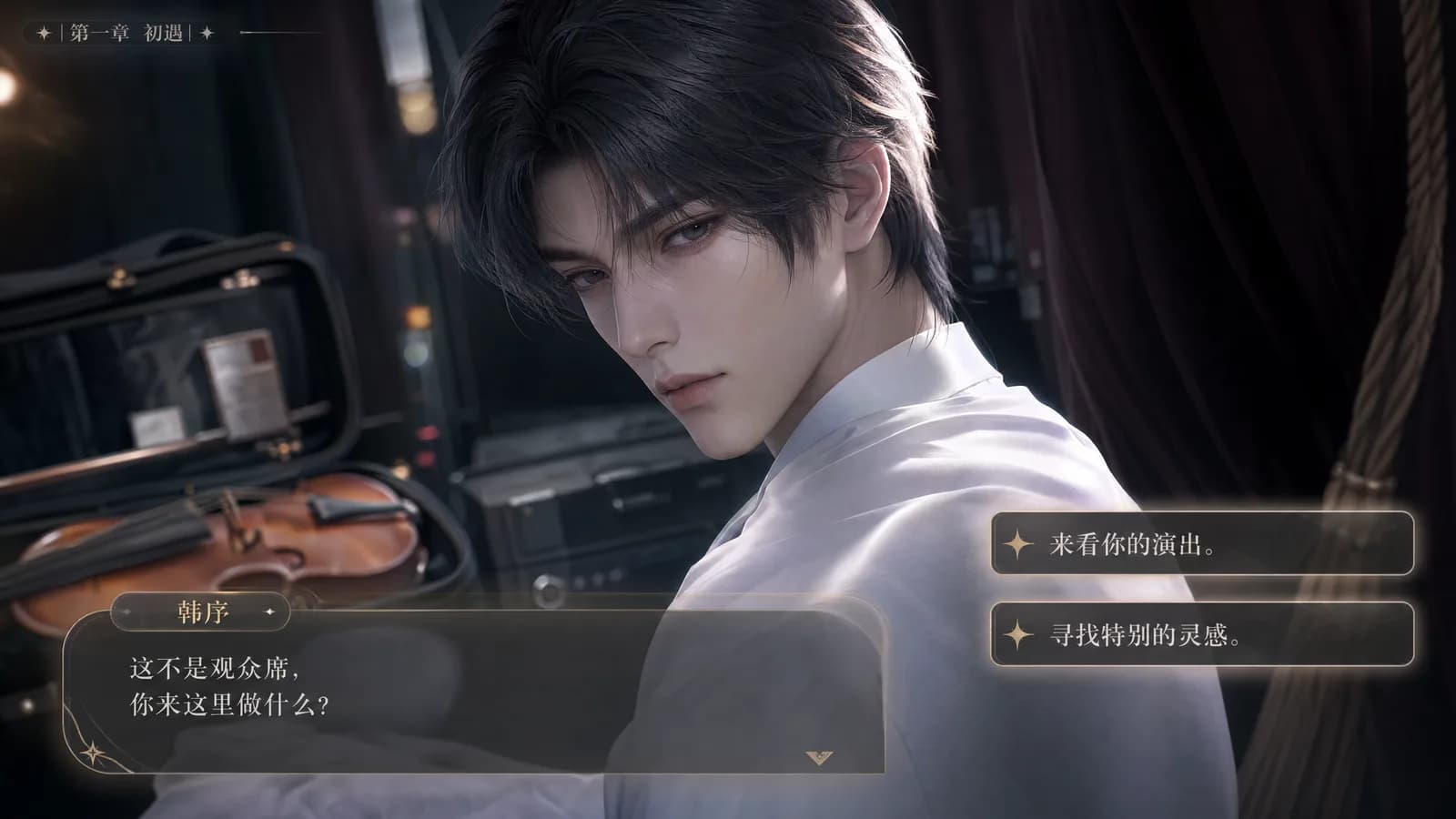
Use MiniMax H3 first and last frame mode to define a shot's opening, ending, aspect ratio, motion path, and continuity before generation.
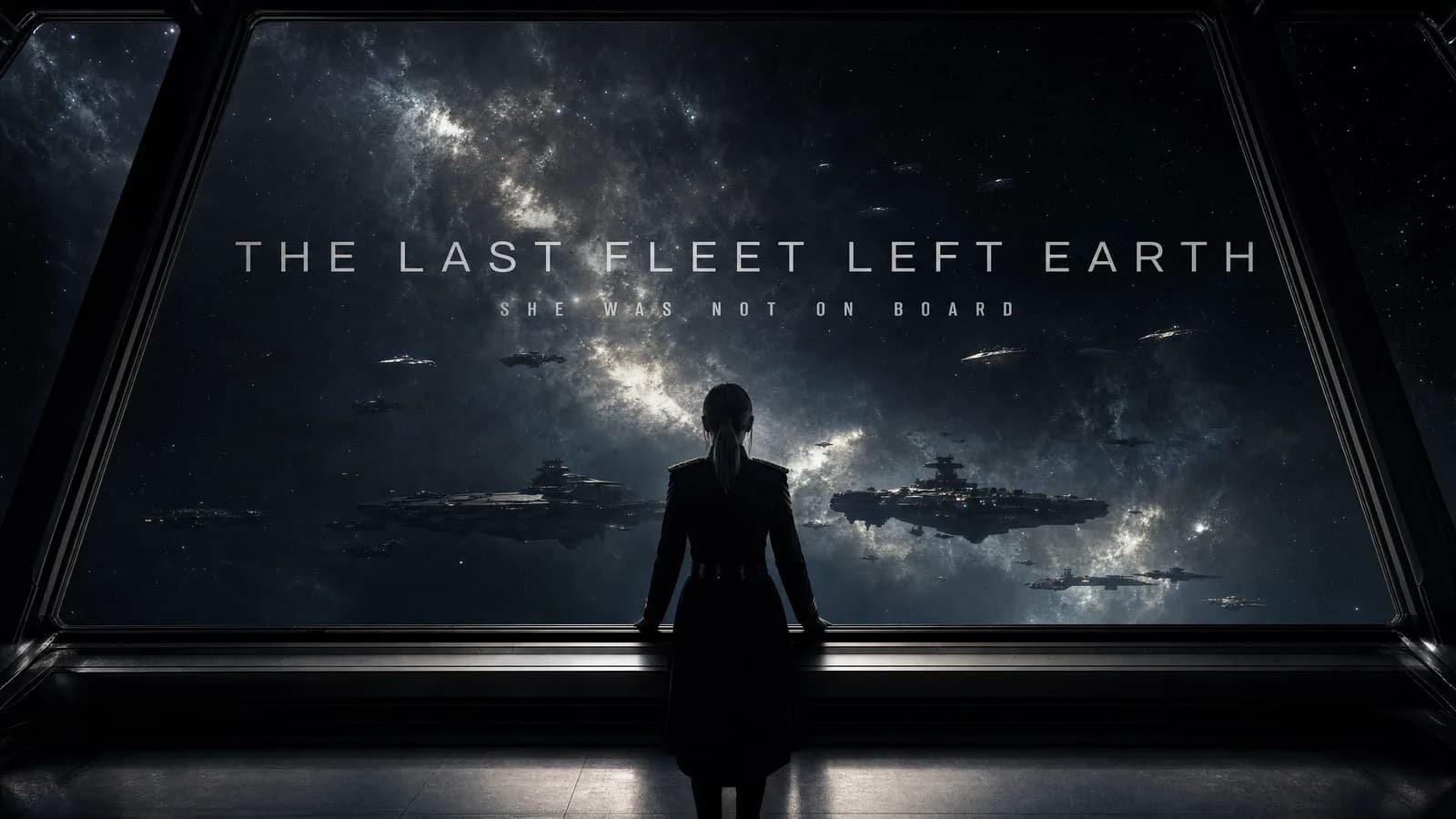
Build a MiniMax H3 text-to-video prompt with a clear subject, action, camera, timing, sound, and aspect ratio for a reviewable 5 to 15 second shot.
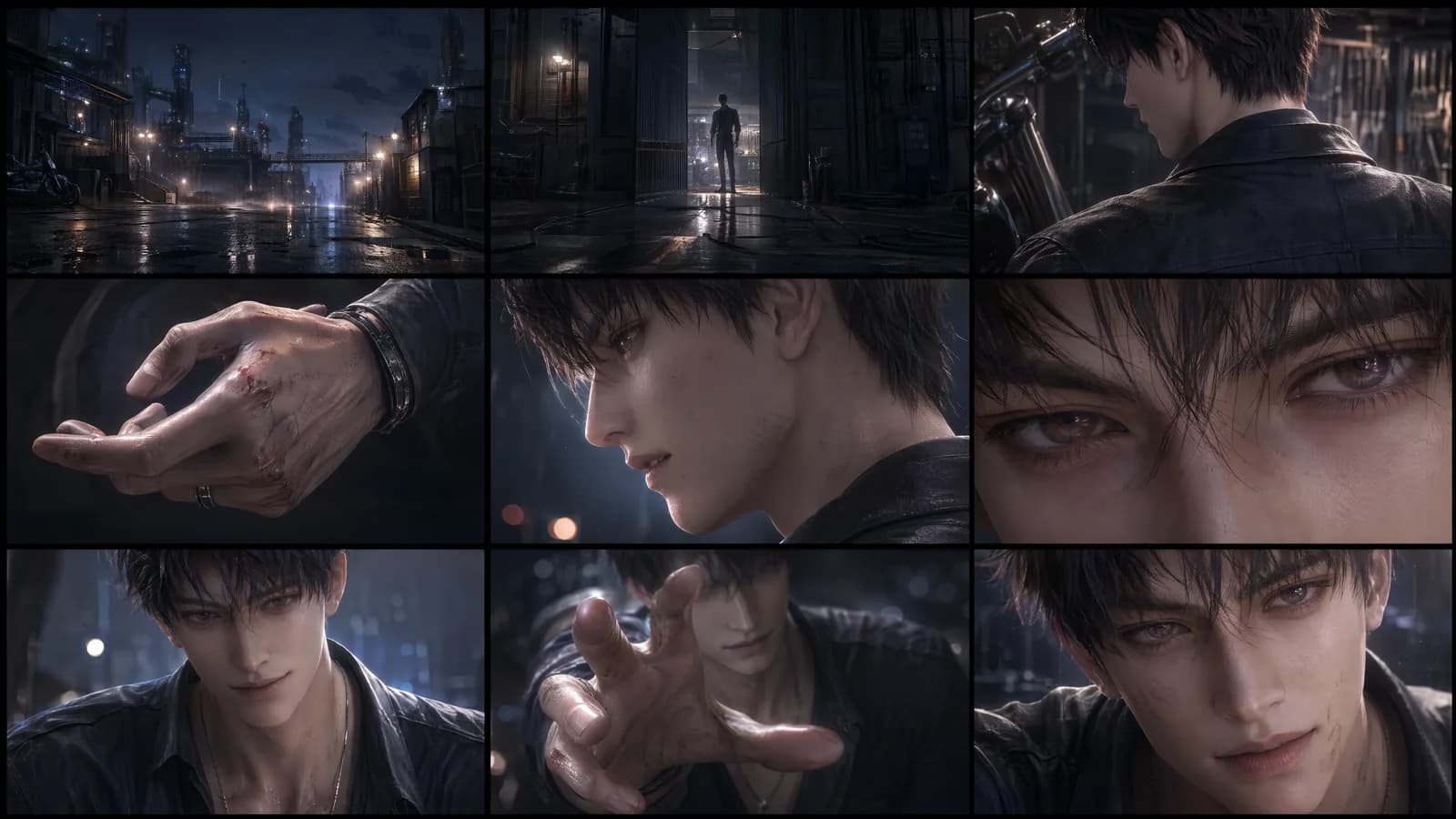
Follow a practical MiniMax H3 workflow for choosing a mode, preparing references, writing a prompt, selecting an aspect ratio, and reviewing the result.
Learn how MiniMax H3 combines text, images, video, and audio for 5 to 15 second video generation, reference control, and precise editing.
See what the July 31 MiniMax H3 launch on ArtArch adds for multimodal video creation, editing, audio, reference control, and commercial workflows.