

ArtArch Newsroom
AcademyMiniMax H3 Action Transfer for Character Performance
Use MiniMax H3 action reference video to guide timing, gestures, interaction, and dance while preserving the chosen character design.
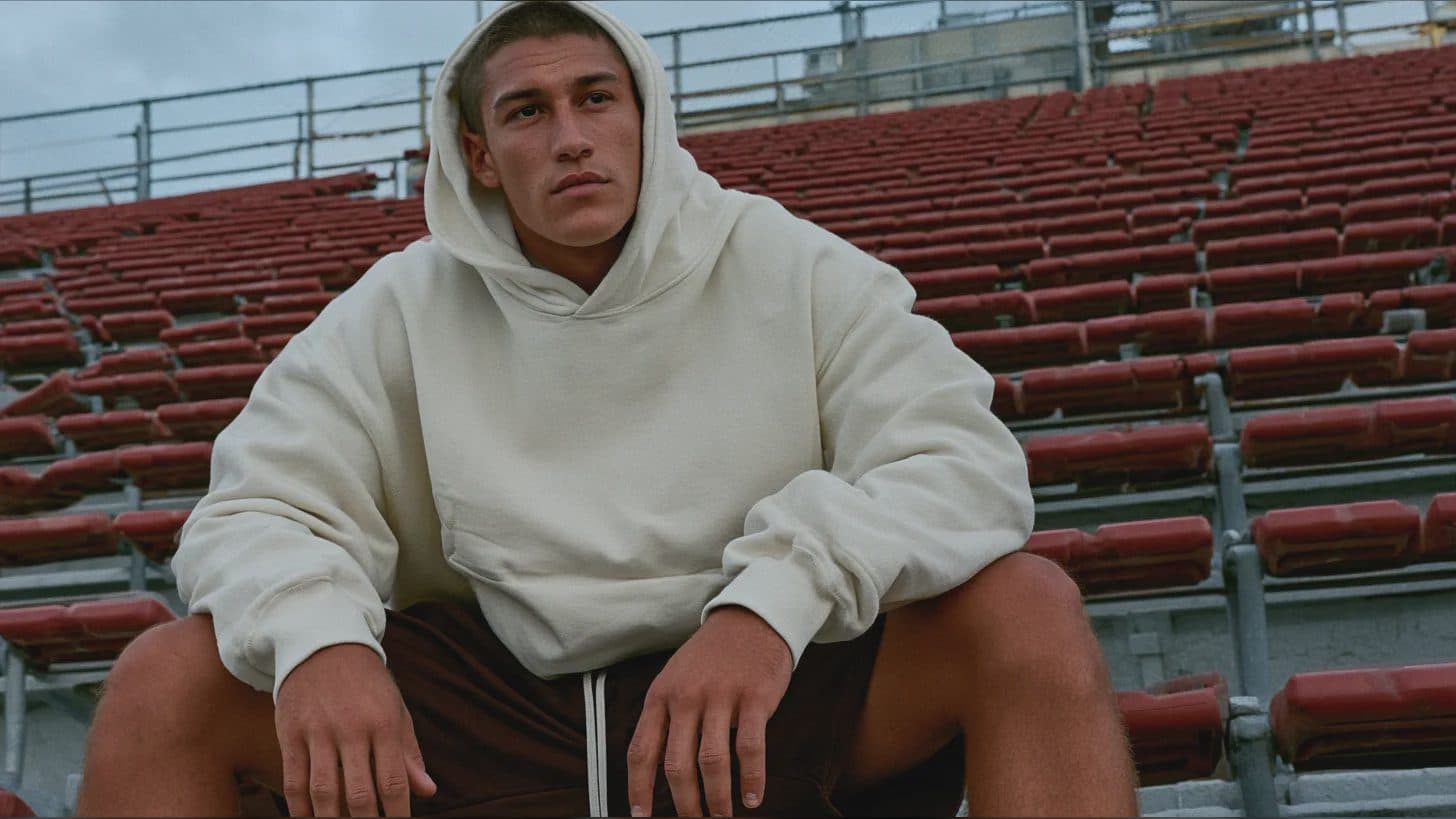
MiniMax H3 action transfer for character performance
MiniMax H3 action transfer uses a reference video to communicate how a new character should move. It can be useful for dance, gestures, prop handling, entrances, reactions, or two-person interaction. The practical goal is not to copy every pixel of the source clip; it is to preserve a readable performance pattern while changing the performer or visual world.
The strongest requests define action as a sequence of beats. That gives the result something concrete to follow and gives the reviewer specific moments to check.
Supplied H3 demonstration: a referenced performance is applied to replacement characters.
Break the performance into beats
Describe the starting pose, major gesture, direction of travel, interaction, and ending pose. For a dance reference, identify the signature turns or arm movements that matter. For product handling, name which hand reaches, where contact occurs, and when the object is revealed.
Use a 2-to-15-second video reference with the full body or relevant limbs visible. The manual allows up to three reference videos, but their combined duration cannot exceed 15 seconds. Avoid mixing performances with incompatible timing unless the prompt assigns them to separate moments.
Separate identity from motion
Provide still images for the new character's face, body proportions, clothing, or stylization. Tell MiniMax H3 that the video defines action and timing while the images define appearance. If a prop must remain exact, give it its own reference and mention how it is held.
Wardrobe can affect motion. Long coats, loose sleeves, hair, and rigid accessories need space to react. Include these physical consequences rather than asking only for “the same movement.”
Inspect contact and continuity
Review hands, feet, joint direction, balance, and contact points. Watch for a foot sliding during a planted pose, a hand passing through a prop, or a partner changing position between beats. Then check whether face, costume, and proportions stay recognizable during turns and partial occlusion.
Sound can reinforce the action. If the output includes footsteps, impacts, cloth movement, or music, confirm that the sound lands on the visible event. Native stereo audio is part of the generated result, so it should not be ignored during motion review.
Frequently asked questions
Can MiniMax H3 transfer a dance performance?
The supplied manual demonstrates action-reference use, including performance-driven scenes. A specific result still needs shot-by-shot review.
Can I combine action video with character images?
Keep exploring
More in Academy

MiniMax H3 Production Checklist for Commercial Video Teams
Review MiniMax H3 inputs, rights, prompt scope, identity, product accuracy, audio, format, retries, approvals, and delivery before production.

MiniMax H3 API Media Formats and URL Input Checklist
Prepare MiniMax H3 API media with supported codecs, image and audio formats, file limits, 64 MB request bodies, and URL-based inputs.

How to Plan 12 Reference Files for MiniMax H3
Assign clear identity, product, style, motion, camera, and audio roles across a MiniMax H3 mixed request without creating contradictory references.

Use MiniMax H3 for Storyboard and Visual Pitch Previews
Turn keyframes and a creative brief into a MiniMax H3 motion preview for shot order, transitions, timing, sound, and stakeholder review.