

ArtArch Newsroom
AcademyMiniMax H3 Character Replacement Without Losing the Shot
Replace a person, animal, or wardrobe detail in MiniMax H3 while preserving camera motion, interaction, lighting, and scene continuity.
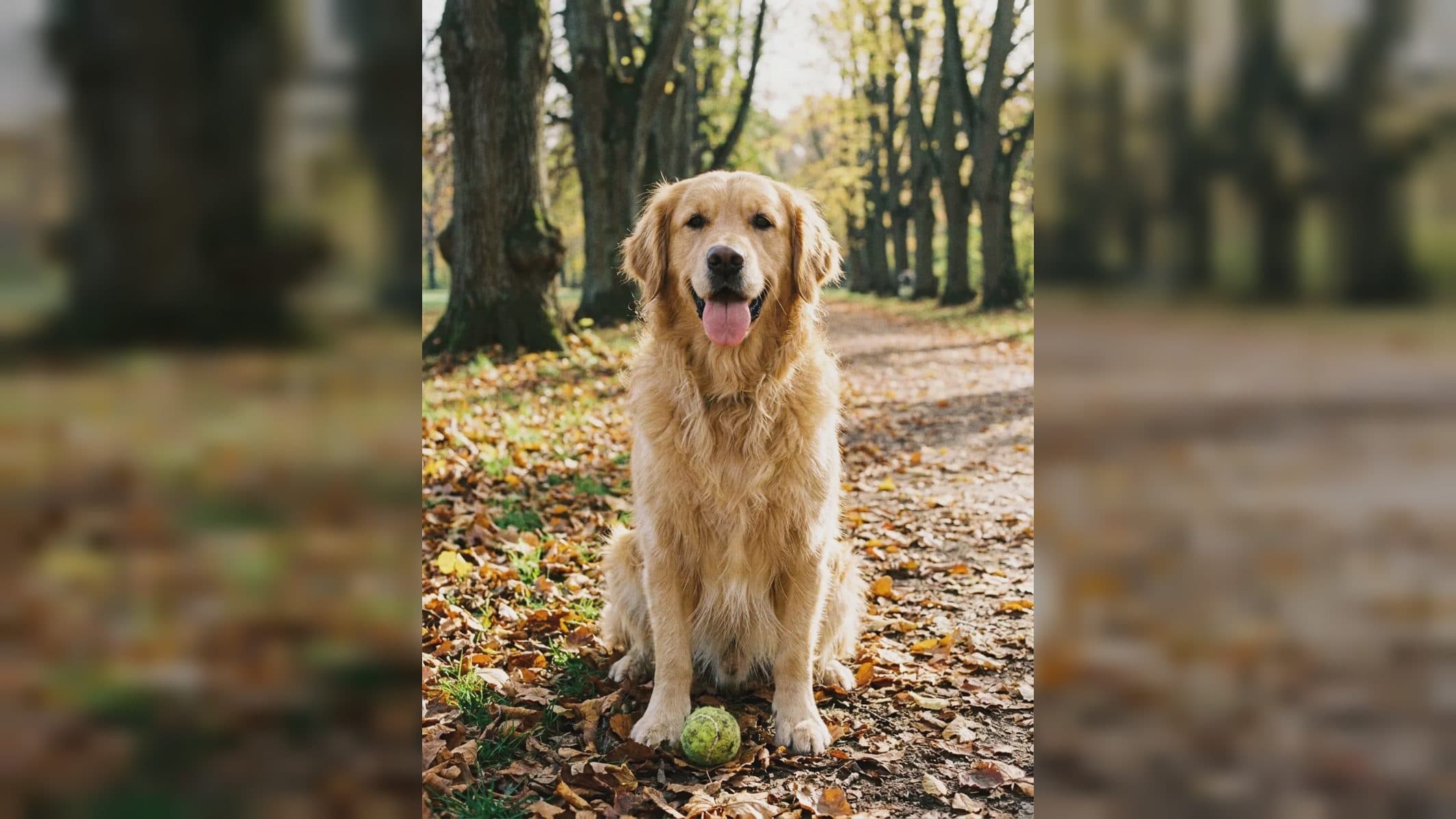
MiniMax H3 character replacement without losing the shot
MiniMax H3 character replacement is an editing task with two simultaneous goals: introduce a new person, animal, or wardrobe identity, and retain the useful structure of the source video. Camera movement, timing, contact, lighting, and other performers may already work. A precise request protects them while defining the replacement.
The result should be judged as a moving composite, not from a single attractive frame.
Supplied H3 demonstration: a character changes while the source shot remains the timing reference.
Identify exactly what is being replaced
Name the target by position, clothing, or action so there is no confusion in a group scene. State whether the replacement covers the face, entire body, costume only, or a specific object. Then name the new reference and its role.
For a full character change, provide clear identity and wardrobe evidence. If body proportions differ from the original actor, explain whether the new silhouette should follow the reference or remain compatible with the source blocking. This becomes important around furniture, partners, and frame edges.
Preserve the original performance
List the actions that should remain: the walk path, hand gesture, head turn, eye line, or timing of an interaction. Protect the camera move and background unless they are part of the edit. Mention contact points such as a hand on a table or an arm around another person.
Hair, loose clothing, and accessories need to respond to motion and light. Tell the model which side an accessory belongs on and check it after turns, when left-right errors become easier to spot.
Review difficult frames first
Inspect occlusion, profile views, motion blur, hand-to-face contact, and entry or exit at the frame boundary. Compare shadows and reflections with the source. Listen as well: footsteps, cloth movement, dialogue, or breathing should still correspond to the new body and retained action.
If identity is good but interaction fails, revise the blocking instruction. If motion is good but the face drifts, improve identity evidence without changing the accepted camera and timing.
Frequently asked questions
Can I replace only a character's outfit?
The manual's editing examples include wardrobe and subject changes. Define the garment as the target and protect face, body, and motion.
Can a video and several identity images be combined?
Yes. Omni Reference accepts mixed media within its limits of nine images, three videos, and 12 total files.
What is the most important review point?
Keep exploring
More in Academy

MiniMax H3 Production Checklist for Commercial Video Teams
Review MiniMax H3 inputs, rights, prompt scope, identity, product accuracy, audio, format, retries, approvals, and delivery before production.

MiniMax H3 API Media Formats and URL Input Checklist
Prepare MiniMax H3 API media with supported codecs, image and audio formats, file limits, 64 MB request bodies, and URL-based inputs.

How to Plan 12 Reference Files for MiniMax H3
Assign clear identity, product, style, motion, camera, and audio roles across a MiniMax H3 mixed request without creating contradictory references.

Use MiniMax H3 for Storyboard and Visual Pitch Previews
Turn keyframes and a creative brief into a MiniMax H3 motion preview for shot order, transitions, timing, sound, and stakeholder review.