

ArtArch Newsroom
AcademyMiniMax H3 Video Relighting: Change Day, Night, and Mood
Use MiniMax H3 video relighting to change scene illumination while checking shadows, skin tone, reflections, practical lights, and continuity.
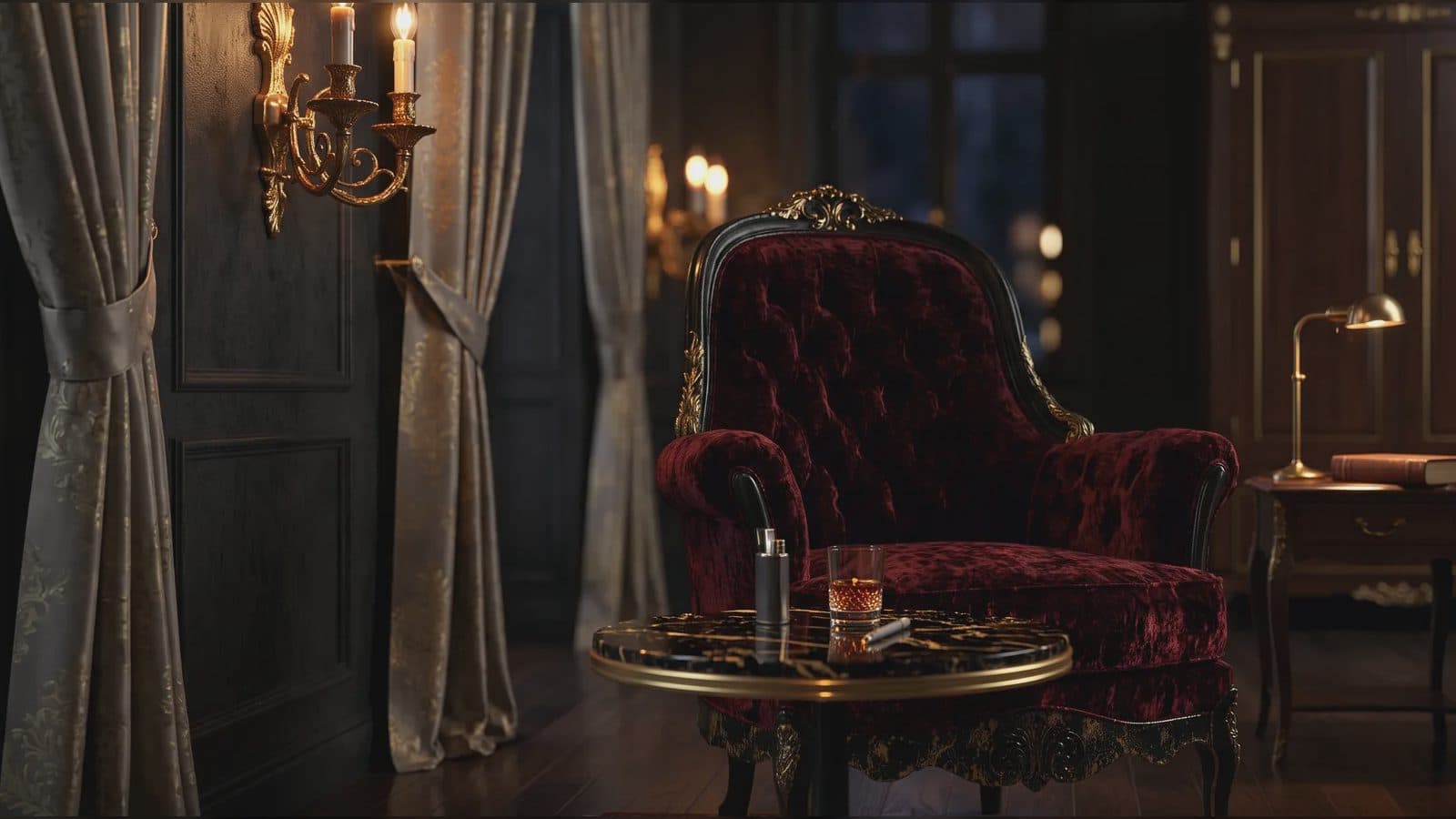
MiniMax H3 video relighting: change day, night, and mood
MiniMax H3 video relighting can shift a scene from day to night, change the apparent source of illumination, or establish a different dramatic mood. The useful production question is not simply whether the frame looks darker or warmer. Light must remain connected to faces, objects, shadows, reflections, practical fixtures, and movement through the shot.
Relighting works best as a bounded edit. Protect character identity, product color, camera timing, and action unless the creative brief explicitly changes them.
Supplied H3 demonstration: the reference scene is shifted to night lighting.
Define motivated light sources
Describe where the key light comes from and what visible source justifies it: a window, street sign, lamp, fire, screen, or overhead fixture. Specify direction, softness, color, and how the background exposure should change.
For a day-to-night edit, include more than “make it night.” Define the sky or exterior, which practical lights turn on, how shadows soften or deepen, and what happens to reflective surfaces. For mood changes, describe observable light behavior instead of relying only on labels such as cinematic or premium.
Preserve important color information
Skin tone, packaging, costume, and brand colors can drift under strong relighting. Name the colors that must remain identifiable even as illumination changes. If a product has metal, glass, or gloss, describe the new reflection environment and check whether its form is still readable.
Use a style image only when it adds specific lighting evidence. Label it as a lighting reference, not as a new character or composition.
Review the shot as light moves
Inspect shadow direction, contact shadows, eye highlights, hair edges, and reflections at several moments. When a person turns or crosses the frame, the illumination should respond consistently. Watch for background light changing independently or a practical fixture that glows without affecting nearby surfaces.
Sound may also carry time and place. Night ambience, rain, electricity, or fire should be intentional, while dialogue and essential source sounds remain protected.
Frequently asked questions
Can MiniMax H3 turn daytime footage into night?
The manual presents relighting and environment-editing capabilities. A day-to-night brief should define practical lights, exposure, shadows, and protected details.
Do I need a lighting reference image?
Not always. Use one when it conveys a specific, consistent light pattern that is difficult to describe.
What should remain unchanged?
Typically camera motion, action, identity, geometry, and critical product colors, unless the edit brief says otherwise.
Set the source shot, motivated light sources, protected colors, and mood references in ArtArch, then review illumination and reflections across the entire result.
Keep exploring
More in Academy

MiniMax H3 Production Checklist for Commercial Video Teams
Review MiniMax H3 inputs, rights, prompt scope, identity, product accuracy, audio, format, retries, approvals, and delivery before production.

MiniMax H3 API Media Formats and URL Input Checklist
Prepare MiniMax H3 API media with supported codecs, image and audio formats, file limits, 64 MB request bodies, and URL-based inputs.

How to Plan 12 Reference Files for MiniMax H3
Assign clear identity, product, style, motion, camera, and audio roles across a MiniMax H3 mixed request without creating contradictory references.

Use MiniMax H3 for Storyboard and Visual Pitch Previews
Turn keyframes and a creative brief into a MiniMax H3 motion preview for shot order, transitions, timing, sound, and stakeholder review.