

ArtArch Newsroom
AcademyMiniMax H3 Text to Video: Prompt Structure and Shot Planning
Build a MiniMax H3 text-to-video prompt with a clear subject, action, camera, timing, sound, and aspect ratio for a reviewable 5 to 15 second shot.
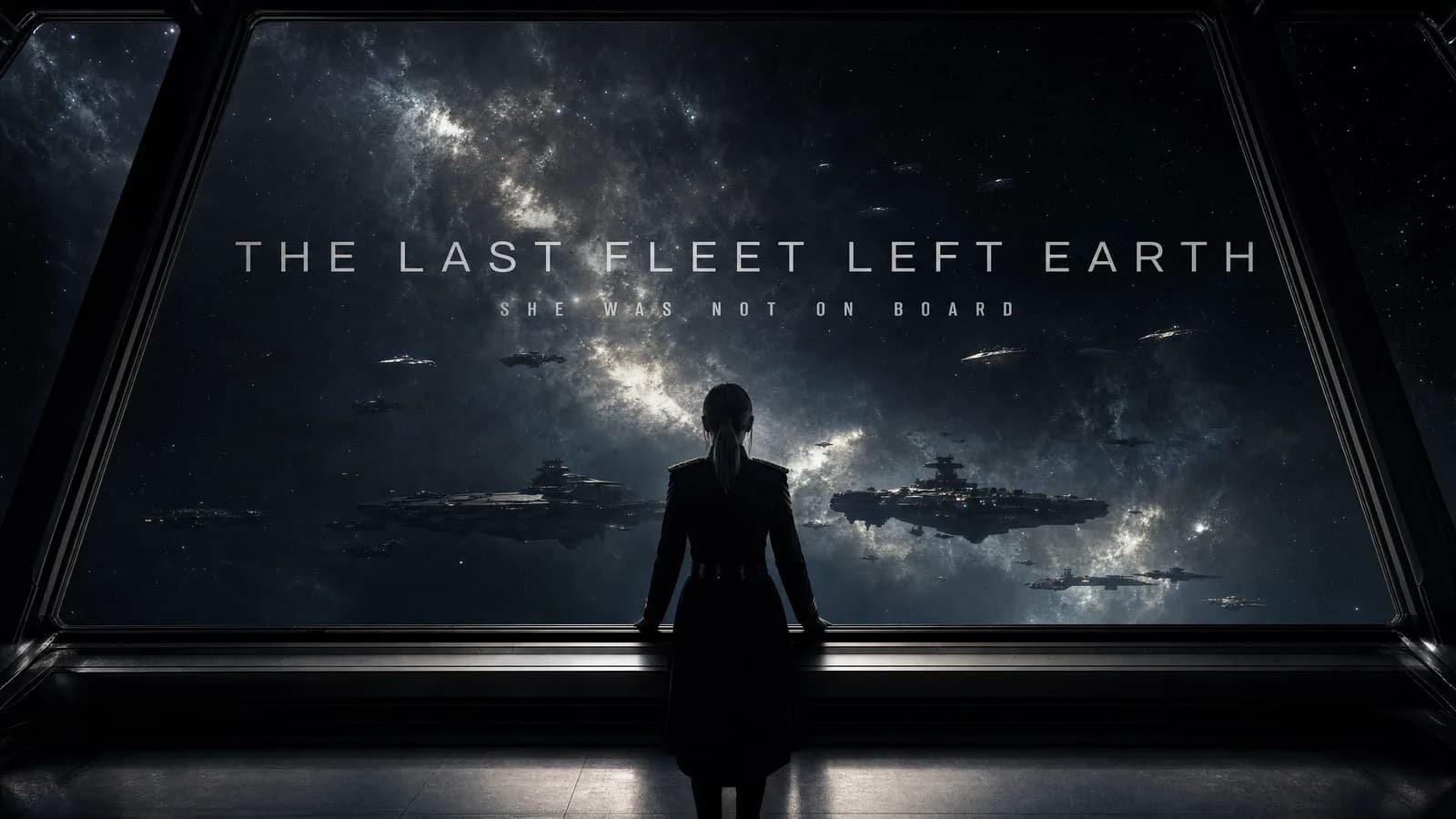
MiniMax H3 text to video: prompt structure and shot planning
MiniMax H3 text to video starts with no image in the first and last frame entry. The model receives a written shot description, a duration from 5 to 15 seconds, an aspect ratio, and the creative constraints needed to produce a complete clip with native stereo sound.
A strong prompt is not a pile of visual adjectives. It is a short production plan. The reader should be able to identify what appears, what changes, how the camera observes it, what is heard, and how the shot ends.
Supplied H3 demonstration: a text-only brief becomes a complete audiovisual scene.
Start with a single dramatic action
Write the event in one sentence before adding style. "A fox runs to a cliff and completes a slow-motion leap across a lava canyon" is a visible action with a beginning and an ending. It already suggests the subject, trajectory, risk, and final pose.
Then add the material or visual system. For a clay animation, define the fox as a clay figure and require the surface, deformation, and lighting to remain consistent during the jump. For live action, define lens behavior, exposure, focus, and physical texture instead.
Describe camera movement as a path
"Cinematic camera" cannot be scored. A useful instruction says where the camera starts, how it moves, and where it finishes. The supplied clay-animation example sends the camera beneath the character during the leap to reveal the depth of the canyon. That path has a purpose: it shows both the action and the scale of the danger.
Keep the camera instruction compatible with the duration. A 5-second shot may support one decisive move. A 15-second shot can establish the setting, follow the action, and hold on the result.
Give sound a job
H3 outputs native stereo audio on every result, according to the launch manual. Include sound in the prompt rather than treating it as a surprise. A trailer may use a low pulse, a metal impact, and a title hit. A domestic scene may need room tone, cloth movement, a cup tap, and quiet breathing.
Avoid asking for several competing music styles and a dense effects track in one short clip. Decide what carries the beat. If dialogue is central, keep the background simple enough to hear it.
Protect details that must not drift
Even without image references, a prompt can define invariants. State the subject count, wardrobe, important props, required text, and forbidden additions. If title text appears, give the exact spelling and say when it enters and leaves.
Negative constraints work best when they protect a concrete goal. "No extra characters" protects subject count. "No unreadable text" is less useful than specifying the exact words, type treatment, duration on screen, and final hold.
A practical H3 text-to-video prompt order
Use this sequence: format and duration; subject and setting; action beats; camera path; lighting and texture; sound; exact text; protected details; final frame. The order mirrors how a reviewer watches the clip.
After generation, compare each sentence with the result. Mark it pass, partial, or fail. Revise the one instruction with the highest impact before adding more detail.
Frequently asked questions
Does MiniMax H3 text to video need a reference image?
No. Text-to-video mode begins with zero images in the first and last frame entry.
Which aspect ratios can I request?
The manual lists 21:9, 16:9, 4:3, 1:1, 3:4, and 9:16.
How long can the prompt be?
The stated limit is 7,000 characters, though most single-shot briefs should be much shorter.
Turn one creative idea into a shot list, then use ArtArch to test that plan with MiniMax H3 text to video.
Keep exploring
More in Academy

MiniMax H3 Production Checklist for Commercial Video Teams
Review MiniMax H3 inputs, rights, prompt scope, identity, product accuracy, audio, format, retries, approvals, and delivery before production.

MiniMax H3 API Media Formats and URL Input Checklist
Prepare MiniMax H3 API media with supported codecs, image and audio formats, file limits, 64 MB request bodies, and URL-based inputs.

How to Plan 12 Reference Files for MiniMax H3
Assign clear identity, product, style, motion, camera, and audio roles across a MiniMax H3 mixed request without creating contradictory references.

Use MiniMax H3 for Storyboard and Visual Pitch Previews
Turn keyframes and a creative brief into a MiniMax H3 motion preview for shot order, transitions, timing, sound, and stakeholder review.