

ArtArch Newsroom
AcademyMiniMax H3 Comes to ArtArch on July 31: What Creators Can Do
See what the July 31 MiniMax H3 launch on ArtArch adds for multimodal video creation, editing, audio, reference control, and commercial workflows.
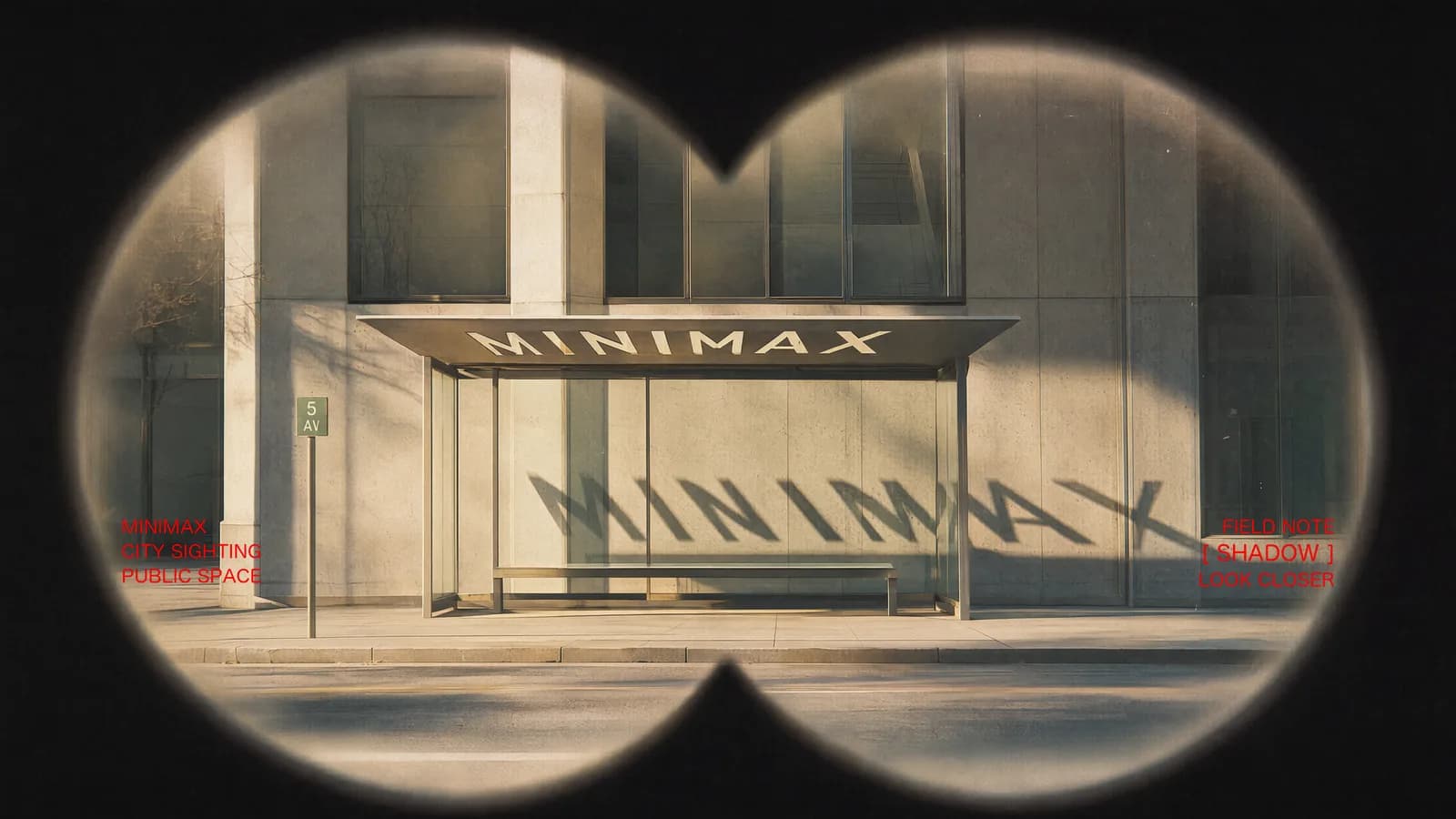
MiniMax H3 comes to ArtArch on July 31
The MiniMax H3 ArtArch launch is scheduled for July 31, 2026. It brings a video model built around a shared context of text, images, video, and audio, rather than a collection of isolated generation and editing tasks. Creators can prepare a shot with several kinds of evidence, tell the model what each reference controls, and request a complete audiovisual result lasting from 5 to 15 seconds.
The release is relevant to teams that already think in briefs, assets, references, and review rounds. A product image can define the object. A portrait can define a character. A video can supply action or camera movement. An audio clip can guide tone or performance. H3 treats those materials as parts of one request.
Supplied H3 demonstration: multiple forms of context contribute to one audiovisual result.
What the ArtArch launch adds to a creative workflow
The launch manual describes two main ways to start. First and last frame mode accepts zero, one, or two images. With no image, it becomes text to video. With an opening image, a closing image, or both, the creator can define the visual boundaries of the shot.
Omni Reference is the broader option. It accepts up to nine images, three video clips, and three audio clips, with a mixed maximum of 12 files. That makes it useful for work where identity, styling, action, editing rhythm, and sound come from different sources.
Every H3 result includes native stereo audio, according to the manual. The output runs at 24 FPS and supports 5 to 15 seconds. Creators can choose common delivery shapes including 21:9, 16:9, 4:3, 1:1, 3:4, and 9:16 in text-to-video and Omni Reference workflows.
Three launch-day workflows to try
A brand team can build a 15-second campaign study from a location image, talent references, a product image, and a logo frame. The prompt should assign each asset a job, then define the action and the final brand beat.
A filmmaker can test a trailer concept with keyframes, title treatment, camera movement, sound hits, and a strict cut pattern. The goal is not a finished campaign on the first attempt. It is a reviewable motion proposal that reveals whether the pacing and visual language work together.
An editor can begin with an existing clip and request a controlled change: replace a subject, change the background, shift day to night, update dialogue, or add a visual effect. The review should compare the edited region and the protected region separately.
How to prepare before July 31
Collect only assets you are allowed to use. Give each file a descriptive role such as character identity, wardrobe, product geometry, camera movement, action timing, or voice tone. Remove duplicates and references that disagree about the same detail.
Write one acceptance sentence before generating. For example: "The black bag remains the same shape and stays readable while the actor removes it from the car." That sentence gives the team a reason to approve or reject the output.
The ArtArch release should be treated as live only after the July 31 product page and generation path can be read back successfully. Until then, this article describes the scheduled launch and the capabilities stated in the supplied H3 manual.
Frequently asked questions
When does MiniMax H3 launch on ArtArch?
The scheduled ArtArch launch date is July 31, 2026. Confirm live availability in the product before starting a production run.
What can I upload to H3?
Omni Reference supports images, video, and audio in a mixed request. First and last frame mode focuses on zero, one, or two images.
Does H3 generate sound with the video?
The launch manual states that every result includes native stereo audio.
Prepare your references and acceptance criteria now, then open ArtArch on launch day to build the first controlled H3 test.
Keep exploring
More in Academy

MiniMax H3 Production Checklist for Commercial Video Teams
Review MiniMax H3 inputs, rights, prompt scope, identity, product accuracy, audio, format, retries, approvals, and delivery before production.

MiniMax H3 API Media Formats and URL Input Checklist
Prepare MiniMax H3 API media with supported codecs, image and audio formats, file limits, 64 MB request bodies, and URL-based inputs.

How to Plan 12 Reference Files for MiniMax H3
Assign clear identity, product, style, motion, camera, and audio roles across a MiniMax H3 mixed request without creating contradictory references.

Use MiniMax H3 for Storyboard and Visual Pitch Previews
Turn keyframes and a creative brief into a MiniMax H3 motion preview for shot order, transitions, timing, sound, and stakeholder review.