

ArtArch Newsroom
AcademyMiniMax H3 Dialogue Replacement for AI Video Scenes
Replace spoken lines in MiniMax H3 with an audio reference and review lip timing, emotional performance, speaker identity, and ambience.
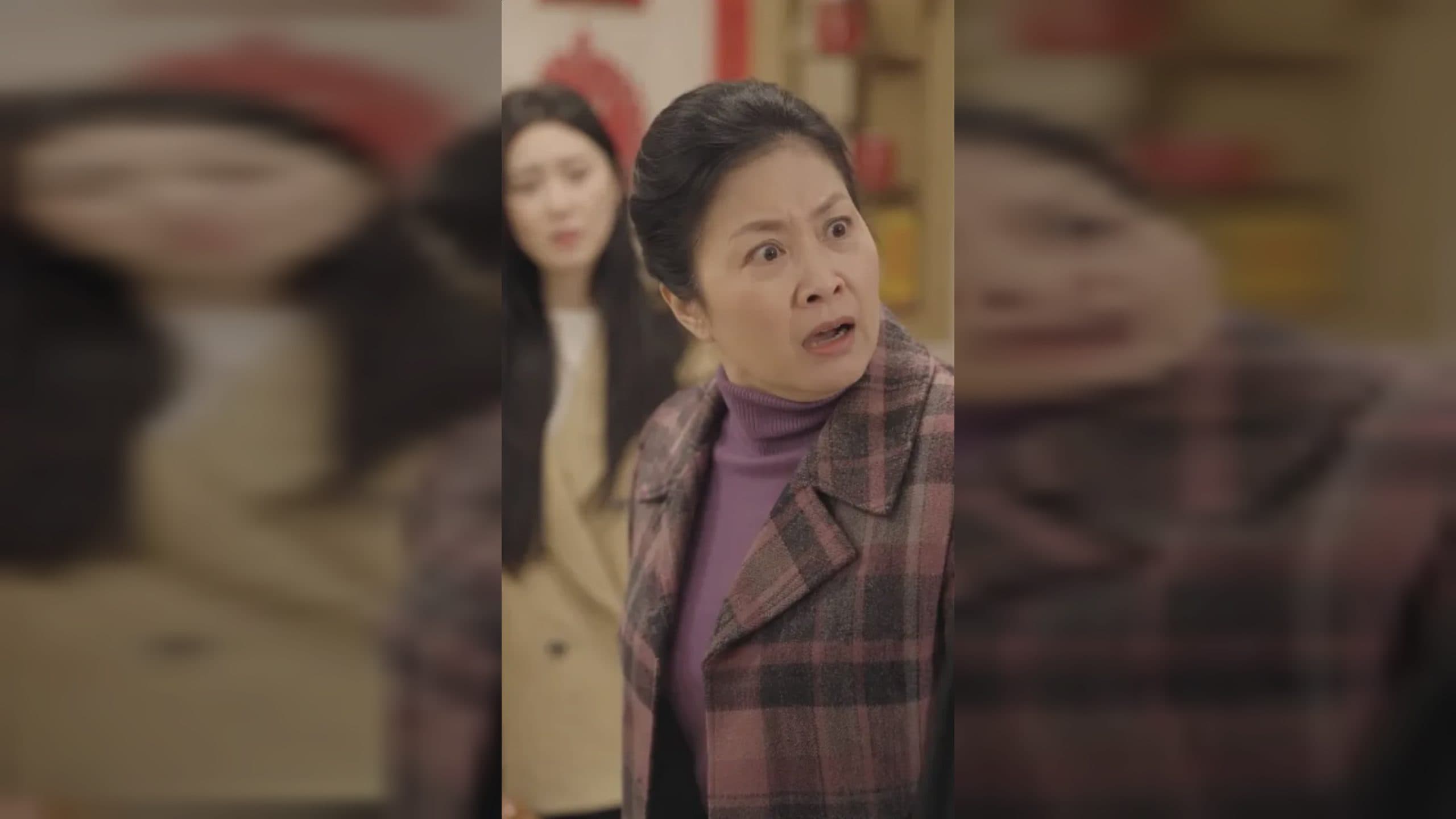
MiniMax H3 dialogue replacement for AI video scenes
MiniMax H3 dialogue replacement combines a visual edit with a performance and sound task. A new line needs the correct speaker, timing, emotion, lip movement, room acoustics, and relationship to the existing ambience. The launch manual supports audio references in Omni Reference and describes dialogue-oriented editing examples, giving creators a way to specify vocal tone alongside the source video.
Treat the original clip as the timing and environment record. Decide which parts of its soundtrack should change before writing the new line.
Supplied H3 demonstration: a new referenced line is paired with adjusted visible performance.
Prepare the line and voice role
Write the exact dialogue, including names and product terms. Add direction for pace, emotional shift, volume, pauses, and who the speaker addresses. Keep the line realistic for a 5-to-15-second result.
An MP3 or WAV reference can define vocal quality or delivery. Each audio reference must be 2 to 15 seconds, and audio references total at most 15 seconds in a request. Audio cannot stand alone, so pair it with the source video or an image.
If the scene has multiple speakers, make the order explicit. Identify whether the other voices remain unchanged or whether silence replaces an original response.
Protect the sound bed
List the audio that should survive: room tone, traffic, music, footsteps, or object sounds. When the old dialogue overlaps these elements, describe the desired final mix rather than assuming the model will know which layer to retain.
Also protect the visible performance where possible. If the line changes length substantially, specify whether timing, facial expression, or the edit may adapt.
Review in three passes
First listen without watching for words, pronunciation, speaker identity, emotional delivery, noise, and stereo balance. Then watch silently for mouth shapes, facial effort, gaze, and gesture. Finally combine picture and sound to judge sync and whether the voice seems located in the room.
Check the beginning and end for clipped syllables. For a series, record approved pronunciations and reuse consistent reference material.
Frequently asked questions
What audio formats does MiniMax H3 accept?
The manual lists WAV and MP3 for standalone audio references.
Can an audio reference replace the source video?
No. Audio cannot be the only reference input; it must accompany an image or video.
Does a new line automatically preserve background sound?
Keep exploring
More in Academy

MiniMax H3 Production Checklist for Commercial Video Teams
Review MiniMax H3 inputs, rights, prompt scope, identity, product accuracy, audio, format, retries, approvals, and delivery before production.

MiniMax H3 API Media Formats and URL Input Checklist
Prepare MiniMax H3 API media with supported codecs, image and audio formats, file limits, 64 MB request bodies, and URL-based inputs.

How to Plan 12 Reference Files for MiniMax H3
Assign clear identity, product, style, motion, camera, and audio roles across a MiniMax H3 mixed request without creating contradictory references.

Use MiniMax H3 for Storyboard and Visual Pitch Previews
Turn keyframes and a creative brief into a MiniMax H3 motion preview for shot order, transitions, timing, sound, and stakeholder review.