

ArtArch Newsroom
Producer's NoteSkin Texture Prompt for Less Oily AI Video Portraits
A controlled MiniMax H3 test of fine pore texture and low-gloss skin wording for more natural AI video portraits.
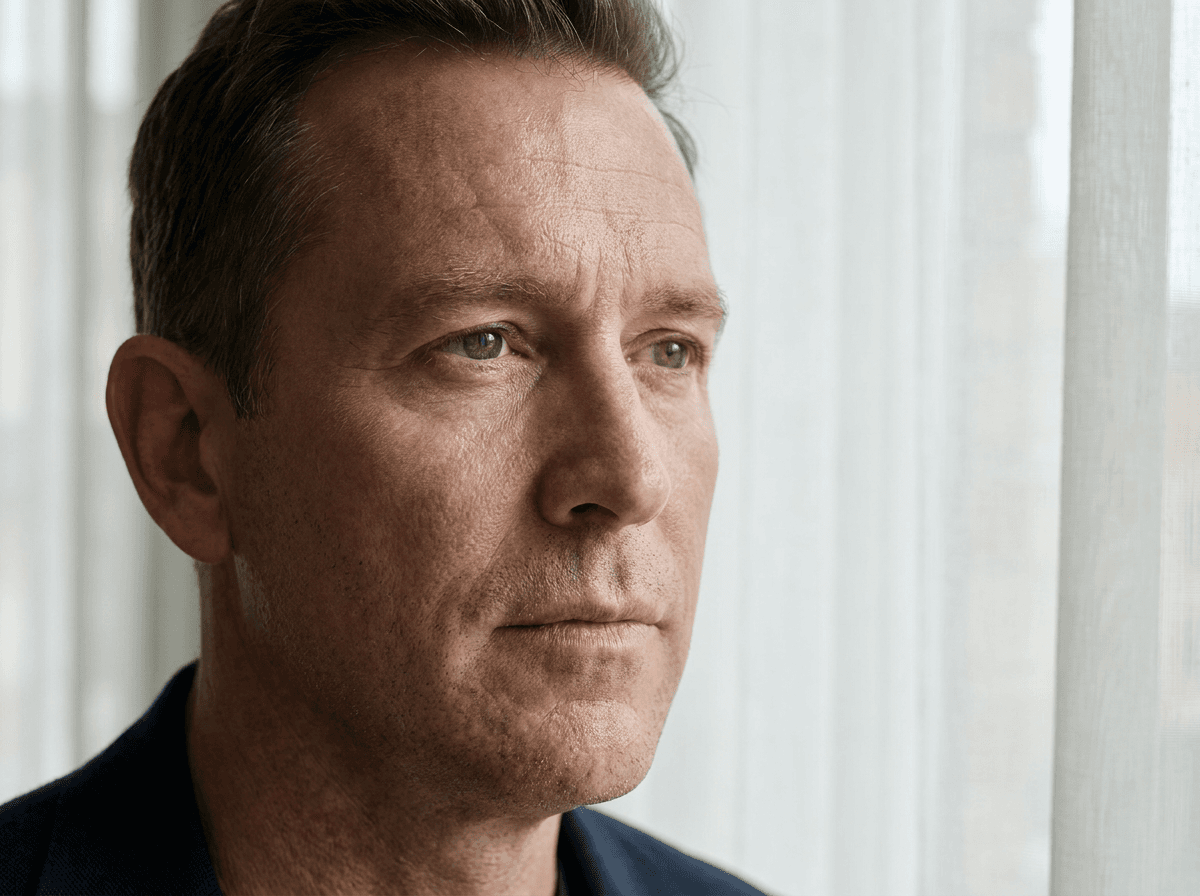
AI portraits can look greasy when broad quality words are paired with strong highlights. A more useful approach is to describe skin as a material: pore scale, micro-variation, gloss response, and surface condition.
The controlled test
This five-second MiniMax H3 test used the same fictional white American man, charcoal shirt, apartment, window light, framing, and face turn in both videos. The control used an ordinary natural-skin description. The technique run added fine pore texture, subtle micro-variation, low specular response, a matte-to-satin surface, and controlled highlights. Skin wording was the only variable.
What the frames show
Both clips preserved identity, lighting, and the medium close-up composition. The control looked natural but carried stronger highlights across the forehead and nose. The constrained version showed clearer pores and microtexture with slightly calmer highlights. The difference was visible but modest, so this is a limited positive observation rather than a universal fix for oily-looking skin.
A practical prompt pattern
Keep the character and lighting fixed. Then specify: fine pore texture, subtle micro-variation, low specular response, matte-to-satin surface, and controlled highlights. Add a negative boundary such as no wet look or no plastic skin only when it supports the same material goal. Avoid stacking vague quality adjectives that can amplify shine.
Where it helps
The method is most useful in portraits and close shots where skin occupies enough pixels to be judged. It is less useful in distant shots, heavily stylized characters, or scenes where the light itself is intentionally glossy.
Evidence boundary
The conclusion comes from one shared-reference A/B pair on MiniMax H3. It supports testing explicit material language, but it does not establish the same effect across other models, skin types, lighting setups, or shot scales.
Keep creating
Explore the idea, then make it yours.
Discover more creative workflows in Spotlight, or open ArtArch Studio to start creating now.
Keep exploring
More in Producer's Note
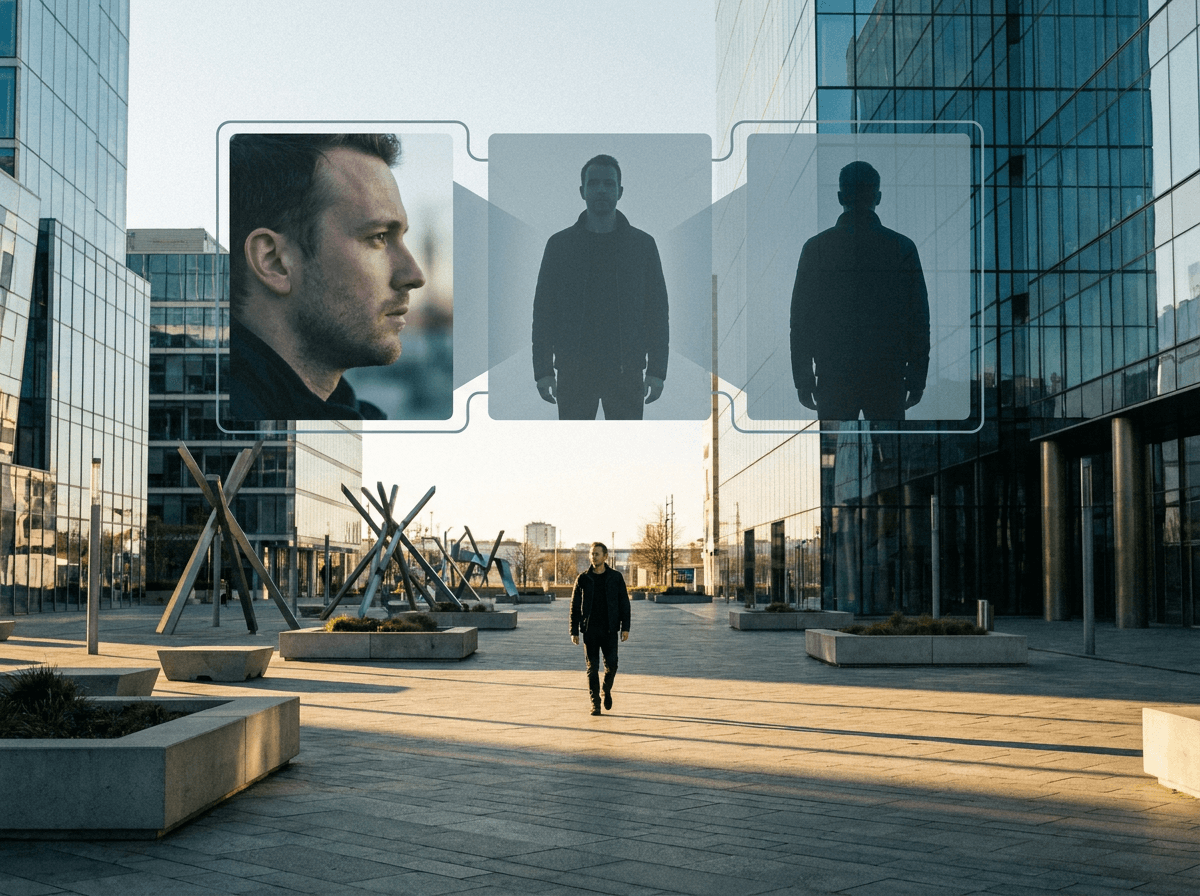
Headless Front Character Reference for Stable AI Video
A controlled MiniMax H3 test of separating face identity from a headless front body asset for distant AI video shots.
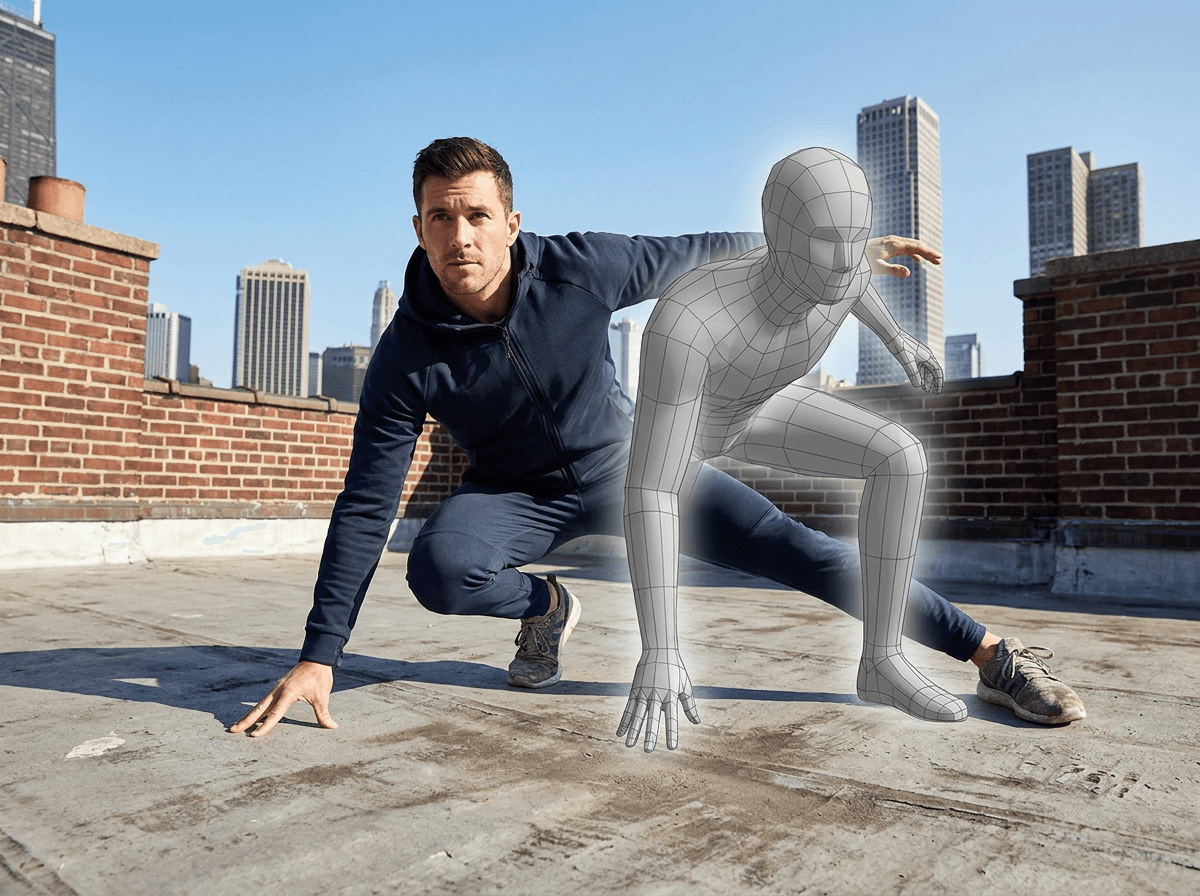
3D Pose Reference AI Video for Action and Camera Control
A controlled MiniMax H3 test of using a 3D mannequin reference to stabilize an AI video pose and low camera angle.
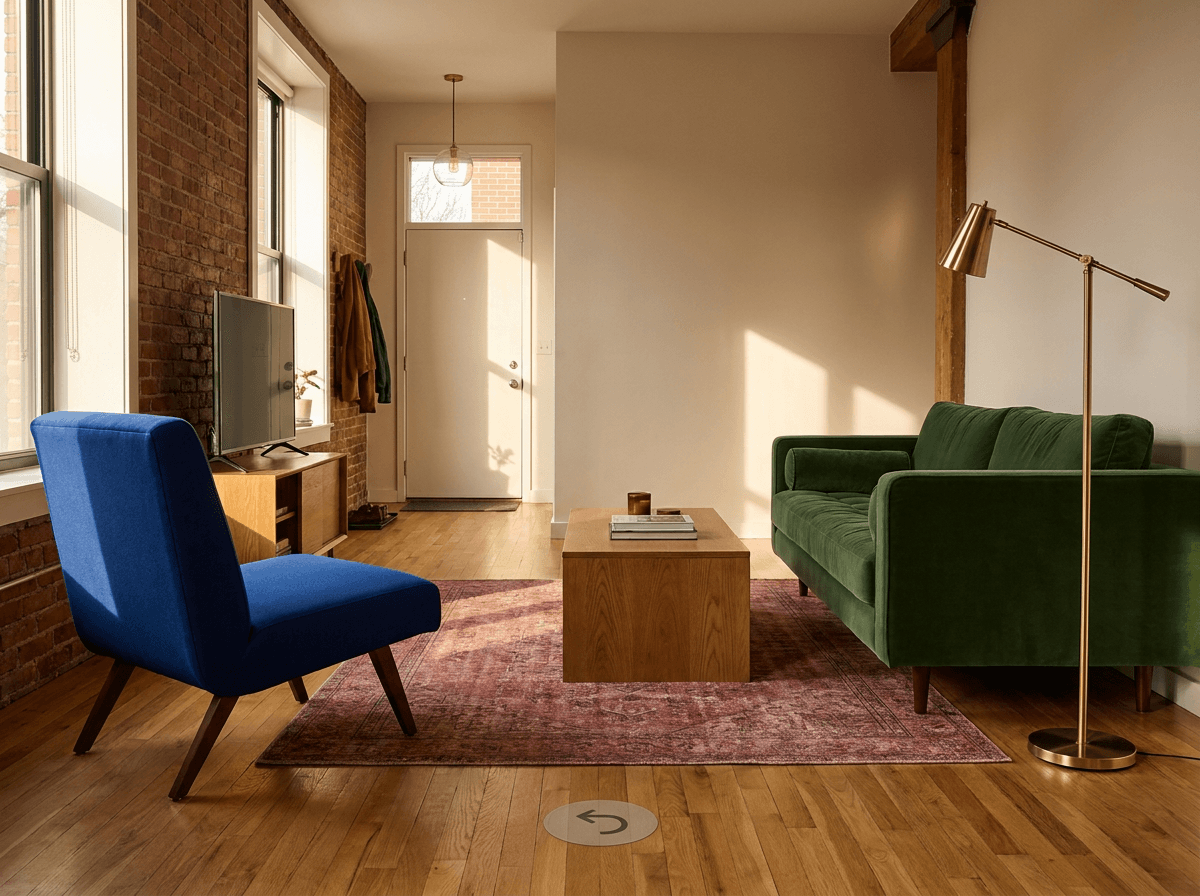
AI Image Reverse Angle Scene Consistency with Locked Assets
Improve AI image reverse angle scene consistency by locking architecture, furniture, materials, colors, and relative positions before moving the camera.
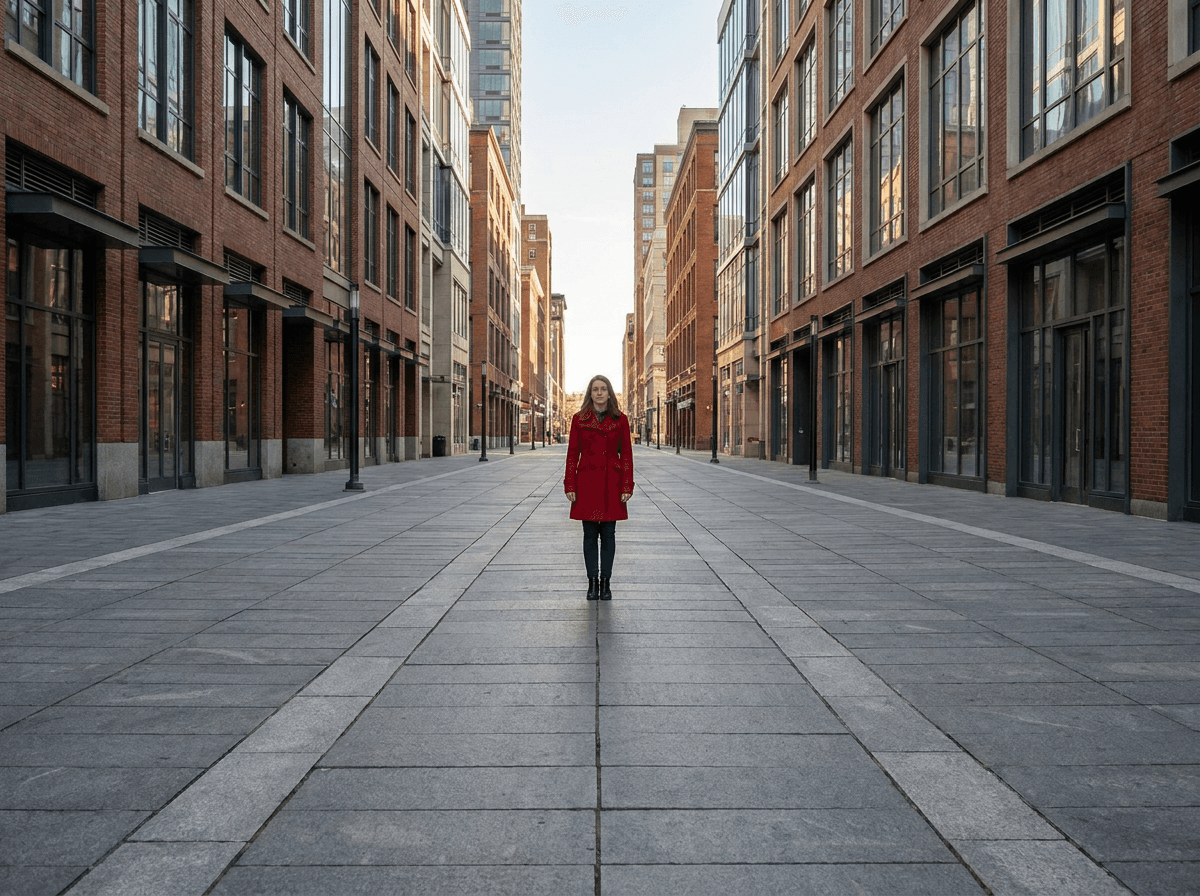
One Point Perspective AI Image Prompt for Stronger Depth
Write a one point perspective AI image prompt with converging structural lines and a clear viewing direction to create stronger spatial depth.