

ArtArch Newsroom
Producer's NoteAI Image Reverse Angle Scene Consistency with Locked Assets
Improve AI image reverse angle scene consistency by locking architecture, furniture, materials, colors, and relative positions before moving the camera.
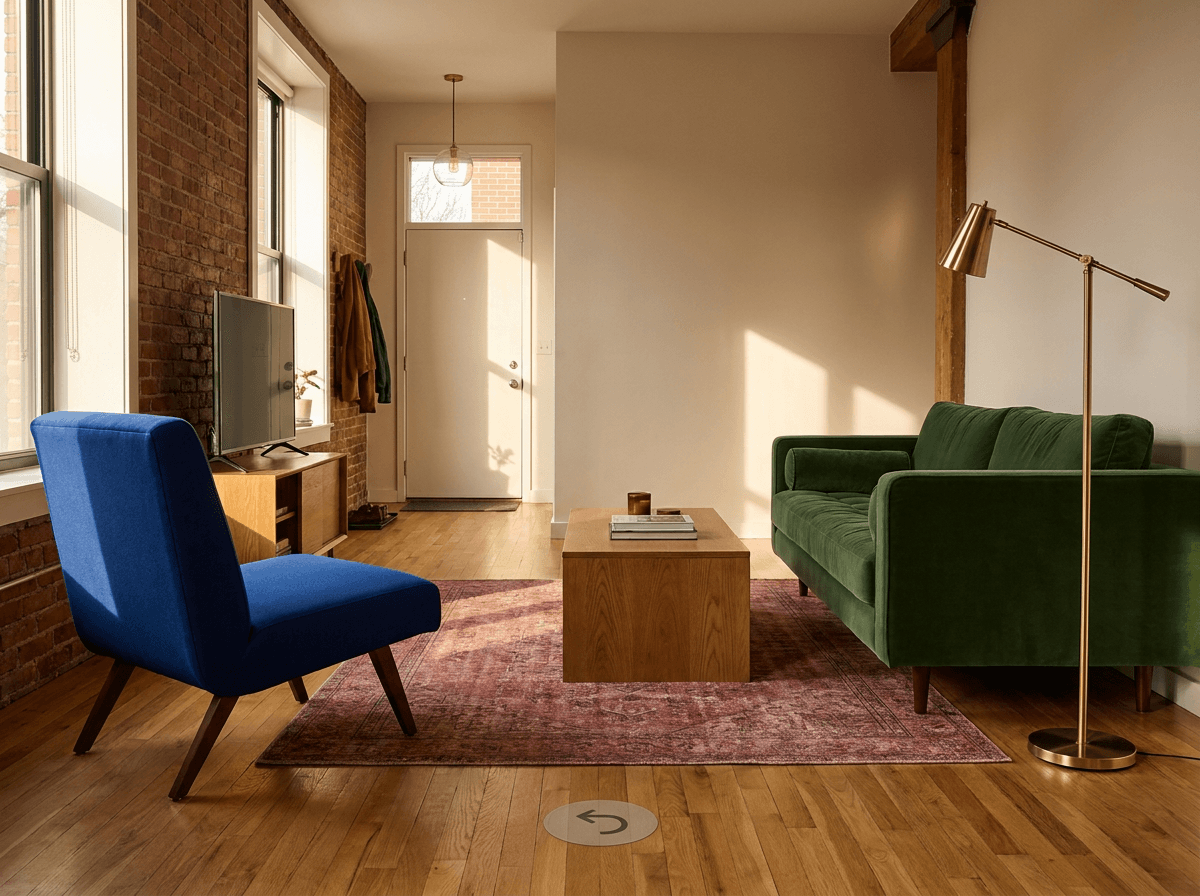
Upload a room reference and lock its key assets before changing the camera to create an AI image reverse angle with stronger scene consistency. Keep the architecture, furniture, materials, colors, and relative positions fixed, then describe only the new camera location and viewing direction.
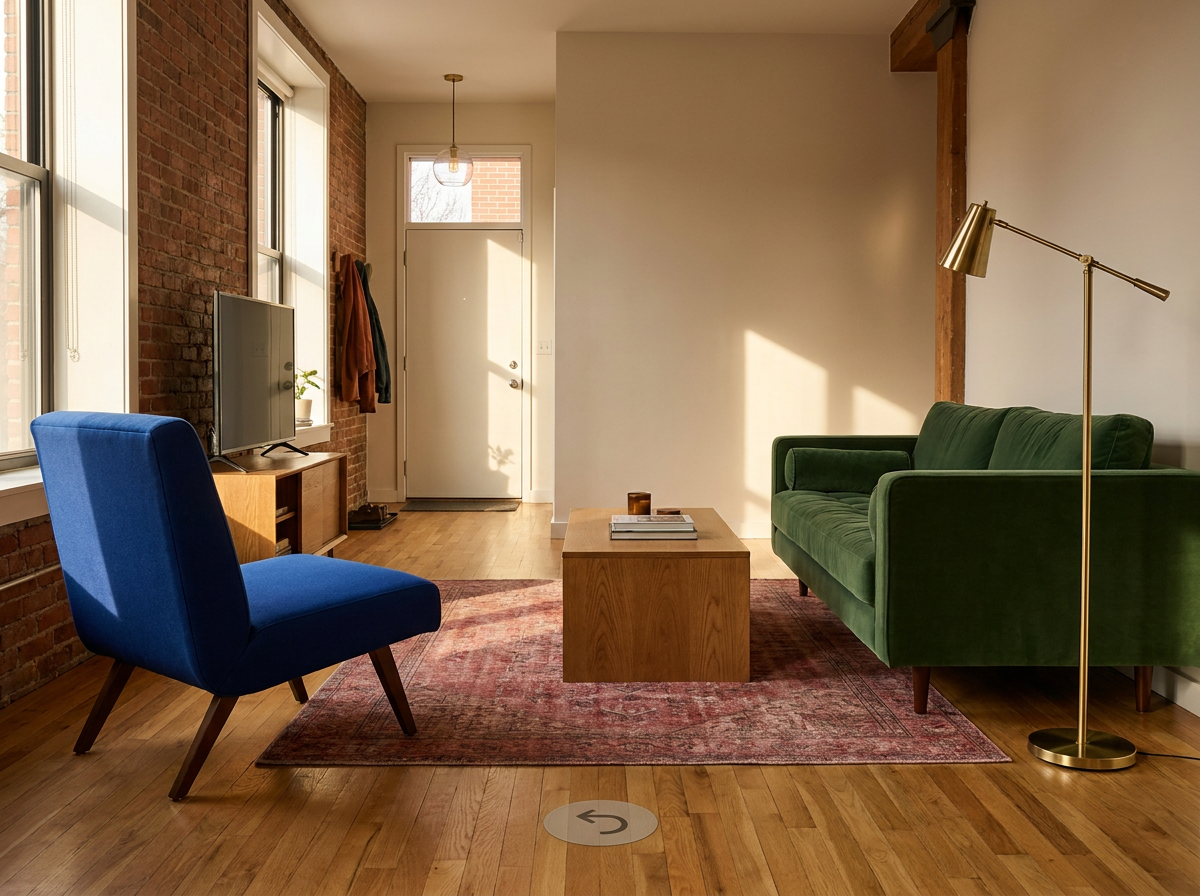
A reverse view keeps the recognizable furniture group while revealing the entrance side of the room.
Separate the room from the camera
A useful reverse-angle prompt treats the scene and the viewpoint as two different instruction groups. The scene group lists what remains stable. The camera group states what moves.
Start with large architectural anchors: doors, windows, wall openings, columns, and floor boundaries. Add a short list of furniture or props whose identity matters across shots. Record their materials, colors, and relative positions in plain spatial language.
For a living room, that lock list might be:
Lock the existing scene assets and their relative positions:
- deep green three-seat sofa along the left wall;
- cobalt-blue lounge chair opposite it on the right;
- rectangular oak coffee table centered on the muted red rug;
- brass floor lamp immediately beside the sofa;
- warm oak floor, white walls, and the same afternoon sunlight direction.
Once the room is defined, add the camera change as a separate block.
Describe a physically readable camera move
Avoid asking only for "the other side." Name the destination and the new direction of view:
Move the camera to the opposite corner near the arched window and turn it back
toward the original entrance position. Show the reverse sides of the furniture.
The arched window is now behind the camera and outside the frame. Keep an
eye-level camera and natural interior perspective.
The visibility sentence is important. It tells the image which landmark should disappear from the frame and which part of the room should become visible. A doorway, entry hall, rear wall, kitchen opening, or previously hidden corridor can confirm that the viewpoint truly changed.
A practical three-step workflow
- Identify four to six assets that make the room recognizable.
- Record their color, material, wall relationship, and position relative to one another.
- Specify the new camera corner, viewing direction, and expected visibility changes.
Keep the lens height, lighting time, palette, and output orientation stable while testing the camera move. Use exact object names instead of rewriting the entire decorative style. This keeps the prompt focused on continuity.
Keep creating
Explore the idea, then make it yours.
Discover more creative workflows in Spotlight, or open ArtArch Studio to start creating now.
Keep exploring
More in Producer's Note
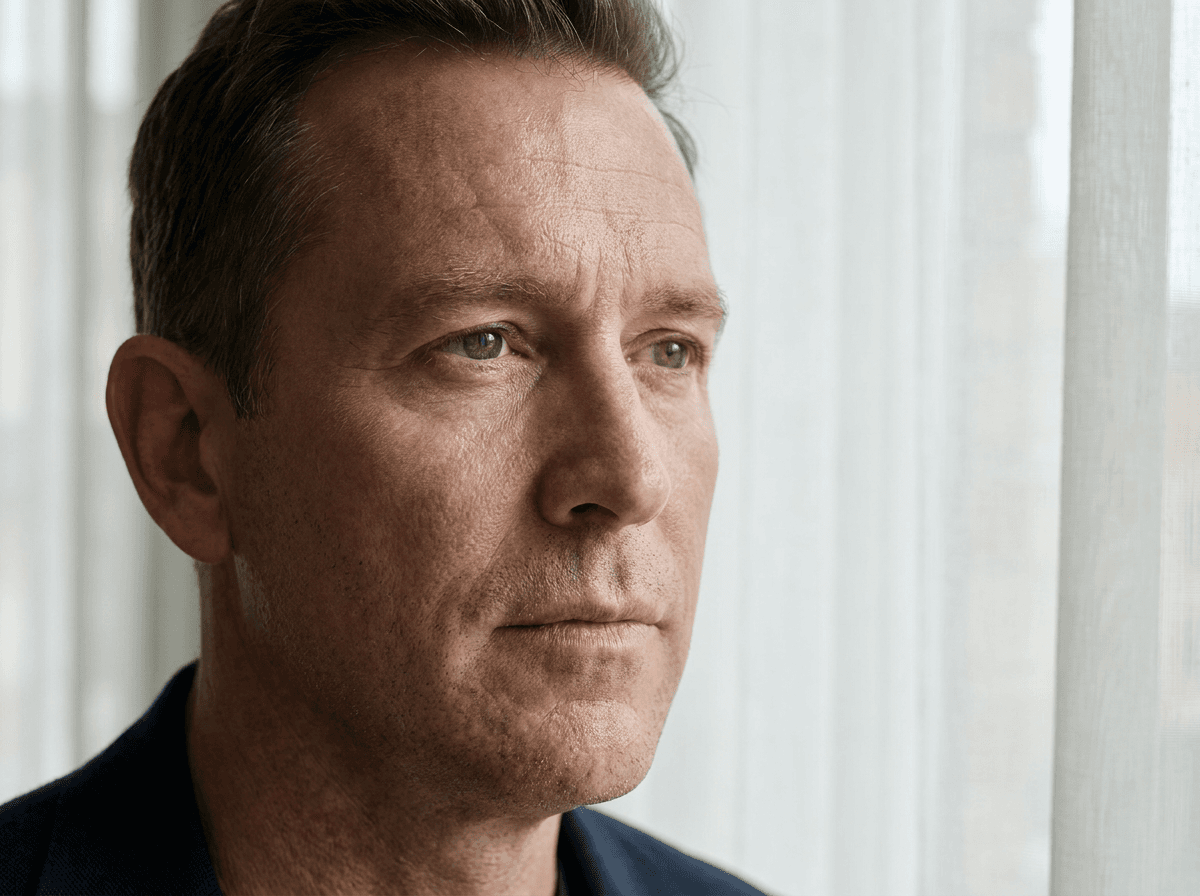
Skin Texture Prompt for Less Oily AI Video Portraits
A controlled MiniMax H3 test of fine pore texture and low-gloss skin wording for more natural AI video portraits.

3D Pose Reference AI Video for Action and Camera Control
A controlled MiniMax H3 test of using a 3D mannequin reference to stabilize an AI video pose and low camera angle.
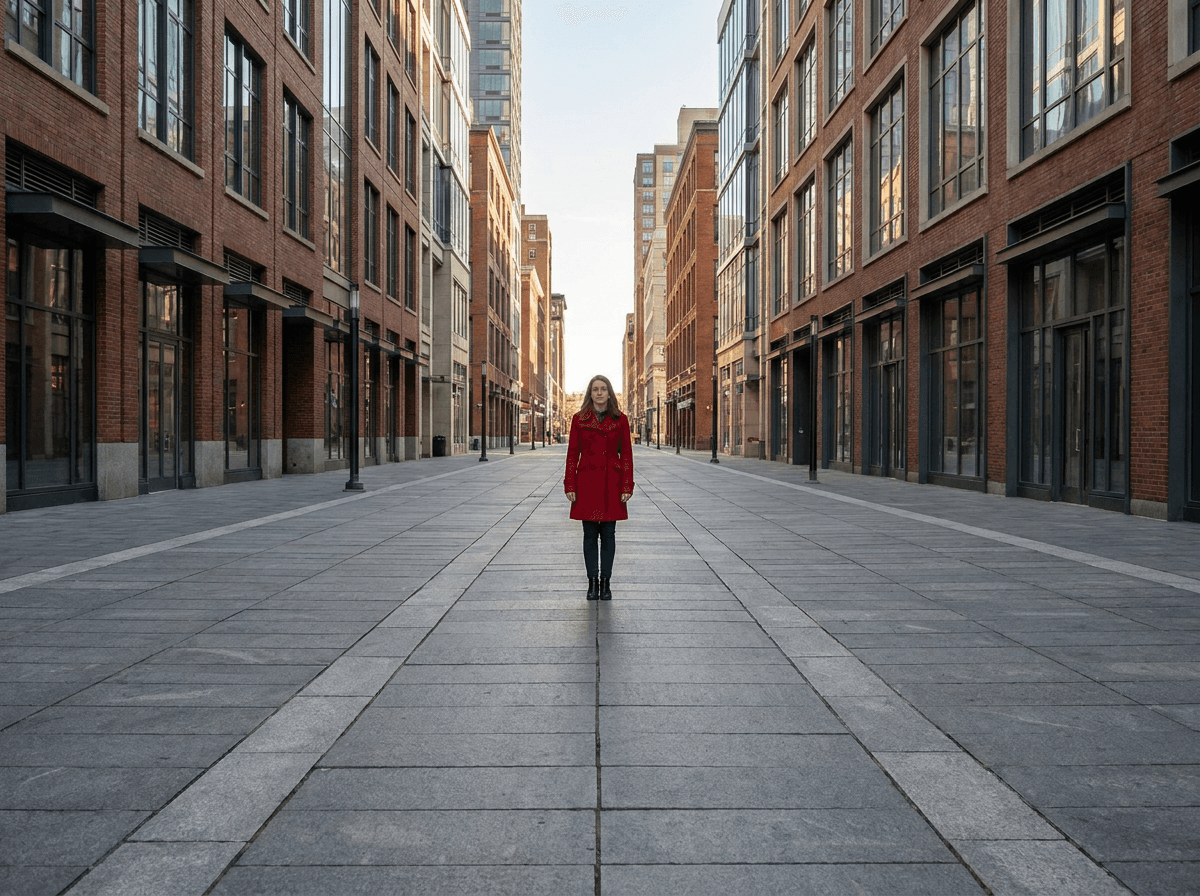
One Point Perspective AI Image Prompt for Stronger Depth
Write a one point perspective AI image prompt with converging structural lines and a clear viewing direction to create stronger spatial depth.
AI Image Character Scale Perspective Using Placement Guides
Use a placement box and a familiar scene object to control character size, grounded feet, and perspective in an AI image.