

ArtArch Newsroom
Producer's NoteAI Image Character Scale Perspective Using Placement Guides
Use a placement box and a familiar scene object to control character size, grounded feet, and perspective in an AI image.
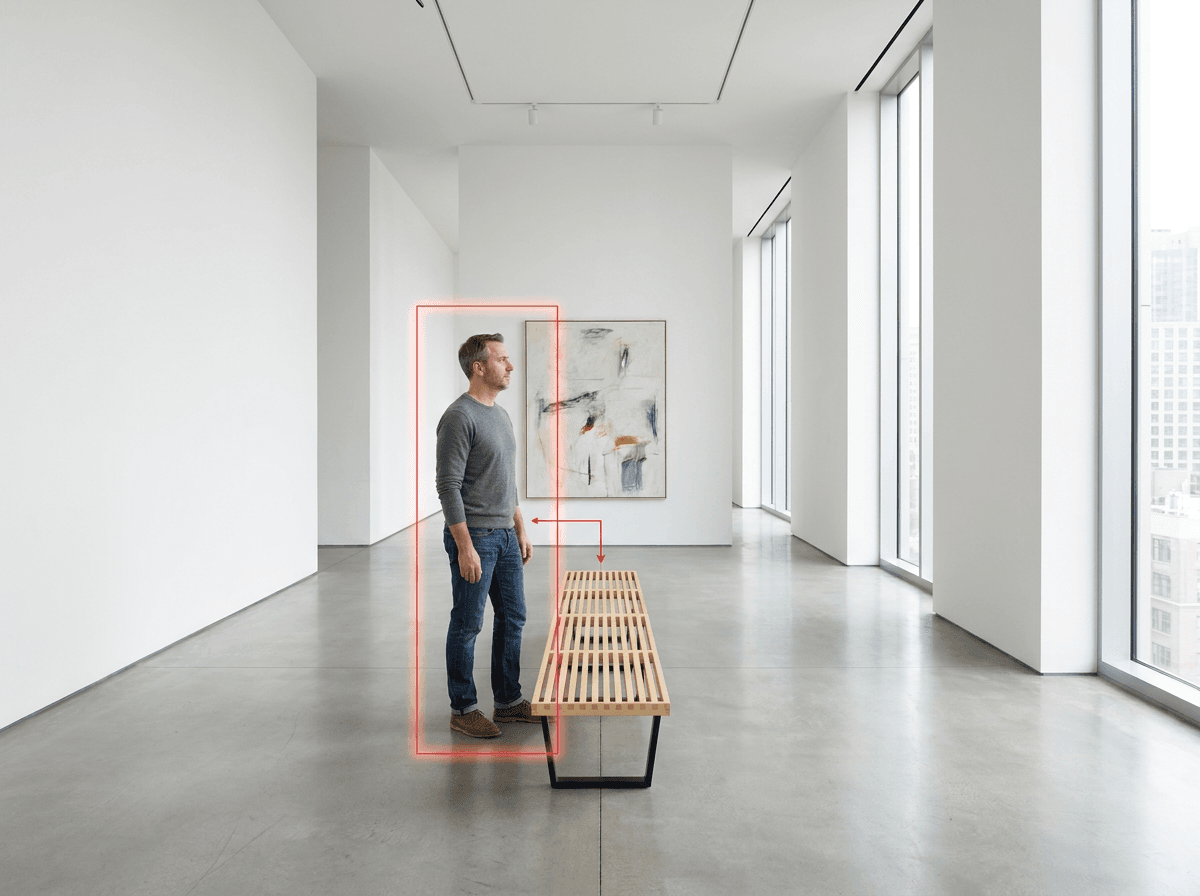
Upload a scene reference marked with a simple character box and a scale line to create an AI image with more deliberate character size and placement. The box reserves the full-body region, while a familiar object such as a bench, door, counter, or chair gives the model a visible proportion reference.
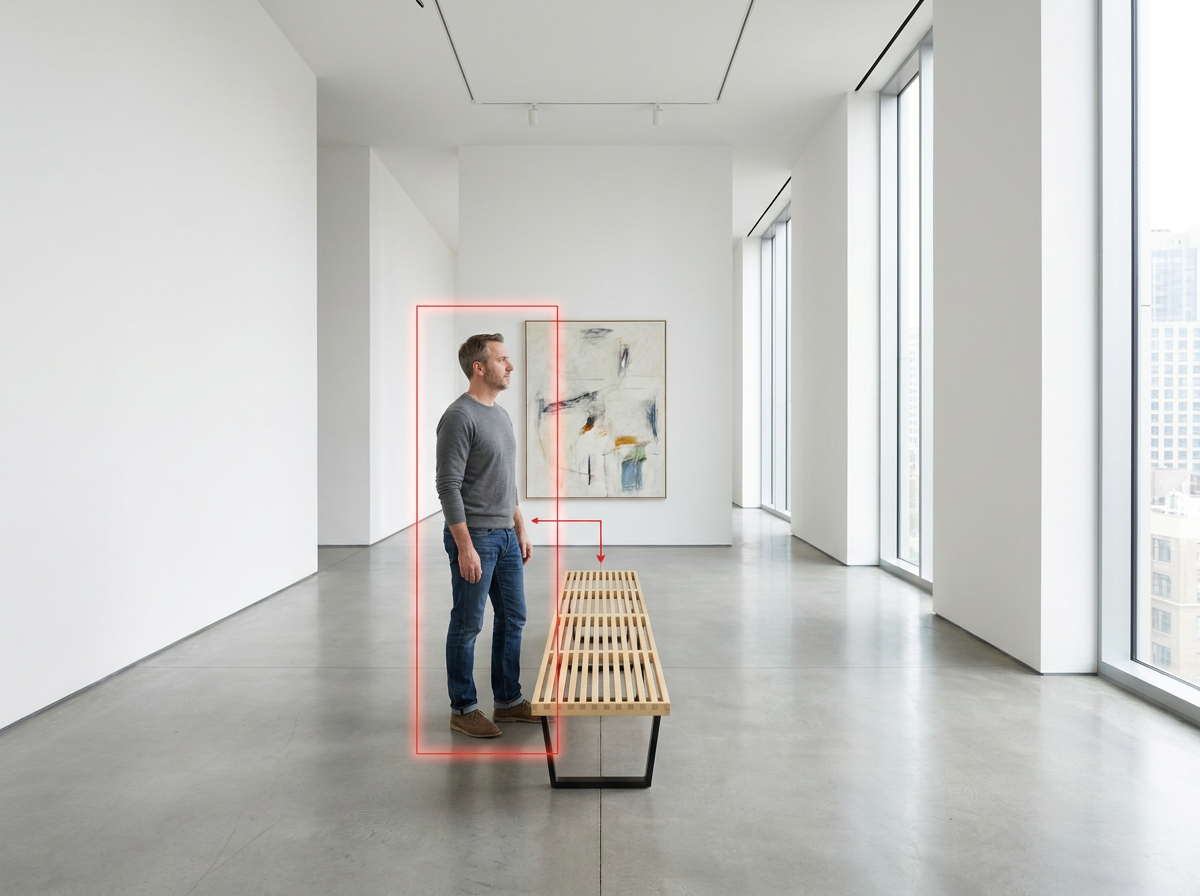
A placement box defines the standing region while the bench provides a recognizable scale reference.
Turn the scene into a visual measuring system
A character can look technically complete and still feel wrong in the room. The usual problem is a mismatch between the figure, the floor plane, and objects whose size viewers already understand.
Start with a scene that has clear perspective lines and one dependable object. A museum bench works because its seat height and overall length are easy to read. Doorways, kitchen counters, office chairs, parked cars, and handrails can serve the same purpose.
Draw a rectangle from the intended foot position to the intended head height. Then add one short line or arrow linking the character region to the reference object. These marks convert an abstract request such as "make the person the right size" into visible spatial instructions.
Keep the markup simple
Use one box for one person. The bottom edge should meet the floor where the feet belong, and the top edge should indicate the approximate head height. Keep the box narrow enough to communicate placement without forcing an unnatural pose.
Add only the reference relationship that matters. For example, align a guide with the bench seat or point from the character region toward the bench. Dense labels, several arrows, and overlapping colors can compete with the scene itself.
The final generation prompt should identify the marks as temporary guides and ask for them to be removed:
Preserve the camera, architecture, lighting, and floor perspective of the
reference scene. Add one full-body character inside the marked placement
region, with natural anatomy and both feet grounded on the floor. Use the
wooden bench as the scale reference. Treat the colored box and guide line as
temporary spatial instructions and remove them from the final image.
A practical three-step setup
- Choose a scene with a readable floor plane and one familiar reference object.
- Mark the intended foot position, head height, and relationship to that object.
- Keep the scene, character description, model, and output settings fixed while using the marked image as the spatial reference.
For a clean comparison, use the same source scene and the same prompt for both versions. The unmarked image becomes the control, and the marked copy changes only the spatial guidance.
What the controlled comparison showed
In one Nanobanana Pro comparison, both versions placed a believable fictional white American man beside the same gallery bench. The marked version produced a slightly smaller figure, closer to the reserved region and with a more restrained bench-to-person ratio. Both versions preserved the room perspective and grounded the feet correctly, while the marked output removed the red guides.
This result supports the placement box as a useful directional aid when the baseline already handles the scene well. The visible difference was modest, so the main value came from making the intended position and scale explicit.
Useful creation scenes
An interior designer can place a resident into a rendered room and use a chair or counter to keep the figure believable. A product team can add a shopper beside a display unit while preserving the display's perceived size. A filmmaker can establish a character in a wide location plate before developing closer shots from the same spatial relationship.
The method also helps with architectural visualizations, museum scenes, office layouts, and street images where doors, vehicles, or railings already provide a natural measuring reference.
Frequently asked questions
Which reference objects are easiest to use?
Benches, doors, counters, chairs, cars, and railings work well because viewers recognize their approximate scale and their contact with the floor is easy to see.
Where should the placement box begin?
Place its bottom edge at the intended foot contact point and extend it to the desired head height. This connects character size directly to the floor perspective.
Should the guide marks remain in the final image?
Describe them as temporary spatial instructions and explicitly request a clean final image with the box, line, and arrow removed.
Can the method be used for several people?
Assign each person a separate box and a clear position relationship. Keep the number of marks low enough that each instruction remains readable.
Click the template card on this page, enter the experience page, and try the template.
Keep creating
Explore the idea, then make it yours.
Discover more creative workflows in Spotlight, or open ArtArch Studio to start creating now.
Keep exploring
More in Producer's Note
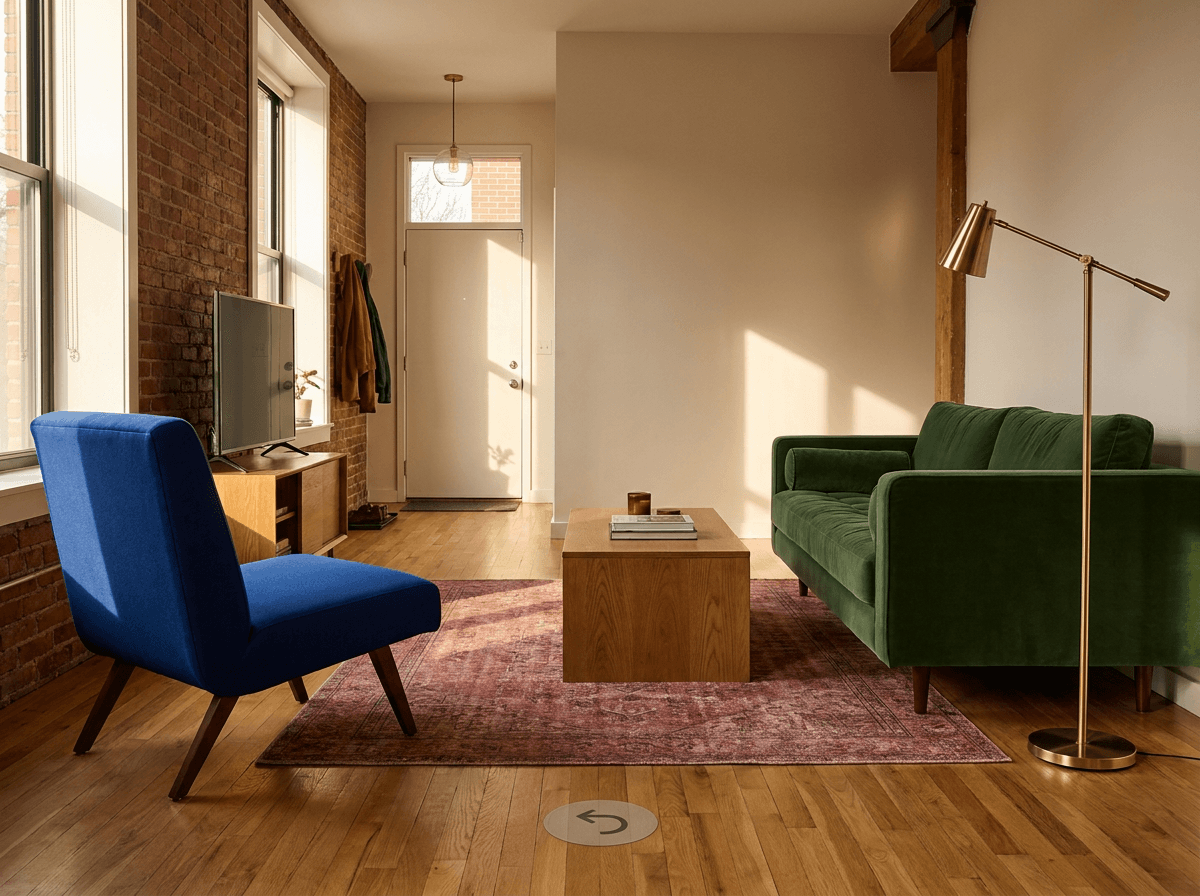
AI Image Reverse Angle Scene Consistency with Locked Assets
Improve AI image reverse angle scene consistency by locking architecture, furniture, materials, colors, and relative positions before moving the camera.
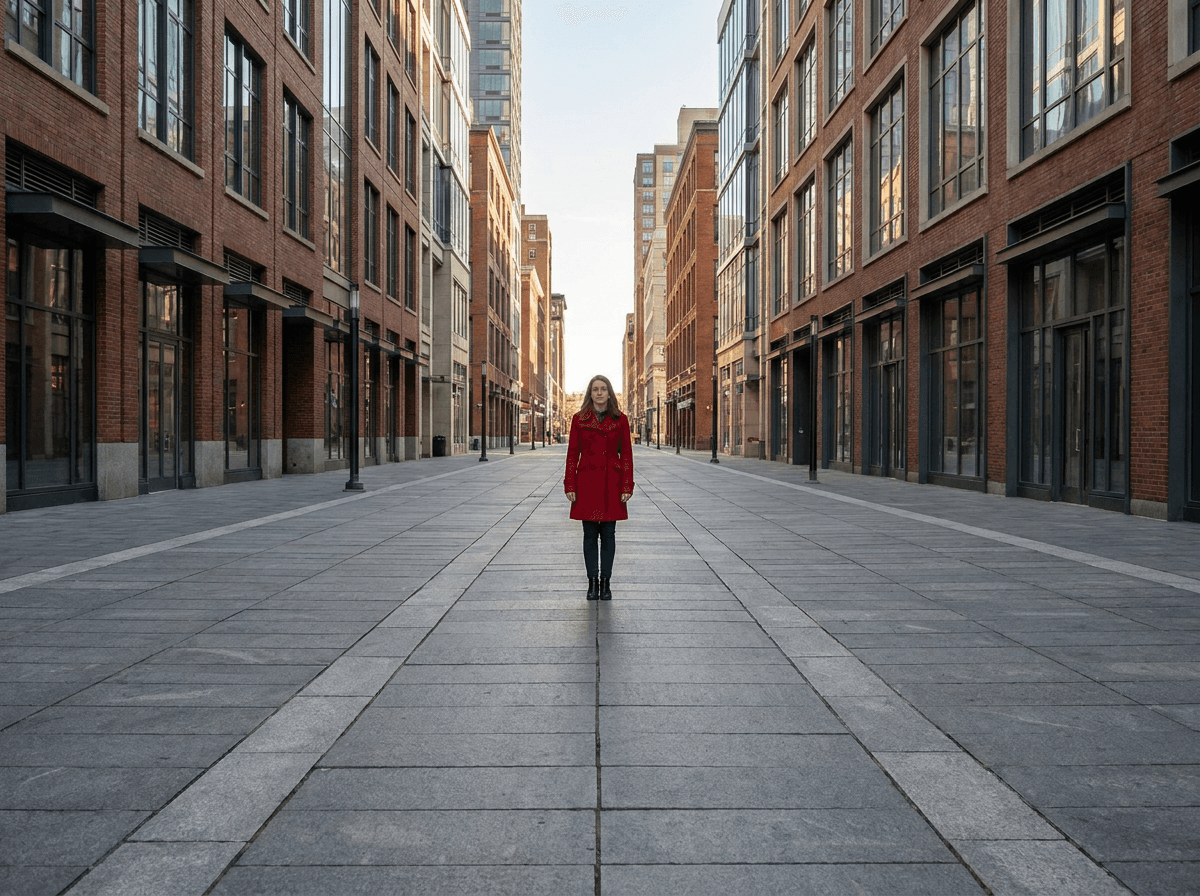
One Point Perspective AI Image Prompt for Stronger Depth
Write a one point perspective AI image prompt with converging structural lines and a clear viewing direction to create stronger spatial depth.
AI Video Speed Reference Objects for Faster-Looking Motion
Use foreground and background reference objects to give AI running videos clearer parallax, depth, and readable speed.
Pet Clone Dance Video from Photo: Make Three Pets Strut Together
Upload one animal photo to create a pet clone dance video from photo with three matching young pets performing a synchronized roadside routine.