

ArtArch Newsroom
Producer's NoteAI Video Speed Reference Objects for Faster-Looking Motion
Use foreground and background reference objects to give AI running videos clearer parallax, depth, and readable speed.
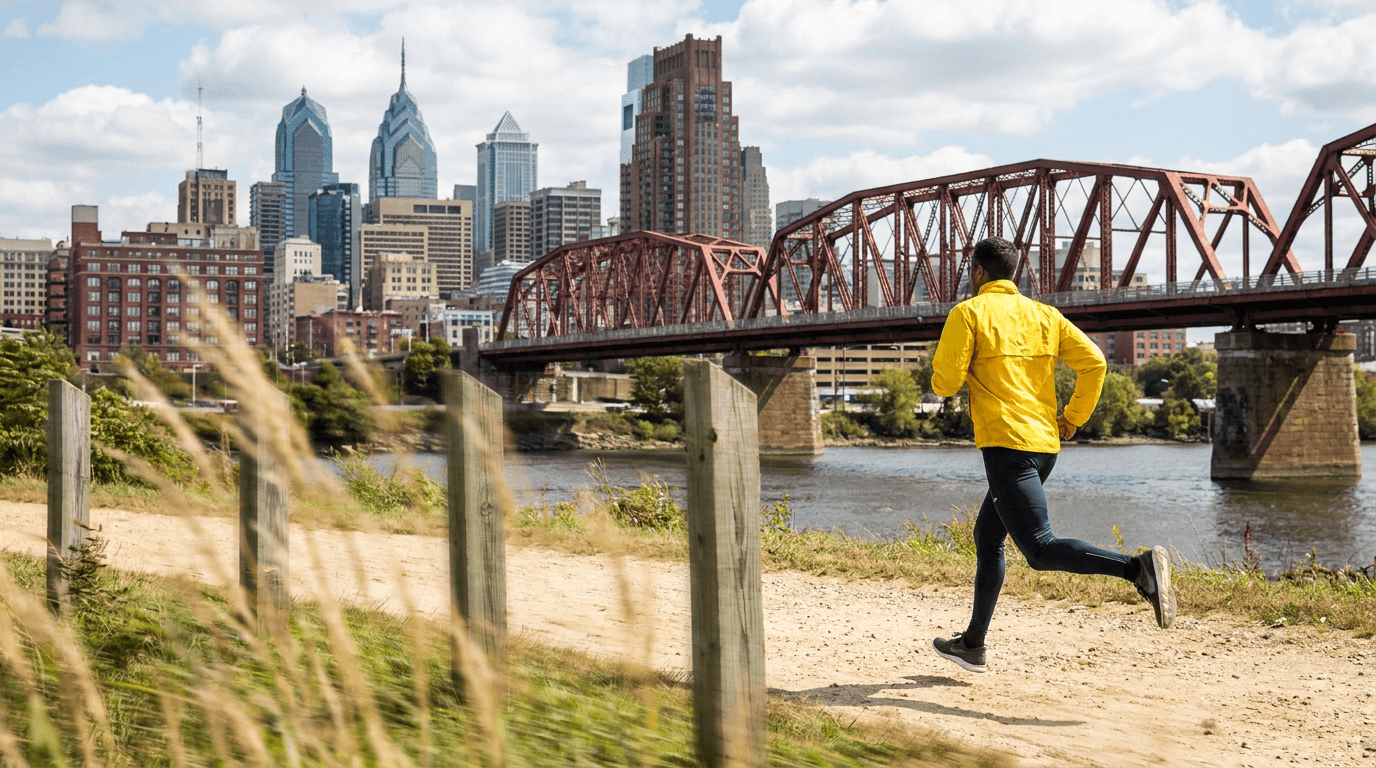
Upload a running-character reference to create an AI video with readable speed cues across the foreground, subject plane, and background. Nearby objects sweep across the frame with stronger parallax while distant structures shift more slowly, giving the runner a visible spatial scale for motion.
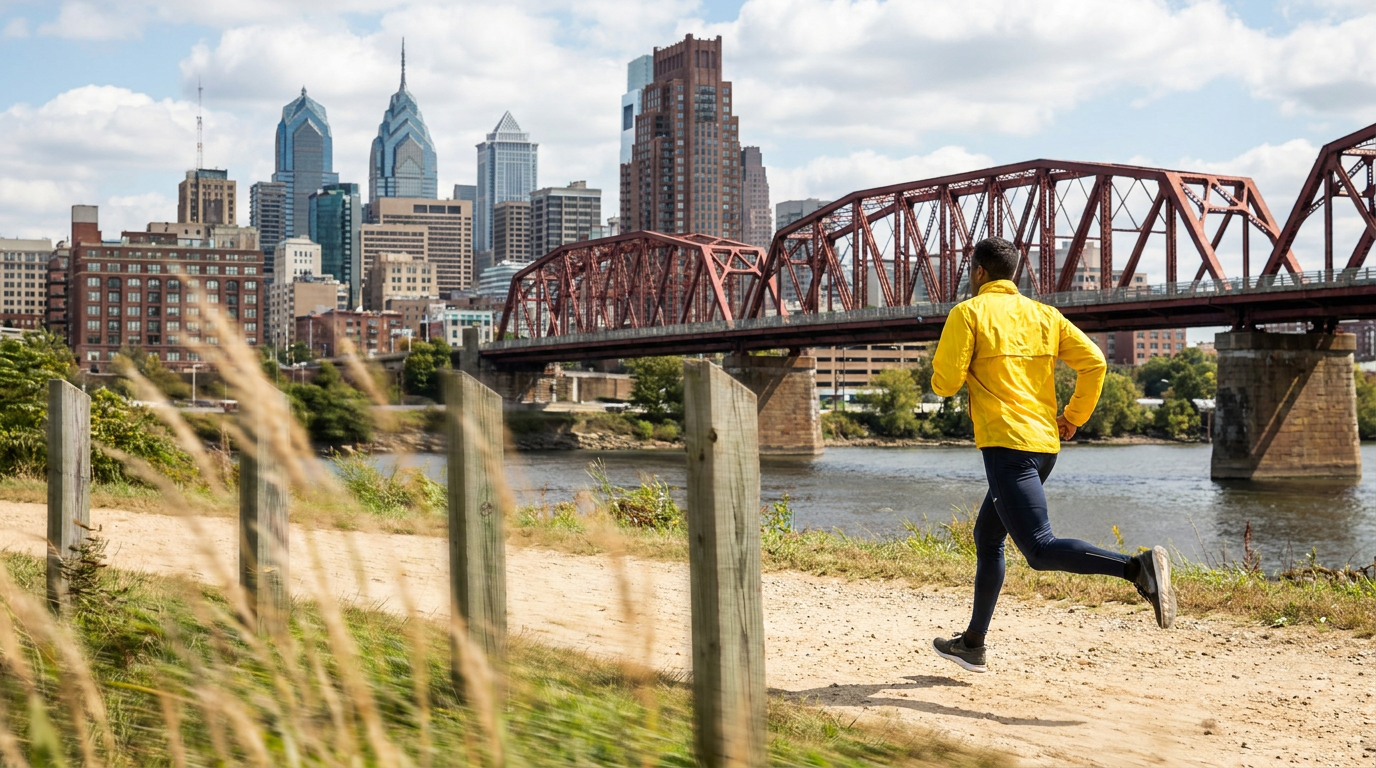
Foreground posts and grasses create a near layer while the bridge and skyline anchor the distance.
Build speed from spatial layers
A running pose communicates action, but the environment communicates how that action moves through space. Place clear objects close to the camera, keep the runner readable in the middle distance, and retain stable landmarks farther away.
Near path-edge posts, grasses, railings, or tree trunks can pass quickly at the edge of frame. A bridge, building row, tree line, or horizon can remain stable enough to show slower relative movement. The difference between these layers creates a stronger impression of travel.
Prompt the layers separately
Keep the runner and camera instructions fixed, then describe the reference layers:
The runner continues forward at a steady gait in a stable rear tracking shot.
Nearby path-edge posts and low grasses sweep quickly through the foreground
with strong parallax. The distant bridge and skyline recede slowly with stable
perspective. Keep the camera speed constant.
This structure gives each part of the shot one responsibility: the character supplies the action, the foreground supplies fast relative motion, and the background supplies scale and depth.
A practical three-step setup
- Choose a reference with a clear runner, travel direction, and deep environment.
- Identify one repeatable near object and one stable distant landmark.
- Describe their relative movement while keeping the runner's gait and camera speed unchanged.
Use a small number of foreground elements so the subject remains visible. Place them along the edge of the route rather than directly over the body. Keep the distant layer simple enough to retain a stable horizon and recognizable perspective.
Where the method works
A sports creator can add path-edge posts and a distant stadium to make a training run feel more directional. A travel filmmaker can use roadside plants and a far bridge to give a presenter's movement a stronger sense of distance. A narrative creator can place nearby tree trunks against a distant forest line to clarify the speed of an escape or pursuit.
The same idea applies to a person cycling through a street, crossing an industrial walkway, or moving along a station platform. The environment becomes a visual ruler for motion.
Keep creating
Explore the idea, then make it yours.
Discover more creative workflows in Spotlight, or open ArtArch Studio to start creating now.
Keep exploring
More in Producer's Note
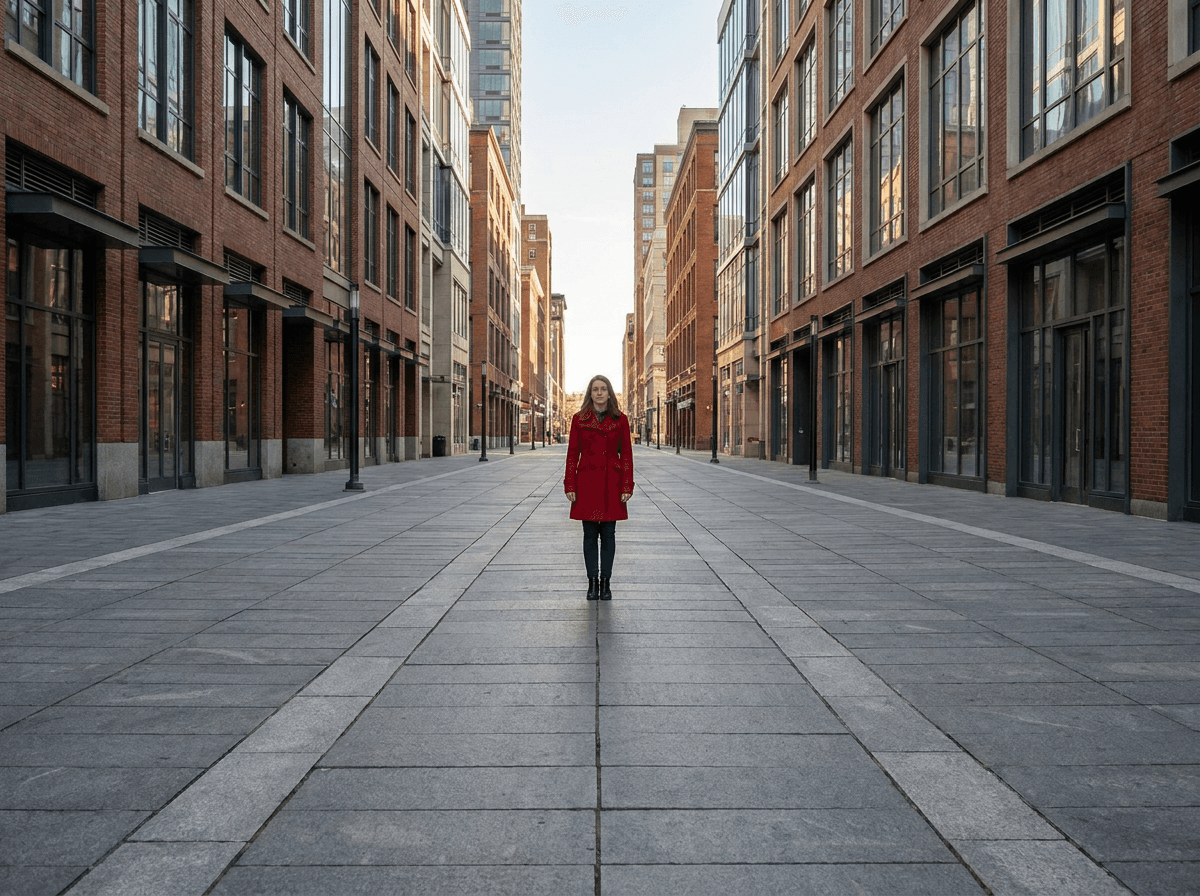
One Point Perspective AI Image Prompt for Stronger Depth
Write a one point perspective AI image prompt with converging structural lines and a clear viewing direction to create stronger spatial depth.
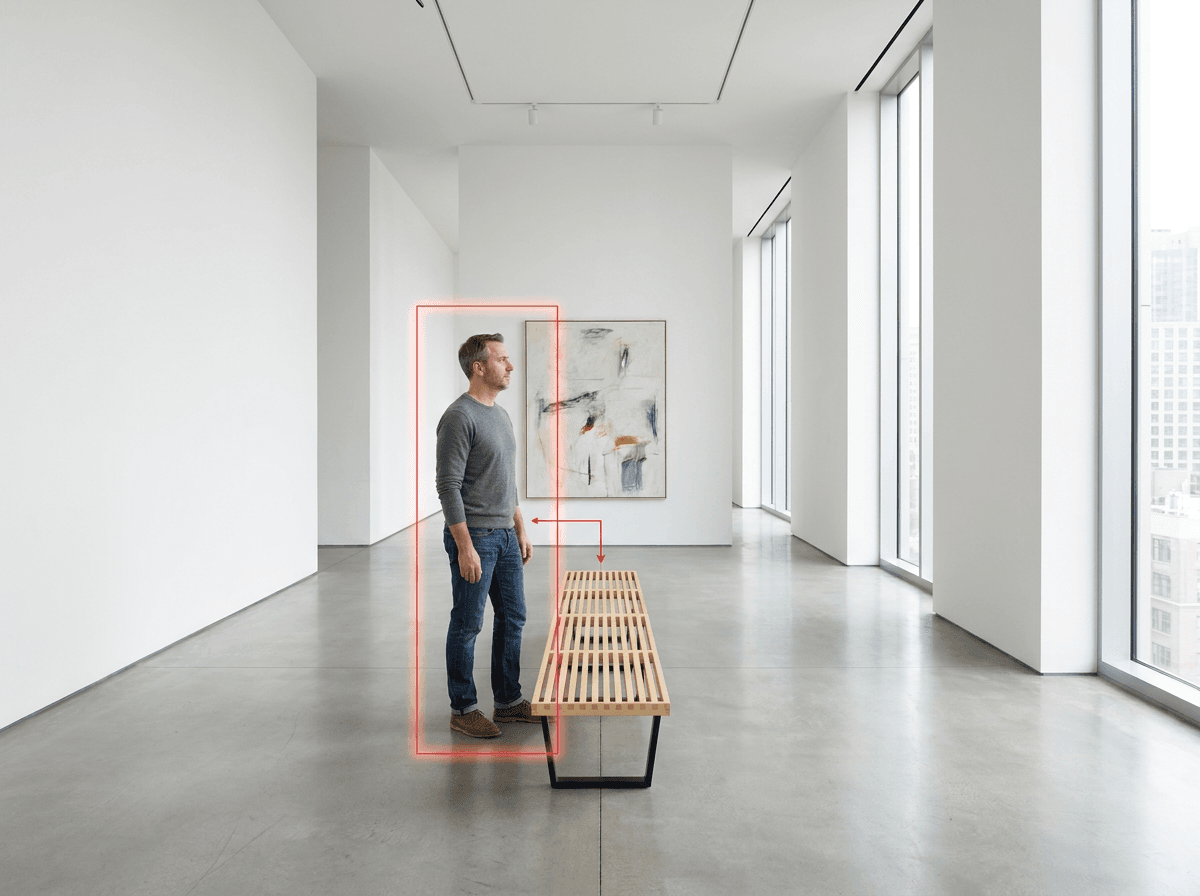
AI Image Character Scale Perspective Using Placement Guides
Use a placement box and a familiar scene object to control character size, grounded feet, and perspective in an AI image.
Pet Clone Dance Video from Photo: Make Three Pets Strut Together
Upload one animal photo to create a pet clone dance video from photo with three matching young pets performing a synchronized roadside routine.
Pet and Owner Photo Memory Gallery: Create Four Close Portraits
Provide the requested image to create a pet and owner photo memory gallery with overhead, macro, face-aligned, and low-angle portrait compositions.