

ArtArch Newsroom
Producer's NotePet and Owner Photo Memory Gallery: Create Four Close Portraits
Provide the requested image to create a pet and owner photo memory gallery with overhead, macro, face-aligned, and low-angle portrait compositions.
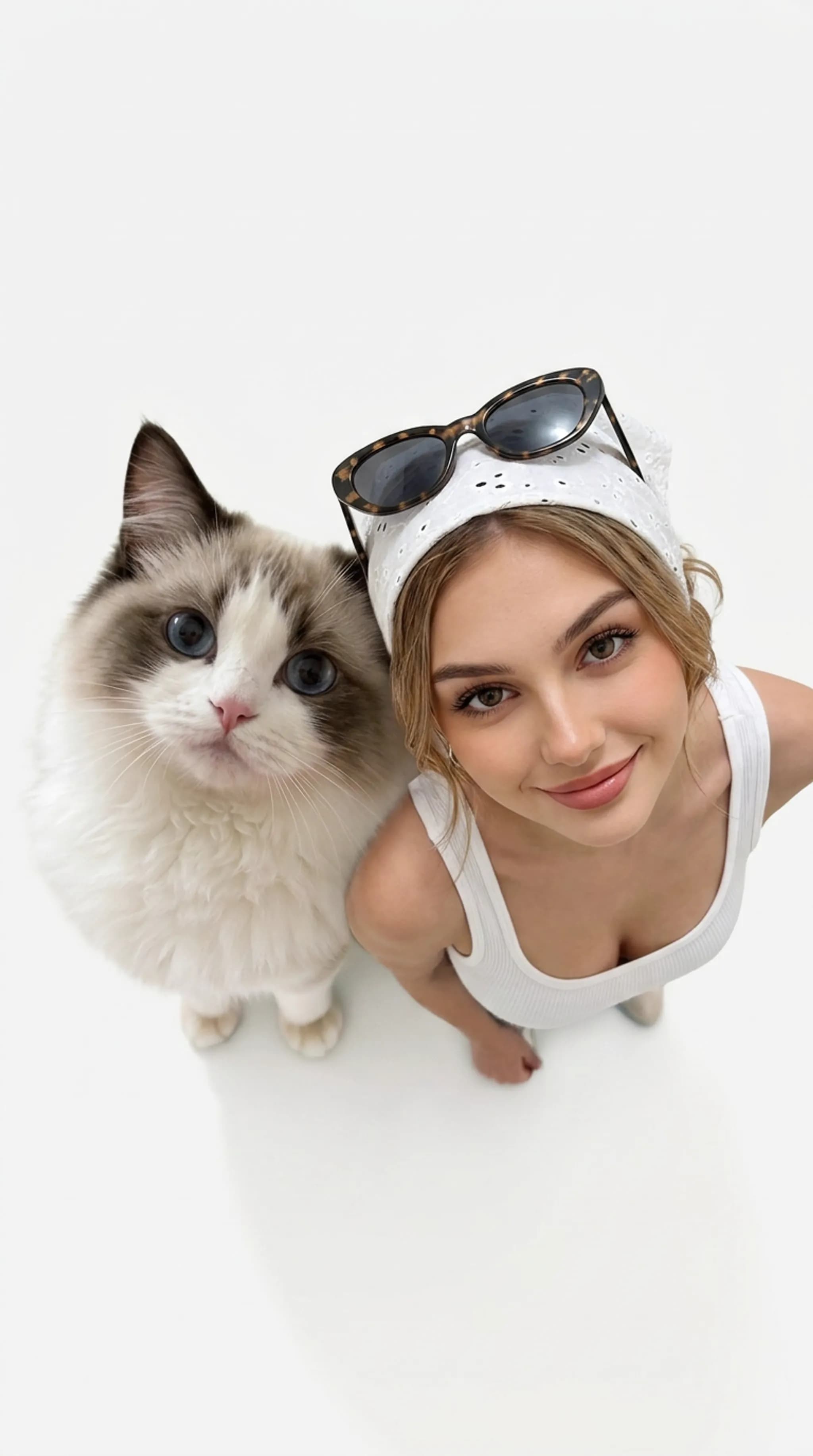
Provide the single image requested on the template page to create a pet and owner photo memory gallery. The result brings the person and pet together across four close compositions, moving from a bright overhead selfie to intimate eye-level details and a playful low-angle frame.
One relationship, four camera ideas
The first portrait is a high-angle selfie against a clean white background. Person and pet lean close, look upward, and fill the vertical frame. The wide phone-camera perspective enlarges their heads slightly and gives the image the direct energy of a casual snapshot.
A second composition moves much closer. Half of the pet's face sits in the foreground while the person's cheek and eye appear just behind it. Dark brown surroundings, side light, visible whiskers, and sharp eye detail turn the pairing into a polished macro portrait.
The third image aligns both sets of eyes. The person's lower face is hidden behind the pet, whose eyes, nose, and chin fur occupy the lower half of the frame. A black background and soft top-and-side light make the overlap feel quiet and deliberate.
The final setup changes the mood. A phone camera looks upward from a very low angle, with the person below and the pet leaning into the upper part of the shot. The pose feels spontaneous, like a playful check-in captured at home.
Choose the requested image carefully
Use a sharp image where the relevant face and distinguishing features are easy to read. Clear eyes, natural light, and visible hair or fur patterns give the four layouts useful identity cues. Avoid heavy cropping around the head because several results depend on close facial placement.
This gallery fits a pet adoption anniversary, a birthday post for a longtime companion, or a personal album that needs more variety than a single standard portrait. It can also give a pet account four coordinated images for a carousel: bright and playful first, detailed and intimate in the middle, then casual at the end.
Create the memory gallery
- Upload the single image requested on the experience page.
- Start the template to place the person and pet into four distinct portrait compositions.
- Review facial identity, eye alignment, fur details, and the different camera angles in the finished gallery.
What the gallery delivers
Three results use vertical framing, while the low-angle indoor portrait uses a wider composition. Backgrounds shift from pure white to deep brown, black, and a simple interior. The shared focus is closeness: cheeks touch, faces overlap, or both subjects look directly into the lens.
Each image can stand on its own, but the four together read as a small portrait session. The camera position changes while the relationship remains the subject.
Frequently asked questions
How many images do I provide?
Provide the single image requested by the template's upload field.
What appears in the result?
The output is a four-image gallery of a person and pet in overhead, macro, eye-aligned, and low-angle compositions.
What source image works best?
Choose a sharp image with clear eyes and visible identifying details such as facial structure, hair, fur color, markings, or ear shape.
Are all four portraits framed the same way?
The gallery changes camera angle, crop, lighting, and background across the four images.
Click the template card on this page, enter the experience page, and try the template.
Keep creating
Explore the idea, then make it yours.
Discover more creative workflows in Spotlight, or open ArtArch Studio to start creating now.
Keep exploring
More in Producer's Note
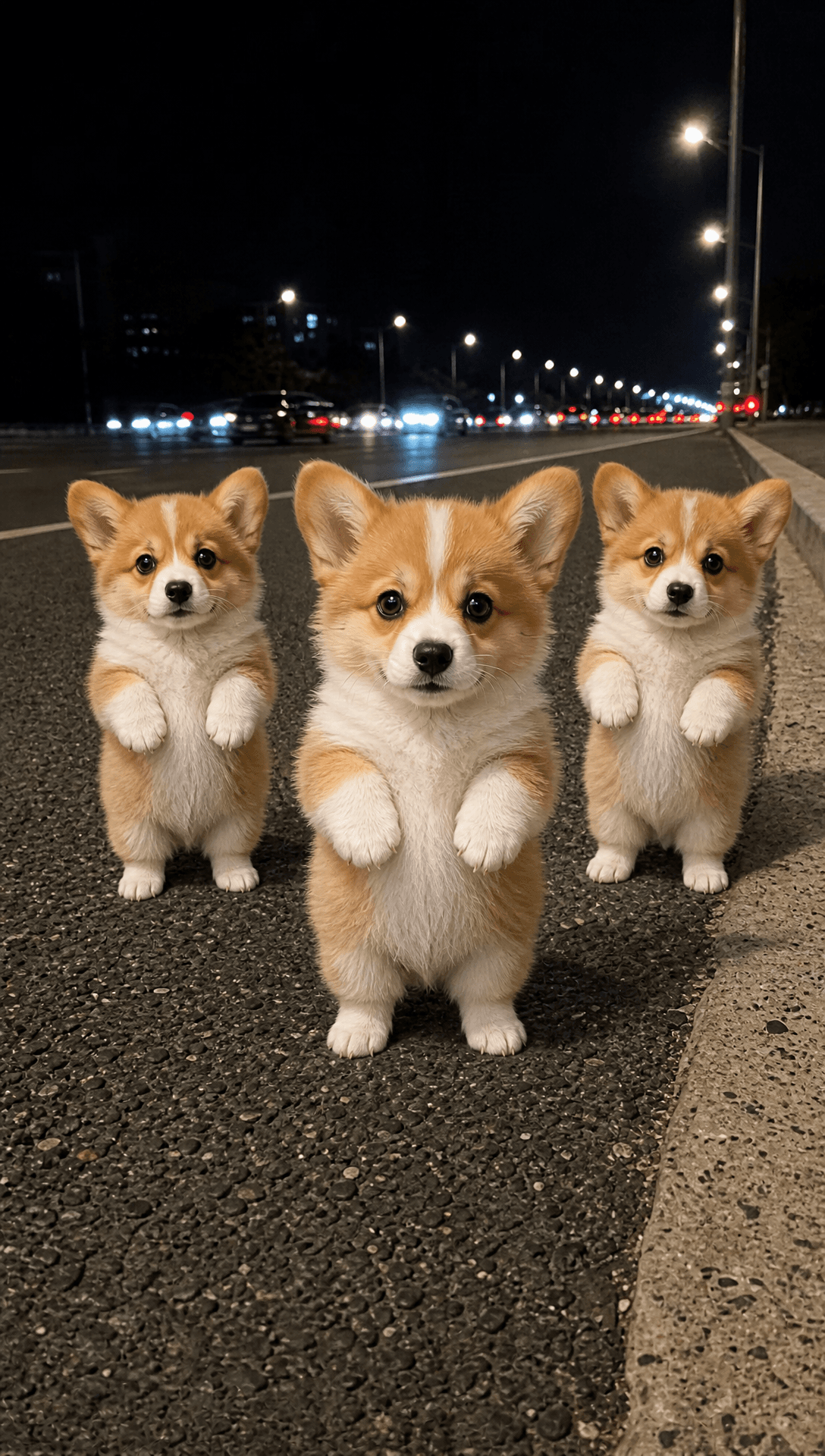
Pet Clone Dance Video from Photo: Make Three Pets Strut Together
Upload one animal photo to create a pet clone dance video from photo with three matching young pets performing a synchronized roadside routine.
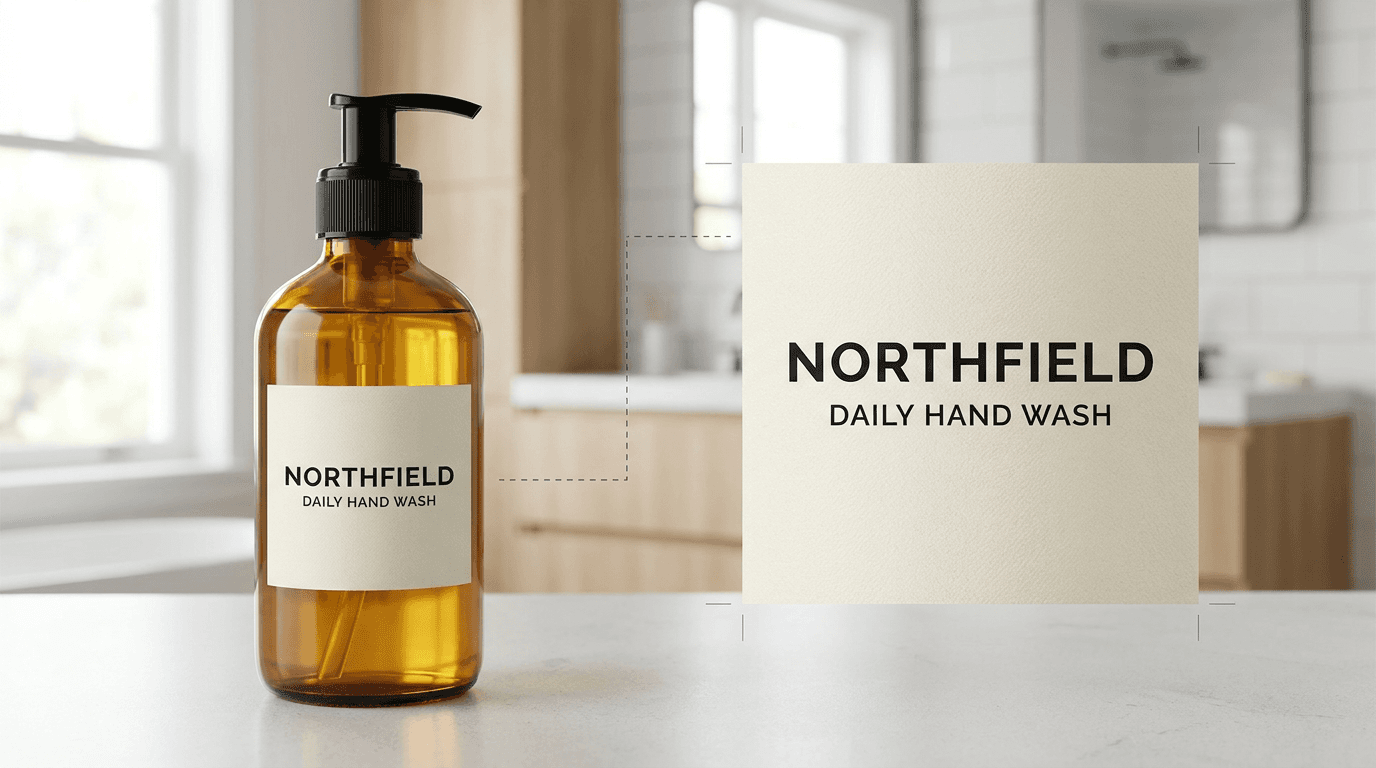
AI Product Label Text Editing with a Larger Text Region
Improve AI product-label text editing by giving the target lettering a larger, clearer image region before regeneration.
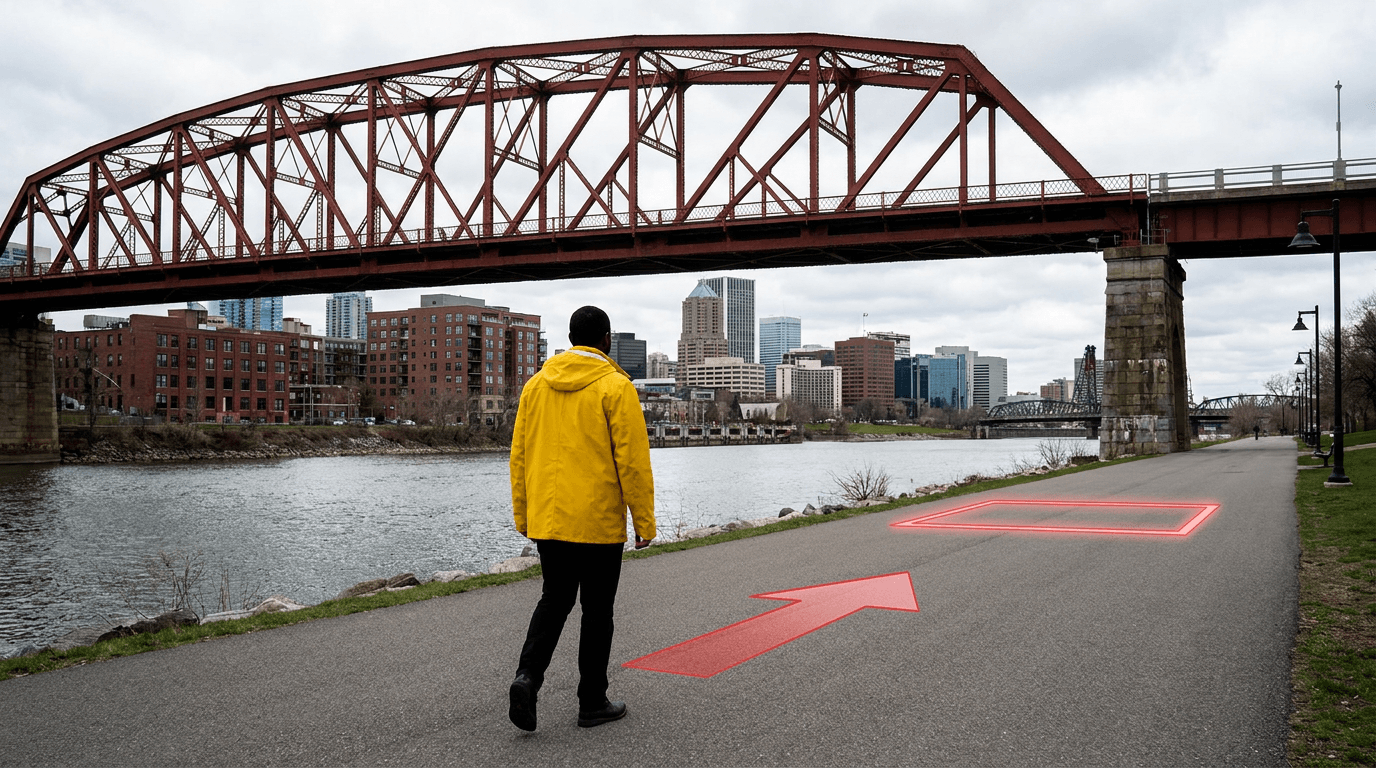
AI Video Character Motion Path with an Arrow and Target Box
Plan an AI video character motion path by adding one direction arrow and one target box to a static reference image.
AI Video Action Verb Motion Control for Walking Speed
Learn how action verbs such as fast-walks and briskly strides shape walking speed and stride length in an AI video scene.