

ArtArch Newsroom
Producer's NoteAI Video Character Motion Path with an Arrow and Target Box
Plan an AI video character motion path by adding one direction arrow and one target box to a static reference image.
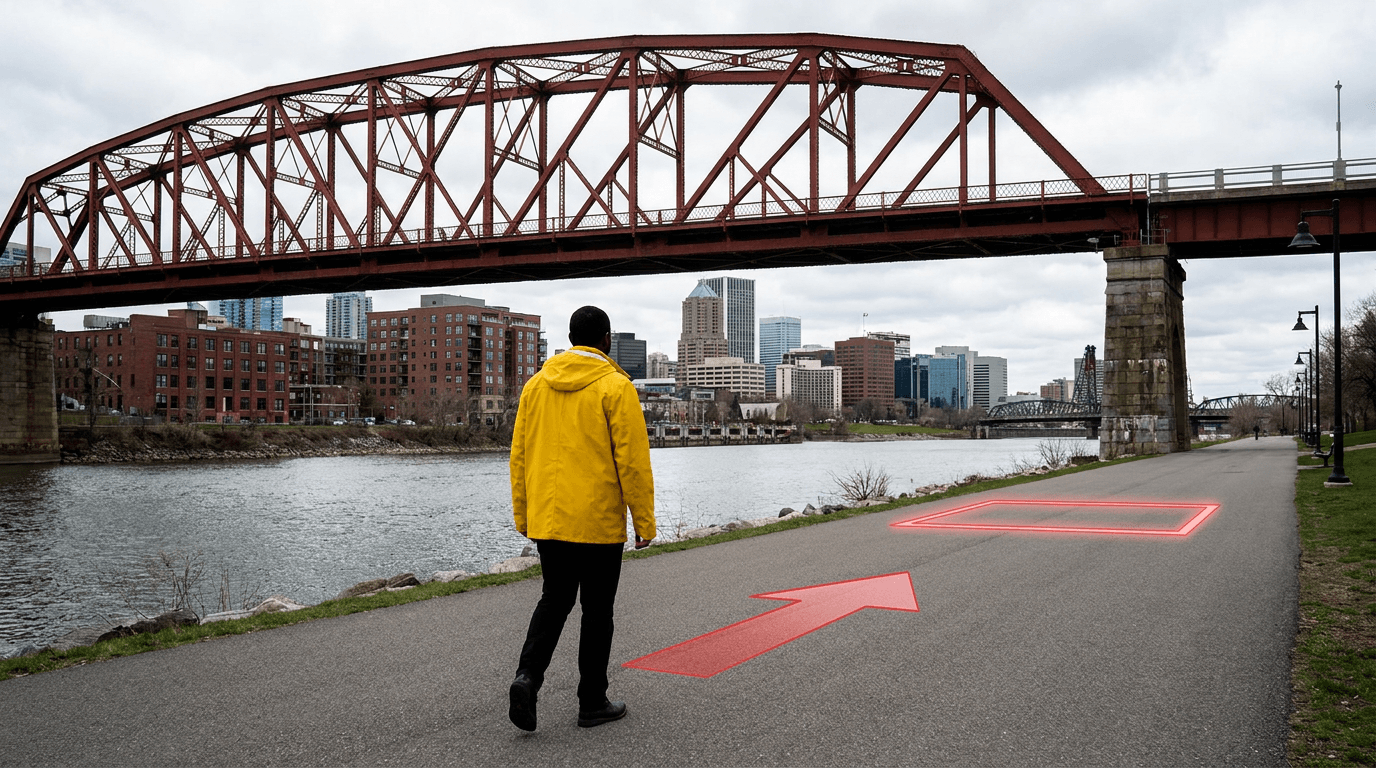
Upload a static character image to create an AI video character motion path with one visible direction arrow and one target box. The arrow shows where the character should travel, while the box identifies the intended stopping area within the existing scene.
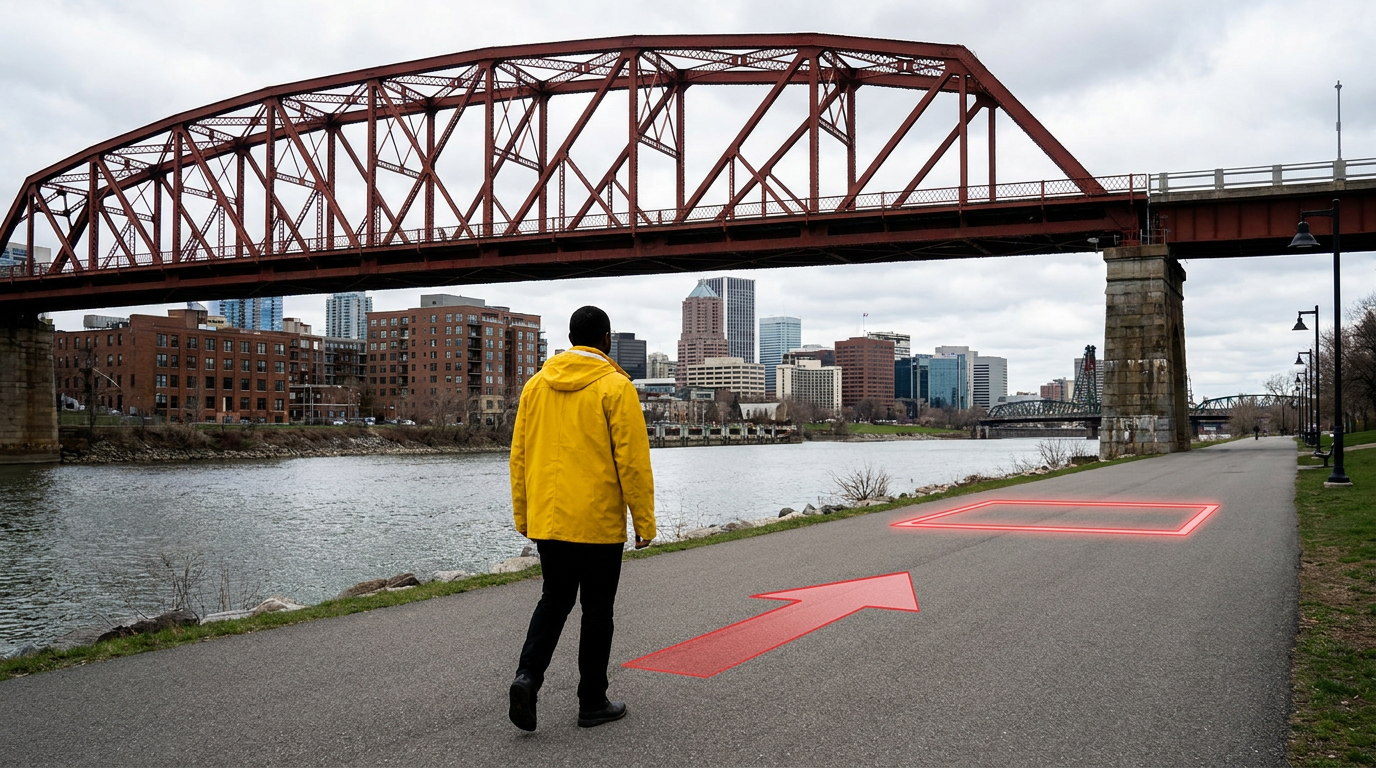
One arrow communicates travel direction, and one box marks the destination.
Turn a static frame into a simple movement plan
A reference image already establishes the character, wardrobe, environment, camera angle, and composition. Adding a minimal path annotation gives the same frame a second job: it becomes a compact movement plan.
Place the arrow close to the walking surface and point it from the character toward the destination. Put the target box on a clear section of the floor or path. This keeps the visual instruction easy to read and leaves the character unobstructed.
The accompanying motion description can state:
Use the arrow only as the character's movement direction. The target box marks the stopping position. Keep the same character, clothing, environment, camera angle, and scene layout. Move forward along the indicated path and stop inside the marked area.
A focused three-step setup
- Choose a full-body reference with a visible floor, road, corridor, or path.
- Add one arrow from the character's starting position and one box at the destination.
- Describe the marks as planning cues and repeat the character, camera, and stopping constraints in the motion instruction.
Use a thick, high-contrast line that remains distinct from the background. Keep the destination within a distance the character can plausibly cover during the clip. A short straight route is the clearest starting point for this technique.
Where this motion-planning method fits
A travel creator can guide a presenter along a riverside path toward a landmark while preserving the original establishing shot. A product filmmaker can move a host toward a display table and mark the position where the presentation begins. A storyboard artist can map a character's entrance across a room and define the final blocking position before generating the shot.
The same structure also works for a character approaching a doorway, crossing a lobby, moving to a stage mark, or stopping beside a vehicle. In each case, the frame supplies the scene and the annotations supply the spatial intention.
Keep the annotation readable
Use a single route for a single character. Position the arrow on open ground and keep it away from the face, hands, and important props. Place the target box around the destination area with enough space for the character's feet and final pose.
When the scene needs a curved route, several turns, or multiple characters, split the action into shorter shots. Each image can then carry one clear movement instruction and one visible destination.
Frequently asked questions
What reference image works best?
A full-body image with an unobstructed walking surface gives the arrow and target box enough room to communicate the route.
How many arrows should I add?
Start with one arrow for one continuous direction. This keeps the annotation visually simple and gives the character one movement objective.
Where should the target box go?
Place it on the exact floor or path area where the character should finish, with enough space for a natural standing pose.
Should the prompt explain the marks?
Yes. State that the arrow represents movement direction and the box represents the stopping position, then preserve the character, scene, and camera conditions.
Click the template card on this page, enter the experience page, and try the template.
Keep creating
Explore the idea, then make it yours.
Discover more creative workflows in Spotlight, or open ArtArch Studio to start creating now.
Keep exploring
More in Producer's Note
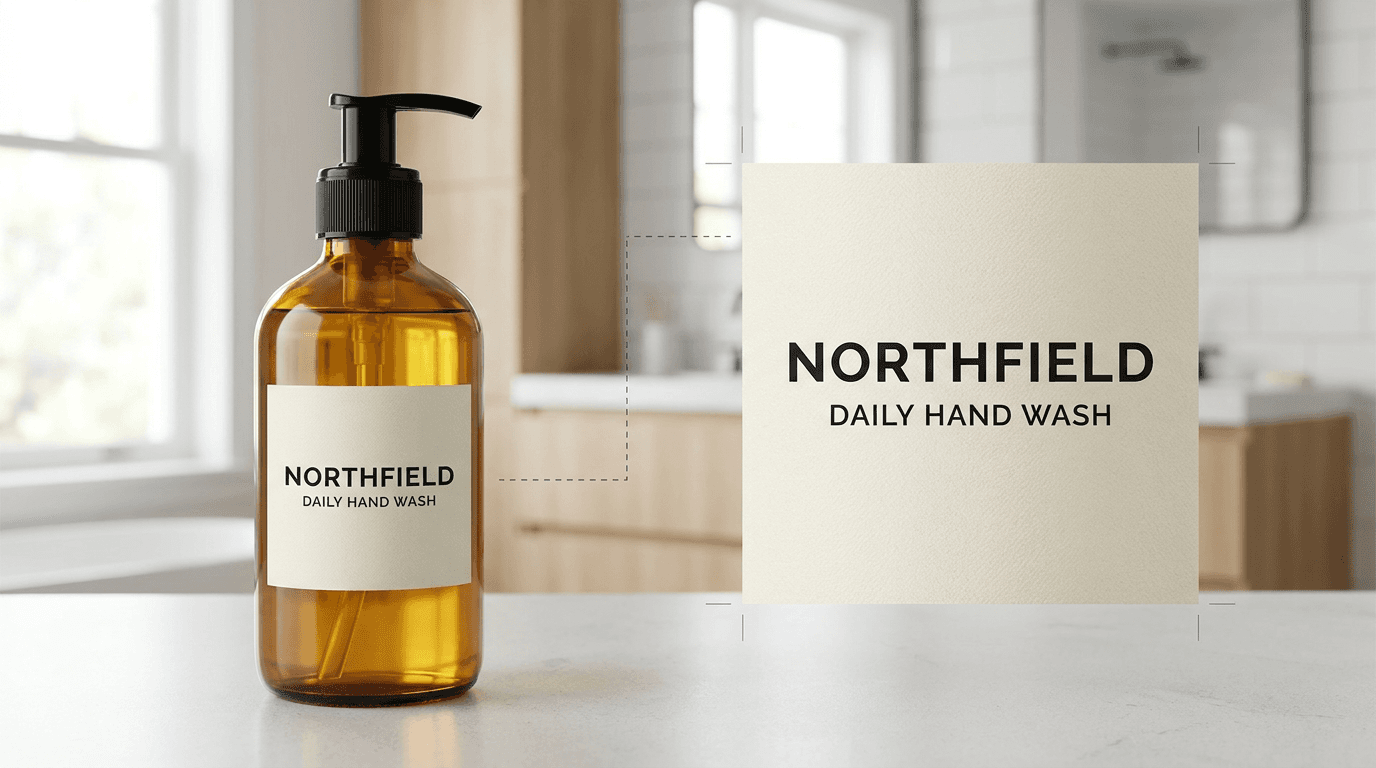
AI Product Label Text Editing with a Larger Text Region
Improve AI product-label text editing by giving the target lettering a larger, clearer image region before regeneration.
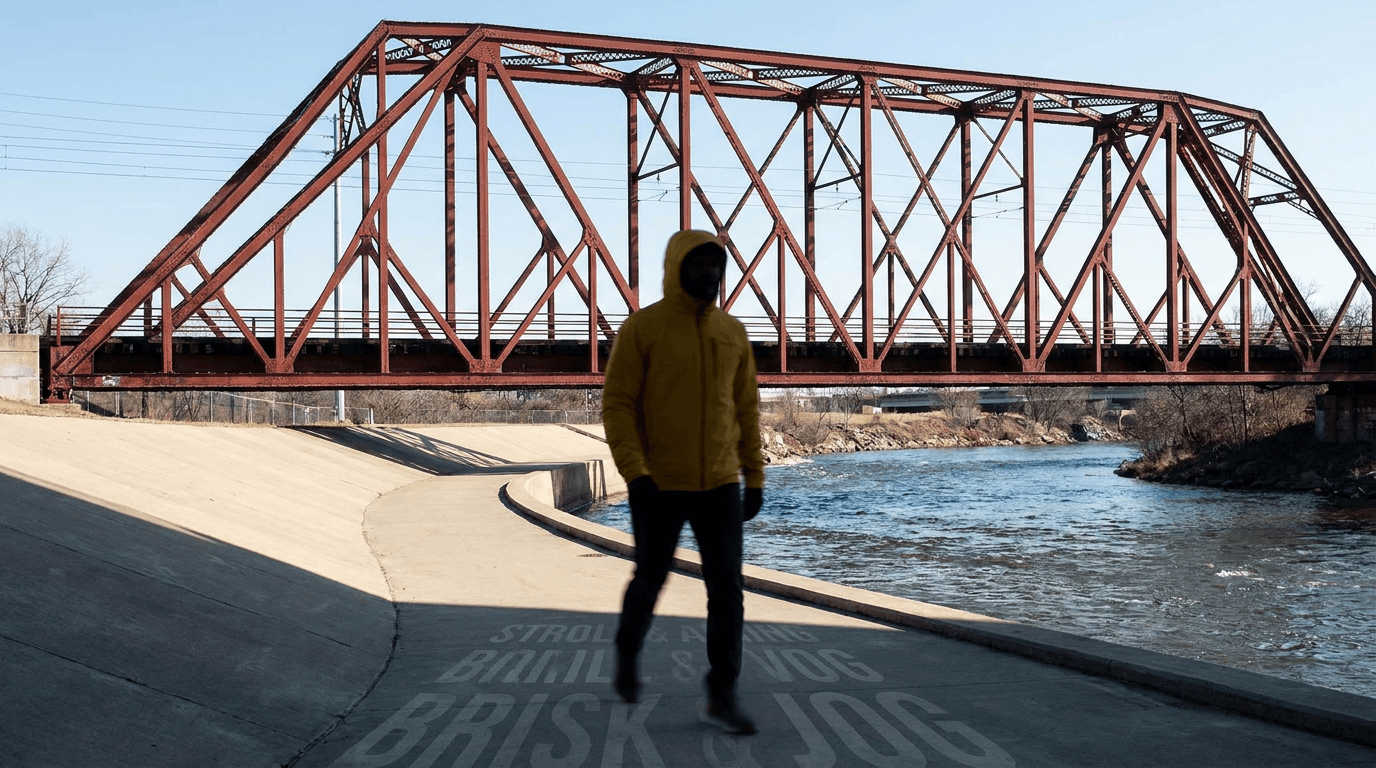
AI Video Action Verb Motion Control for Walking Speed
Learn how action verbs such as fast-walks and briskly strides shape walking speed and stride length in an AI video scene.

Remove Pseudo Quality Words from AI Image Prompts
Replace generic 4K and 8K slogans with concrete material, lighting, and texture constraints when you want a cleaner AI image prompt.
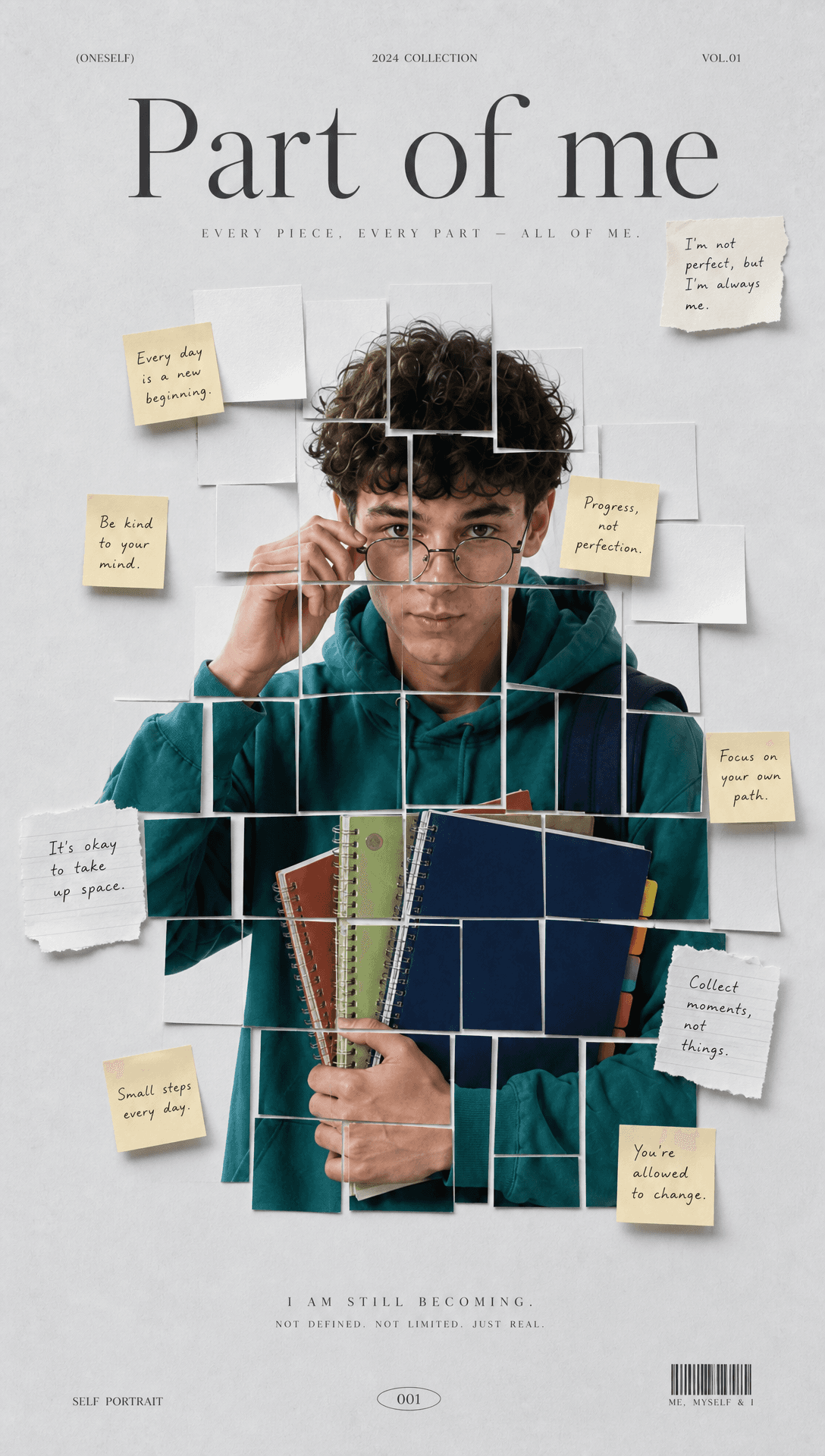
Sticky Note Portrait Collage from Photo: Make a Personal Visual Story
Upload one portrait to create a sticky note portrait collage from photo with layered fragments, handwritten notes, paper shadows, and magazine styling.