

ArtArch Newsroom
Producer's NoteAI Video Action Verb Motion Control for Walking Speed
Learn how action verbs such as fast-walks and briskly strides shape walking speed and stride length in an AI video scene.
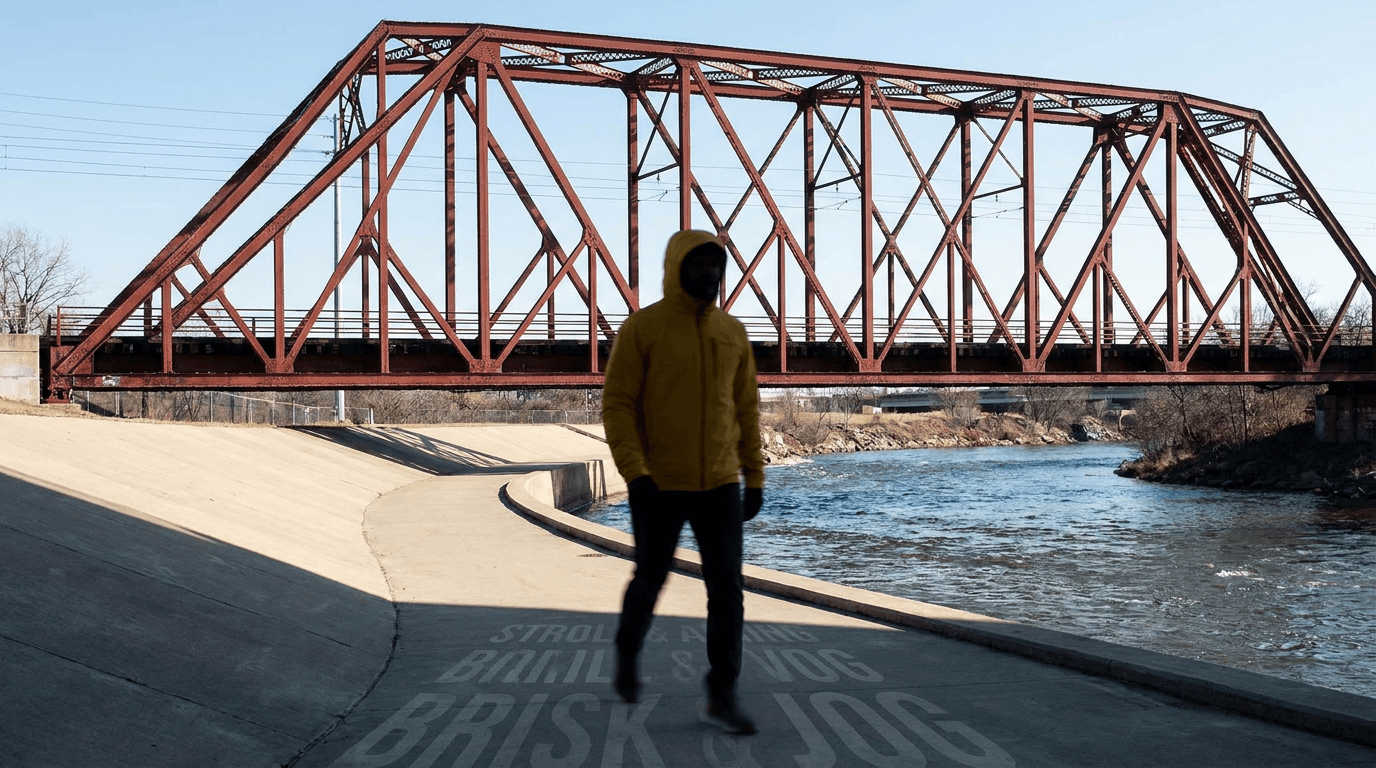
Upload a character reference image to create a riverside walking video where the wording of the action verb guides the character's stride and movement rhythm. This recipe keeps the yellow-jacketed walker, red bridge, river path, framing, and follow shot consistent while changing the movement wording.
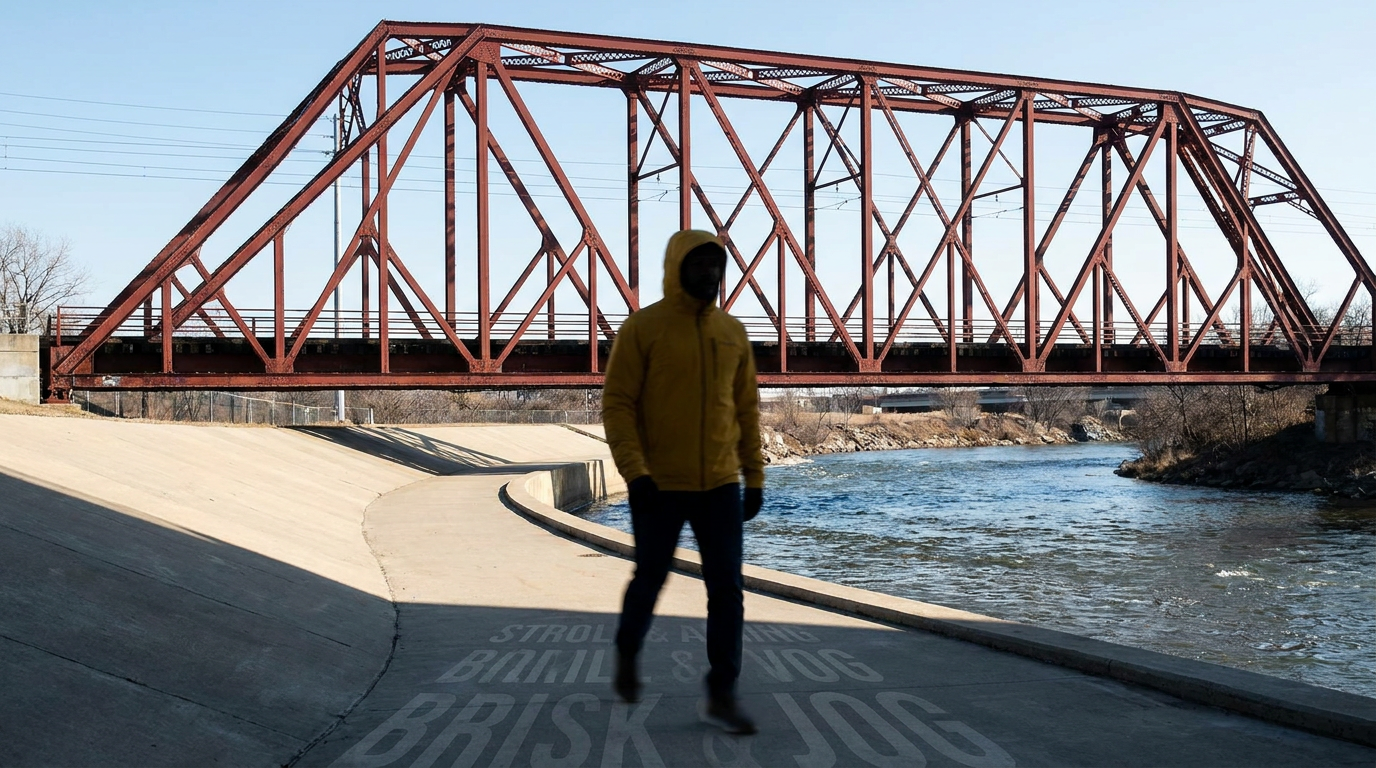
A clean riverside scene gives the walking verb a readable subject and path.
How the motion changes
The first version uses “fast-walks steadily.” The character moves with a regular, controlled walking rhythm and stays on the path. The second uses “briskly strides with longer steps.” The phrase adds a visible stride cue, so the legs extend more clearly while the character continues forward without turning or stopping.
The scene works because the action verb carries the movement intention while the camera remains separately described. The river, bridge, yellow jacket, rear-following composition, five-second duration, and widescreen framing provide a stable visual baseline for the action.
A practical prompt pattern
Describe the character's action first, then add the path and camera behavior:
The yellow-jacketed person briskly strides with longer steps along the riverside path beneath the red bridge. Keep the direction forward, the pace continuous, and the rear follow camera stable. No sprinting, sudden stops, or direction changes.
For a calmer result, replace the action phrase with “walks steadily” or “fast-walks steadily.” For a stronger stride, keep “longer steps” explicit and avoid adding unrelated gestures that compete with the main motion.
When this recipe helps
- A filmmaker needs a character to cross an establishing location with a readable walking rhythm.
- A product or travel creator wants a controlled follow shot where the subject moves through a recognizable path.
- A storyboard artist is testing whether a prompt can separate a character's movement pace from the camera's path.
Frequently asked questions
Which reference image works best?
Use a full-body or three-quarter rear view with a visible walking surface. A clear path and recognizable background make stride changes easier to inspect.
Should the camera speed be described in the same phrase?
Keep the camera path in its own sentence. This makes the character's action verb the main variable and keeps the follow-shot baseline readable.
Which words create a stronger stride cue?
“Briskly strides with longer steps” combines pace and step length. “Fast-walks steadily” keeps the motion energetic while preserving a more regular walking pattern.
What should be checked after generation?
Compare the same time point in both clips. Check the subject, setting, camera relationship, leg extension, and rhythm before deciding whether the wording produced a useful difference.
Click the template card on this page, enter the experience page, and try the template.
Keep creating
Explore the idea, then make it yours.
Discover more creative workflows in Spotlight, or open ArtArch Studio to start creating now.
Keep exploring
More in Producer's Note
Remove Pseudo Quality Words from AI Image Prompts
Replace generic 4K and 8K slogans with concrete material, lighting, and texture constraints when you want a cleaner AI image prompt.
Sticky Note Portrait Collage from Photo: Make a Personal Visual Story
Upload one portrait to create a sticky note portrait collage from photo with layered fragments, handwritten notes, paper shadows, and magazine styling.

Family Trauma Short Film: After the Silence
Watch a family trauma short film told through Lydia's childhood drawings, fractured memories, her mother's courage, and the silence a child remembers.
Structure-Preserving Dirty-Point Repair for AI Images
Clean localized stains and smeared textures in an AI image while keeping the subject, framing, depth layers, and lighting relationship visually stable.