

ArtArch Newsroom
Producer's NoteSticky Note Portrait Collage from Photo: Make a Personal Visual Story
Upload one portrait to create a sticky note portrait collage from photo with layered fragments, handwritten notes, paper shadows, and magazine styling.
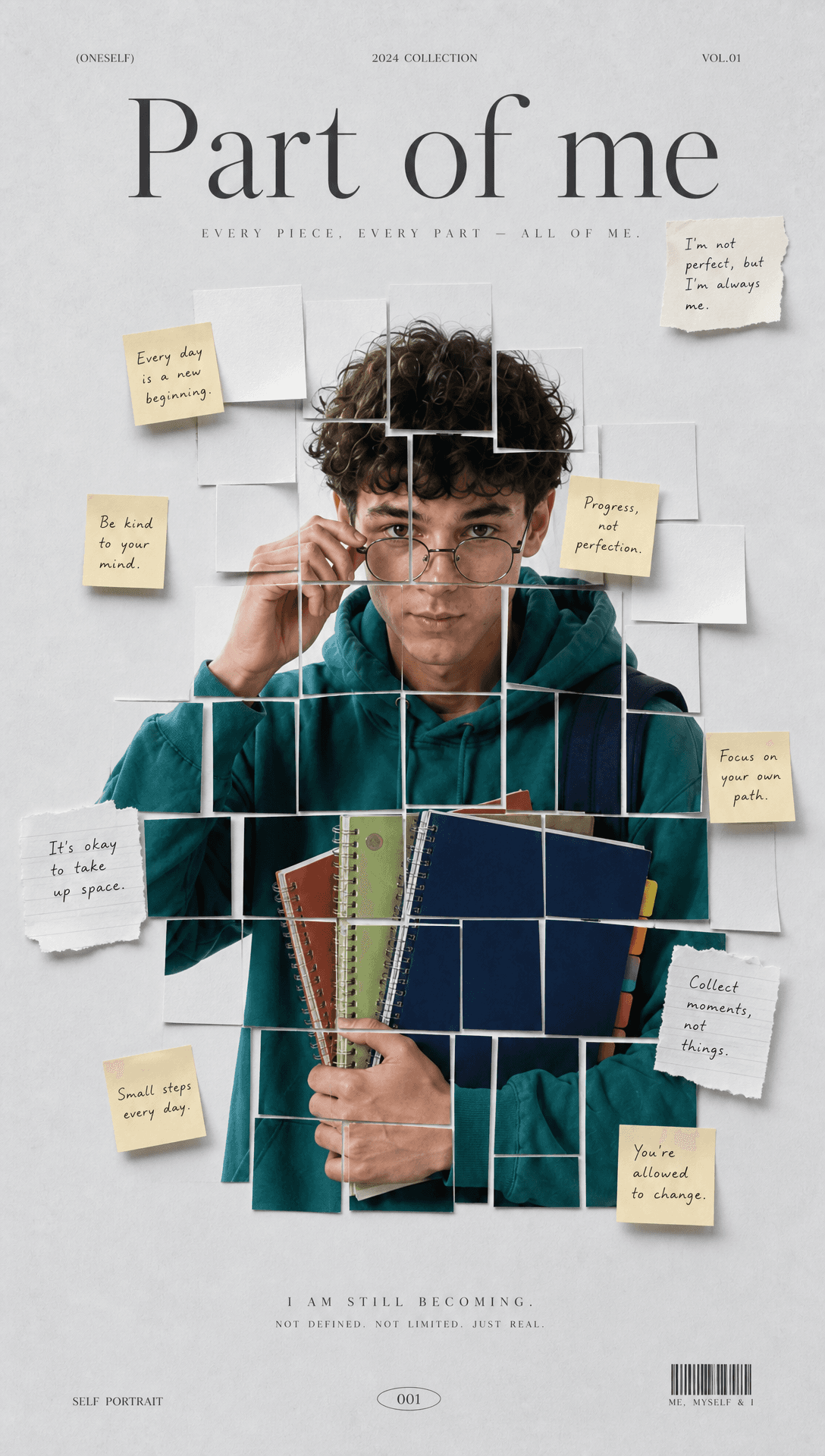
Upload one portrait to create a sticky note portrait collage from photo. The finished image breaks the portrait into aligned paper fragments, then layers handwritten notes around the face to suggest thoughts, moods, and different sides of the subject.
Choose a portrait with a readable center
A close or waist-up image works well when the face is sharp and easy to recognize. Look for even light, a clear outline around the hair, and a pose that leaves some breathing room near the edges. The collage keeps the person at the center, so a busy source background adds little to the final composition.
The face remains legible across the rectangular fragments. Small offsets, narrow gaps, curled paper edges, and soft shadows make the portrait feel assembled by hand. Beige sticky notes and white memo paper sit near the forehead, cheeks, hair, and outer corners while leaving the main facial features visible.
A portrait that reads like a private notebook
Thin black handwriting gives each note the character of a passing thought. Editorial titles at the top and bottom add the order of a magazine cover, while the scattered paper pieces keep the image personal. The background uses pale gray-blue with a subtle paper texture, low contrast, and restrained color.
This format suits a reflective profile image built around one meaningful portrait. A musician or writer can use it for artwork that feels like marked-up notebook pages. A fashion creator can turn a clean headshot into a contemporary editorial poster. It also works for a personal post about changing moods, where the fragments and short notes carry the idea visually.
Create the collage
- Upload one clear portrait with visible facial details and space around the head.
- Start the template to divide the image into layered fragments and place handwritten notes around the subject.
- Review the face, paper spacing, shadows, and note placement in the finished horizontal collage.
What appears in the result
The output uses a wide 16:9 composition. Soft studio-style light keeps skin and paper readable, and fine grain gives the clean layout a photographic finish. The portrait pieces remain orderly enough to reconstruct the person at a glance, while the slightly lifted notes create depth against the matte background.
The contrast is the useful part: the central portrait is recognizable and composed, but the surrounding notes feel informal and unfinished. That balance makes the design suitable for a cover, visual diary entry, identity study, or campaign image with a reflective tone.
Frequently asked questions
What should I upload?
Upload one clear portrait with a visible face, distinct hair outline, and enough space around the subject for the collage layout.
What shape is the final image?
The result uses a horizontal 16:9 composition.
How is the portrait arranged?
The photo is divided into evenly sized rectangular fragments with small offsets, visible gaps, lifted edges, and soft paper shadows.
Where do the sticky notes appear?
Beige and white notes sit around the forehead, cheeks, hairline, and outer areas while keeping the central facial features readable.
Click the template card on this page, enter the experience page, and try the template.
Keep creating
Explore the idea, then make it yours.
Discover more creative workflows in Spotlight, or open ArtArch Studio to start creating now.
Keep exploring
More in Producer's Note
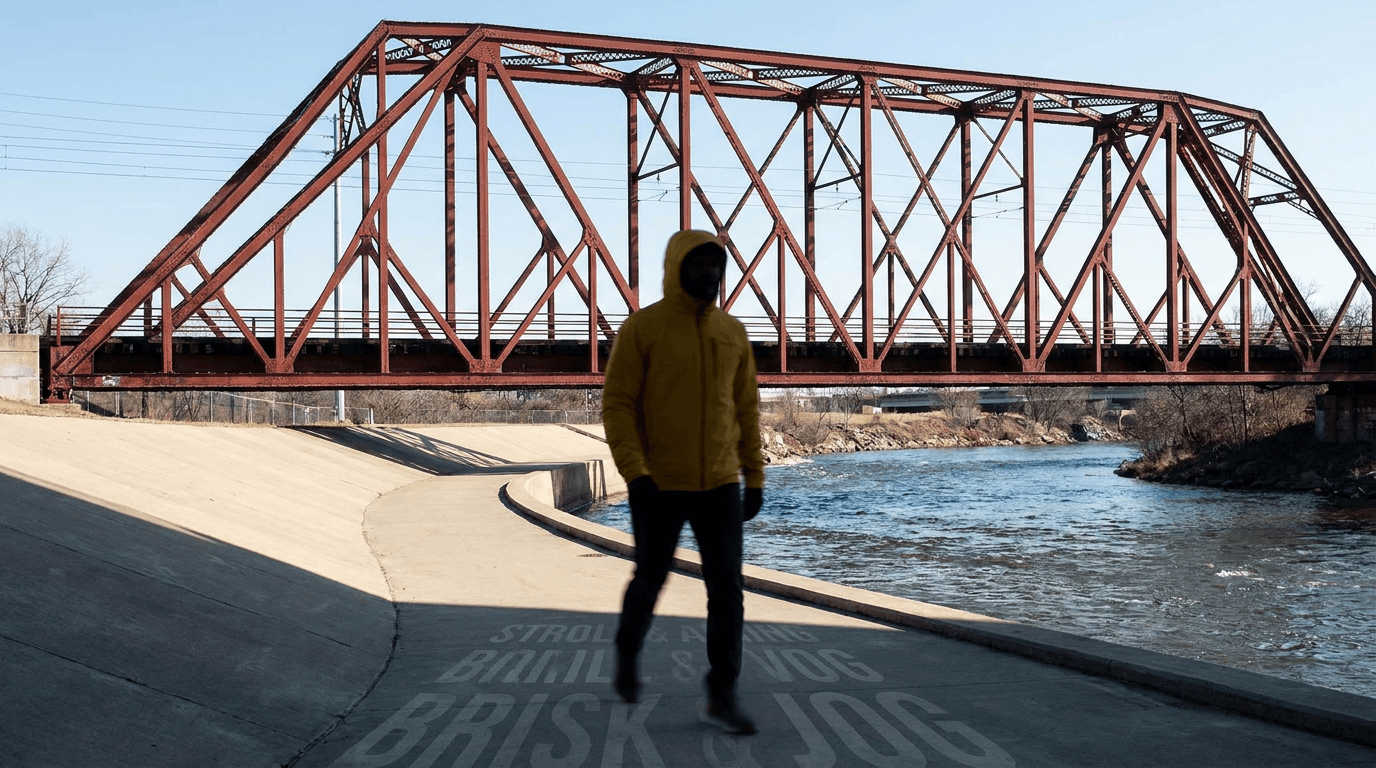
AI Video Action Verb Motion Control for Walking Speed
Learn how action verbs such as fast-walks and briskly strides shape walking speed and stride length in an AI video scene.

Remove Pseudo Quality Words from AI Image Prompts
Replace generic 4K and 8K slogans with concrete material, lighting, and texture constraints when you want a cleaner AI image prompt.
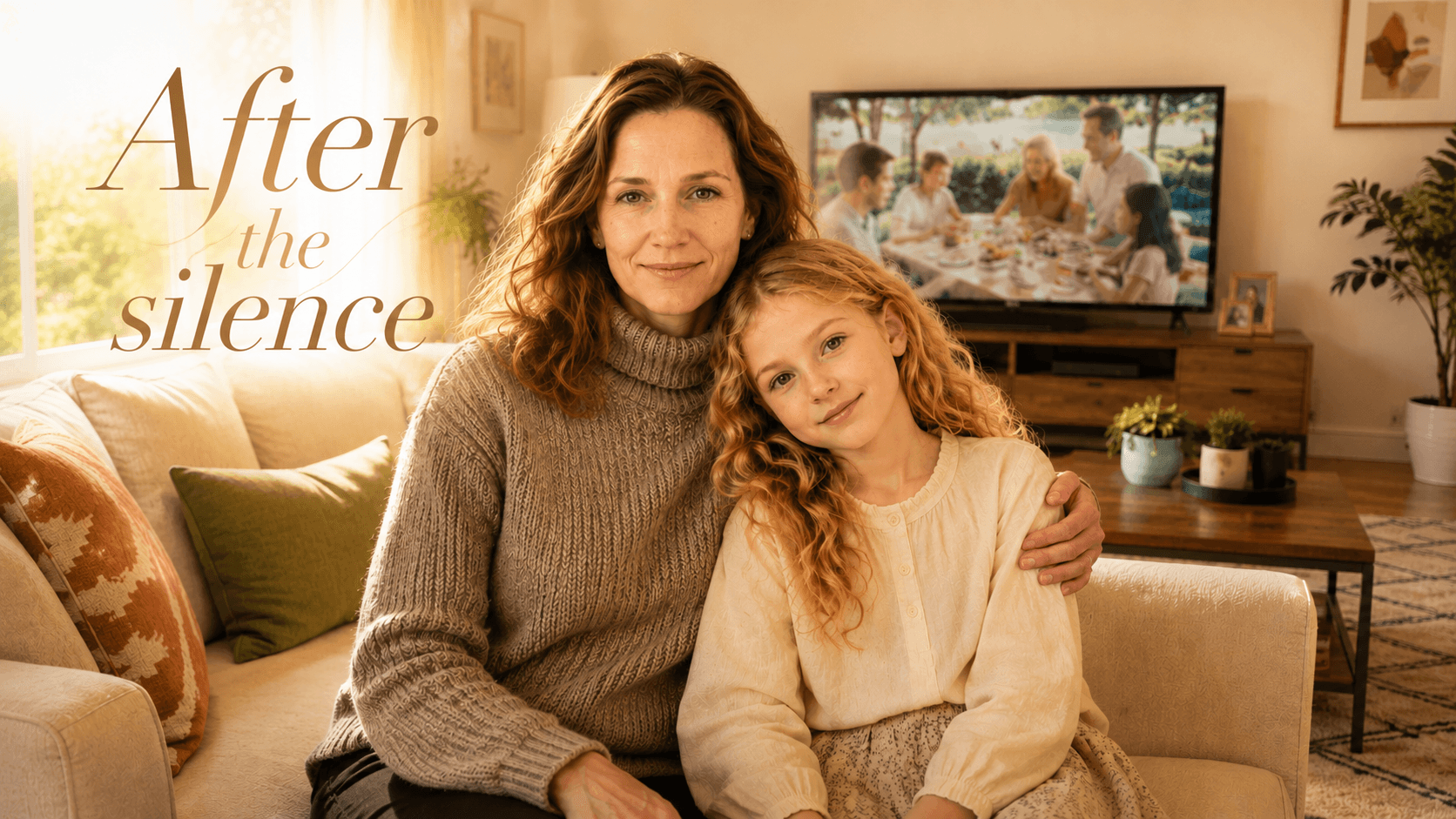
Family Trauma Short Film: After the Silence
Watch a family trauma short film told through Lydia's childhood drawings, fractured memories, her mother's courage, and the silence a child remembers.
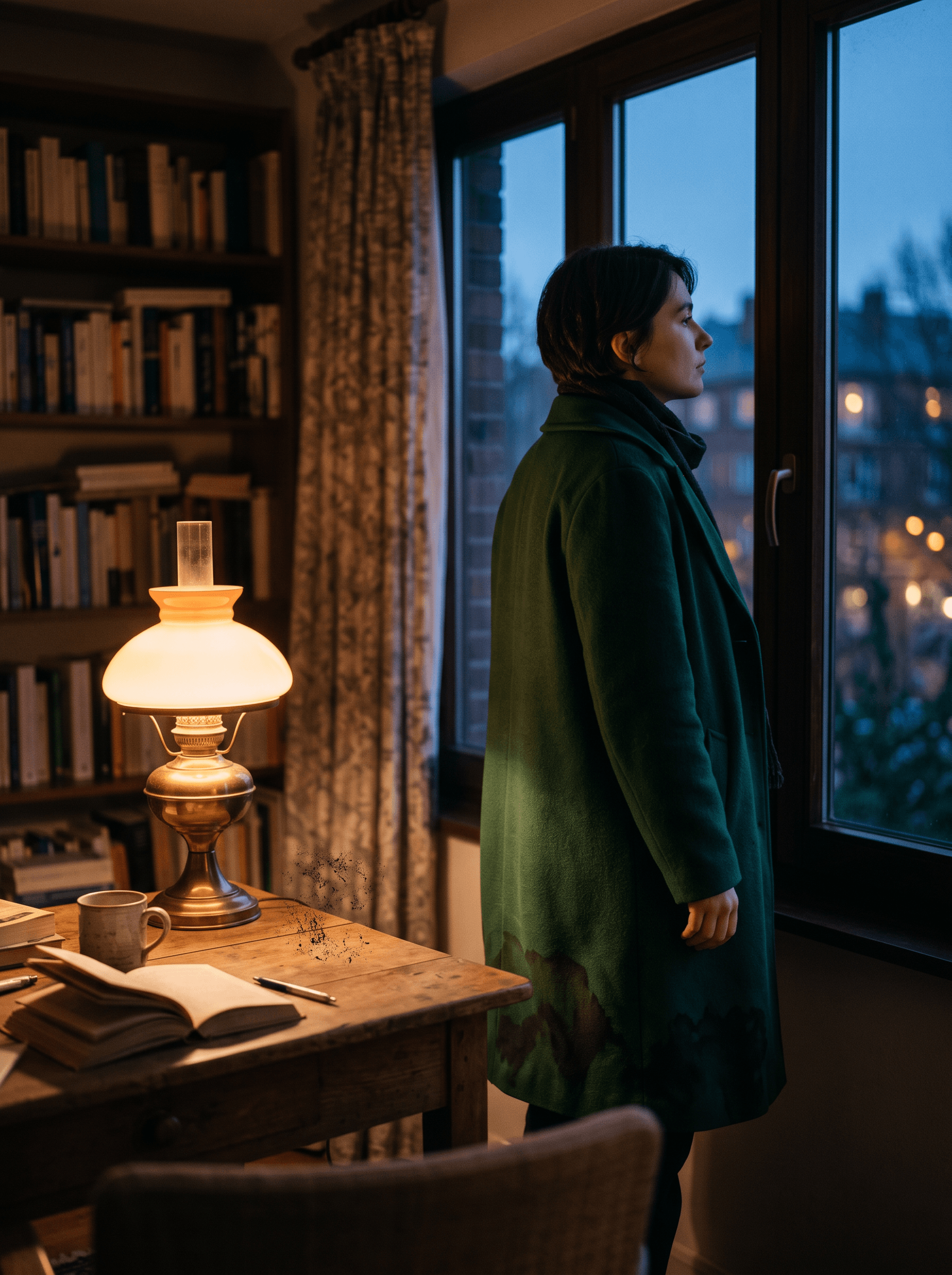
Structure-Preserving Dirty-Point Repair for AI Images
Clean localized stains and smeared textures in an AI image while keeping the subject, framing, depth layers, and lighting relationship visually stable.