How to Fix AI Video Continuity Errors with Insert Shots
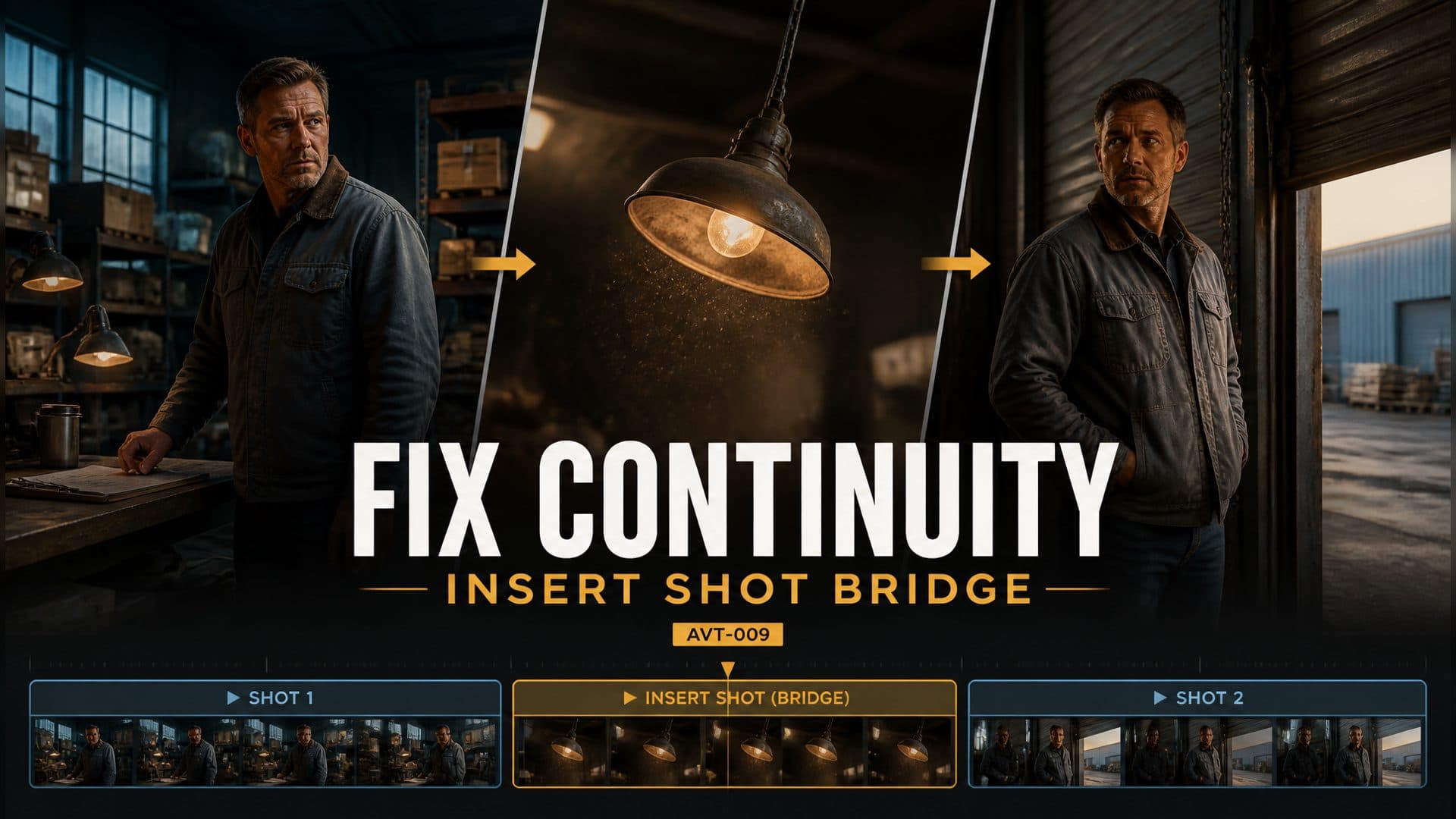
Fix AI video continuity errors with a motivated insert shot that creates off-screen time and clearly re-establishes a character at a new position.
阅读约 7 分钟
Provide a character reference and an empty location reference to create two versions of the same warehouse scene: a direct position jump and a motivated insert-shot bridge. This AI video continuity test shows how a brief environmental cutaway can create off-screen time between two usable shots, then help the viewer accept a character's new position.
AVT-009 follows a warehouse manager from a workbench on the left to a roll-up door on the right. Both versions use the same character, work jacket, central aisle, hanging lights, and door. Only the transition changes.
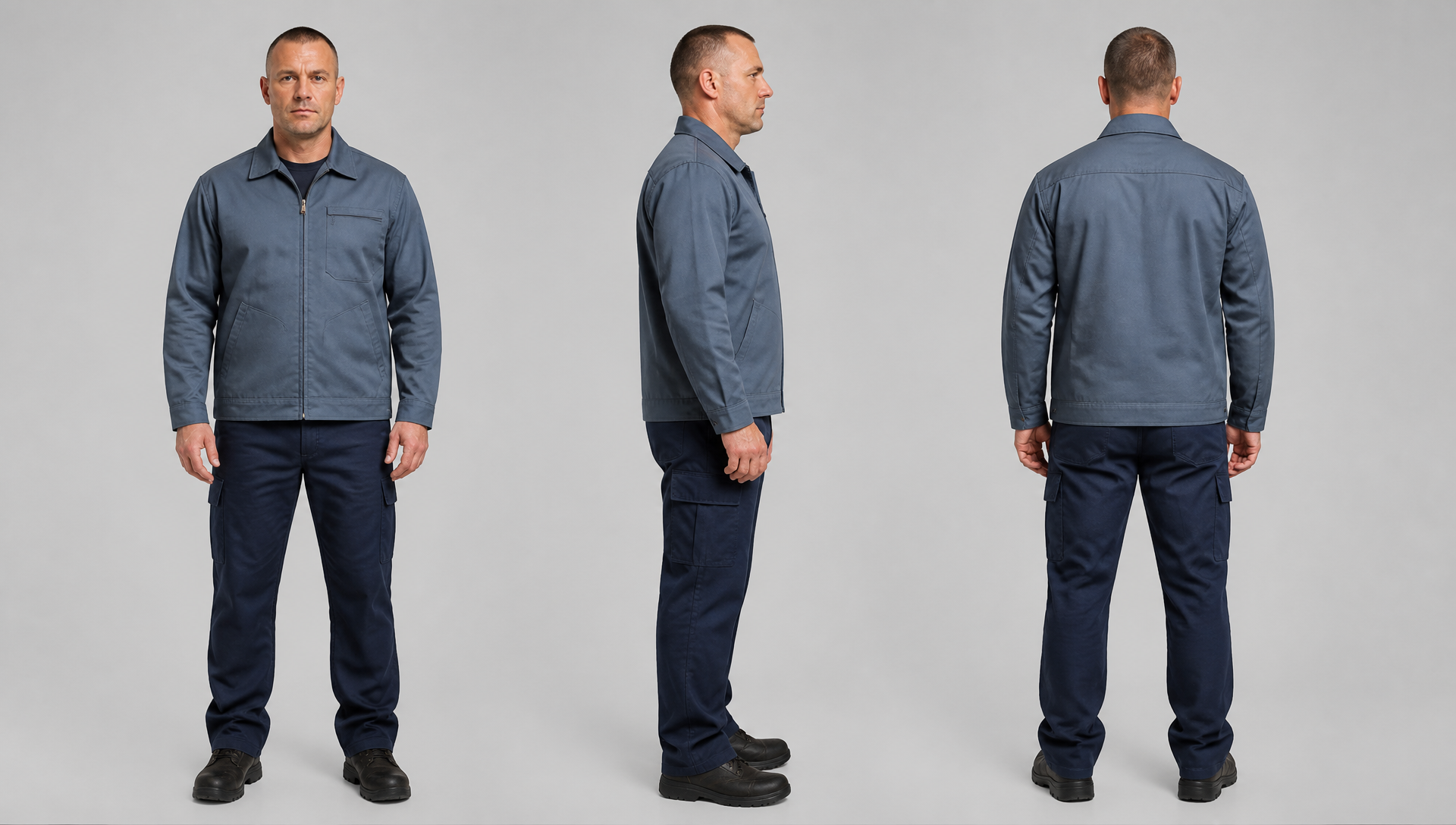
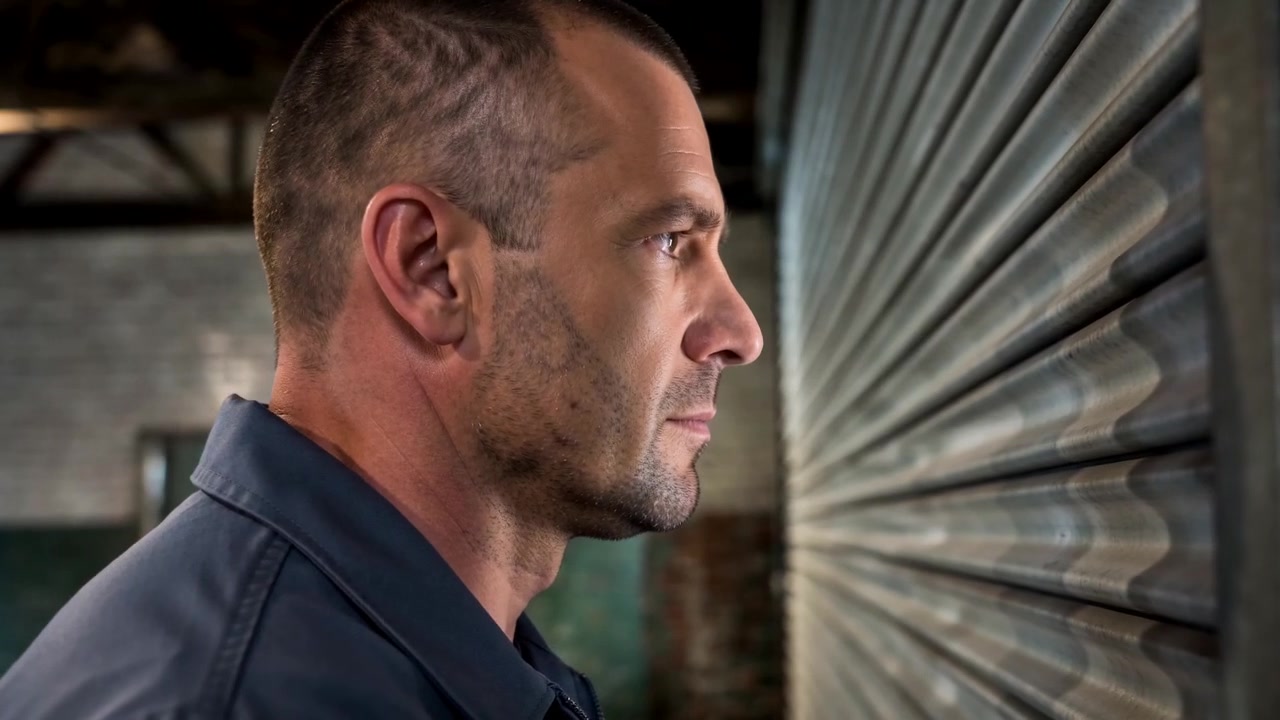
The character reference fixes the manager's face, build, haircut, gray-blue jacket, and dark work pants before either video is generated.
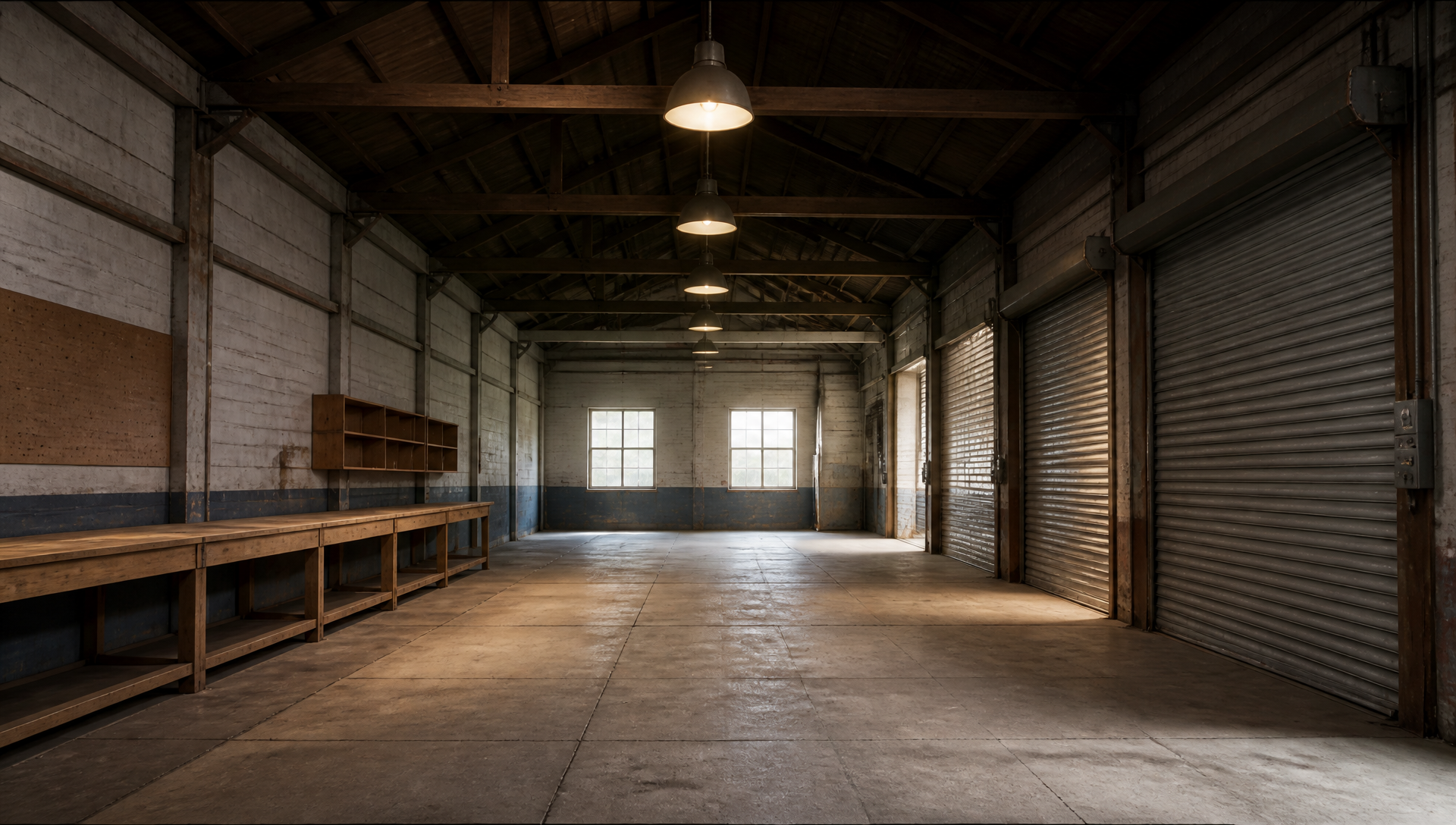
The empty location reference establishes the left workbench, central aisle, overhead fixtures, and right-side door as stable spatial anchors.
The continuity problem: a position change without elapsed time
Viewers build a mental map from fixed landmarks. Once the manager appears beside the left workbench, a direct cut to the right-side door reads as an instantaneous relocation unless the edit supplies time, cause, or intermediate movement.
The repair has three parts:
establish the old position and a reason to move;
cut to a relevant detail while the movement happens off screen;
return in wider coverage that clearly establishes the new position.
A group: preserve the direct jump
The control prompt deliberately connects the two character positions with a hard cut:
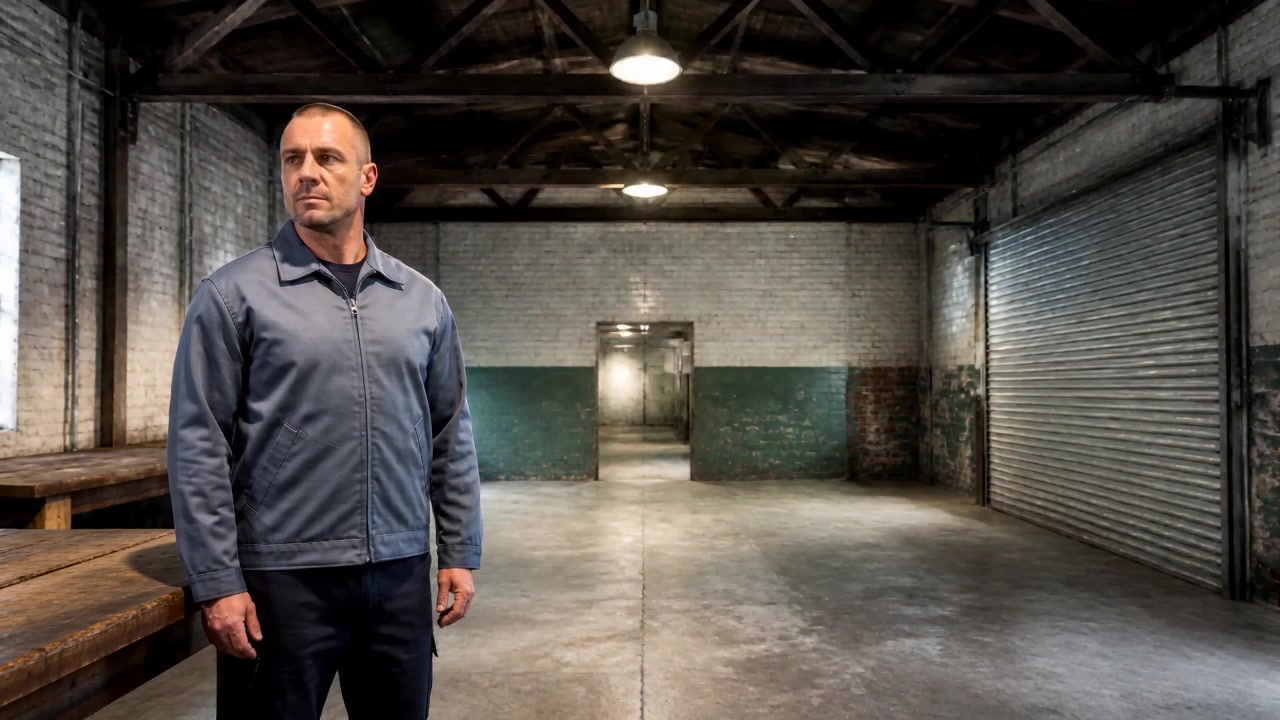
The manager stands beside the workbench on the left. The next shot places him directly beside the roll-up door on the right, where he continues looking outside. Connect the shots with a hard cut.
The opening frame establishes the manager and the warehouse before the edit changes his position.
The technique prompt turns one warehouse detail into a continuity bridge:
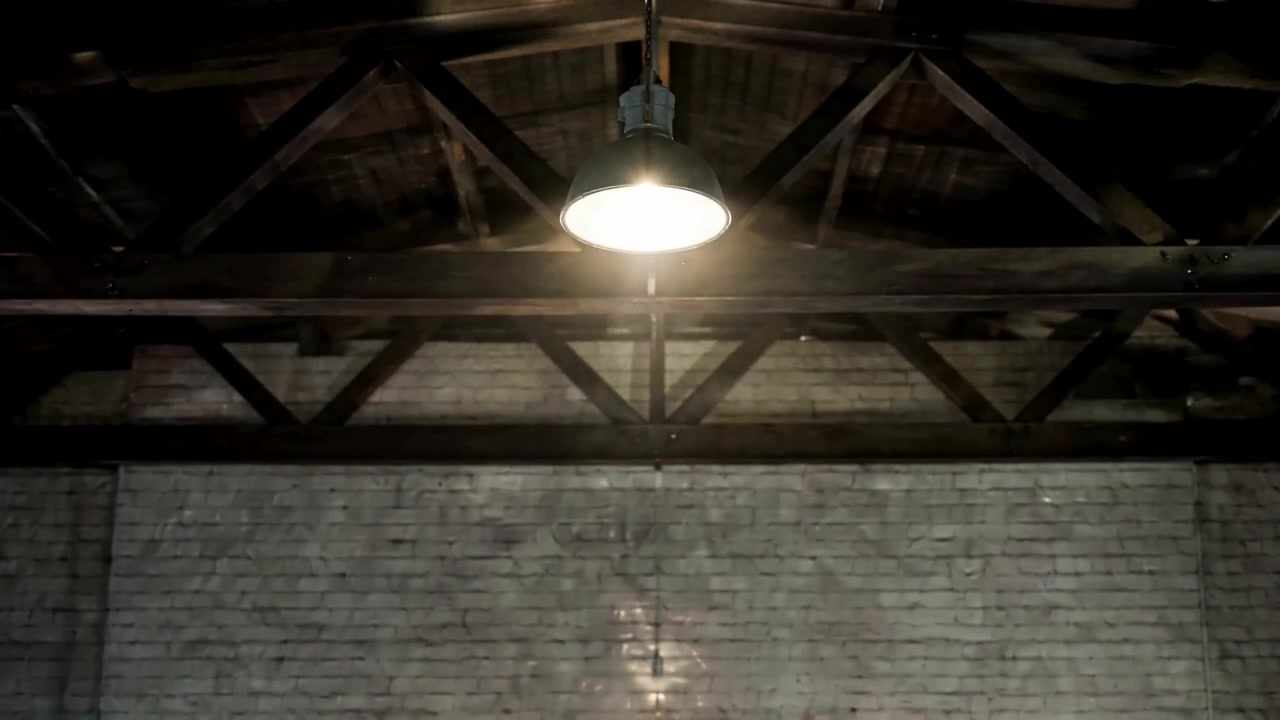
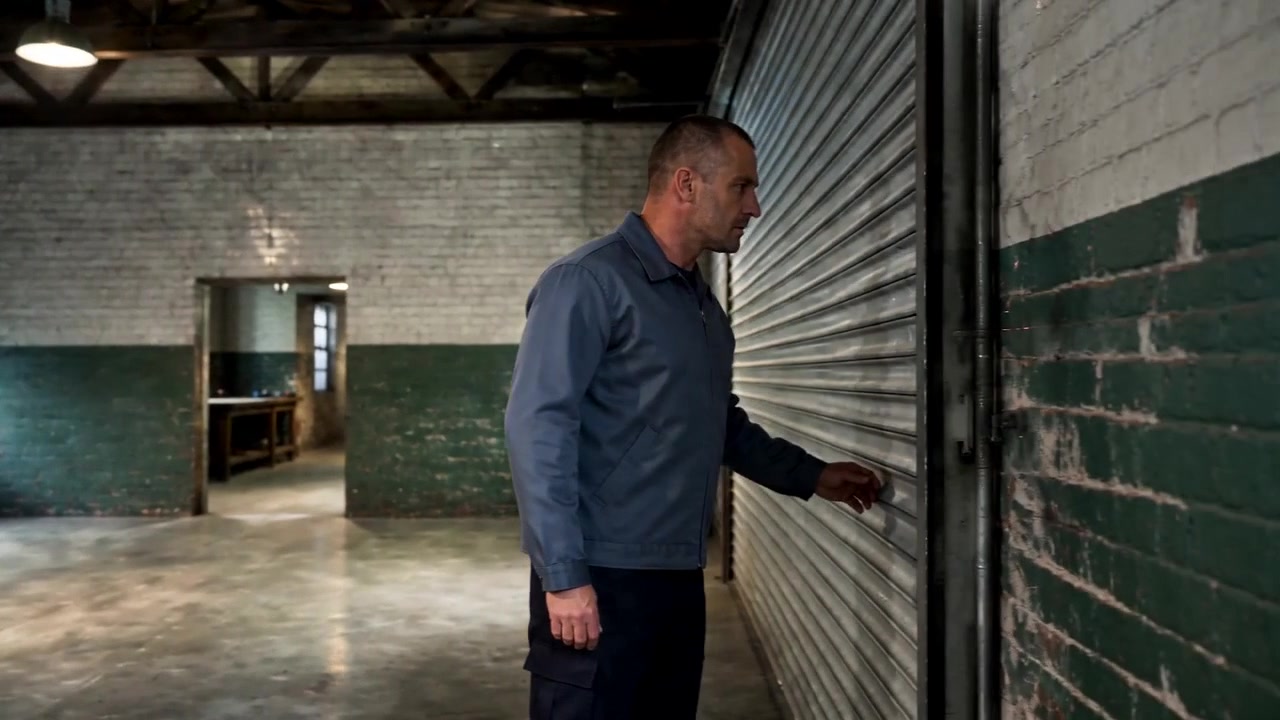
Begin with the manager beside the left workbench as a metallic impact draws his attention toward the roll-up door. Cut to the hanging lamp above the central aisle as it reacts to the disturbance. Hold the insert while the manager moves off screen. Return in a wider medium shot with the manager beside the right-side door, still responding to the same event.
The environmental insert moves attention away from the manager and creates a plausible interval for unseen movement.
The late frame shows the sequence after the bridge and helps the viewer rebuild the spatial relationship.
The prompt was planned as an eight-second sequence. The current B file provides reliable visual evidence through about 4.8 seconds, so the images above support only the insert and later state visible within that interval.
Why the insert changes how the cut reads
The insert gives the missing interval a purpose. Attention moves from the character to an event in the same location, time continues, and the character can travel while outside the frame. When the edit returns to him, the viewer has a reasonable place to locate the movement.
This works because the bridge is motivated. The metallic sound, the manager's gaze, the environmental response, and the door-side return all point to one event. A related detail both covers the cut and preserves cause and effect.
Build the repair in three steps
1. Lock the old position and trigger
Begin with enough coverage to connect the character to a fixed landmark. Then introduce a sound, movement, prop action, or reaction target that explains why the character will leave that position.
Old position: the manager stands beside the left workbench.
Trigger: a metallic impact comes from the right-side roll-up door.
Reaction: he turns his gaze and body toward the sound.
The opening must communicate both geography and intention before the cutaway begins.
2. Choose an insert that can carry time
Use a subject that belongs to the same event and remains understandable while the main character is absent. A hanging light, vibrating handle, moving curtain, phone screen, tool, warning indicator, or secondary character action can all hold the frame.
Match the hold length to the implied travel. A hand adjustment needs one short beat; crossing a room needs a longer environmental action or a second reaction beat.
3. Re-establish the destination
Return with enough of the location visible to show where the character is now. A wider medium shot often works better than an immediate close-up because it includes the person and the new landmark together.
Preserve the direction established before the insert. If the character looked right toward the trigger, continue that gaze or action in the return shot.
A reusable AI video continuity prompt
Create a three-part continuity bridge using the same character and location references throughout.

Opening shot:
Show [character] at [starting landmark and screen side].
[Sound or event] occurs at [destination and direction].
The character notices it and directs their eyes or body toward it.

Motivated insert:
Cut to [environmental object, prop, reaction, or secondary action].
Show [one small change] caused by the same event.
Hold long enough to imply the character's off-screen movement from [start] to [destination].

Return shot:
Use a wider shot to re-establish the location.
Show the same character at [destination landmark].
Preserve identity, wardrobe, body direction, gaze, and fixed set anchors.
Continue responding to the original event.
Treat timestamps as a planning grid. After generation, inspect the actual cut points and judge whether the visible bridge supplies enough perceived time for the distance traveled.
Where this technique helps
A narrative filmmaker can bridge an actor moving from a desk to a window by cutting to a curtain or vibrating phone. A product creator can cover a presenter's hand reset with a product-detail insert. A workplace video can move a technician from a control panel to an equipment cabinet while a warning indicator changes. A suspense edit can use debris, a moving shadow, or a door-handle reaction to cover movement toward a sound.
The surrounding shots still need usable identity, wardrobe, props, and screen direction. Insert-shot repair is strongest when the missing link is elapsed time or plausible movement between two otherwise coherent states.
Frequently asked questions
What type of AI video continuity error can an insert shot repair?
It is useful for plausible position changes, blocking gaps, hand resets, entrances, exits, and task transitions where the shots on either side remain visually coherent.
How long should the insert last?
Match it to the action hidden by the cutaway. A small posture change may need one beat, while crossing a room benefits from a longer insert with visible action.
What should the return shot establish?
Show the same character, the new landmark, and enough surrounding space to rebuild the viewer's map. Continue the gaze, sound, or action that motivated the insert.
When is regeneration a better choice?
Use dedicated identity, wardrobe, prop-state, or axis controls when those visual facts change. The insert structure is specifically suited to missing time and movement.