ArtArch 新闻中心
AI Video TechniquesMotivated Cut AI Video Continuity: Change the Shot for a Reason
Learn how a visible action trigger, clear shot-size change, and locked screen direction create more intentional same-scene AI video edits.

Use a motivated cut AI video continuity prompt to connect two moments in the same location without making the edit feel like an accidental jump. Keep the character, screen direction, environment, and action continuous, then change the shot size only when a visible event gives the viewer a reason to look closer.
Why similar shots can create an awkward cut
Two clips may show the same character in the same room and still feel poorly connected. When the second shot repeats almost the same framing and angle, small generation differences become easy to notice. A face shifts, a shelf moves, or the subject occupies a slightly different part of the frame. Because the new shot adds little information, the viewer's attention stays on the discontinuity.
The practical alternative is to make the change useful. A wider shot can establish the room and the character's direction of travel. A closer shot can then reveal the object that caused the character to stop. The cut has a narrative job, so the change in framing reads as an intentional edit.
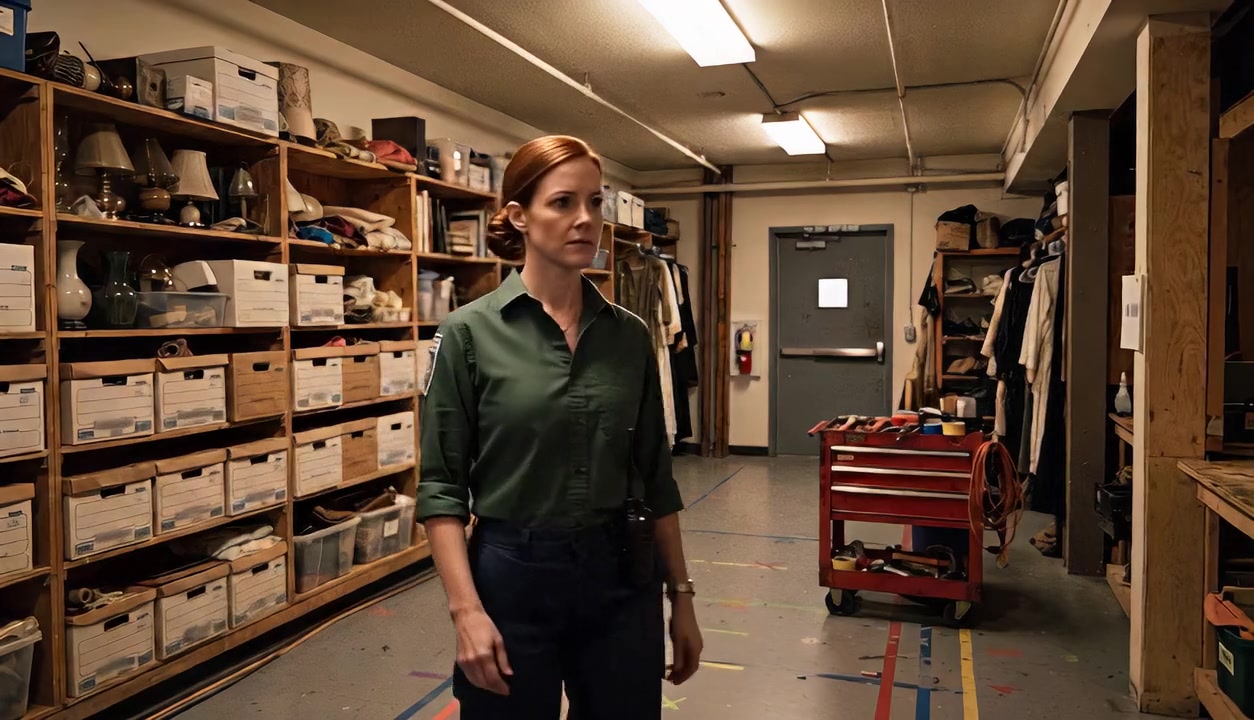
The wider view establishes the aisle, shelving, rear door, and the character's movement before the label becomes important.
Choose a visible trigger
A motivated cut begins with something the audience can see. The trigger may be a hand reaching for a control, a glance toward a sound, a key entering a lock, a phone lighting up, or a damaged part being discovered. The next shot should answer the question created by that trigger.
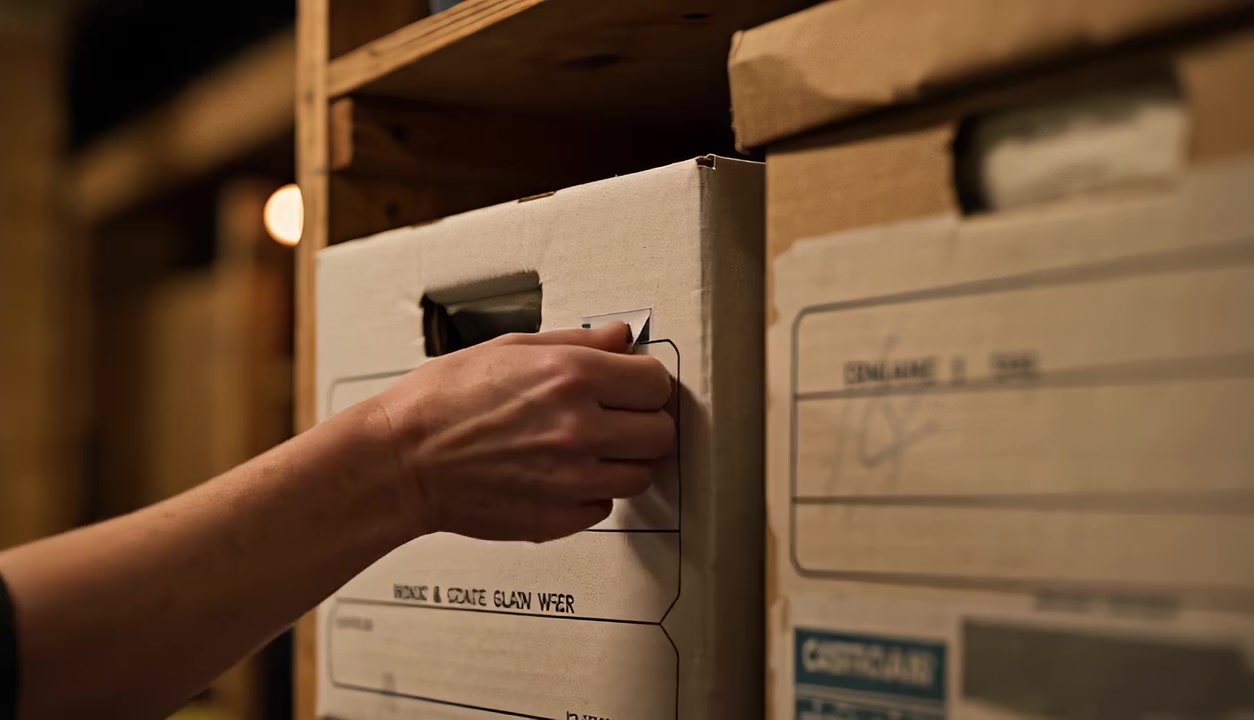
In the test scene, a community theater stage manager walks along a prop-room shelf and notices an incorrect box label. Her reach toward the label is the trigger. The second shot can remain near the original framing, or it can move closer to show the hand and label that now carry the action.
This creates a simple cause-and-effect structure:
- Establish the character and location.
- Show the character noticing a specific object.
- Cut as the character reaches toward it.
- Reveal the object and complete the action in the new shot.
Lock continuity before changing the camera
The camera change should be the only designed variable. Keep the character's identity, wardrobe, body direction, active hand, environment, lighting, and object position consistent across the cut. Choose two or three spatial anchors that remain easy to recognize.
For the prop-room scene, the wooden shelving, gray rear door, and red tool cart defined the room. The stage manager continued moving left to right. Warm ceiling lights preserved the same time and atmosphere. These locks allowed the closer image to feel connected even when most of the wider room left the frame.
继续探索
更多 AI Video Techniques 内容

Deep Depth of Field AI Video: Keep Every Story Layer Readable
Learn how deep depth of field AI video prompts keep foreground tools, central action, and distant location cues readable in one layered shot.

Medium Depth of Field AI Video: Balance Subject and Setting
Learn how medium depth of field AI video prompts keep hands and active objects readable while preserving recognizable environmental context.

AI Video Character Reference Framing: Match Portraits to Landscape Shots
Prepare vertical character portraits for landscape AI video by matching aspect ratio, body scale, headroom, floor space, and movement room before generation.
AI Video Action Continuity Prompt: Match Contact Points Across Segments
Write an AI video action continuity prompt that matches hand contact, prop position, body direction, and movement across connected video segments.