

ArtArch 新闻中心
AI Video TechniquesAI Video Character Reference Framing: Match Portraits to Landscape Shots
Prepare vertical character portraits for landscape AI video by matching aspect ratio, body scale, headroom, floor space, and movement room before generation.

Prepare a character image for the final video shape before generation to create a landscape shot with readable body scale, stable headroom, and usable action space. AI video character reference framing is especially useful when a vertical full-body portrait must guide a horizontal scene.
Why the reference frame influences the first shot
A character reference carries more than identity. It also presents a camera distance, body scale, surrounding space, and visual balance. When a person fills most of a 9:16 portrait, those spatial cues can lead a 16:9 generation toward a tight crop even when the prompt requests a medium-wide composition.
The practical preparation step is simple: extend the portrait to the target aspect ratio, reduce the character to the intended screen height, and preserve enough floor, headroom, and side space for the planned action. The new frame then demonstrates both who the character is and how the shot should be composed.
Set the target occupancy before motion
Start by deciding how much of the landscape frame the person should occupy. A medium-wide scene usually needs the full body, visible floor, clear headroom, and open space in the direction of movement. Place important props inside that usable space so the reference establishes a visible path from the character to the action endpoint.
For the studio test, the vertical source showed a red-haired woman nearly filling the portrait. The prepared landscape version kept the same face, hair, ivory utility shirt, navy trousers, brown boots, window light, workbench, easel, and sketchbook. It reduced her scale and revealed more floor and horizontal studio space.
What the comparison showed
Both six-second videos used the same character, studio, action, prompt, model, duration, resolution, and audio setting. The woman was asked to move toward a workbench, lift a closed sketchbook, open it, and look at the pages. The only intended input change was the framing of the character reference.
The direct vertical-reference version opened with a tight crop around the torso and legs. The sampled opening and midpoint omitted the complete head, feet, floor, and much of the horizontal workspace. Its final image reconstructed a wider studio view, creating a large change in shot scale during the clip.
The prepared landscape-reference version began with the full body, headroom, floor, workbench, easel, and open side space already visible. Those elements remained readable at the midpoint and final image while the character picked up and opened the sketchbook. In this single Seedance 2.0 scene, the aligned reference produced the more stable landscape composition.
A repeatable preparation pattern
- Choose the output shape. Set the target video aspect ratio and intended shot size.
- Measure the character scale. Decide the approximate percentage of frame height occupied by the person.
继续探索
更多 AI Video Techniques 内容

Motivated Cut AI Video Continuity: Change the Shot for a Reason
Learn how a visible action trigger, clear shot-size change, and locked screen direction create more intentional same-scene AI video edits.

Deep Depth of Field AI Video: Keep Every Story Layer Readable
Learn how deep depth of field AI video prompts keep foreground tools, central action, and distant location cues readable in one layered shot.

Medium Depth of Field AI Video: Balance Subject and Setting
Learn how medium depth of field AI video prompts keep hands and active objects readable while preserving recognizable environmental context.
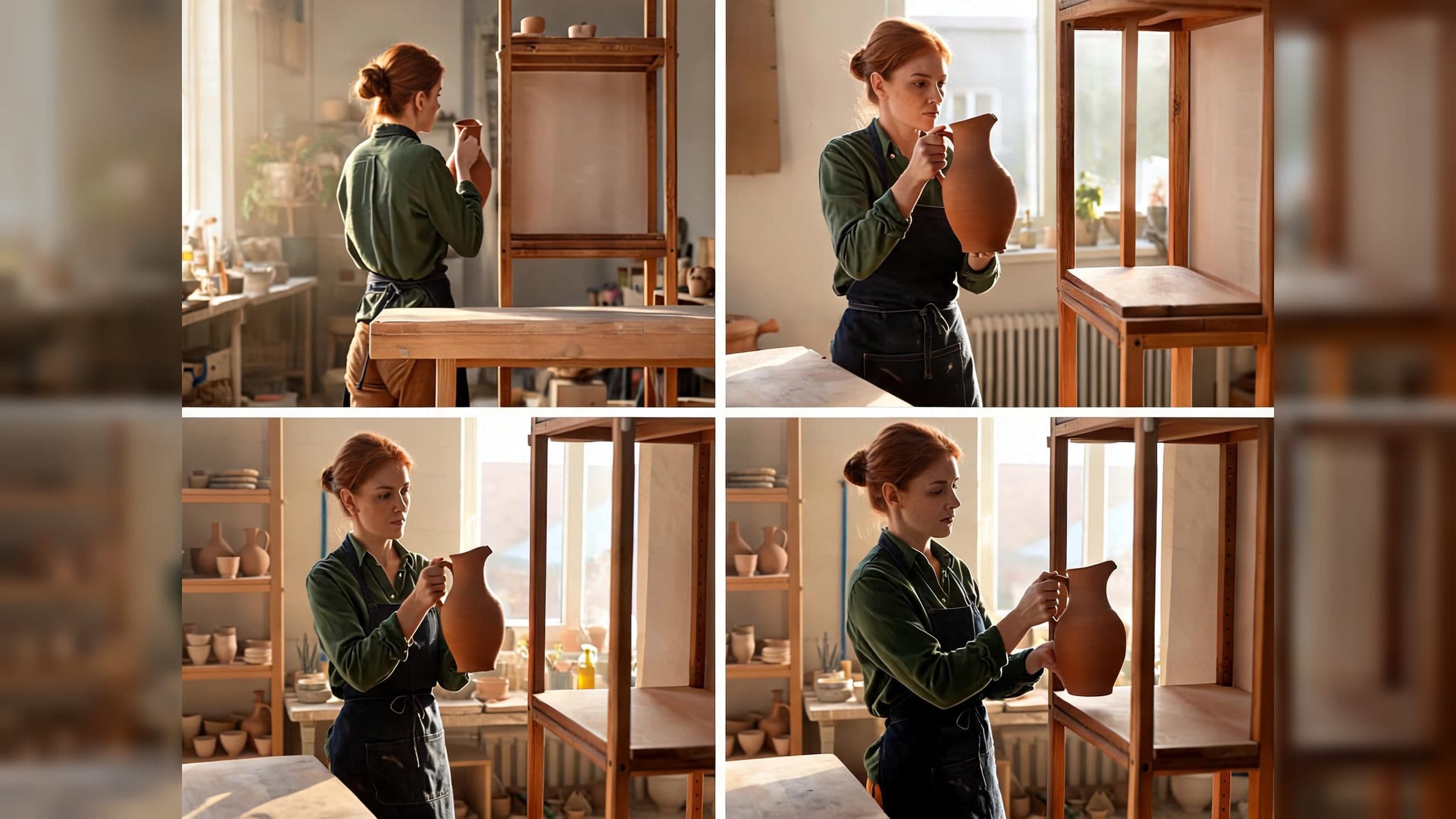
AI Video Action Continuity Prompt: Match Contact Points Across Segments
Write an AI video action continuity prompt that matches hand contact, prop position, body direction, and movement across connected video segments.