

ArtArch 新闻中心
AI Video TechniquesAI Dance Video Reenactment from a Reference Video for Beginners
Learn how to use a character image, dance reference video, and depth motion guide to create an AI dance reenactment with ArtArch.
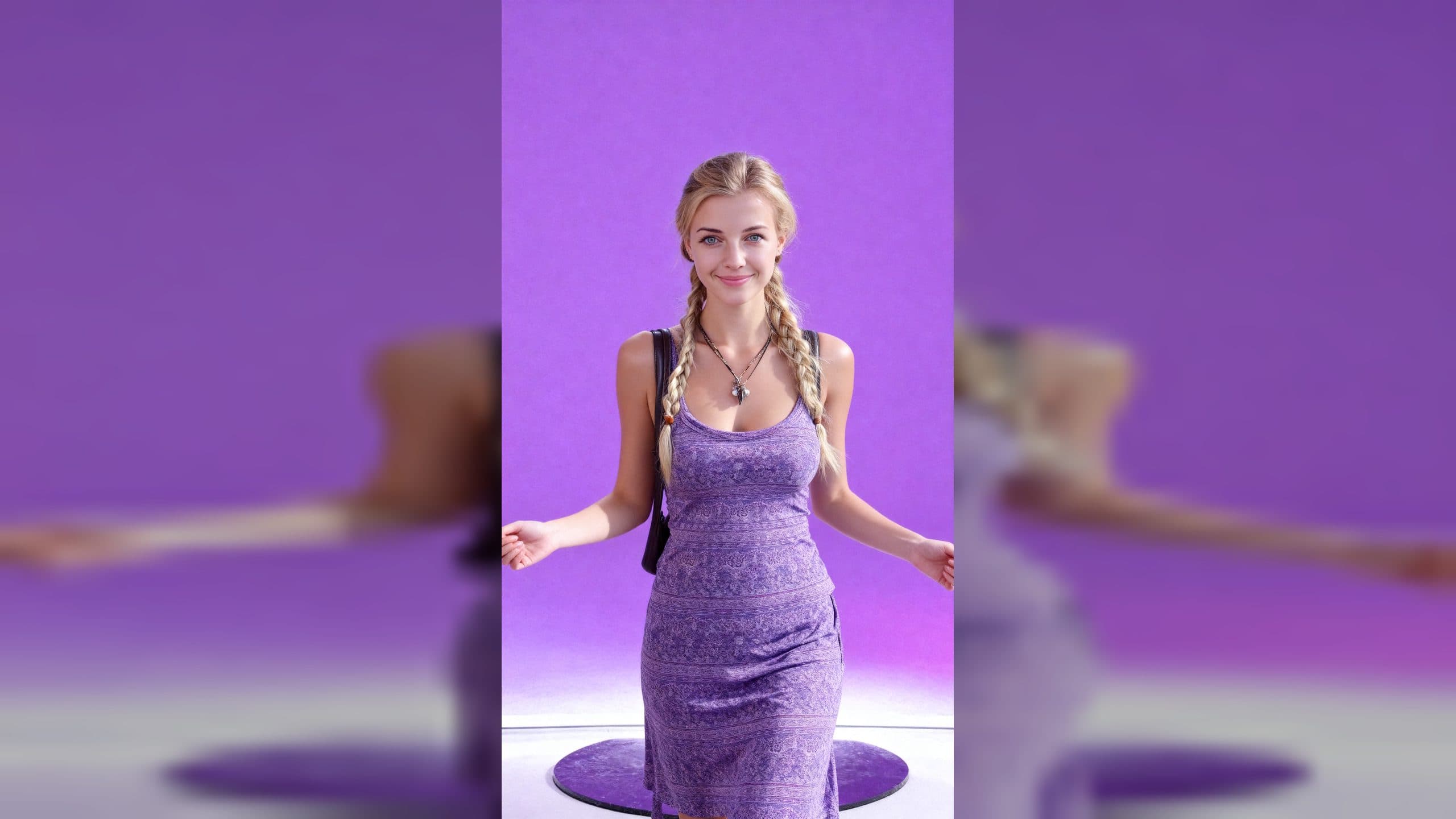
AI dance video reenactment from a reference video is a simple way to give a new character someone else's movement. You provide an image of the character and a video showing the dance. ArtArch turns the reference performance into a depth motion guide, then uses that guide to make the supplied character follow the dance. Start from the ArtArch CLI page.
The two files you need
Start with a clear character image. This image controls the subject's appearance, proportions, face, wardrobe, and other details you want to keep visible in the final clip.
Then choose a dance reference video. The video supplies the movement, timing, body position, and rhythm. It is the performance guide, not the character design.
The ArtArch CLI page shows this workflow with a character image and a dance video as the two user attachments. You can open the page, install the skill for your agent, and use the same kind of request:
Make the character in this image perform the dance from the reference video.
ArtArch works with Codex, Claude, and other mainstream agents. The agent can guide the preparation step, explain what it is doing, and tell you before a generation run consumes credits.
What happens after you send the request
The workflow has three visible stages.
First, the agent examines the reference performance and prepares a local depth motion guide. The guide captures the dancer's full-body movement and timing in a form that can drive another subject.
Next, the agent uses the depth guide with the character image. The character image keeps authority over who or what appears in the clip, while the guide controls the action.
Finally, the action reenactment step creates a new video around the supplied character. The public ArtArch CLI example uses a vertical 9:16 dance reenactment with the character's appearance, full-body movement, framing, and rhythm named in the request.
Pick an easy first dance
Choose a reference where the main performer stays visible for most of the clip. A front-facing dance with one clear subject is easier to inspect than a crowded scene with frequent cuts. Keep the dancer's full body in frame when the goal is to reproduce footwork, arm movement, and weight shifts.
Three beginner-friendly starting points are a character performing a short social dance, a mascot following a simple hand routine, or a fashion character copying a full-body pose sequence. Each one has the same input logic: one image owns the subject, one dance video owns the motion.
Keep the first result easy to review
Ask the agent to prepare the motion guide before it starts the final generation. Look at the grayscale depth result and the colored person-track preview when they are available. The colors are temporary motion markers for checking the tracked performer. They are not face recognition and they do not prove identity.
继续探索
更多 AI Video Techniques 内容

Motivated Cut AI Video Continuity: Change the Shot for a Reason
Learn how a visible action trigger, clear shot-size change, and locked screen direction create more intentional same-scene AI video edits.

Deep Depth of Field AI Video: Keep Every Story Layer Readable
Learn how deep depth of field AI video prompts keep foreground tools, central action, and distant location cues readable in one layered shot.

Medium Depth of Field AI Video: Balance Subject and Setting
Learn how medium depth of field AI video prompts keep hands and active objects readable while preserving recognizable environmental context.

AI Video Character Reference Framing: Match Portraits to Landscape Shots
Prepare vertical character portraits for landscape AI video by matching aspect ratio, body scale, headroom, floor space, and movement room before generation.