

ArtArch Newsroom
Producer's NotePunctuation Dialogue Rhythm AI Video Template
Shape a character's hesitation and speech rhythm in an AI video by placing a deliberate punctuation cue inside the spoken line.

Provide a short spoken line and a character reference to create a close-up AI video with a warehouse conversation, stable framing, and a deliberately shaped hesitation before the main sentence. A comma keeps the opening connected to the rest of the line, while an ellipsis gives the first phrase a visible beat in the delivery.
A small punctuation choice with a visible purpose
Dialogue prompts often describe what a person says while leaving the rhythm implicit. This template treats punctuation as part of the performance direction. The character looks toward someone just outside the frame, begins with “Wait,” and then continues with “I need to tell you something.” The punctuation cue sits inside the line, where it can influence the transition from the opening word into the explanation.
The scene uses a medium close-up in a working warehouse. Cardboard boxes, storage racks, and practical overhead lights give the line a believable everyday setting. The camera remains steady so the viewer can focus on the face, mouth movement, and the space between the two parts of the sentence.
How to use the template
- Provide a clear character reference with a front or three-quarter view and enough facial detail for speech.
- Write one short line and place the desired rhythm directly in the punctuation. Use a comma for a connected thought or an ellipsis for a more noticeable hesitation.
- Keep the action, framing, location, and wording fixed while you compare the delivery you want.
Three practical scenes
A difficult conversation at work
A manager preparing a private conversation can use the warehouse setting and a restrained close-up for a line that needs a little hesitation before the key message. The punctuation cue gives the opening word a defined role in the delivery.
A character introduction
For a short character test, use the same framing with a line such as “Wait... I have something for you.” The face stays readable while the opening phrase creates a small piece of personality before the reveal.
A product or process explanation
An educator or product demonstrator can place the pause before the important instruction: “First... I need to show you something.” The simple setting keeps attention on the speaker and the timing of the sentence.
What to keep consistent
The technique works best when punctuation is the only meaningful change. Keep the character, location, camera distance, spoken words, and overall action consistent. This makes the difference in delivery easier to notice and gives you a repeatable way to test other punctuation marks later.
Frequently asked questions
What input works best?
Use a sharp character reference with a visible face and a simple, stable pose. A three-quarter portrait works well for a conversational close-up.
Keep creating
Explore the idea, then make it yours.
Discover more creative workflows in Spotlight, or open ArtArch Studio to start creating now.
Keep exploring
More in Producer's Note

AI Video Action Verb Motion Control for Walking Speed
Learn how action verbs such as fast-walks and briskly strides shape walking speed and stride length in an AI video scene.

Remove Pseudo Quality Words from AI Image Prompts
Replace generic 4K and 8K slogans with concrete material, lighting, and texture constraints when you want a cleaner AI image prompt.
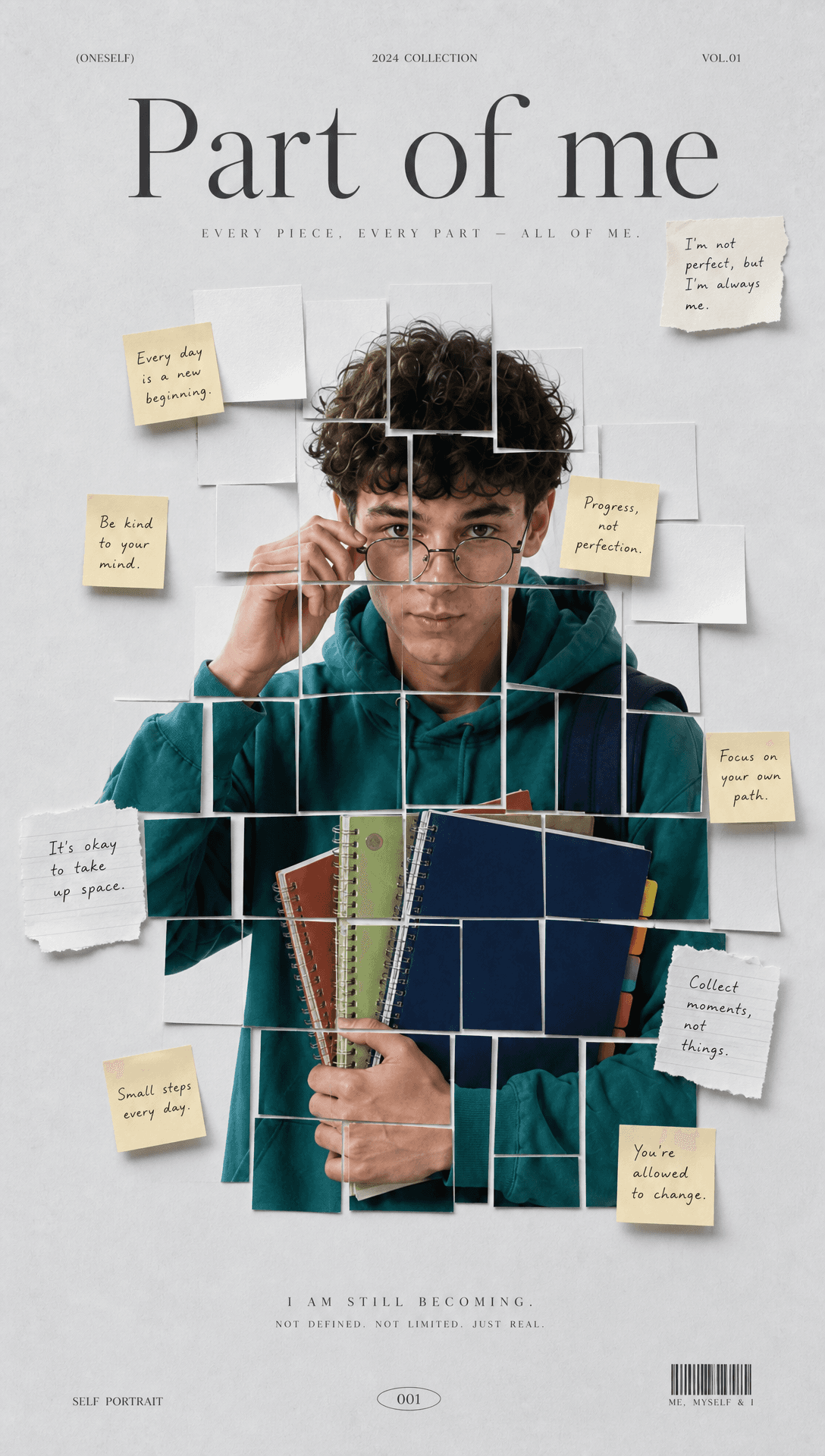
Sticky Note Portrait Collage from Photo: Make a Personal Visual Story
Upload one portrait to create a sticky note portrait collage from photo with layered fragments, handwritten notes, paper shadows, and magazine styling.

Family Trauma Short Film: After the Silence
Watch a family trauma short film told through Lydia's childhood drawings, fractured memories, her mother's courage, and the silence a child remembers.