

ArtArch Newsroom
Producer's NoteNegative Space Composition for AI Video Isolation
Use negative space composition in AI video to frame a small off-center character against a quiet open environment and strengthen visual isolation.
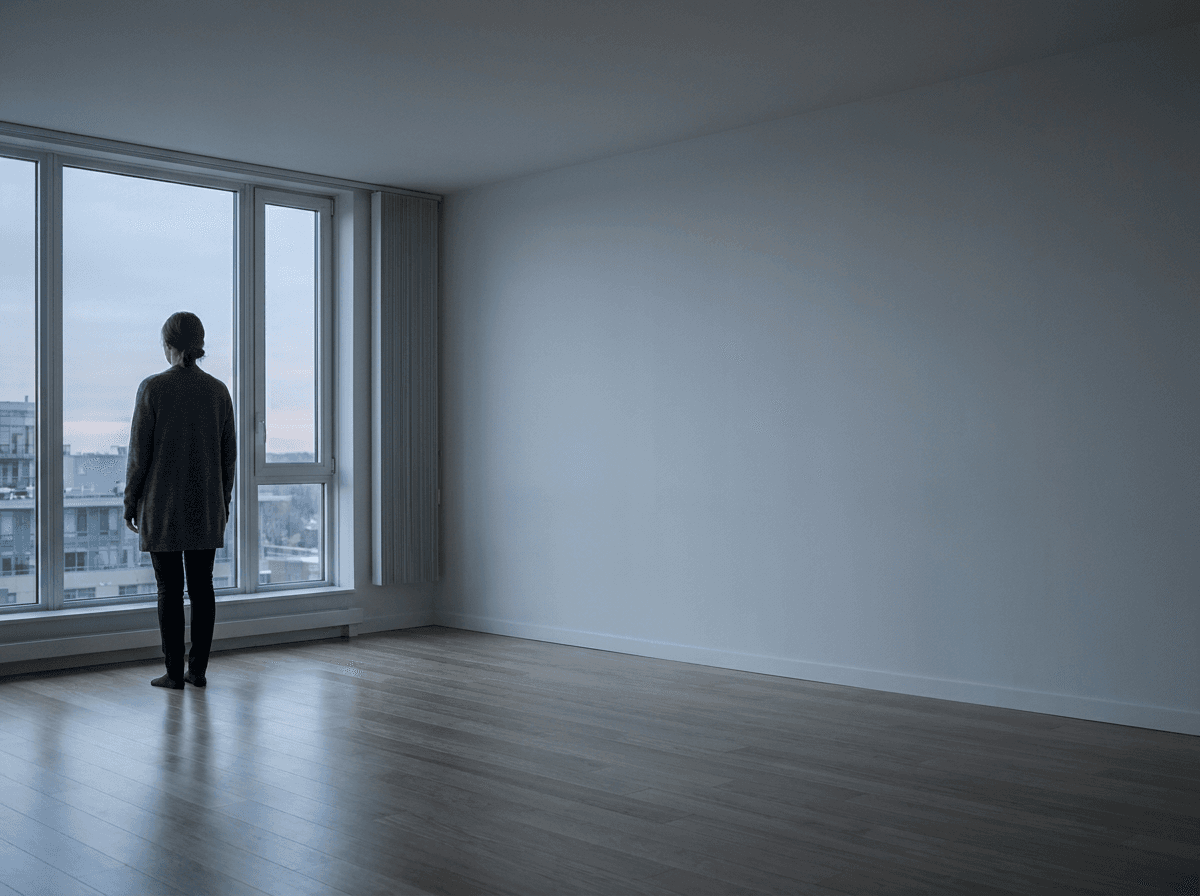
Provide a wide reference image with one small off-center character and a large uninterrupted area of the environment to create a quiet shot shaped by visual isolation. Negative space composition AI video places emotional weight in the empty wall, floor, sky, or landscape around the subject instead of filling every part of the frame.
Build the empty area into the reference
Start with a scene that offers one continuous surface. A pale apartment wall, an open parking lot, a calm shoreline, or a dark corridor can carry the empty portion of the composition. Position the character on one side and leave the opposite side free from people, furniture, bright windows, signs, and high-contrast decoration.
The subject still needs a readable silhouette. A dark cardigan against a pale wall gives the person a clear outline while allowing the surrounding room to remain visually quiet. Keeping the character smaller than the environment lets distance and emptiness become part of the story beat.
Control position, scale, and visual interruption
Describe the character's screen position and approximate size together. A useful direction is to place the person in the left third at roughly one-third of the frame height, then reserve the right two-thirds as continuous negative space. Add one practical exclusion: keep that region free of new objects or bright accents.
This structure gives the composition three reviewable properties: where the subject stands, how much of the frame the subject occupies, and whether the empty region remains uninterrupted.
A compact creation flow
- Choose or create a wide reference with a simple open environment.
- Place the character off center and define the empty side as a continuous visual field.
- Review a middle frame and a late frame for stable subject scale, position, and uncluttered space.
What one controlled comparison showed
In a five-second MiniMax H3 comparison, both videos used the same apartment reference, character, lighting, locked camera, and minimal breathing motion. One direction requested a larger centered character, while the other preserved a small character on the left with open wall space on the right.
Both outputs retained the reference image's original negative-space composition through the middle and late frames. The centered alternative remained visually close to the off-center version, so the shared reference created a strong composition baseline and the prompt change did not produce a clean A/B separation. For production, this result favors designing the negative space in the reference image before animation.
Use empty space for different story moments
A short-film creator can place a waiting character beside a large blank wall so the room feels more dominant than the person. A music-video director can isolate a performer at the edge of an empty stage while preserving room for slow atmospheric movement. A brand filmmaker can leave a quiet field beside a figure when the next edit will introduce a product or title in a separate layout.
In each case, the empty region is an active compositional choice. Its direction, size, tone, and lack of interruption determine how the character relates to the surrounding world.
Frequently asked questions
What makes negative space readable?
Use one continuous low-detail area with restrained contrast, then keep the subject silhouette distinct from it.
How small should the character be?
A figure occupying roughly one-quarter to one-third of the frame height keeps facial direction visible while allowing the environment to dominate.
Which side should contain the empty space?
Choose the side that supports the character's gaze, movement direction, or the visual pressure needed for the scene.
What should be checked across the video?
Review whether the character stays off center, the scale remains consistent, and new objects or highlights avoid filling the reserved region.
Click the template card on this page, enter the experience page, and try the template.
Keep creating
Explore the idea, then make it yours.
Discover more creative workflows in Spotlight, or open ArtArch Studio to start creating now.
Keep exploring
More in Producer's Note
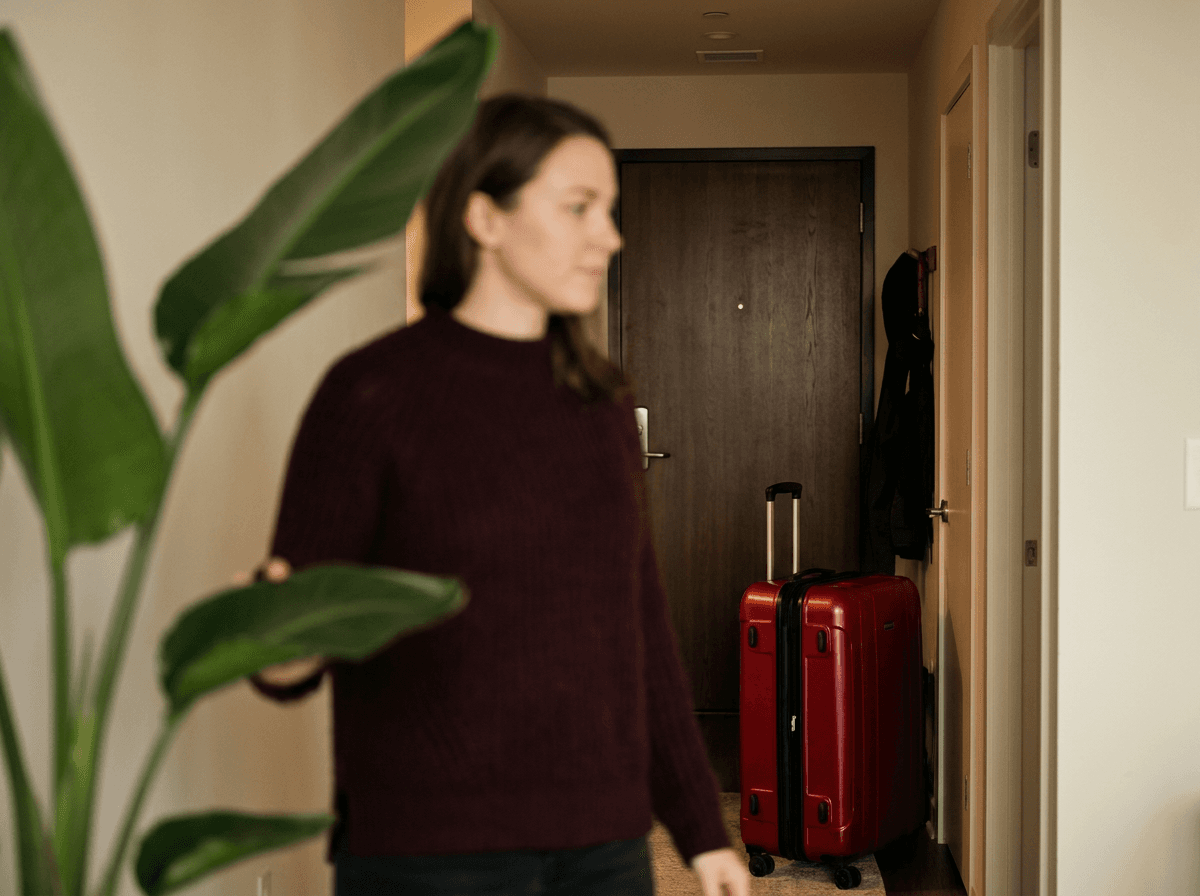
AI Video Focus Plane Control for Narrative Attention
Use AI video focus plane control to direct attention toward a foreground object, midground character, or background story detail.
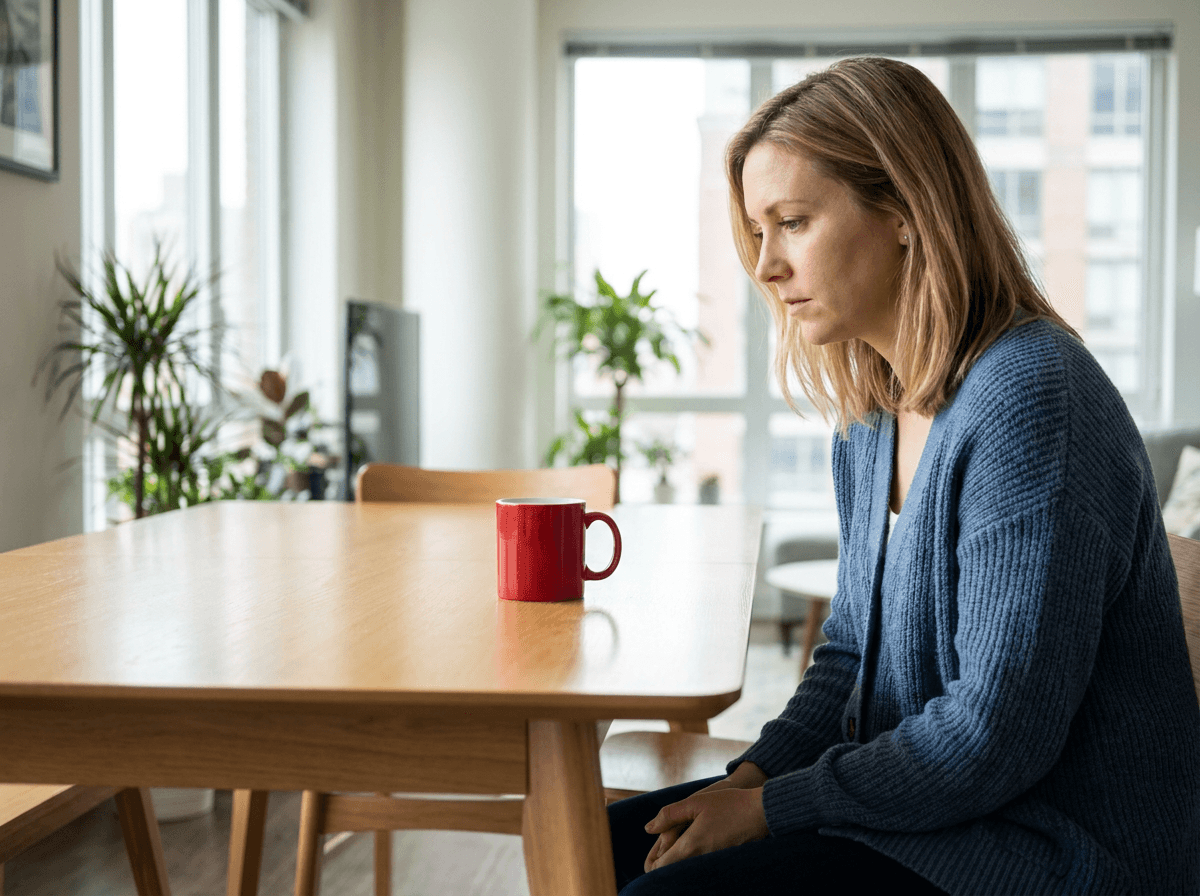
In-Frame Vocabulary for AI Video Gaze Control
Use in-frame vocabulary in an AI video gaze prompt to connect a character's eyeline to one visible object with a clear spatial relationship.
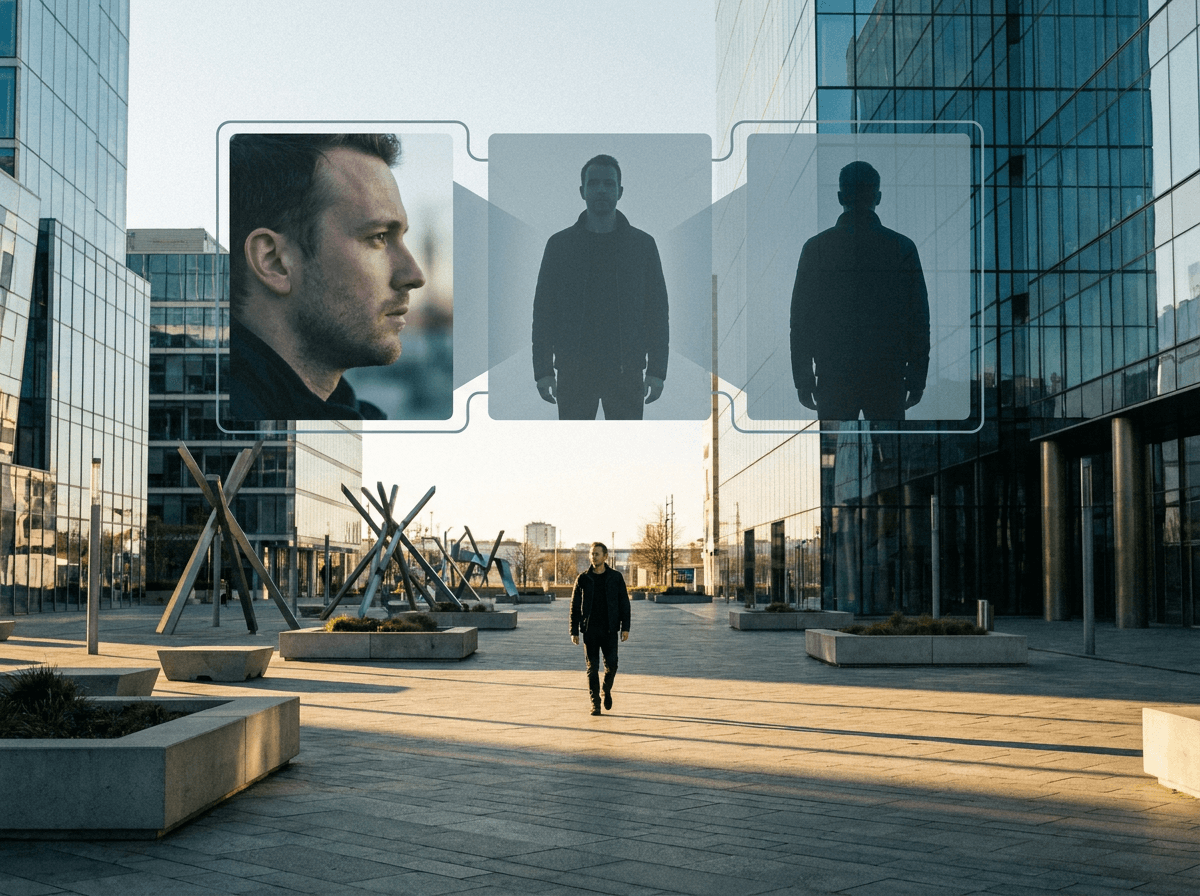
Headless Front Character Reference for Stable AI Video
A controlled MiniMax H3 test of separating face identity from a headless front body asset for distant AI video shots.
Skin Texture Prompt for Less Oily AI Video Portraits
A controlled MiniMax H3 test of fine pore texture and low-gloss skin wording for more natural AI video portraits.