

ArtArch Newsroom
Producer's NoteIn-Frame Vocabulary for AI Video Gaze Control
Use in-frame vocabulary in an AI video gaze prompt to connect a character's eyeline to one visible object with a clear spatial relationship.

Provide a character reference with one visible attention target to create a shot where the character's eyeline settles on that object. In-frame vocabulary AI video gaze control keeps the prompt centered on entities the camera can actually show and on the spatial relationship the viewer can judge.
Build the shot around one visible target
Start with a composition that makes the target easy to identify. A red mug on a clear wooden table gives the character, object, and eyeline distinct positions in the frame. Keep the target name consistent throughout the prompt, then describe the visible action directly: the character lowers her eyes to the red mug and holds her gaze there.
The same structure works for a letter in a reaction shot, a product in a demonstration, or a conversation partner in a two-person scene. Each setup gives the gaze one visible destination and makes the result easier to review.
Keep narrative context outside the eyeline instruction
Story context can still guide a larger sequence, while the shot-level gaze sentence stays concrete. Name the person or object currently visible, state where it sits in the frame, and connect the character's eyes to it with one action. This turns an abstract emotional beat into a readable visual relationship.
A compact creation flow
- Choose a reference frame with one clearly visible attention target.
- Write the character, target, and gaze action as a single spatial instruction.
- Review the middle and end of the shot to confirm the eyes remain connected to the same object.
What one comparison showed
In a five-second MiniMax H3 comparison, both versions kept the woman looking at the red mug through the middle and final frames. The version containing extra offscreen story entities also reached toward the mug, while the in-frame version held a simpler pose. The shared image and direct mug instruction produced a strong baseline in both clips, so the comparison supports prompt clarity as a production practice while leaving the size of any gaze-stability gain open for a tighter repeat.
Frequently asked questions
What makes a good attention target?
Choose an object with a clear shape, color, and position that remains visible throughout the shot.
Should the prompt name the target more than once?
Repeat the same concise object name when describing its position and the character's eyeline. Consistent naming keeps the relationship easy to parse and review.
How should a two-person shot describe gaze?
Name the visible conversation partner and state the direction explicitly, such as the character on the left looking at the person on the right.
Which frames should be reviewed?
Check at least one middle frame and the final frame to see whether the gaze reaches the target and remains there.
Click the template card on this page, enter the experience page, and try the template.
Keep creating
Explore the idea, then make it yours.
Discover more creative workflows in Spotlight, or open ArtArch Studio to start creating now.
Keep exploring
More in Producer's Note

Negative Space Composition for AI Video Isolation
Use negative space composition in AI video to frame a small off-center character against a quiet open environment and strengthen visual isolation.
AI Video Focus Plane Control for Narrative Attention
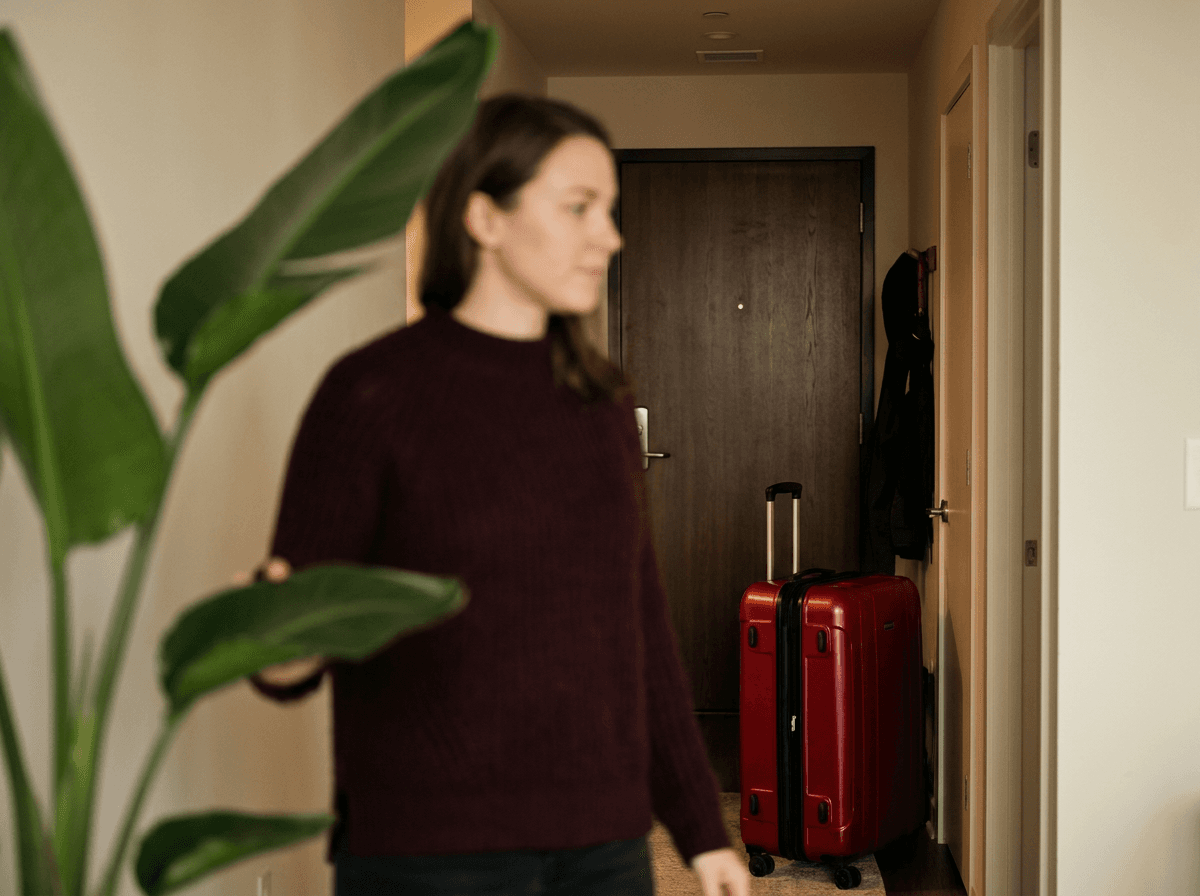
Use AI video focus plane control to direct attention toward a foreground object, midground character, or background story detail.
Headless Front Character Reference for Stable AI Video
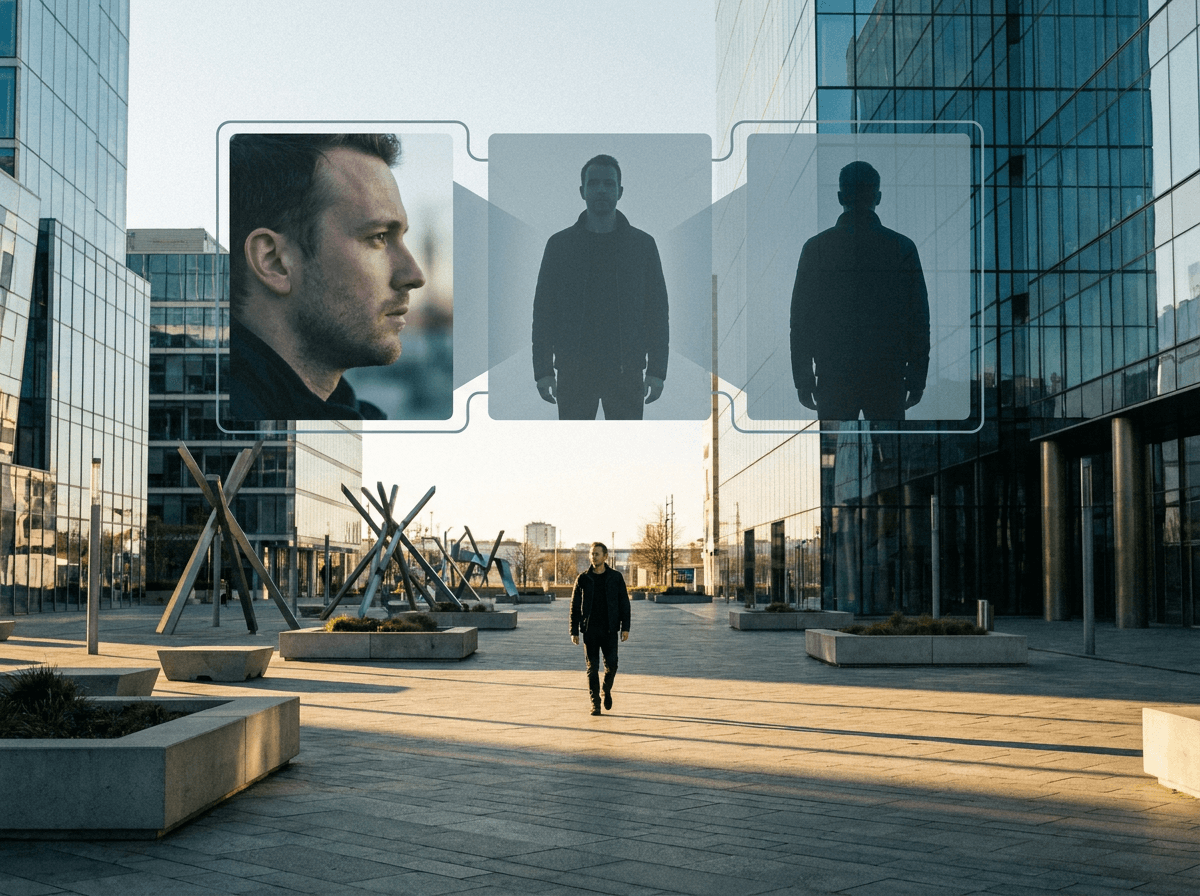
A controlled MiniMax H3 test of separating face identity from a headless front body asset for distant AI video shots.

Skin Texture Prompt for Less Oily AI Video Portraits
A controlled MiniMax H3 test of fine pore texture and low-gloss skin wording for more natural AI video portraits.