ArtArch Newsroom
Producer's NoteMain Action AI Video Prompt: Keep One Movement Readable
Learn how to write a main action AI video prompt with clear start, process, and end states for readable character movement in a short clip.
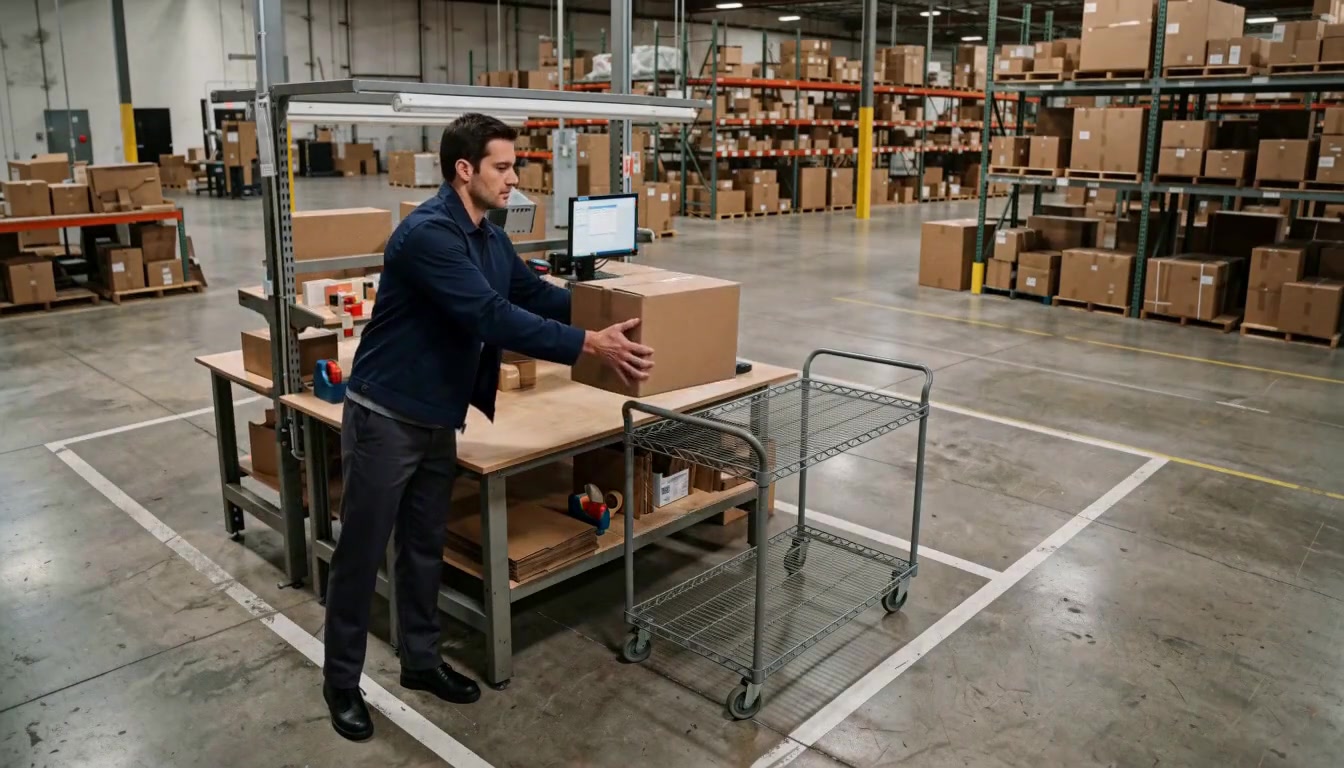
Use a main action AI video prompt to create a short character performance that stays easy to follow. Provide a character and environment reference, then describe one visible action with a clear beginning, process, and end. The result is a focused warehouse moment in which a parcel worker lifts a box and places it into a rolling cart, with the action remaining legible in a fixed medium-wide shot.
Why competing actions become difficult to read
A short AI video has limited time to establish a pose, move the body, handle an object, and finish the beat. When a prompt asks the same person to turn, wave, lift a box, walk, and speak at once, the scene has several competing priorities. The viewer may see fragments of each request, but the shot has no single action to use as its visual anchor.
The practical solution is to define one main action and express the supporting details as states. A starting state tells the model where the hands, gaze, and body are before movement. A process state protects the important relationship between the person and the prop. An ending state gives the shot a clear landing position.

The focused version keeps the worker, box, scanning station, and cart in one readable action space.
Build the prompt around one action
Start with the action that must be visible at the end of the clip. In this example, the worker lifts one cardboard box from the scanning station and places it into the rolling cart. That sentence gives the scene a single objective.
Then add three states:
- Starting state: both hands are near the box, the torso faces the station, and the gaze is on the box.
- Process state: the worker keeps the box in both hands while moving it toward the cart.
- Ending state: the box is settled in the cart, both hands release it, and the worker stops.
The prompt can also name what the shot should avoid. Keep that list focused on protecting the single action. “Do not turn, wave, walk, speak, or add another action” reinforces the priority of the box transfer.
Keep the visual anchors stable
The action reads more clearly when the environment supplies stable reference points. Keep the scanning station, rolling cart, warehouse aisle, and character wardrobe consistent. A fixed camera helps the viewer compare the start and end positions without spending attention on a camera move.
References are useful for this kind of test. The character reference fixes the worker's clothing and body design. The warehouse reference fixes the scanning station, cart, shelves, and floor markings. Together they make the action variable easier to inspect because the setting is not being reinvented for each frame.
Keep creating
Explore the idea, then make it yours.
Discover more creative workflows in Spotlight, or open ArtArch Studio to start creating now.
Keep exploring
More in Producer's Note
AI Video Action Verb Motion Control for Walking Speed
Learn how action verbs such as fast-walks and briskly strides shape walking speed and stride length in an AI video scene.

Remove Pseudo Quality Words from AI Image Prompts
Replace generic 4K and 8K slogans with concrete material, lighting, and texture constraints when you want a cleaner AI image prompt.
Sticky Note Portrait Collage from Photo: Make a Personal Visual Story
Upload one portrait to create a sticky note portrait collage from photo with layered fragments, handwritten notes, paper shadows, and magazine styling.
Family Trauma Short Film: After the Silence
Watch a family trauma short film told through Lydia's childhood drawings, fractured memories, her mother's courage, and the silence a child remembers.