

ArtArch Newsroom
Producer's NoteGGEZ Dance Video from Photo: Turn a Portrait into a Performance
Create a GGEZ dance video from photo by uploading one portrait and transferring the template's performance movement to your character.
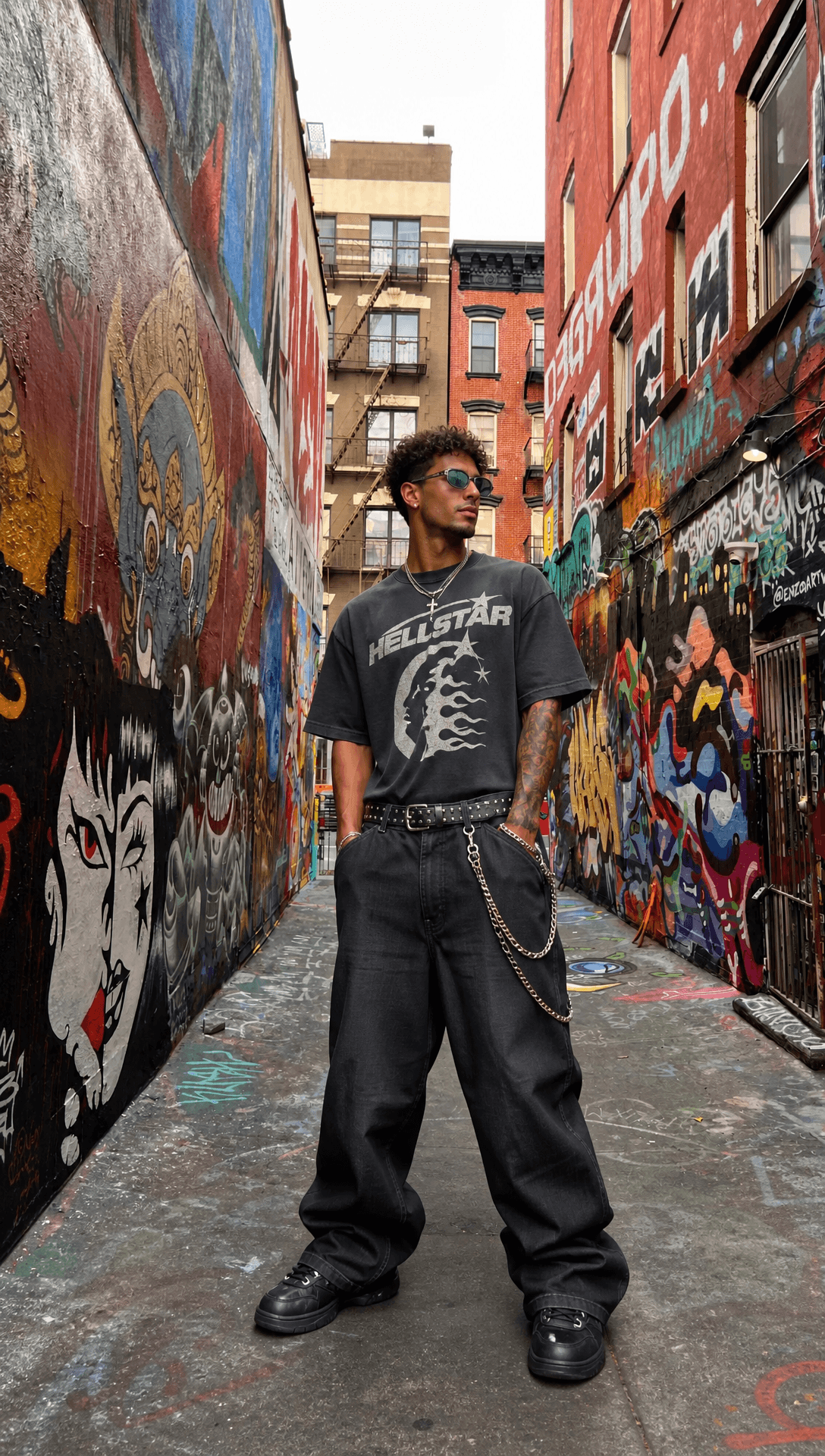
Upload one portrait to create a GGEZ dance video from photo. The template uses the image as the character reference and carries that character through the GGEZ performance movement.
Choose the character before the dance begins
The source portrait sets the identity, hairstyle, outfit, and starting attitude. Use a sharp image with an unobstructed face and enough visible body information to support movement. Defined sleeves, trousers, shoes, and accessories give you concrete details to follow during playback.
A centered portrait is useful when the final clip will stand alone. A more expressive source pose can suit a character edit or a stylized performance post. For a team or campaign account, choose the portrait that already matches the visual identity you want viewers to recognize.
Create the GGEZ performance
- Upload a single portrait of the person or character.
- Remix the GGEZ dance template to apply the performance.
- Play the result at full speed and inspect several paused moments.
This workflow can turn a profile image into a dance post, place an original character into a familiar routine, or add a short movement beat to a larger fan edit. Each use starts from the same decision: the uploaded image should clearly establish who is dancing.
A practical motion review
Begin with the face and hair, then follow the shoulders, elbows, wrists, and legs through the routine. Check clothing edges when the body crosses itself and inspect the character again at the final pose. A consistent silhouette matters as much as a strong first frame.
Frequently asked questions
How many source images are required?
Upload one portrait for the character reference.
Can I use an illustrated character?
Choose a source with a clear face, readable body shape, and visible outfit so the character has strong visual anchors during movement.
How should I review a dance result?
Watch once for the overall routine, then pause during fast gestures to inspect identity, hands, clothing, and body continuity.
Open the template card on this page, enter the experience page, and put your portrait into the GGEZ dance.
Keep creating
Explore the idea, then make it yours.
Discover more creative workflows in Spotlight, or open ArtArch Studio to start creating now.
Keep exploring
More in Producer's Note
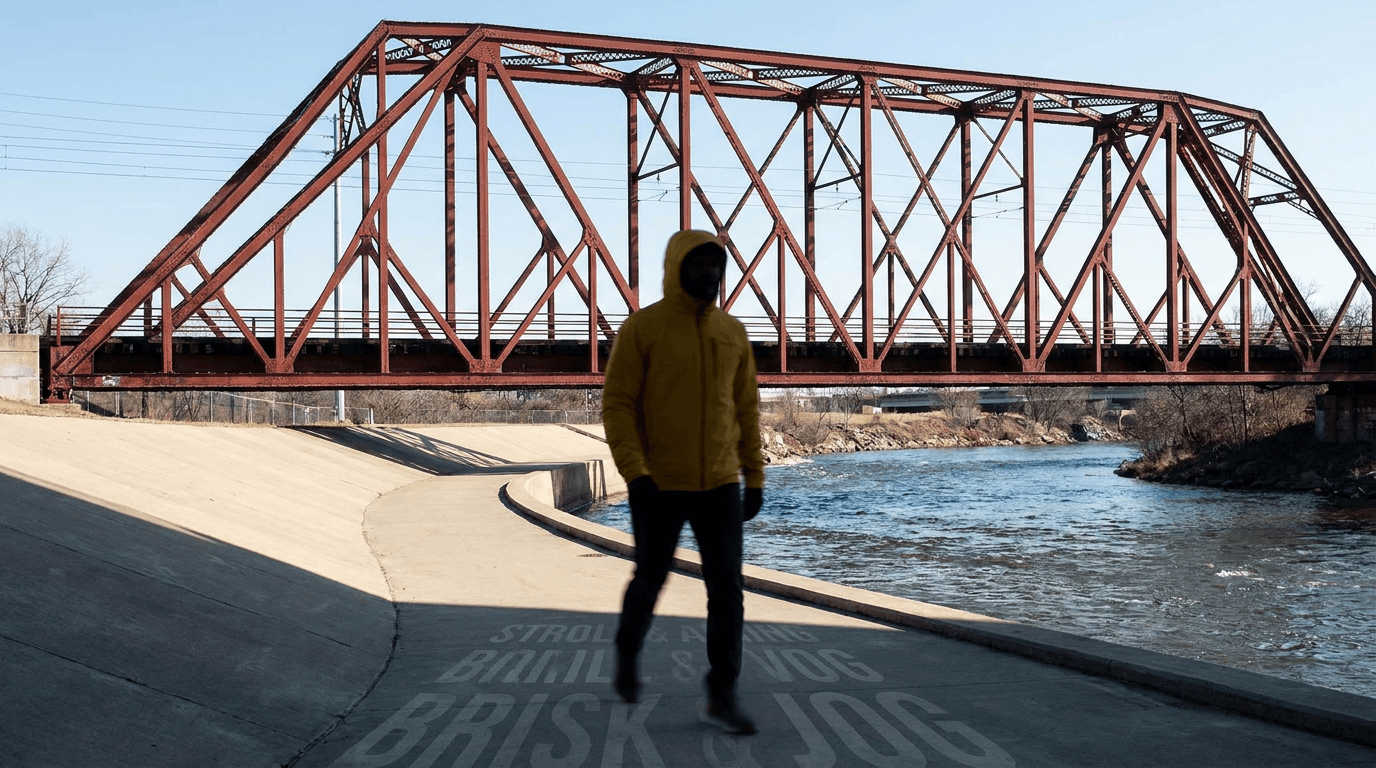
AI Video Action Verb Motion Control for Walking Speed
Learn how action verbs such as fast-walks and briskly strides shape walking speed and stride length in an AI video scene.
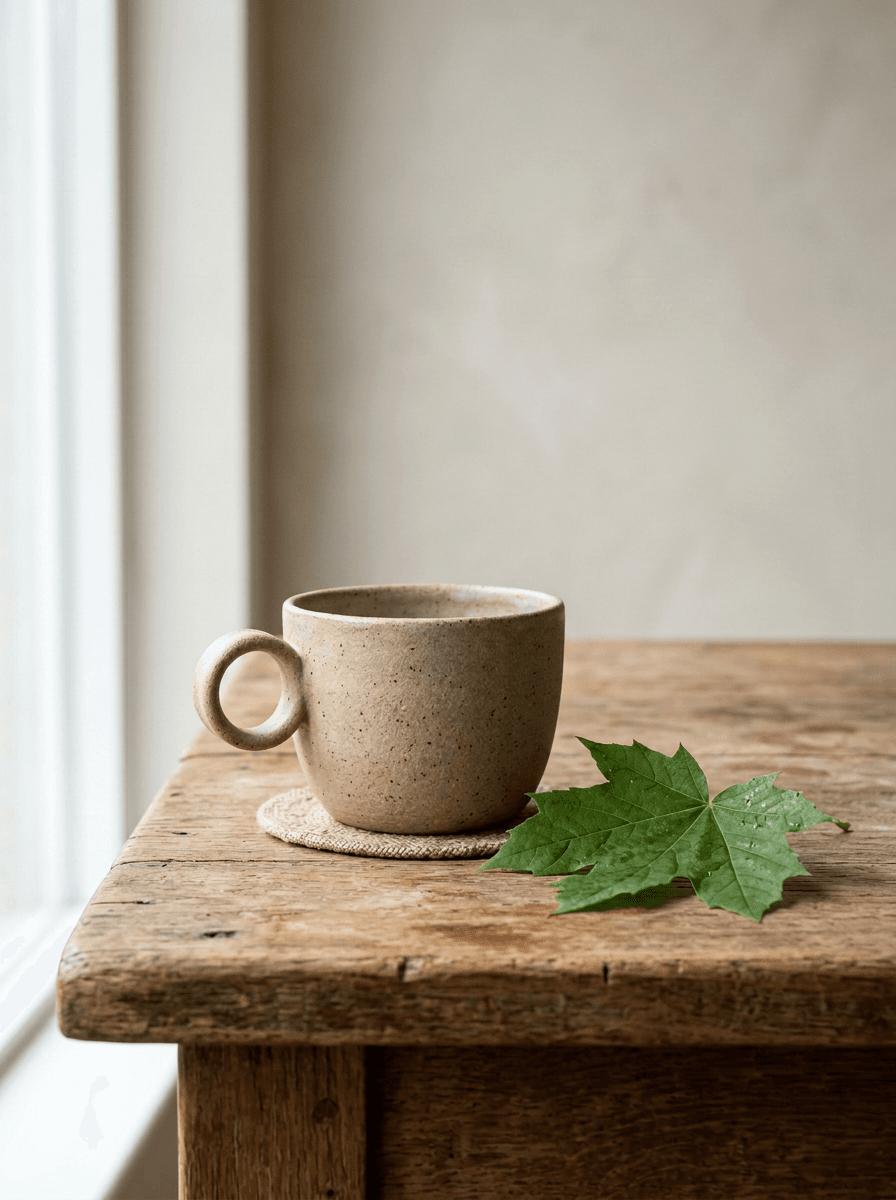
Remove Pseudo Quality Words from AI Image Prompts
Replace generic 4K and 8K slogans with concrete material, lighting, and texture constraints when you want a cleaner AI image prompt.
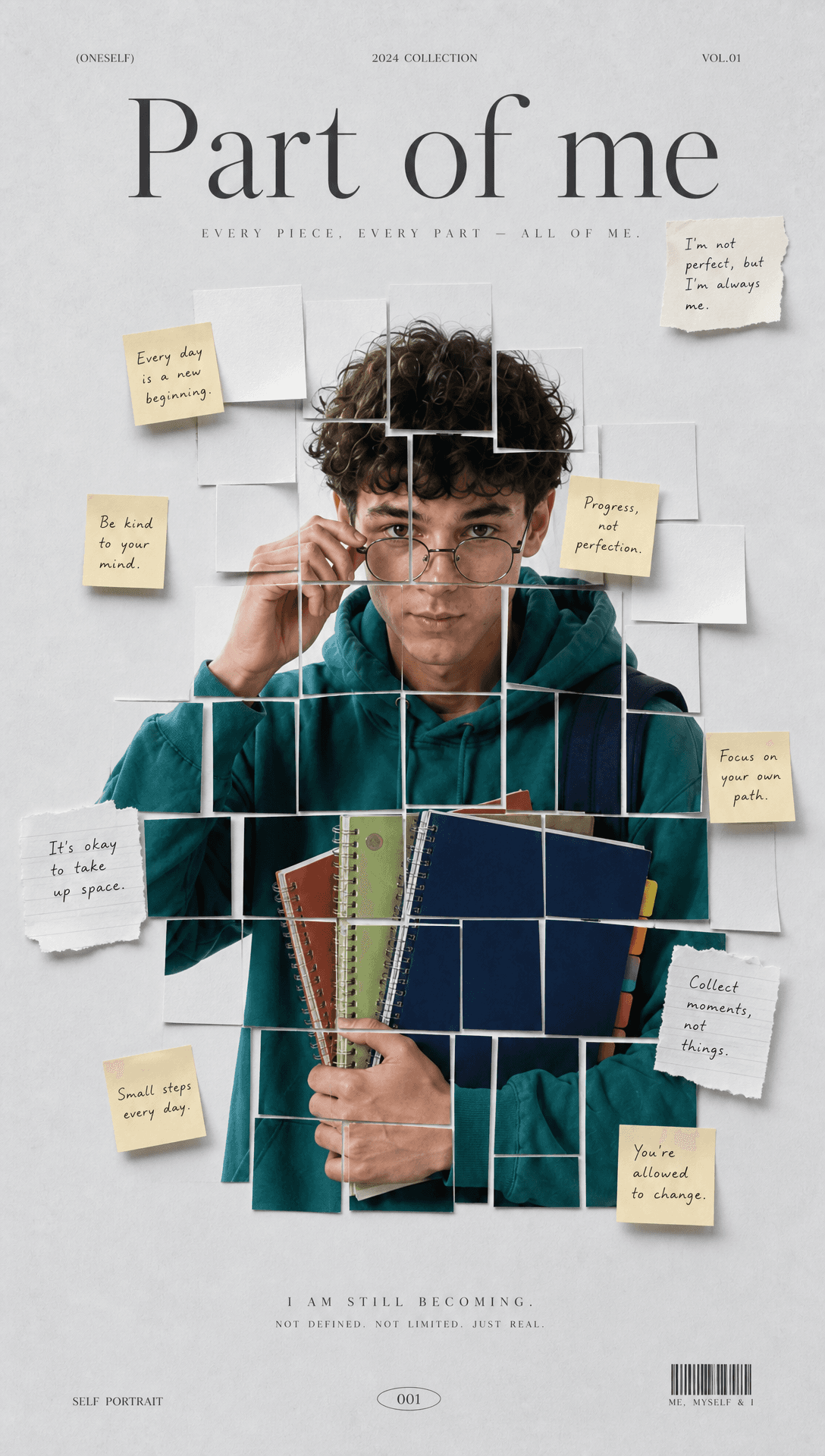
Sticky Note Portrait Collage from Photo: Make a Personal Visual Story
Upload one portrait to create a sticky note portrait collage from photo with layered fragments, handwritten notes, paper shadows, and magazine styling.
Family Trauma Short Film: After the Silence
Watch a family trauma short film told through Lydia's childhood drawings, fractured memories, her mother's courage, and the silence a child remembers.