

ArtArch Newsroom
Producer's NoteFisheye Photo Transition Video from Three Character Photos
Upload three character photos to make a fisheye photo transition video with walk-ins, lens-cover cuts, fashion poses, music, and CRT styling.
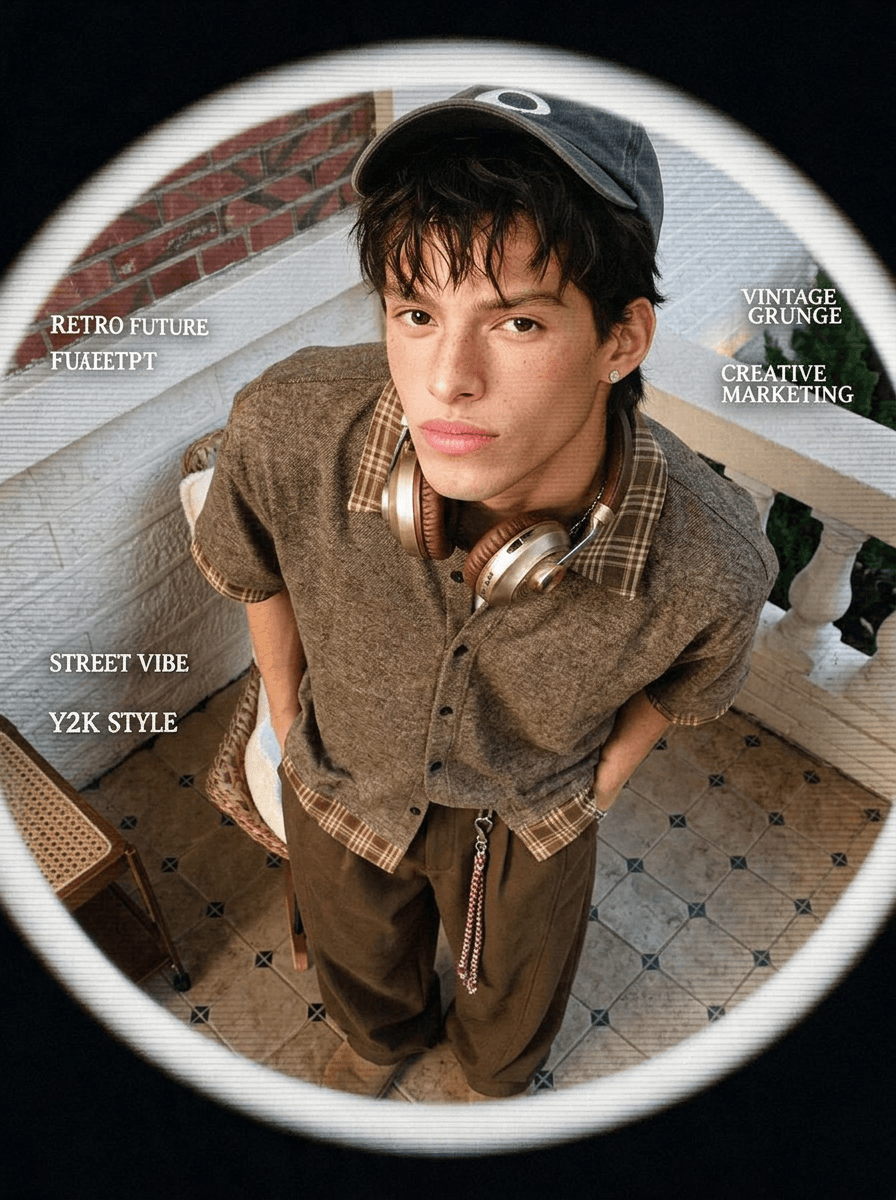
Upload three character photos to create a fisheye photo transition video where each subject enters the curved-lens frame, strikes a pose, and hands the scene to the next image through a full lens-cover transition.
Pick photos that can share one rhythm
Use character images with a clear face, readable hair, and enough of the outfit to guide the restyled frames. A direct portrait works well for the central fisheye composition. The other photos can bring different clothing or settings, since the sequence preserves the character cues while changing the fashion context.
This is a natural fit for a three-look outfit edit, a creator profile refresh, or a compact campaign reel built around one recognizable person. It can also connect three cosplay portraits while the character's identity ties the shots together.
The transition has a visible mechanism
The video opens with a brief glitch. The first character walks into the center, settles into a photo pose, and reaches forward until the lens is fully covered. The second look enters as the view clears and repeats the handoff. The third arrives from the side, adds a small natural action such as taking a drink or turning a page, then holds the final frame.
Fisheye perspective gives the walk-ins their depth. A convex-lens feel, CRT scan lines, a circular viewport, black outer space, and small English graphic details push the portraits toward retro-futurist fashion artwork. Light rhythmic music follows the sequence.
Make it in three steps
- Upload three character photos with visible faces and distinct looks.
- Start the template and let the three portraits form a single transition sequence.
- Check the walk-ins, complete lens covers, and final held pose in the result.
Where this format works
A stylist can line up three outfits and use the hand-to-camera action as the cut between them. A performer can connect separate character portraits through the same lens language. A small brand can use three campaign images to build a short visual loop with a defined opening, two handoffs, and a clean endpoint.
The square fashion-poster treatment that supports the sequence is bold: saturated color, a soft white circular frame, black edges, and mild film grain. Those details give each character a strong still-image moment before the next movement begins.
Frequently asked questions
How many photos should I upload?
Upload three character photos for the three-part transition.
What should be visible in each source image?
A clear face, hairstyle, and outfit give the sequence useful identity and styling cues.
How do the photos connect?
Each character enters the frame and covers the lens by hand, allowing the next look to appear when the view clears.
What is the overall visual style?
Keep creating
Explore the idea, then make it yours.
Discover more creative workflows in Spotlight, or open ArtArch Studio to start creating now.
Keep exploring
More in Producer's Note
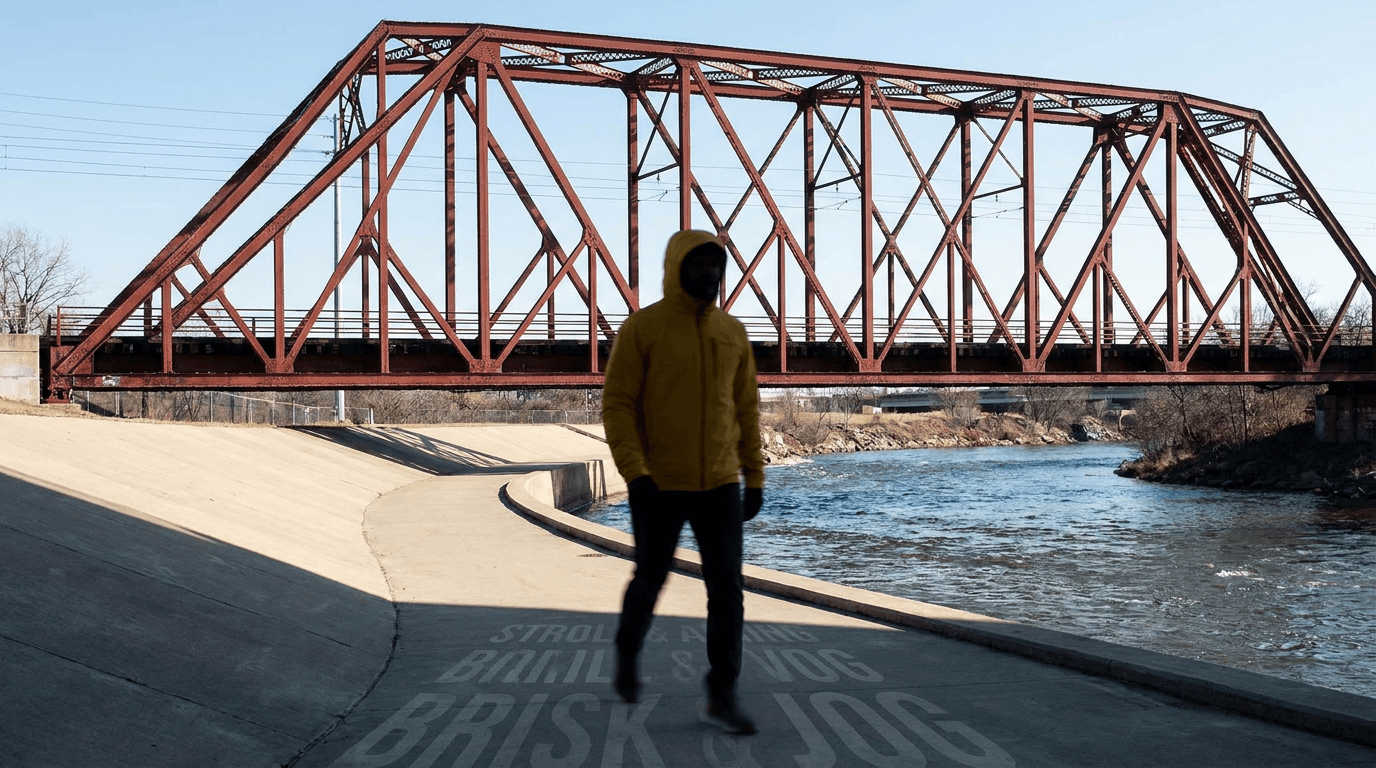
AI Video Action Verb Motion Control for Walking Speed
Learn how action verbs such as fast-walks and briskly strides shape walking speed and stride length in an AI video scene.

Remove Pseudo Quality Words from AI Image Prompts
Replace generic 4K and 8K slogans with concrete material, lighting, and texture constraints when you want a cleaner AI image prompt.
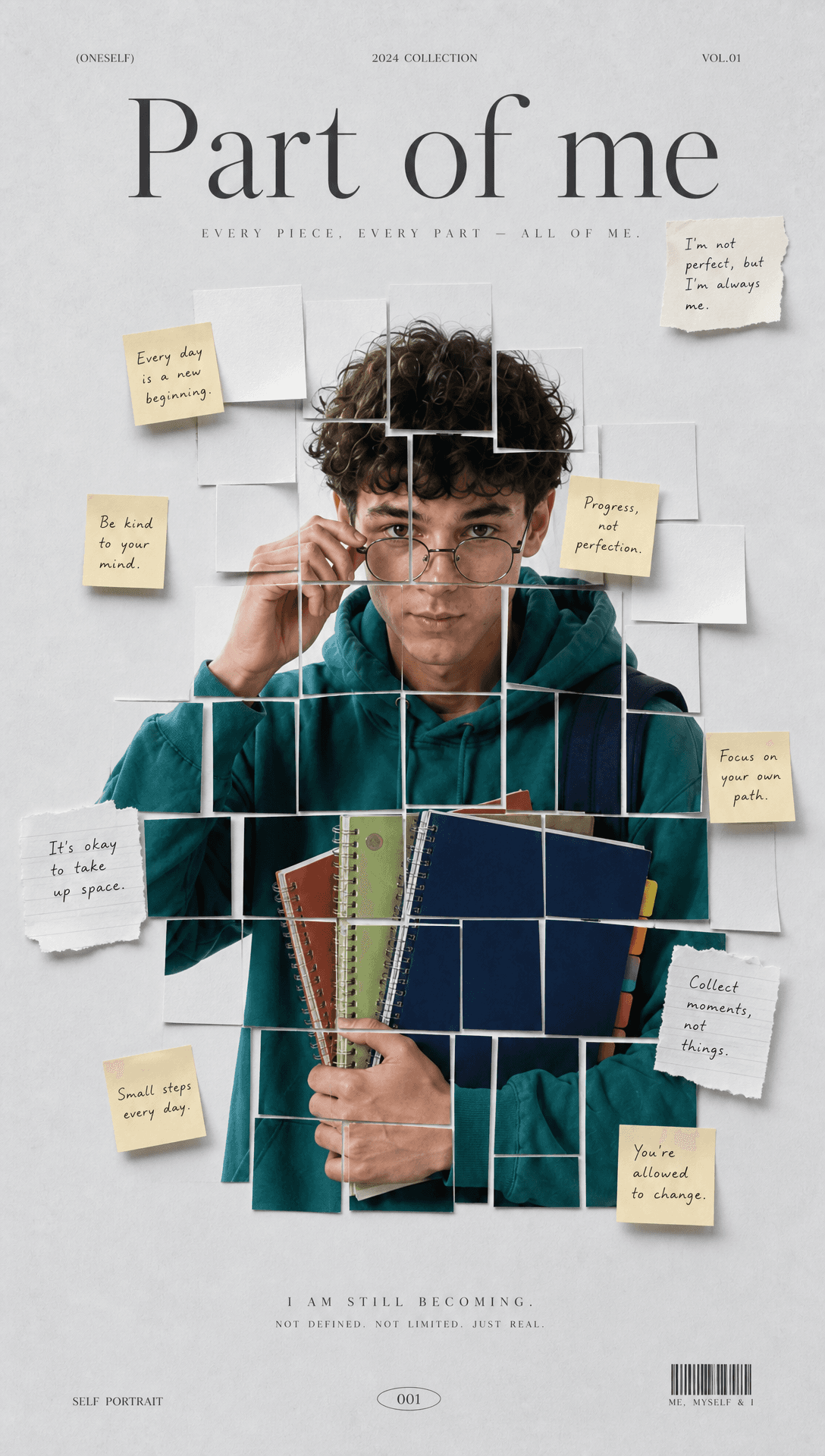
Sticky Note Portrait Collage from Photo: Make a Personal Visual Story
Upload one portrait to create a sticky note portrait collage from photo with layered fragments, handwritten notes, paper shadows, and magazine styling.
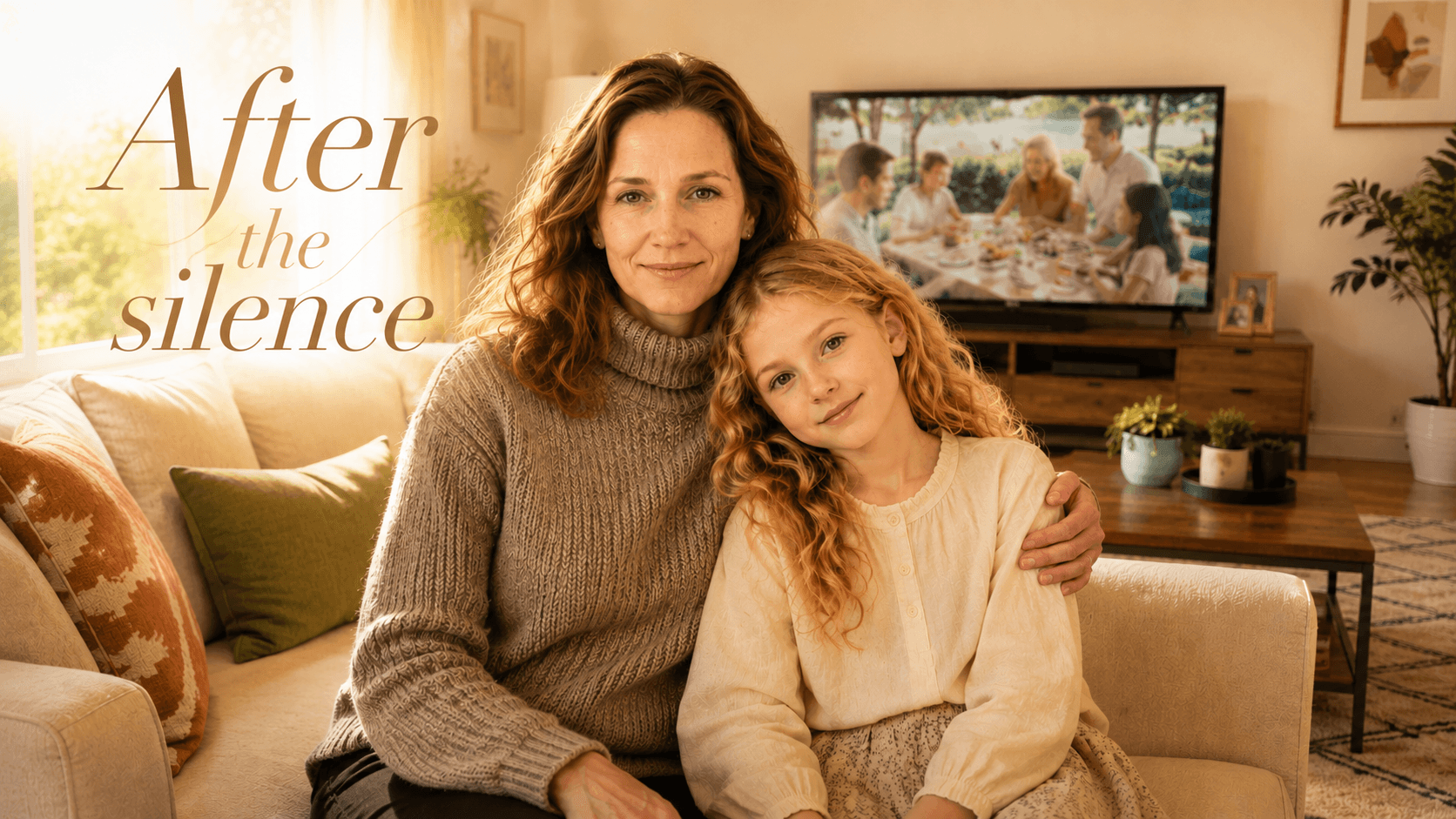
Family Trauma Short Film: After the Silence
Watch a family trauma short film told through Lydia's childhood drawings, fractured memories, her mother's courage, and the silence a child remembers.