

ArtArch Newsroom
Producer's NoteCross-Clip Voice Sound Effects Music Continuity AI Video Prompt
Keep voice identity, action sound effects, room tone, and music connected when an AI video moves across two linked beats.
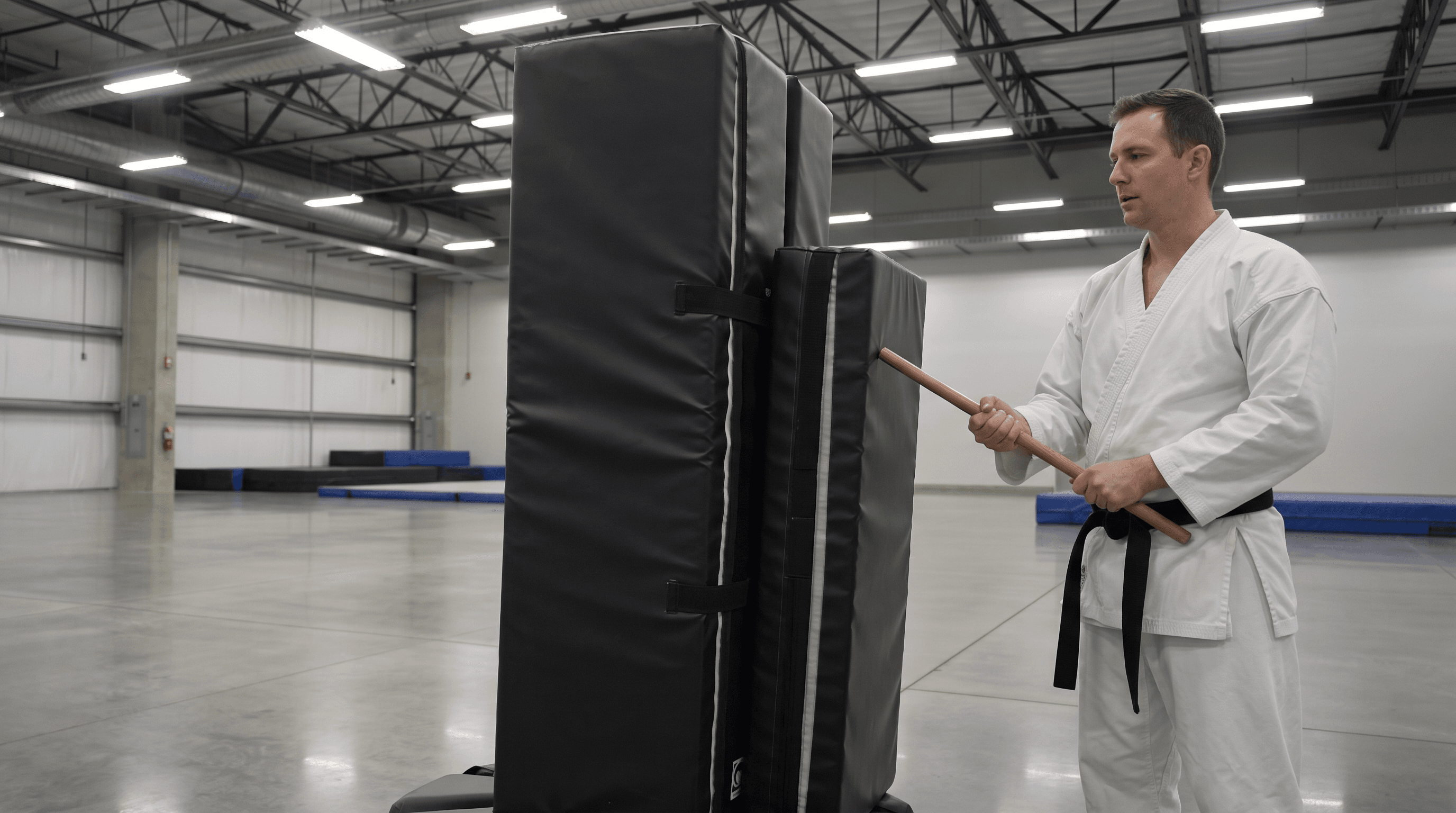
Provide a character, a fixed environment, and two connected action beats to create an AI video with a coherent voice, room tone, action sound, and musical pulse across the transition. A cross-clip voice sound effects music continuity AI video prompt gives each audible layer its own identity and tells the model how that layer continues at the cut.
Separate the three audio layers
Start with the voice: keep the same character identity, speaking state, pace, and emotional temperature. Then define action sound effects by their source and timing, such as a staff movement followed by one padded contact. Finally describe the music as a restrained pulse or sustained bed that carries its rhythm through the boundary.
This separation makes the prompt easier to review. The voice belongs to the performer, the action sound belongs to the visible contact, and the music belongs to the scene's underlying energy. A short room tone can sit underneath all three and keep the space coherent.
Build the boundary into the scene
Use two simple beats in one locked composition. In the first beat, the character speaks and takes a measured step. At the boundary, keep the voice identity and room tone stable. In the second beat, let the staff move and meet the padded target, with one dry movement sound and one soft contact sound. The musical pulse continues instead of restarting.
Name the event that triggers each sound. “One contact sound when the staff meets the pad” is easier to place than a general request for dramatic audio. Keep the sound direction, material, and tail explicit so the listener can connect the sound to the visible action.
A practical review order
Review the picture first: the two beats, the speaker, and the contact event need to be visible. Then listen across the boundary for voice identity, room tone, musical timing, and the action-sound tail. In a controlled Seedance 2.0 test, the sampled frames stayed in the same preparation pose for both prompts, so the experiment supplied a useful sequencing lesson rather than a measured audio winner.
For production, keep the MP4s together with the prompt and review notes. Once the visible events occur, compare the boundary in four passes: voice, environment, action sound, then music. This prevents a strong musical bed from hiding a voice jump or a missing contact sound.
Scenes that benefit from the method
Dialogue leading into action
A character can deliver one line, cross a room, and trigger a visible object sound while the voice and room tone remain connected.
Training and demonstration clips
Keep the instructor's voice, equipment sounds, and restrained music stable while a gesture or strike crosses the edit point.
Product explainers
Use a consistent presenter voice, a repeatable click or placement sound, and a low musical bed when a product moves between setup and result.
Frequently asked questions
Keep creating
Explore the idea, then make it yours.
Discover more creative workflows in Spotlight, or open ArtArch Studio to start creating now.
Keep exploring
More in Producer's Note
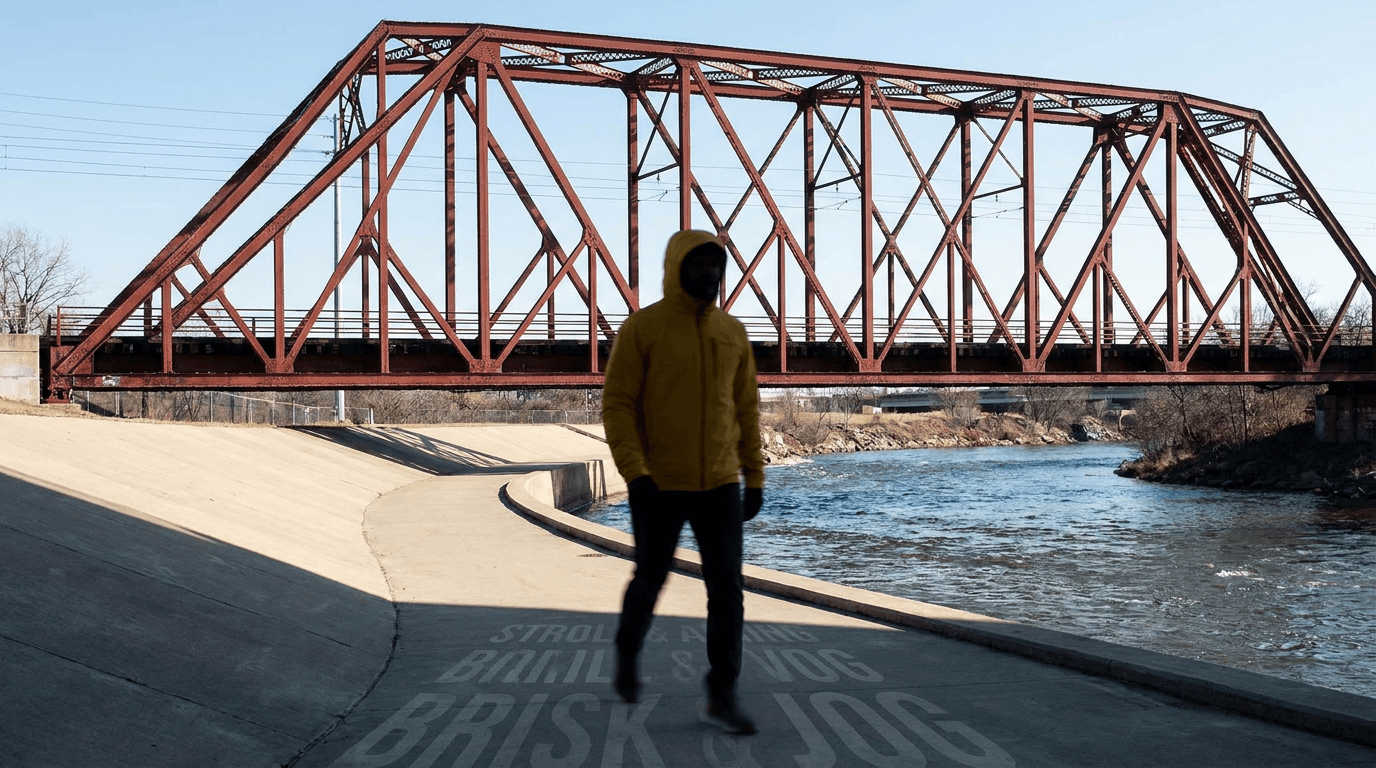
AI Video Action Verb Motion Control for Walking Speed
Learn how action verbs such as fast-walks and briskly strides shape walking speed and stride length in an AI video scene.

Remove Pseudo Quality Words from AI Image Prompts
Replace generic 4K and 8K slogans with concrete material, lighting, and texture constraints when you want a cleaner AI image prompt.
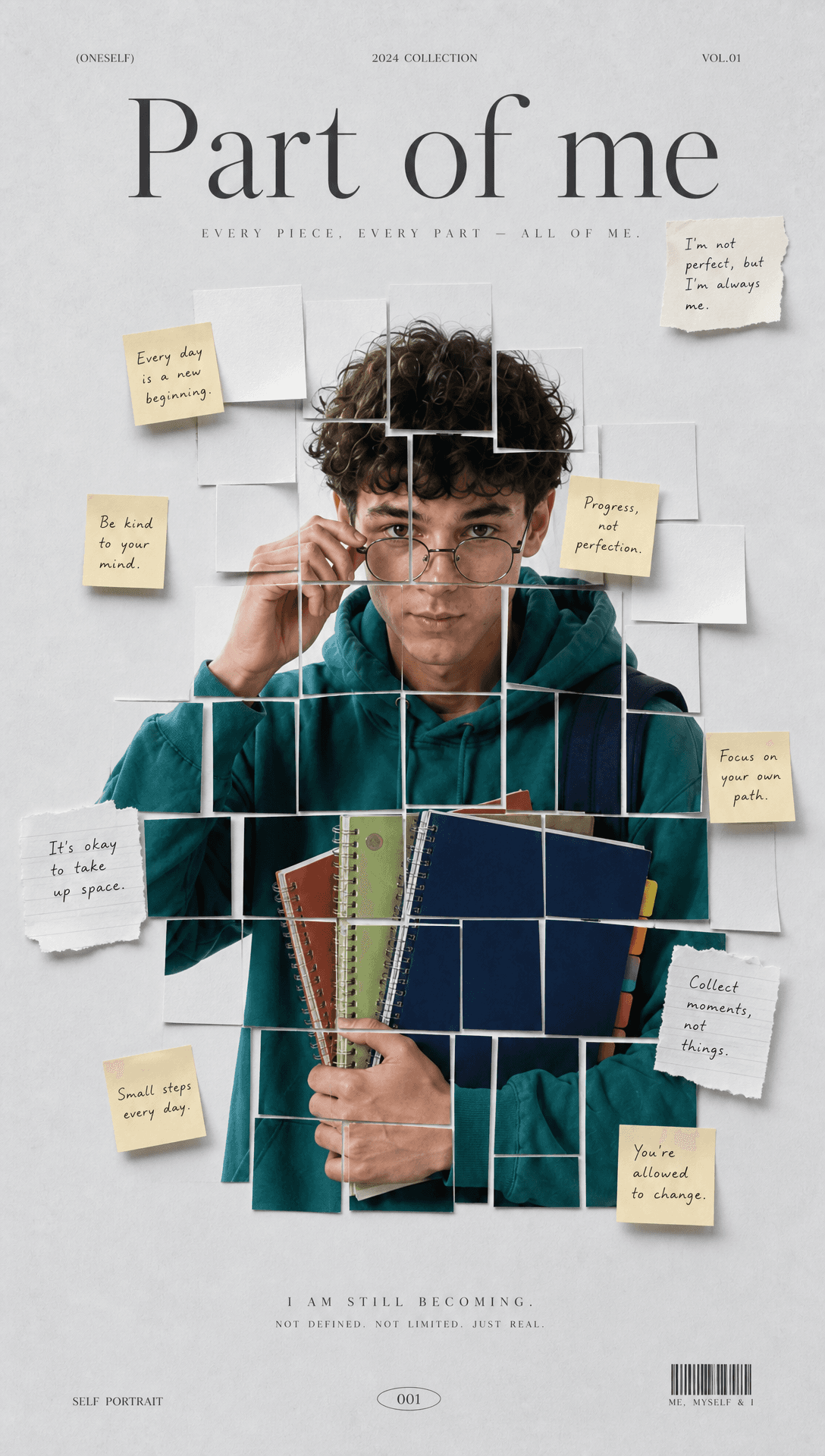
Sticky Note Portrait Collage from Photo: Make a Personal Visual Story
Upload one portrait to create a sticky note portrait collage from photo with layered fragments, handwritten notes, paper shadows, and magazine styling.
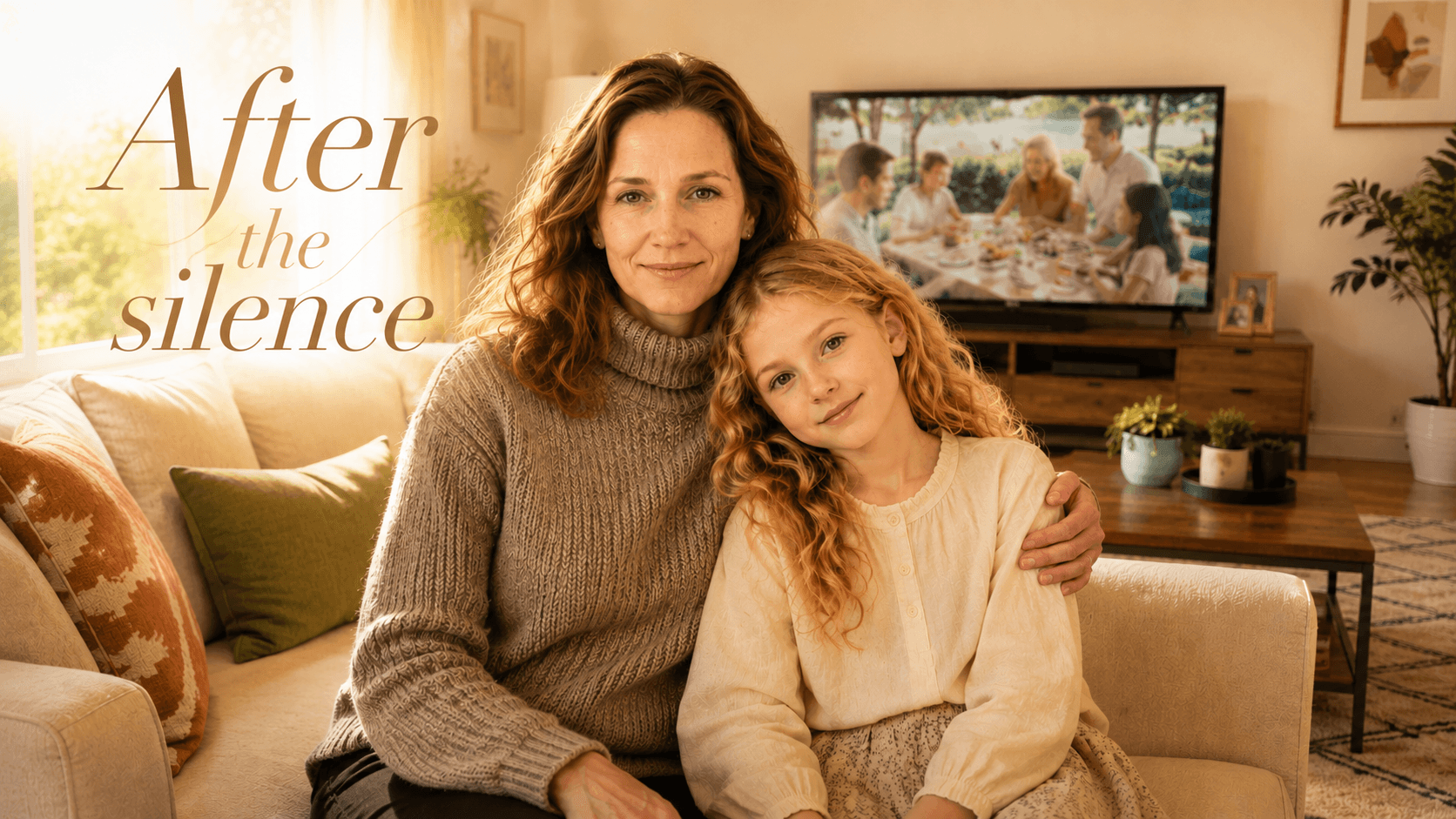
Family Trauma Short Film: After the Silence
Watch a family trauma short film told through Lydia's childhood drawings, fractured memories, her mother's courage, and the silence a child remembers.