

Producer's Note
AI Color-Blending Video Generator from Photo for a Purple Challenge
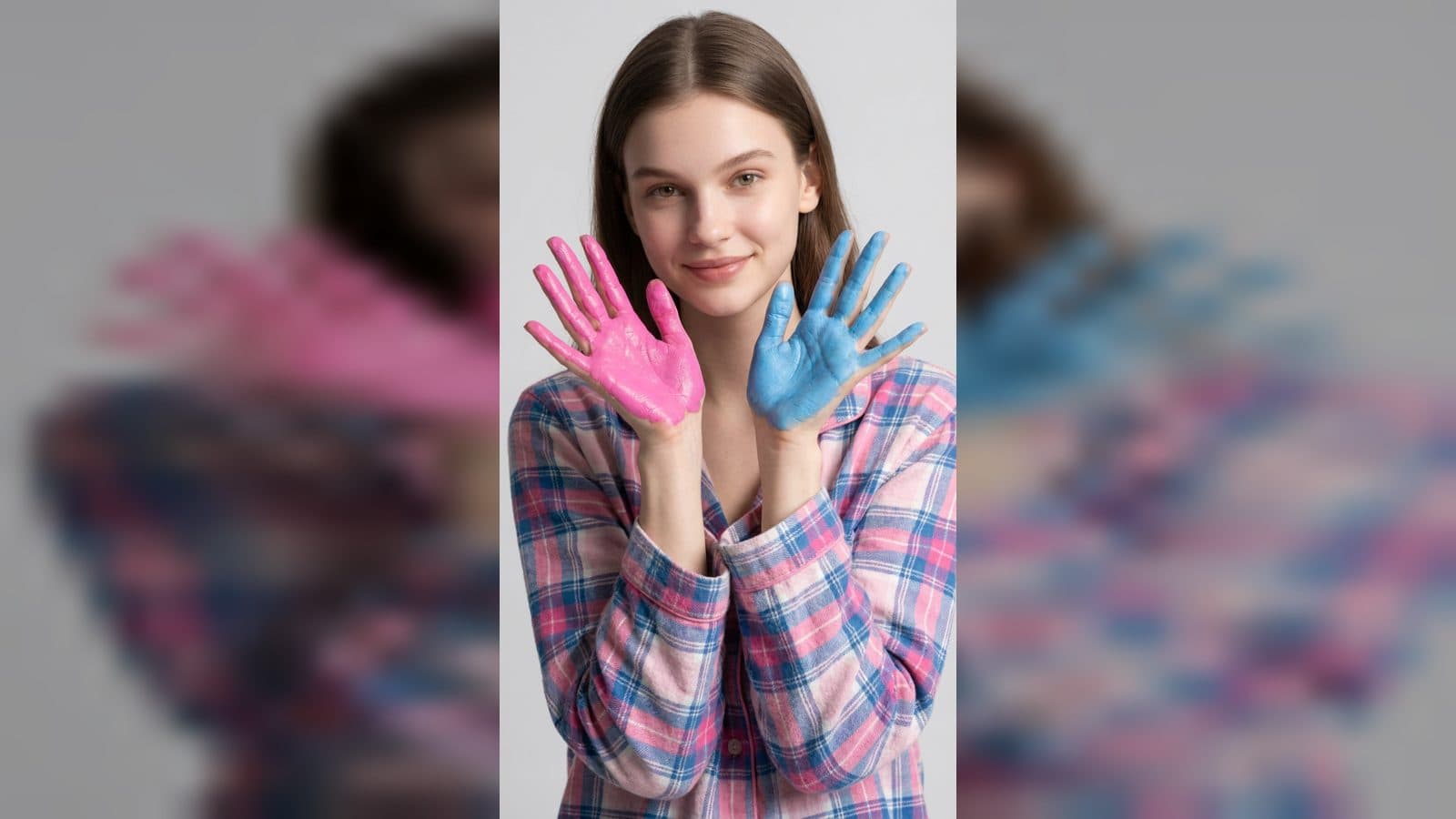
Turn one female photo into a playful color-blending video with pink and blue painted palms, a purple paint look, and a lavender fantasy portrait.
3 min read
ArtArch Newsroom
Turn one female photo into a playful color-blending video with pink and blue painted palms, a purple paint look, and a lavender fantasy portrait.

Turn one cat or dog photo into a fluffy Christmas tree character with a glowing star, tiny lights, snowy scenery, and a playful star-holding pose.
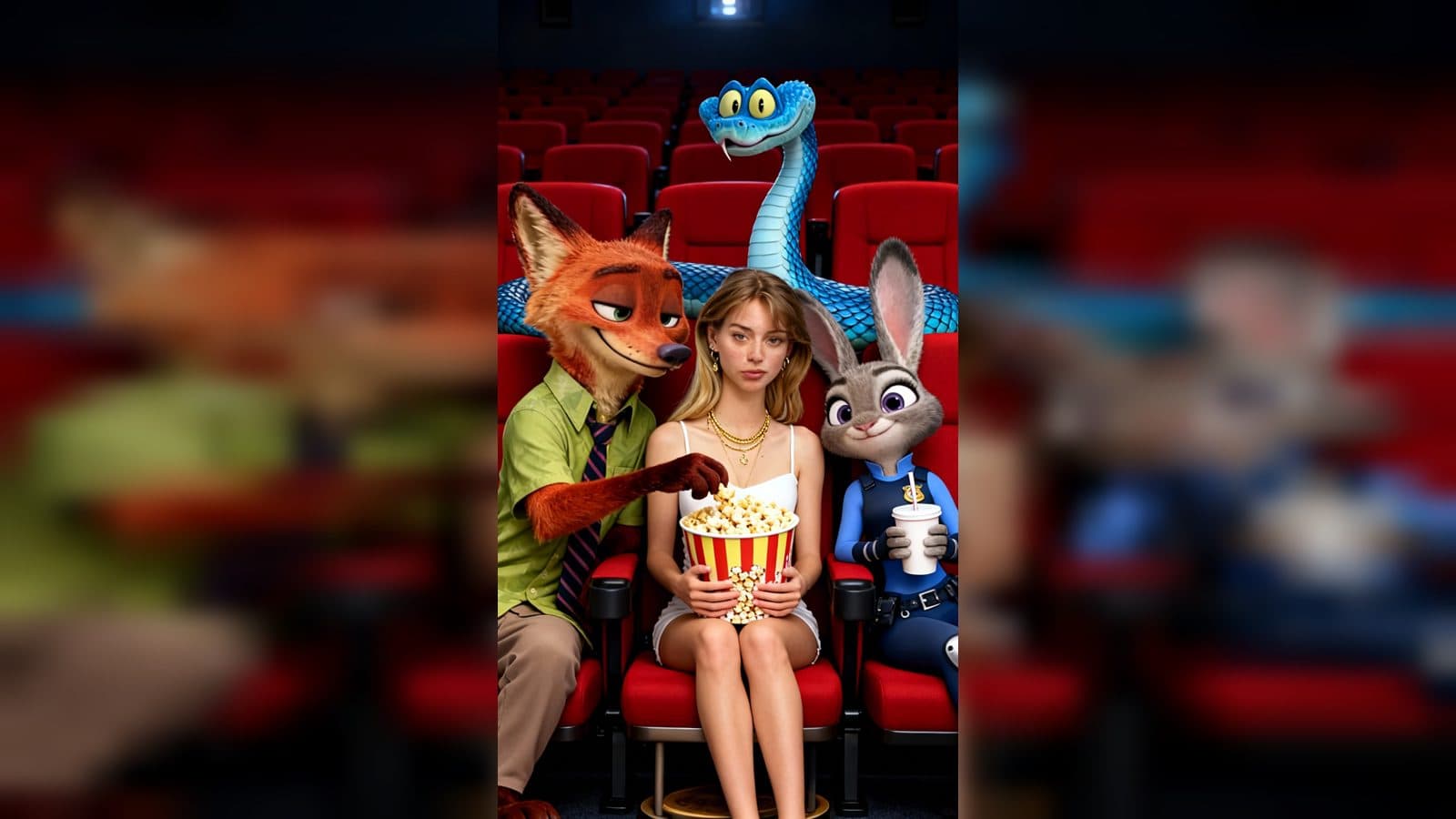
Use an AI character creator from photo to place your portrait into a Zootopia cinema night, with high-angle selfies, familiar animal characters, and a portrait snapshot sequence.
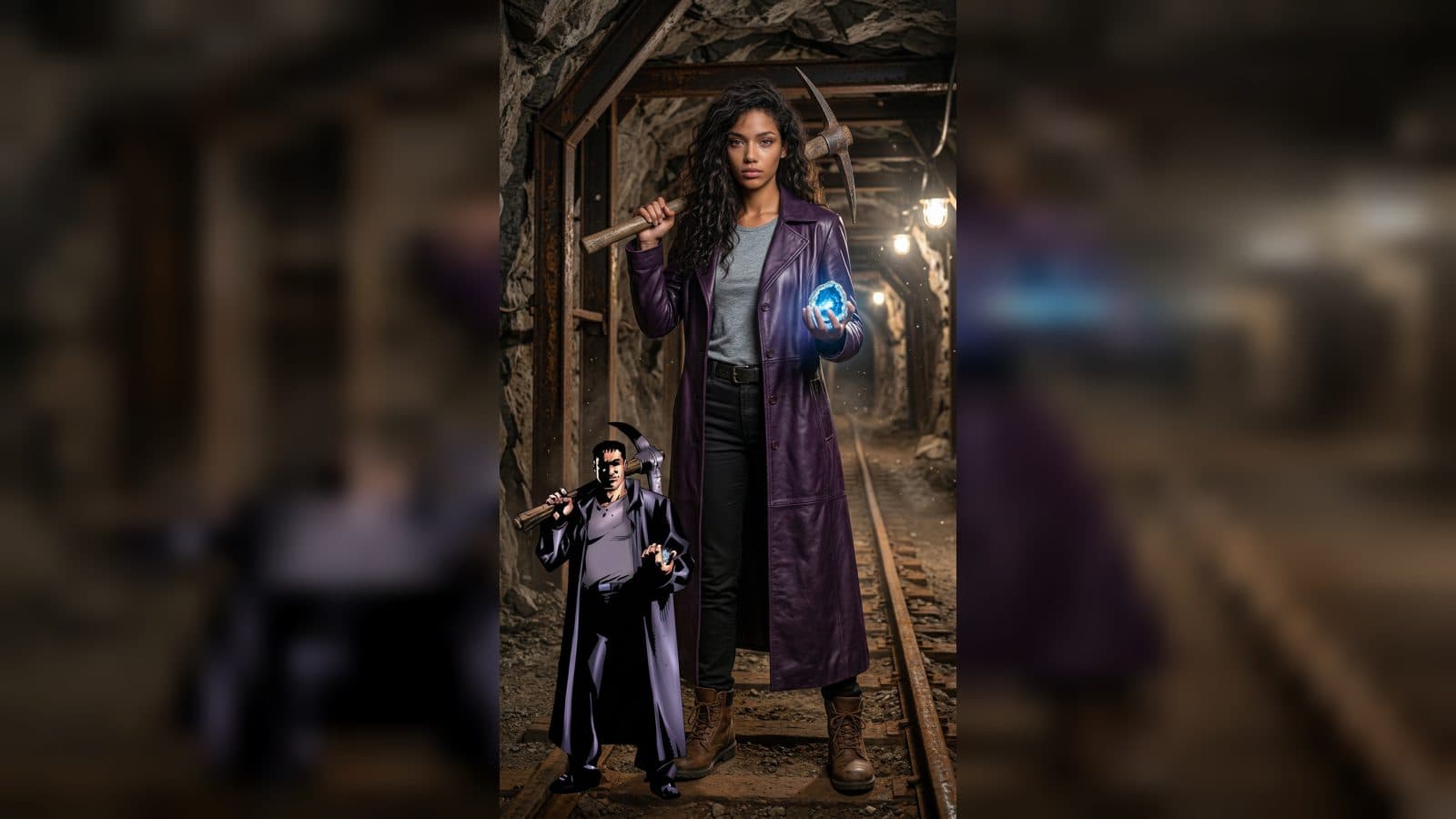
Turn one uploaded photo into an anime-inspired dance video with BillyButcher, matching outfits, and a character-focused performance.
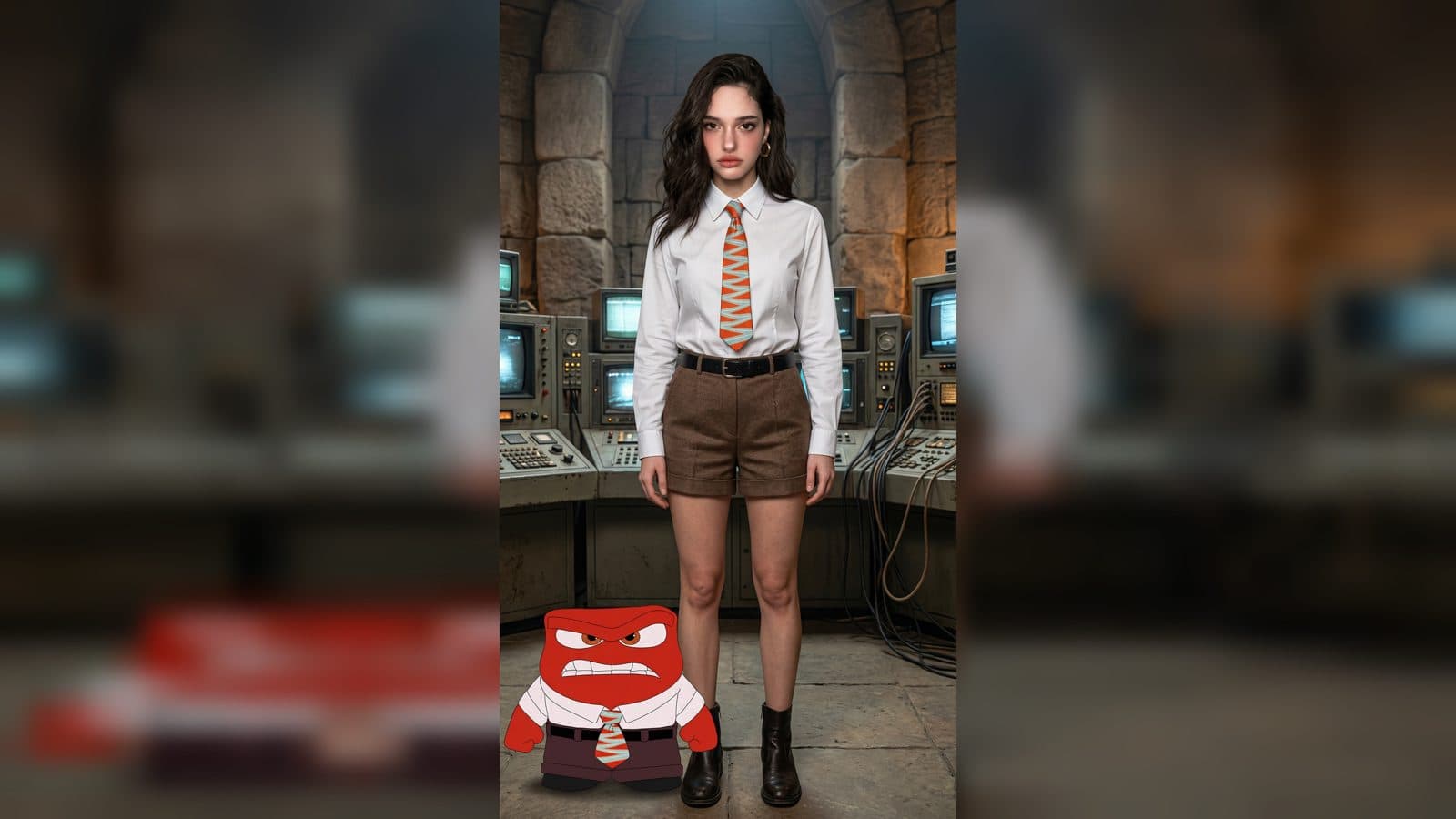
Use an AI anime video generator from image to place a realistic subject beside a small 2D anime companion, then turn their matching outfits into a portrait dance clip.
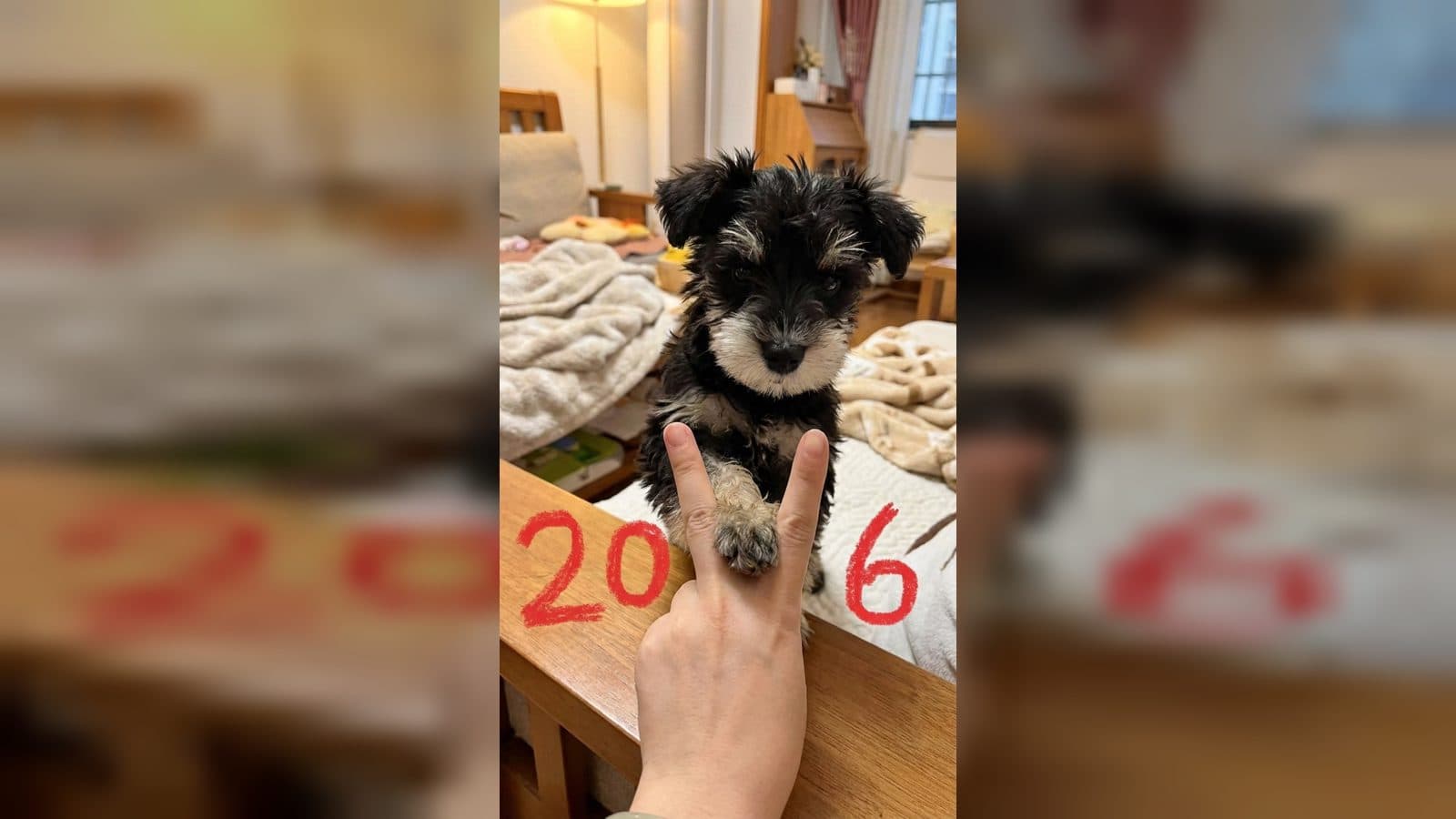
Turn one pet photo into a vertical 2026 snapshot with a V-sign, hand-drawn year marks, warm indoor light, and a natural photography look.
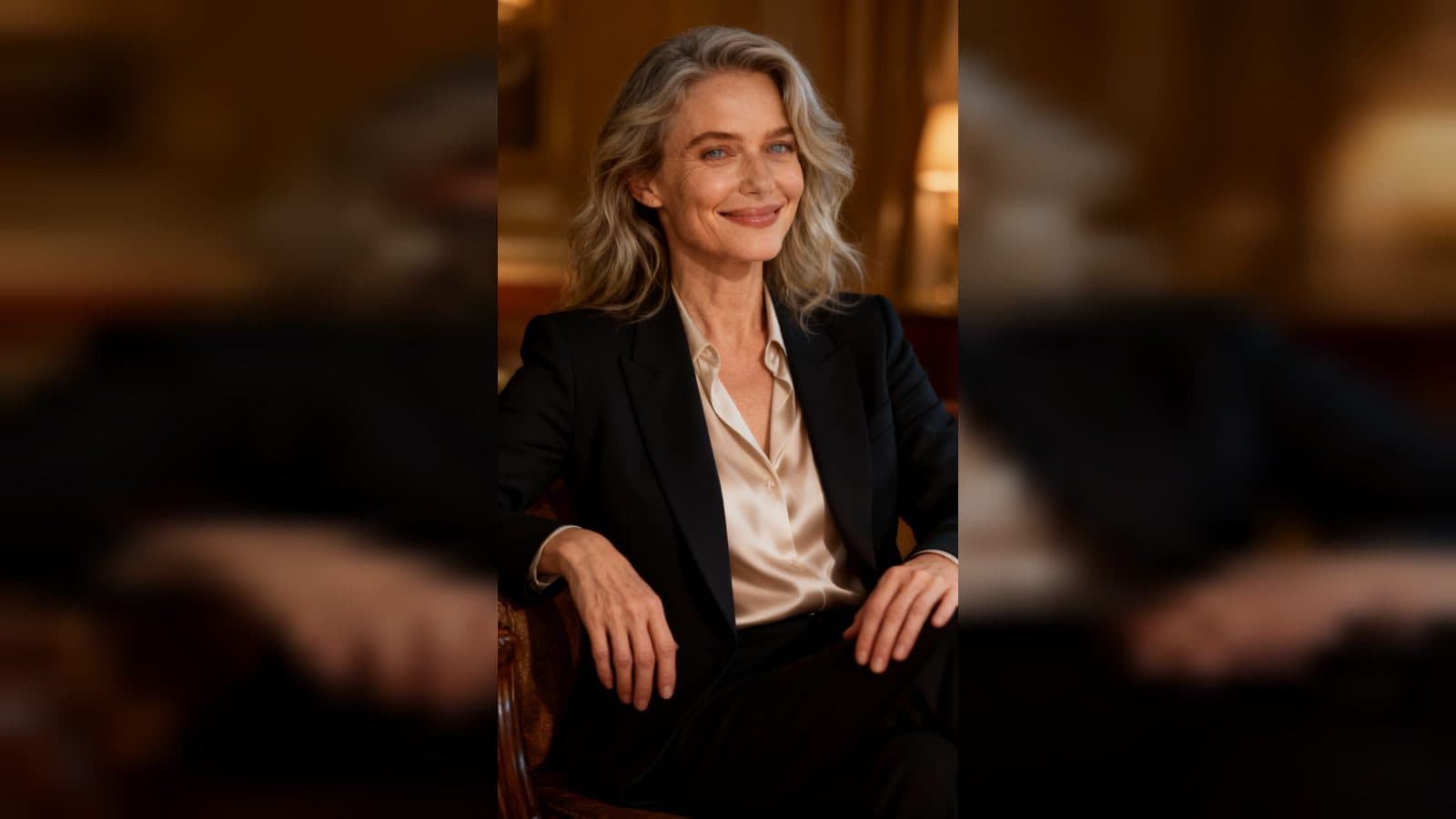
Create an age progression video from photo with one portrait. Watch a naturally aged version walk toward the camera, sit down, and hold a final frame in a warm portrait scene.
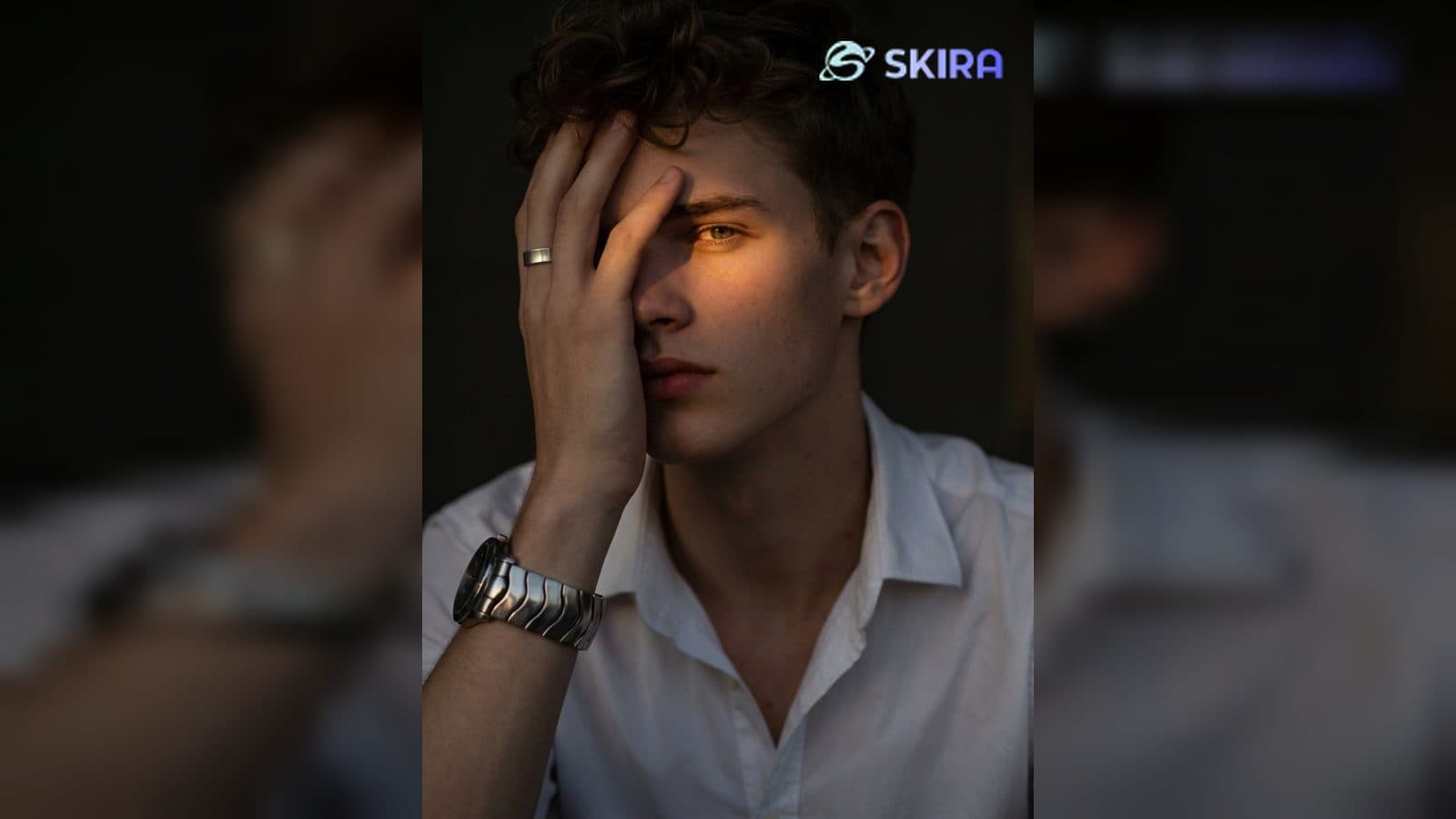
Add watermark to image with a base photo and a watermark graphic. The template combines both uploads into one finished image with a prominent upper-right mark.
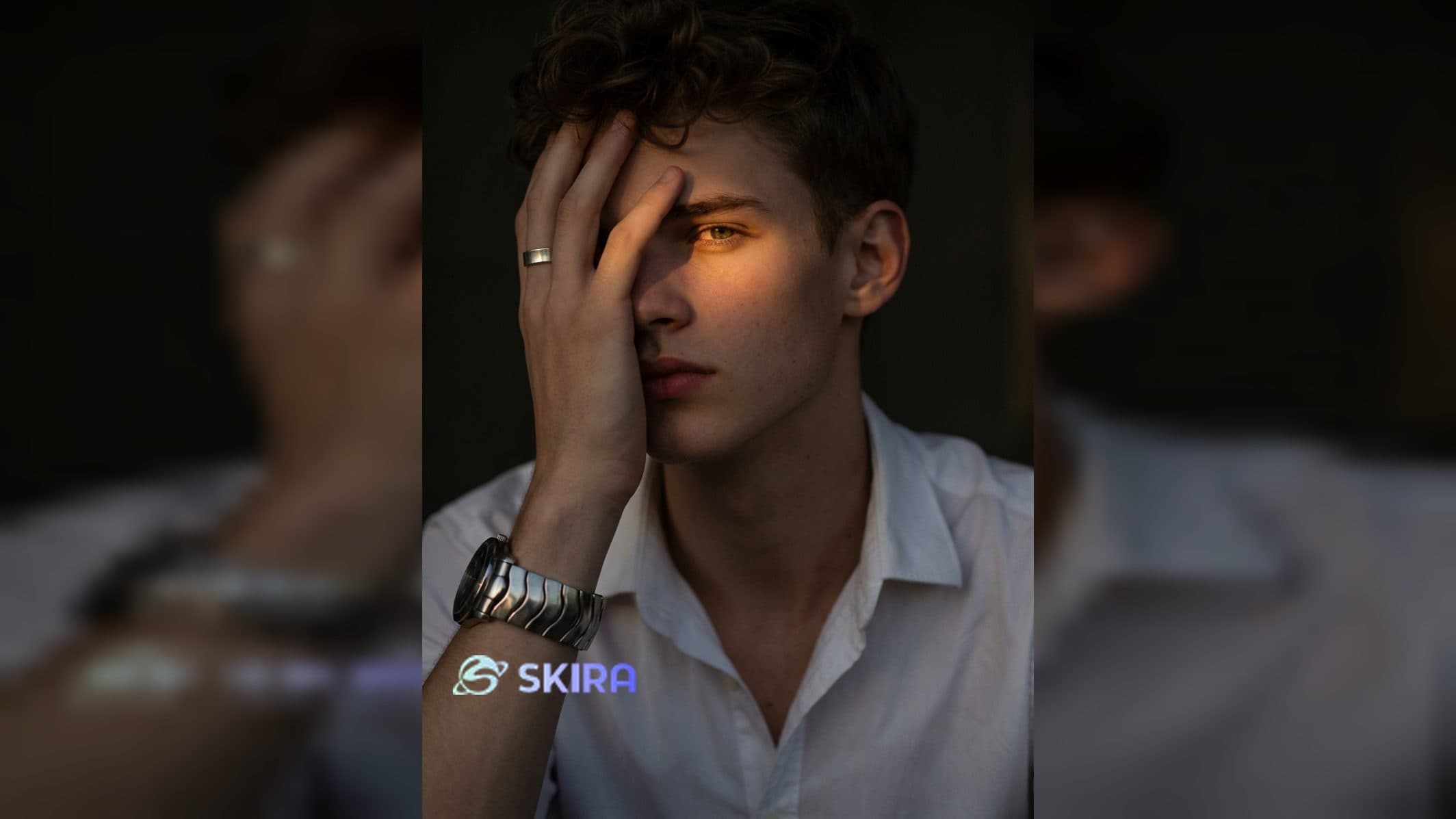
Add an image watermark to a photo by uploading a base image and a watermark graphic, then create a finished image with a fixed lower-left mark.
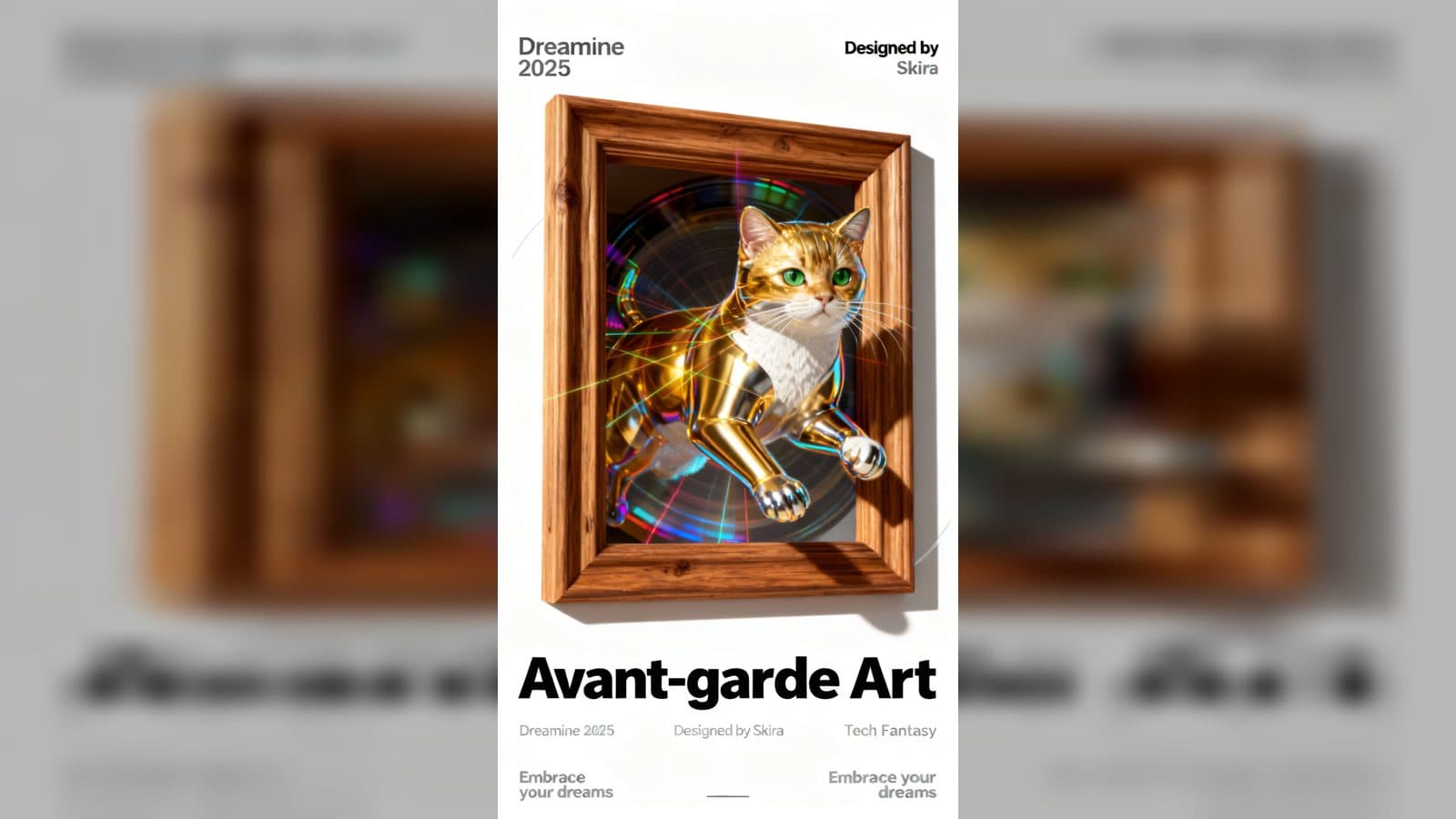
Turn one photo into a minimalist acidic laser poster video with simple lines, acidic texture, and an eye-catching main-character transformation.
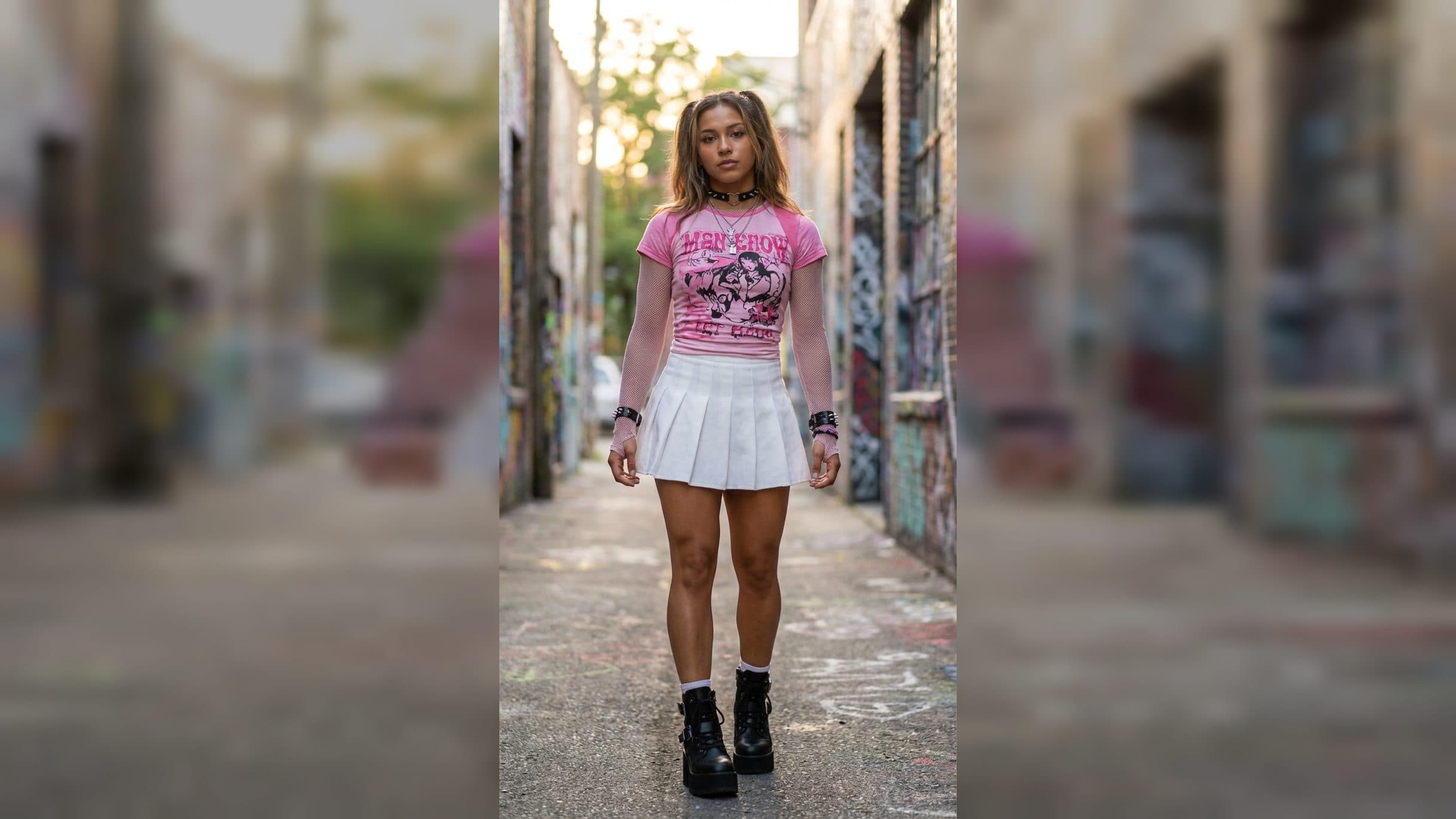
Create a 213 dance challenge video from a photo, styling the subject in a pink top and white pleated skirt for a vertical routine with music.