

ArtArch Newsroom
Producer's NoteAI Anime Video Generator from Photo
Turn one uploaded photo into an anime-inspired dance video with BillyButcher, matching outfits, and a character-focused performance.
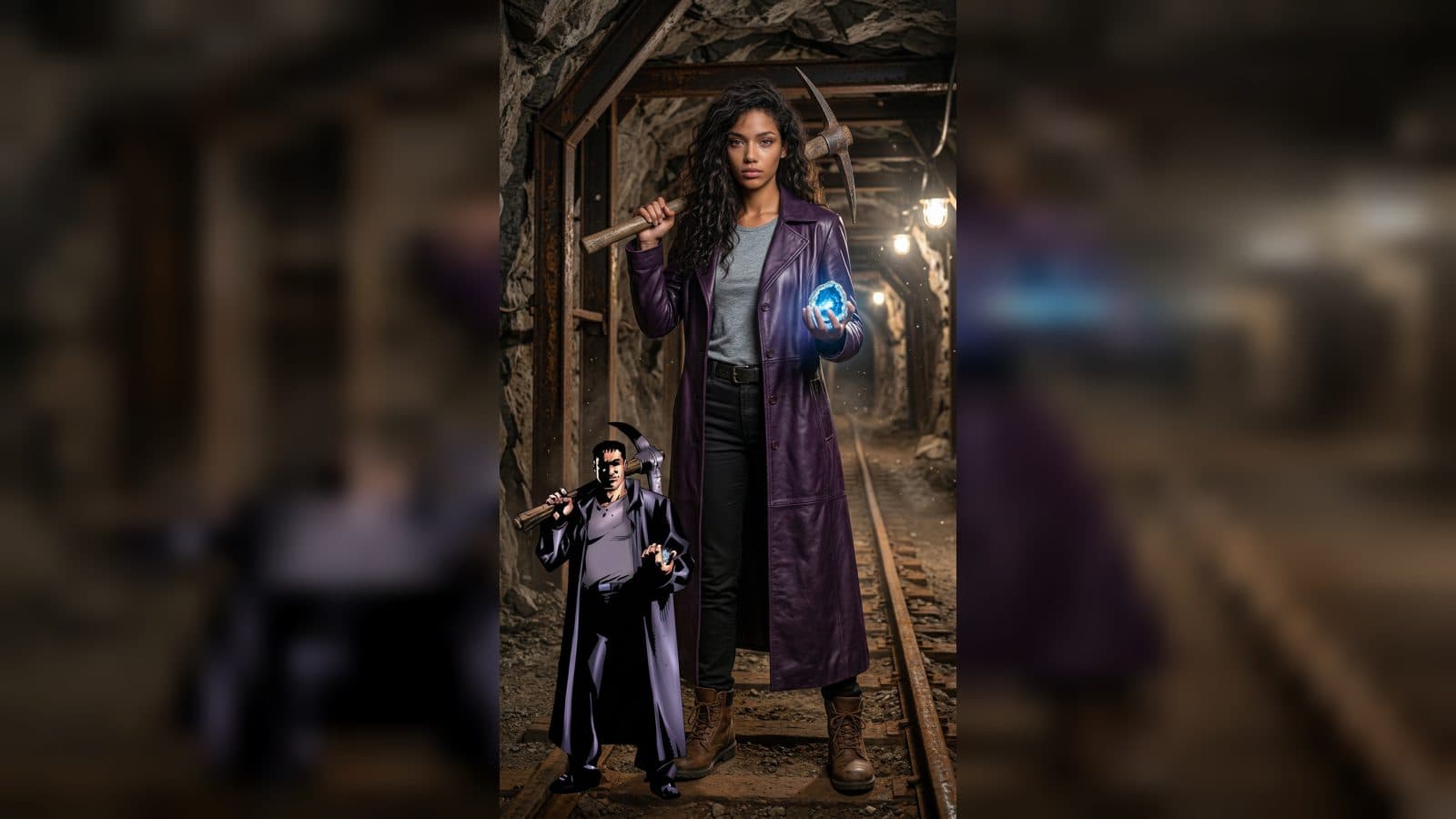
Upload one photo to create an anime-inspired dance video from photo, pairing the subject with BillyButcher in matching outfits. The result turns a single portrait input into a character-focused performance with coordinated styling and a shared dance scene.
What the dance video shows
The subject and BillyButcher appear together in matching outfits, giving the clip a clear visual partnership. Their coordinated look makes the dance feel like a deliberate duo performance rather than a solo portrait animation.
The anime-and-games styling places the pair in a bold illustrated world while keeping the uploaded subject as the visual anchor. The contrast between the real photo input and the stylized character setting gives the finished video a fan-edit feel.
Three ways to use the result
Character fan edit
Use a portrait of yourself or a cast member when you want a short character pairing centered on BillyButcher. The matching outfits make the relationship immediately readable in a fan-oriented post.
Outfit reveal
Choose a photo where the subject's clothing is easy to see. The shared look turns the dance into a simple outfit moment, with the two performers presented as a coordinated pair.
Social dance post
Start with a clear profile image when the goal is a playful dance post. The duo setup gives the post a recognizable hook: one uploaded person, one named character, and a shared performance.
How to create it
- Upload the photo you want to feature.
- Open the BillyButcher template card.
- Review the finished anime-style dance video with the subject and BillyButcher in matching outfits.
Input and visible result
The workflow accepts one uploaded image. Look for the subject's appearance carried into a video scene with BillyButcher, coordinated clothing, and dance-focused movement. A portrait with the face and outfit clearly visible gives the pairing a strong starting point.
Frequently asked questions
What should I upload?
Upload one photo of the person you want to place in the BillyButcher dance scene. A clear portrait helps the subject remain easy to recognize beside the character.
Who appears in the finished video?
The uploaded subject appears with BillyButcher, and both are styled in matching outfits for the dance.
What kind of scene does the template create?
It creates an anime-inspired video built around a shared dance performance, making it suitable for a character fan edit, outfit reveal, or playful social post.
How do I start the workflow?
Upload the image, open the BillyButcher template card, and review the resulting duo dance video.
Click the BillyButcher template card on this page to enter the experience page and try the template.
Keep exploring
More in Producer's Note

AI Watercolor Style Transformation Image From Image
Use an image to create an image centered on 🎨 Watercolor style transformation with this Skira template.

AI She Feigns Dancing Elegantly Video From Image
Use an image to create a video centered on She feigns dancing elegantly with this Skira template.

AI Authentic Talking-head Hair Clip Video From Image
Use an image to create a video centered on Authentic Talking-Head Hair Clip Sales Template with this Skira template.

AI Hot Dance Video From Image
Use an image to create a video centered on Hot Dance with this Skira template.