

ArtArch Newsroom
AI Video TechniquesHow to Write AI Video 180-Degree Rule Prompts
Learn how AI video 180-degree rule prompts preserve left-right positions, complementary eyelines, camera zones, and shot-reverse-shot continuity.
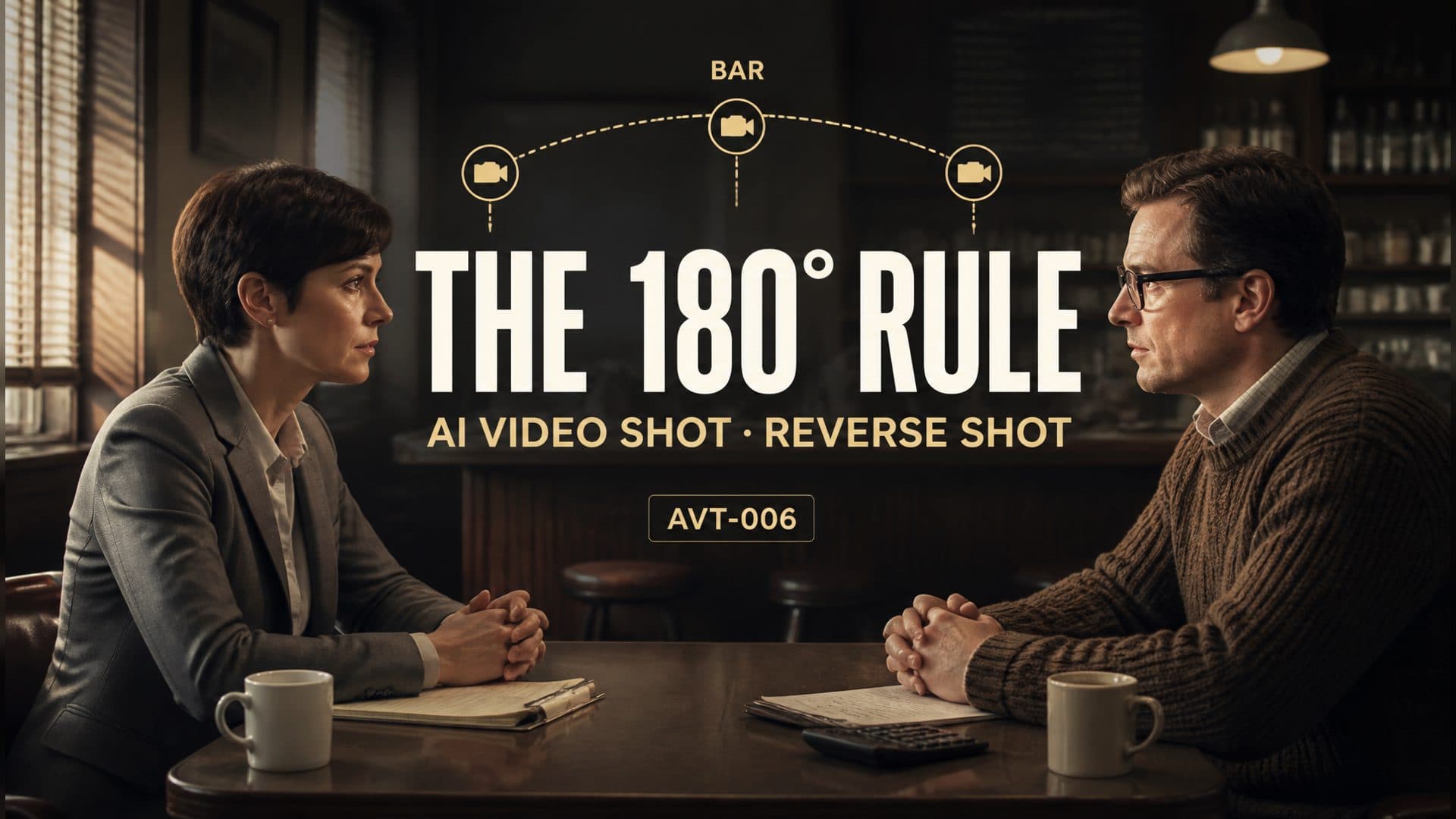
Provide a two-character reference and an empty location reference to create an AI video dialogue scene with stable left-right positions, complementary eyelines, and readable shot-reverse-shot coverage. This AVT-006 experiment places an investigator and an accountant across a small table in an old café, then moves from a two-shot into matching over-the-shoulder close-ups.
The dramatic action is minimal. The technique is spatial. Viewers need to understand that the investigator remains on one side of the table, the accountant remains on the other, and both close-ups belong to the same conversation.
What the 180-degree rule controls
Imagine a relationship line running between the two characters. Keeping every camera position on one side of that line preserves their screen directions. In this scene:
- the investigator stays on frame left and looks right;
- the accountant stays on frame right and looks left;
- the café table and chairs retain their positions;
- each foreground shoulder appears on the side associated with its character.
These anchors allow the camera to cut closer while the audience retains a mental map of the room.
The broad dialogue prompt
The control version describes the coverage in general terms:
Two people sit across a café table. Begin with a two-shot, then cut to an over-the-shoulder close-up of each person. They exchange looks and maintain a natural spatial relationship.
This defines the scene and shot types. The camera still has freedom to choose which side of the relationship line it uses, where each shoulder enters the frame, and which direction each character faces.
The axis-controlled prompt
The technique version assigns the camera, characters, and eyelines before describing the cuts:
Establish a relationship line between Character A and Character B. Keep every camera position on the bar side of that line. From 0–2 seconds, use a medium two-shot: A remains on frame left looking right, and B remains on frame right looking left. From 2–5 seconds, film B from behind A’s left shoulder; A occupies a small area of the left foreground, while B stays on the right and looks left. From 5–8 seconds, film A from behind B’s right shoulder; B occupies a small area of the right foreground, while A stays on the left and looks right. Preserve complementary screen direction, table position, and chair position through every cut.
The prompt creates a consistent visual equation. Left and right refer to the finished frame, while shoulder choice tells the camera where to stand.
Build the scene in three shots
1. Establish the geography
The opening two-shot introduces both people, the table, and the direction of their attention. It is the spatial reference for every closer angle that follows.
Keep exploring
More in AI Video Techniques

Motivated Cut AI Video Continuity: Change the Shot for a Reason
Learn how a visible action trigger, clear shot-size change, and locked screen direction create more intentional same-scene AI video edits.

Deep Depth of Field AI Video: Keep Every Story Layer Readable
Learn how deep depth of field AI video prompts keep foreground tools, central action, and distant location cues readable in one layered shot.

Medium Depth of Field AI Video: Balance Subject and Setting
Learn how medium depth of field AI video prompts keep hands and active objects readable while preserving recognizable environmental context.

AI Video Character Reference Framing: Match Portraits to Landscape Shots
Prepare vertical character portraits for landscape AI video by matching aspect ratio, body scale, headroom, floor space, and movement room before generation.